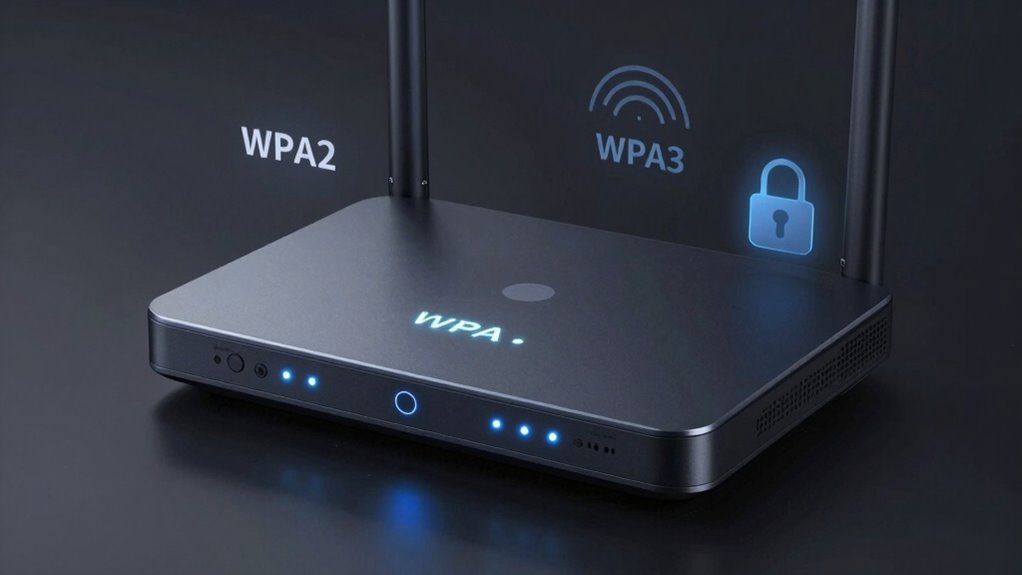

WPA3 introduces stronger encryption, better password protection, and individualized data encryption, making your Wi-Fi more secure against attacks. It reduces the risk of brute-force hacking and guarantees your private info stays safe on open networks. Upgrading matters because it helps protect your data and keeps your network ahead of emerging threats. To make the most of these improvements, understanding what’s required for compatibility and deployment is essential—more insights await if you explore further.
Key Takeaways
- WPA3 introduces stronger encryption and individualized data protection for open networks, enhancing overall Wi-Fi security.
- It uses SAE for more secure handshakes, reducing vulnerability to brute-force attacks compared to WPA2.
- WPA3 improves privacy features, safeguarding user identity on public Wi-Fi networks.
- Upgrading requires compatible hardware and firmware updates, which may pose deployment challenges.
- The transition ensures better defense against evolving cybersecurity threats and future-proofs wireless networks.

TP-Link AX1800 WiFi 6 Router (Archer AX21) – Dual Band Wireless Internet, Gigabit, Easy Mesh, Works with Alexa – A Certified for Humans Device, Free Expert Support
VPN SERVER: Archer AX21 Supports both Open VPN Server and PPTP VPN Server
As an affiliate, we earn on qualifying purchases.
As an affiliate, we earn on qualifying purchases.
What Are the Main Differences Between WPA2 and WPA3?
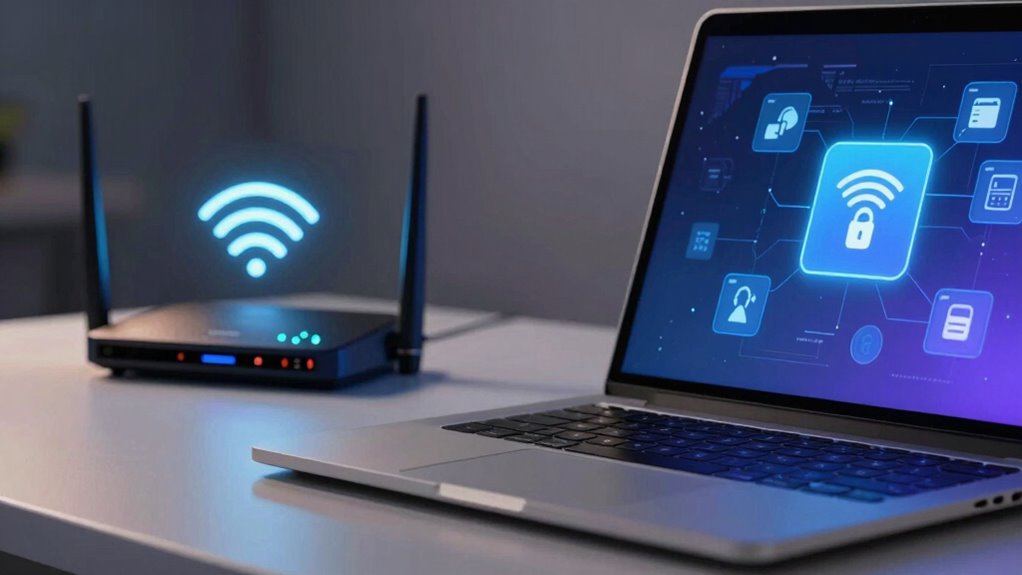
The main differences between WPA2 and WPA3 lie in their security features and how they protect your wireless networks. WPA3 addresses common network vulnerabilities by improving overall security, making it harder for attackers to exploit weaknesses. One key change is how it handles password complexity; WPA3 encourages stronger, more secure passwords by simplifying the process of creating robust credentials. Unlike WPA2, which can be vulnerable if passwords are weak, WPA3 uses advanced encryption to safeguard your data even if your password isn’t perfect. This means your network becomes less susceptible to brute-force attacks and other common threats. Additionally, WPA3 introduces individualized data encryption, which enhances privacy even on open networks. It also incorporates security protocols that prevent eavesdropping and improve overall network integrity. Moreover, WPA3’s simplified handshake process reduces the risk of certain types of cyberattacks, further strengthening your wireless security. The integration of robust authentication methods helps verify user identities more securely, providing an extra layer of protection. Overall, WPA3 offers a significant upgrade by making your Wi-Fi more resilient against hacking attempts and improving the integrity of your wireless connection.

Yale Security Wi-Fi and Bluetooth Upgrade Kit for First Gen Assure Locks and Levers, Not Compatible with Yale Assure Lock 2 (YRD4XX), AYR202-CBA-KIT
Upgrade your first generation Yale Assure Lock or Lever to work with the Yale Access App so you…
As an affiliate, we earn on qualifying purchases.
As an affiliate, we earn on qualifying purchases.
How WPA3 Improves Wi-Fi Encryption and Data Privacy
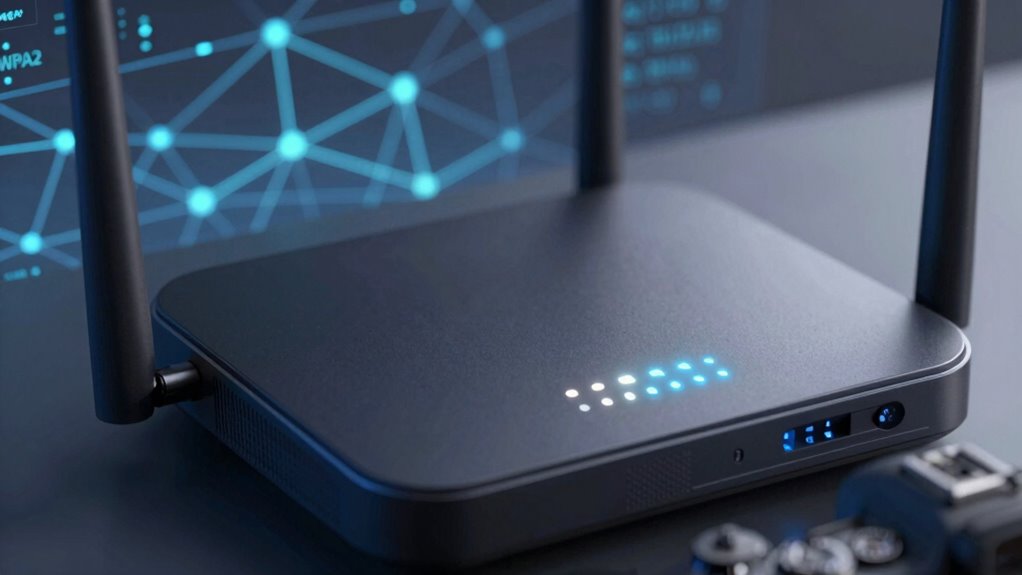
WPA3 substantially enhances Wi-Fi encryption and data privacy by implementing more robust security protocols. It addresses network vulnerabilities by upgrading encryption standards, making it harder for attackers to intercept or crack your data. WPA3 uses Simultaneous Authentication of Equals (SAE), providing stronger password protection against brute-force attacks. This guarantees your information stays private even on open networks. The table below highlights key improvements:
| Feature | Benefit |
|---|---|
| Improved Encryption Standards | Stronger data protection against hacking attempts |
| Protected Management Frames | Prevents eavesdropping and data tampering |
| Forward Secrecy | Ensures past communications stay secure if keys are compromised |
| Resistance to Network Vulnerabilities | Reduces risk of exploits and breaches |
| Enhanced Privacy Features | Safeguards your identity on public Wi-Fi |
These upgrades make WPA3 a vital step in securing your wireless connections. Security protocols play a crucial role in strengthening overall network defenses, especially as encryption standards continue to evolve to meet emerging threats.

2026 WiFi Extenders Signal Booster for Home Long Range Up to 9800 sq. ft & 40 Devices, WiFi Extender Signal Booster, Internet Booster, Long Range WiFi Extender,Quick Setup
【Dual-band hyperspeed technology】intelligent bandwidth allocation delivers 300Mbps (2.4GHz) for IoT devices + 867Mbps (5GHz) for 8k streaming, dual-band…
As an affiliate, we earn on qualifying purchases.
As an affiliate, we earn on qualifying purchases.
Why Upgrading to WPA3 Is a Smart Choice for You and Your Business
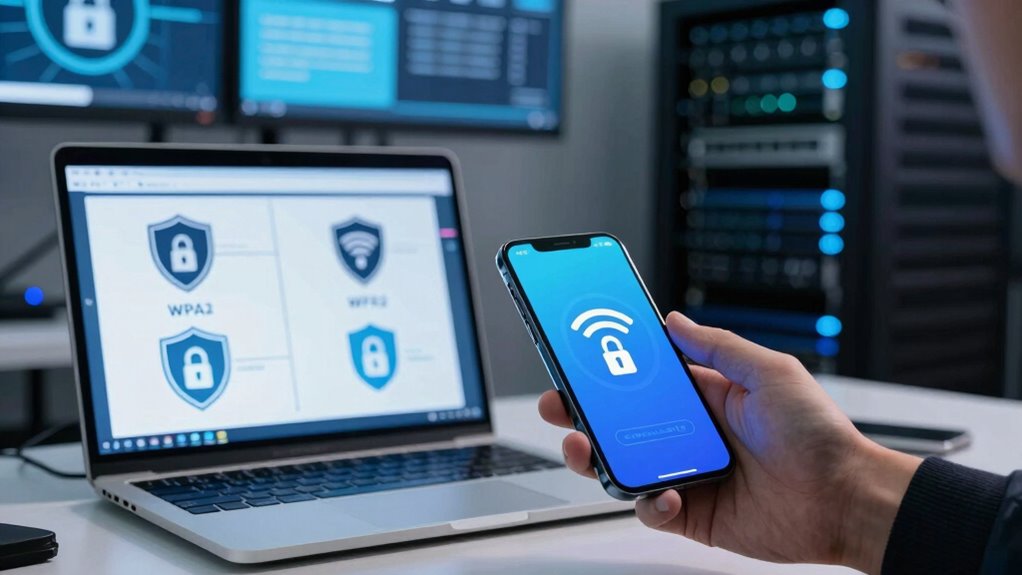
Upgrading to WPA3 is a smart move because it considerably boosts your Wi-Fi security, protecting your sensitive data from potential threats. It enhances user authentication, making it harder for unauthorized users to access your network. This improved security reduces the risk of data breaches and unauthorized device connections. Additionally, WPA3 supports better network segmentation, allowing you to isolate different parts of your network for added protection. By segmenting your network, you limit potential damage if one segment is compromised, keeping critical business information safe. Understanding nail biology/hygiene can remind us of the importance of proper care and protection, just as securing your Wi-Fi network safeguards your data. Recognizing the security advancements in WPA3 can help you appreciate how these improvements are crucial for modern network protection. Staying informed about emerging cybersecurity trends ensures that your network remains resilient against evolving threats. Incorporating advanced encryption protocols further enhances data protection and aligns with current cybersecurity best practices. Moreover, adopting WPA3 demonstrates a commitment to future-proofing your network infrastructure against upcoming security challenges.

The Hardware Hacking Handbook: Breaking Embedded Security with Hardware Attacks
As an affiliate, we earn on qualifying purchases.
As an affiliate, we earn on qualifying purchases.
WPA3 Compatibility and Deployment Tips
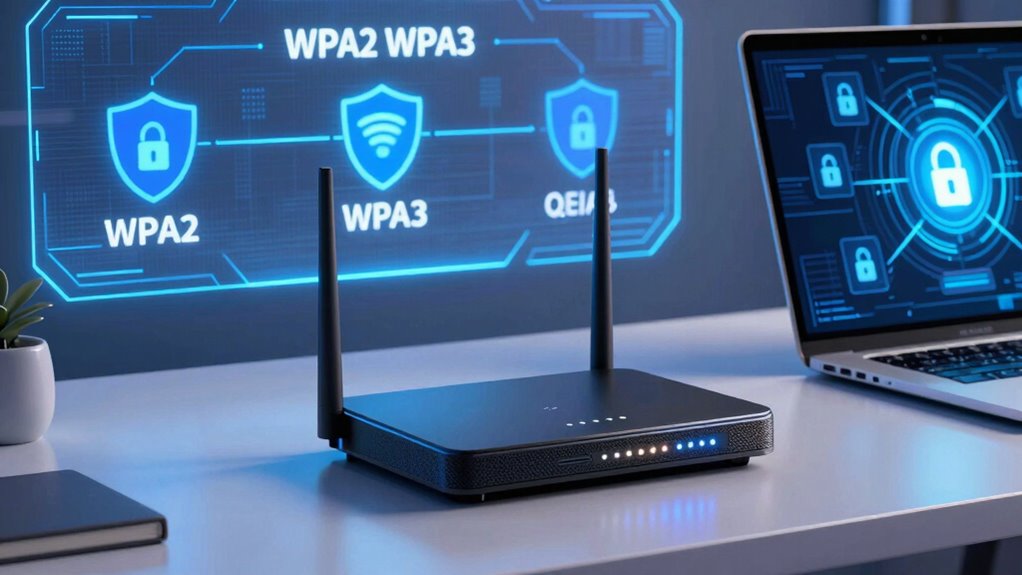
Ensuring compatibility and a smooth deployment of WPA3 requires careful planning and understanding of your existing network infrastructure. First, check device compatibility, as not all devices support WPA3 yet. Older hardware may need firmware updates or replacements to work with the new protocol. Be prepared for deployment challenges, such as configuring new access points and ensuring seamless interoperability with WPA2 devices. Conduct thorough testing in a controlled environment before full rollout. Consider your network’s size and complexity, and develop a phased upgrade plan to minimize disruptions. Keep firmware updated and consult device manufacturers for compatibility lists. Additionally, understanding smart network protocols can help optimize performance during the transition. Recognizing security protocol differences can aid in addressing potential vulnerabilities early in the deployment process. It’s also beneficial to understand network capacity to prevent bottlenecks and ensure a smooth transition. Being aware of device capabilities can help tailor the deployment to meet specific network needs. Furthermore, assessing network traffic patterns can assist in managing bandwidth during the upgrade. By addressing these factors, you’ll streamline the transition, improve network security, and avoid common pitfalls associated with deploying WPA3.
Should You Upgrade to WPA3? Key Factors to Consider
Deciding whether to upgrade to WPA3 depends on several key factors that impact your network’s security and functionality. If you’re concerned about smartphone security and IoT vulnerabilities, WPA3 offers significant improvements, but the upgrade might not be seamless. Consider these factors:
- Compatibility with existing devices, especially older smartphones and IoT gadgets
- The level of security needed for your network, particularly against emerging threats
- Potential costs and effort involved in replacing or upgrading hardware
- Staying informed about U.S. tax law updates that could influence your overall cybersecurity investments and planning. Being aware of cybersecurity regulations can also help you make more informed decisions about your network security. Additionally, understanding the latest encryption standards can help you assess the effectiveness of an upgrade. Upgrading to WPA3 can also future-proof your network as security standards evolve to meet new challenges. It’s also important to consider the availability of firmware updates from device manufacturers, which can facilitate a smoother transition.
If your devices support WPA3, upgrading can strengthen your defenses against hacking and unauthorized access. However, if many of your devices are incompatible, you might face a temporary security gap. Evaluate your current setup and weigh the benefits of enhanced security versus the practicality of deployment.
Frequently Asked Questions
Does WPA3 Support Older Wi-Fi Devices?
WPA3 doesn’t fully support older Wi-Fi devices due to legacy compatibility issues, meaning some older gadgets might struggle to connect or experience reduced security. If you upgrade to WPA3, you’ll face device upgrade challenges, especially with legacy devices that rely on WPA2. To maintain network access, you may need to keep a WPA2-compatible router or enable mixed-mode, which supports both WPA2 and WPA3.
How Does WPA3 Enhance Protection Against Password Guessing Attacks?
WPA3 enhances protection against password guessing attacks by strengthening password encryption and attack prevention methods. It uses Simultaneous Authentication of Equals (SAE), which creates a unique, secure handshake, making it harder for attackers to crack passwords through brute-force or dictionary attacks. This means your network becomes considerably more resilient, as WPA3 actively safeguards your data by making password guessing much more difficult, ensuring your connection stays secure.
Are There Any Cost Implications for Upgrading to WPA3?
Upgrading to WPA3 can involve additional costs, especially when considering a thorough cost analysis. You might face upgrade challenges, like replacing or updating compatible hardware and ensuring your network devices support WPA3. While initial expenses are higher, these costs could be offset by improved security features, reducing potential risks and future expenses. Carefully evaluate the long-term benefits versus the upfront investment to make an informed decision.
Can WPA3 Be Implemented in Enterprise Wi-Fi Networks Easily?
WPA3 fits into enterprise Wi-Fi networks like a new gear in a well-oiled machine, but device compatibility can be a challenge. You’ll find that implementation complexity varies depending on your existing infrastructure and hardware. Upgrading might require replacing or updating access points and client devices. While the process isn’t effortless, the enhanced security benefits make it worth steering through the technical maze for a safer, future-proof network.
What Are the Potential Drawbacks or Limitations of WPA3?
You might face compatibility challenges with WPA3, especially if your devices or network infrastructure don’t support it yet. Implementation complexity can also be an issue, requiring updates to hardware and software, which might increase costs and time. Some older devices may not benefit from WPA3’s improved security, making it necessary to balance the enhanced protection against these limitations. Overall, upgrading isn’t always straightforward or seamless.
Conclusion
Upgrading to WPA3 is a smart move to keep your network secure and future-proof. It’s worth the effort, even if some devices aren’t fully compatible yet. Think of it as planting seeds for a safer digital garden—you’ll reap the benefits of stronger encryption and better privacy. Don’t let the grass grow under your feet; staying ahead of threats means you’re less likely to get caught off guard. Make the switch today!