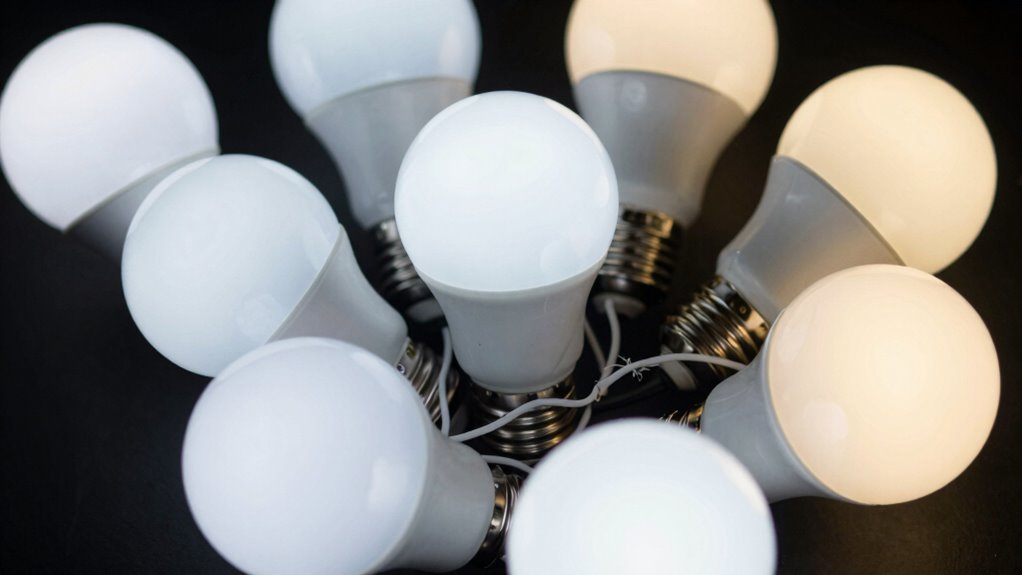

If your smart bulbs are flickering, the issue often lies in incompatible switches, especially traditional toggles, dimmers, or older wiring setups. These switches can interrupt power abruptly or cause fluctuations, which disrupt the steady flow smart bulbs need. Using the wrong switch can lead to flickering, reduced bulb lifespan, or even damage. To fix this, choosing switches designed for smart systems and ensuring proper compatibility is essential—continue to find out how to make your lighting system reliable.

Get the latest gadgets delivered free with Prime
- Fast, free delivery on millions of items
- Prime Video, Amazon Music and more included
- Member-only deals all year
Key Takeaways
- Traditional or mechanical switches cause flickering by abruptly interrupting power to smart bulbs.
- Incompatible dimming or older switches may not support smart bulb functions, leading to flickering.
- Using switches without proper wiring or ratings can cause unstable power flow, resulting in flickering.
- Faulty or loose connections in switches increase electrical fluctuations that trigger flickering.
- Choosing switches designed for smart lighting ensures steady power, preventing flickering and hardware damage.
smart switch compatible with LED bulbs
As an affiliate, we earn on qualifying purchases.
As an affiliate, we earn on qualifying purchases.
How Traditional Switches Cause Smart Bulb Flickering

Have you ever wondered why your smart bulbs flicker when you flip a traditional switch? It’s often because the switch cuts power completely, causing your bulbs to reset or flicker. Dimming switches, especially older wired types, can also cause flickering if they aren’t compatible with smart bulbs. Wired switches directly control power flow, so incompatible models may send inconsistent signals, leading to flickering. Wireless switches, on the other hand, communicate via signals rather than cutting power, generally reducing flickering issues. However, if wired switches are used improperly or aren’t compatible with your smart bulbs, flickering becomes a common problem. Recognizing the importance of proper electrical compatibility and installation practices can further improve your smart lighting experience. Additionally, choosing switches designed for smart lighting systems can significantly reduce flickering problems. Ensuring that your switches are properly wired and configured is essential for a stable smart bulb operation.
dimming switch for smart lighting
As an affiliate, we earn on qualifying purchases.
As an affiliate, we earn on qualifying purchases.
How to Recognize Incompatible Switches in Your Home

Identifying incompatible switches in your home is essential to resolving smart bulb flickering issues. A key sign is if your smart switch isn’t suitable with your existing circuit. Check whether your switch is labeled as “smart switch” or “dimming switch,” as some models aren’t designed for LED or smart bulbs. Incompatible circuit compatibility can cause flickering, buzzing, or switches that don’t respond properly. Look for switches that are labeled for use with LED or smart bulbs, and verify if they support the voltage and wiring in your home. If your switch’s specifications don’t match your circuit’s requirements, it’s likely incompatible. Replacing it with a switch that explicitly states circuit compatibility with smart bulbs can prevent flickering and ensure smooth operation. Additionally, understanding the importance of circuit compatibility can help you select the right switch for your setup. Being aware of home wiring standards can further assist in making a safe and effective switch choice. Ensuring that your switch aligns with electrical standards is crucial for maintaining safe and reliable smart lighting. Checking manufacturer guidelines can also provide valuable information on compatibility and proper installation practices. Being knowledgeable about electrical wiring configurations can help prevent installation errors that lead to flickering.
As an affiliate, we earn on qualifying purchases.
Why Your Switch Choice Affects Smart Bulb Performance
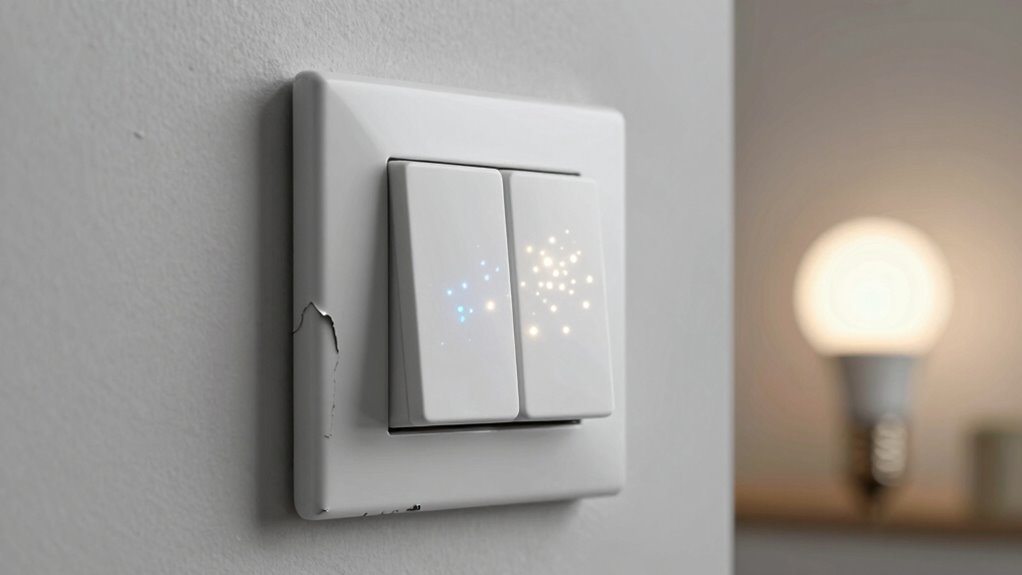
Choosing the right switch directly impacts how well your smart bulbs perform. A compatible switch guarantees smooth lighting automation, allowing your smart bulbs to respond quickly and reliably. Incompatible switches, especially traditional toggle or dimmer types not designed for smart bulbs, can cause flickering, inconsistent brightness, or even damage your bulbs. Selecting switches built for smart lighting enhances energy efficiency by preventing unnecessary power fluctuations. These switches often support features like remote control, scheduling, and dimming without disrupting performance. When your switch matches your smart lighting system, you get seamless operation and maximize energy savings. Additionally, understanding affiliate disclosures and privacy policies associated with smart home devices can help you make informed choices. Avoid shortcuts—invest in switches meant for smart bulbs to ensure stable, efficient, and flicker-free lighting experiences. Properly rated switches can also prevent electrical issues that might compromise your entire lighting setup. To further optimize your system, consider switch compatibility with your specific smart bulb brands and models. Ensuring your switches are properly rated and compatible can also prevent power fluctuations that cause flickering. Moreover, selecting switches with a load capacity suitable for smart bulbs can further enhance stability and longevity.
As an affiliate, we earn on qualifying purchases.
Troubleshooting Flickering: Is Your Switch the Problem?

Flickering smart bulbs can often be traced back to the switch controlling them, especially if the switch isn’t compatible or functioning correctly. A switch that causes power fluctuations disrupts the steady flow of electricity, leading to inconsistent lighting ambiance. If you notice flickering, check if your switch is a dimmer or incompatible type; these often cause electrical instability. Power fluctuations from faulty wiring or loose connections can also be culprits, creating interruptions that make bulbs flicker. To troubleshoot, turn off the switch and inspect for loose wires or corrosion. Replacing or upgrading to a compatible switch can stabilize power delivery, eliminating flickering and restoring your desired lighting ambiance. Always verify your switch’s compatibility with smart bulbs to prevent ongoing issues. Additionally, understanding electrical wiring best practices can help prevent future flickering problems. Ensuring proper wiring connections and avoiding overloading circuits can further reduce the risk of flickering caused by electrical issues.
Upgrade Your Switches to Prevent Flickering
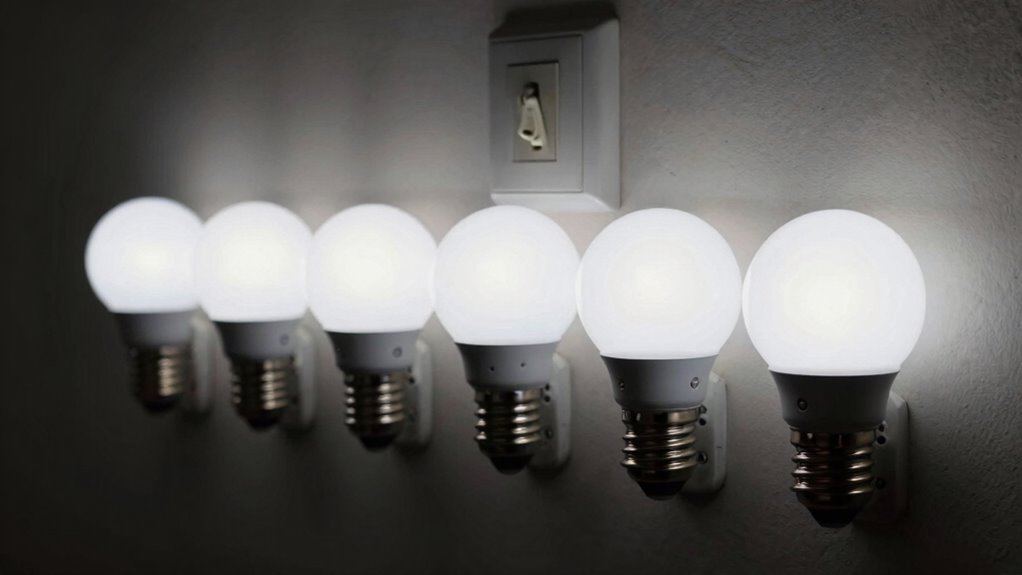
Upgrading your switches is one of the most effective ways to prevent smart bulbs from flickering. A quality smart switch guarantees stable power flow, reducing the chances of flickering caused by inconsistent electricity. When choosing a smart switch, check wiring compatibility carefully. Some switches require specific wiring setups, like neutral wires, which older homes may lack. Installing a switch that’s incompatible with your wiring can lead to ongoing issues and even damage your smart bulbs. If you’re unsure about wiring compatibility, consult an electrician or review the switch manufacturer’s guidelines. Proper electrical connections are essential for overall home safety and reliable performance. Ensuring your home’s electrical system meets the necessary standards can prevent flickering issues and improve long-term reliability. Additionally, understanding electrical wiring requirements can help you select the most compatible switches for your home. Regularly updating your electrical components with the latest safety standards can further enhance both performance and safety. Being aware of electrical system compatibility can help you make informed upgrades that support your smart home devices. Upgrading to a compatible, high-quality smart switch not only improves bulb performance but also enhances overall safety and reliability in your home’s lighting system.
Best Switch Types for Reliable Smart Bulb Performance
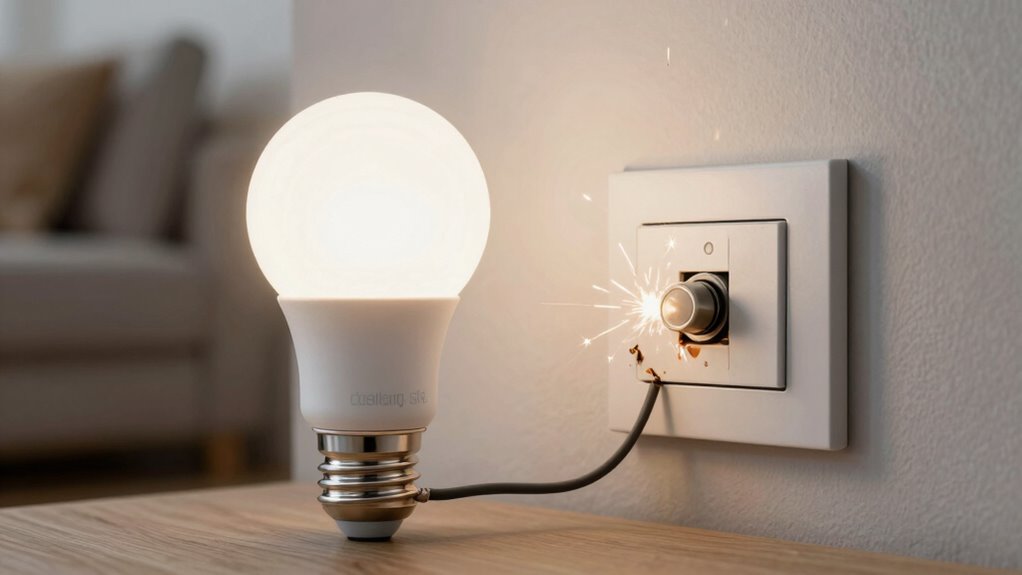
Certain switch types are better suited for guaranteeing your smart bulbs perform reliably without flickering. To maximize smart bulb lifespan and energy efficiency, choose switches designed for modern LED and smart bulbs. Mechanical switches, like toggle or rocker types, often cause flickering because they interrupt power abruptly. Instead, opt for smart switches or dimmers specifically compatible with LED and smart lighting. These switches provide a steady power flow, reducing flickering and extending bulb lifespan. Additionally, dimmer switches engineered for LEDs help maintain consistent brightness and efficiency. Installing the right switch type assures your smart bulbs operate smoothly, conserving energy and preventing frequent replacements. Using appropriate switch types can also help prevent common issues like flickering caused by incompatible hardware. Selecting switches that are designed for LED compatibility ensures optimal performance and longevity. Choosing the right switch can also prevent issues caused by incompatible hardware, ensuring your smart lighting system functions flawlessly. By choosing the proper switch, you enhance overall performance and enjoy reliable, flicker-free lighting for years to come.
How to Choose Switches That Work Well With Your Smart Home
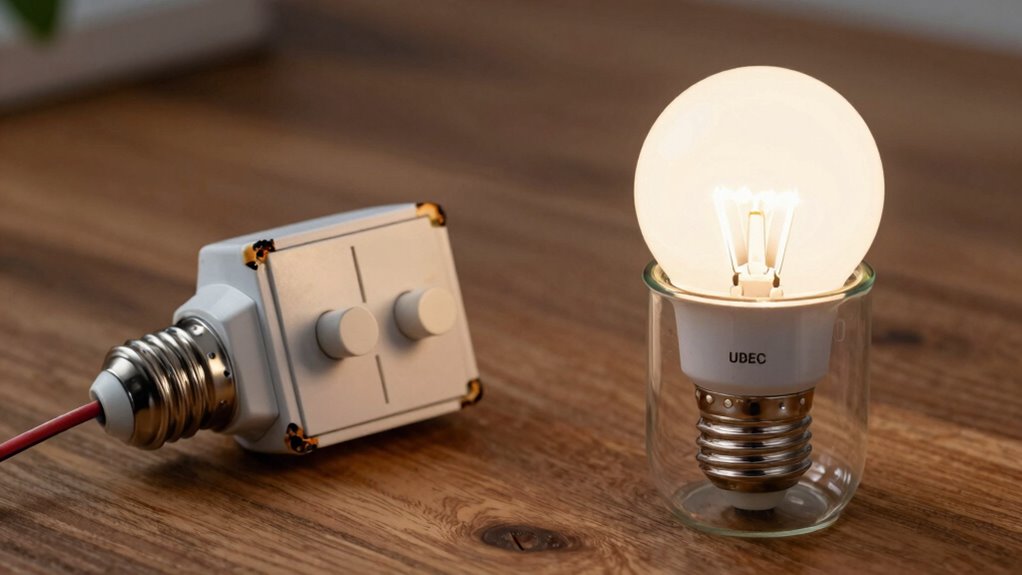
When selecting switches for your smart home, make certain they’re compatible with your smart bulbs to avoid flickering issues. Consider switch types that support smart features, like dimmers or smart switches, which can enhance functionality. Choosing the right switch guarantees seamless operation and reliable performance across your system.
Compatibility With Bulbs
Choosing the right switches is essential to guarantee your smart bulbs work seamlessly with your smart home system. Not all switches are compatible, especially when it comes to dimming compatibility. If your smart bulbs support dimming, make sure the switch brand you select explicitly states compatibility with dimmable functions. Some switches are designed to work with specific brands or types of bulbs, ensuring smooth operation without flickering or inconsistent lighting. Always check the switch specifications and verify compatibility before installation. Using incompatible switches can cause flickering, reduced bulb lifespan, or complete failure. By selecting switches that match your bulb’s features and the switch brand’s compatibility, you’ll enjoy reliable and flicker-free lighting in your smart home setup.
Switch Type Considerations
Selecting the right switch type is key to guaranteeing your smart bulbs function properly and avoid issues like flickering. The switch’s design impacts your lighting setup’s overall performance and your lighting design’s flexibility. Choose switches compatible with smart bulbs, especially those that support dimming and color changes, to prevent flickering or connectivity problems. Consider switches that integrate well with your energy efficiency goals—smart switches that enable remote control or automation help save energy. A good switch type should also allow for a seamless shift between traditional and smart lighting, providing both convenience and reliability. By selecting switches suited for your lighting design and energy efficiency needs, you guarantee your smart home runs smoothly and your smart bulbs perform at their best.
Frequently Asked Questions
Can Dimmer Switches Cause Smart Bulbs to Flicker?
Yes, dimmer switches can cause smart bulbs to flicker, especially if they aren’t compatible with dimming functions. Dimming compatibility is essential because some smart bulbs can’t handle the reduced voltage, leading to flickering. Additionally, voltage fluctuations from certain dimmer switches can cause inconsistent power flow. To avoid this, make sure your smart bulbs are compatible with dimmers and use dimmer switches designed for LED or smart bulb use.
Are There Specific Switch Brands Better for Smart Bulbs?
Think of switch brands like trusted guides on a journey; some lead you smoothly, ensuring compatibility issues are minimal. Brands like Lutron and Leviton are known for better compatibility with smart bulbs, reducing flickering and maximizing energy efficiency. Choosing the right switch helps your smart bulbs shine steadily, saving energy and avoiding frustration. So, opt for reputable brands that prioritize smart home integration, and enjoy seamless lighting experiences.
How Do Smart Switches Differ From Traditional Switches?
Smart switches differ from traditional switches by allowing for lighting automation and remote control via apps or voice commands. They integrate seamlessly with smart home systems, enabling you to customize lighting schedules and scenes for better energy efficiency. Unlike traditional switches that simply turn lights on or off, smart switches maintain connectivity, preventing flickering issues and ensuring your smart bulbs function smoothly without interruptions.
Do Smart Switches Require Professional Installation?
Think of smart switches as the keys to a smarter home; do you need a pro? Usually, yes, because installation challenges and compatibility concerns can trip you up. While some models are DIY-friendly, others demand electrical expertise to make certain everything works smoothly and safely. If you’re unsure about wiring or system compatibility, hiring a professional guarantees proper setup, avoiding flickering issues and protecting your smart lighting system from future problems.
Can Smart Bulbs Flicker Without Any Switch Issues?
Yes, your smart bulbs can flicker even if the switch is fine. Lighting compatibility issues or fluctuating voltage can cause flickering, affecting bulb lifespan and performance. Make sure your bulbs match your fixture and power supply. Sometimes, incompatible dimmers or outdated wiring can also lead to flickering. Checking these factors can help you troubleshoot and prevent future problems, ensuring your smart lighting stays reliable and bright.
Conclusion
Imagine your smart bulbs as dancers on a stage, each needing the right spotlight to shine brightly. When your switch is incompatible, it’s like shining a flickering, unreliable light—disrupting the performance. By choosing the right switches, you guarantee a seamless show, letting your smart home shine effortlessly. Upgrading your switches isn’t just a fix; it’s the key to a harmonious, glitch-free environment where technology works with you, not against you.
Columbus Day / Indigenous Peoples' Day Picks
long weekend sales
As an affiliate, we earn on qualifying purchases.