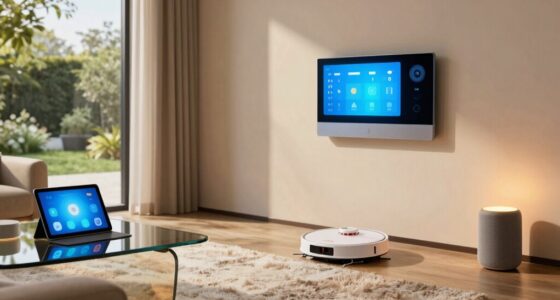
Both Wi‑Fi and hub devices offer reliable smart home options, but each has pros and cons. Wi‑Fi devices connect directly to your network, making setup easy and offering broad compatibility, though they rely on strong Wi-Fi signals. Hub devices use centralized control and backup power, which can improve dependability, especially if your Wi-Fi’s unstable. To make the most of either, you need solid network stability and security. Keep exploring to discover tips for boosting your smart home’s reliability.
Key Takeaways
- Hub devices often offer more consistent performance by operating on a dedicated network or power supply, reducing reliance on Wi-Fi stability.
- Wi-Fi devices may experience more lag and disconnections due to interference, but are easier to update and integrate into existing networks.
- Hubs typically provide centralized management, which can enhance overall system reliability and ease of troubleshooting.
- Wi-Fi devices depend on network quality; poor Wi-Fi signals can lead to unreliable operation.
- Combining hubs with reliable network setup and security practices generally results in a more dependable smart home system.

EIGHTREE Smart Plug, WiFi Outlet Works with Alexa & Google Home, Smart Home Socket with Remote Control & Timer Function, 2.4GHz WiFi Only, 4 Packs
Warm Tips: To use Alexa and Google Home for voice control, please connect the plug with the “Smart…
As an affiliate, we earn on qualifying purchases.
As an affiliate, we earn on qualifying purchases.
What Are the Main Differences Between Wi‑Fi and Hub Devices?
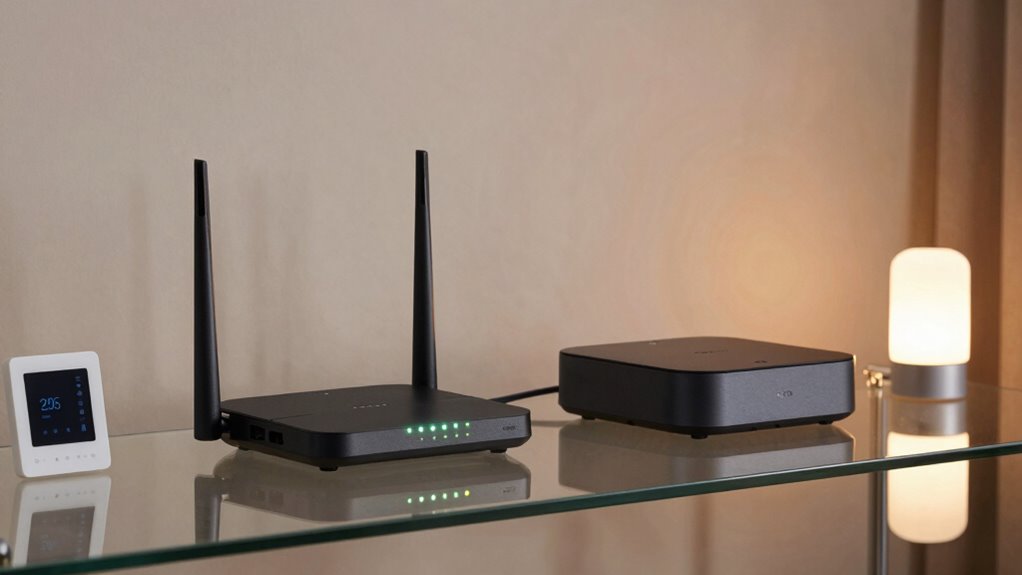
The main difference between Wi-Fi and hub devices lies in how they connect and communicate within your smart home. Wi-Fi devices directly link to your home network, offering broad device compatibility and easy setup. They typically use user-friendly interfaces, allowing you to control and monitor them through apps on your phone. Hub devices, on the other hand, connect via a central hub or controller that manages multiple devices. This setup can improve reliability and reduce network congestion. The user interface for hub systems often involves dedicated apps or physical controls, which may be more complex but offer centralized management. Additionally, digital concepts such as network topology play a crucial role in determining the overall stability and performance of your smart home system. Your choice depends on your preferences for device compatibility, ease of use, and how you want to organize your smart home system.

Amazon Echo Hub, 8” smart home control panel, Designed for Alexa+, Compatible with thousands of devices
Echo Hub — An easy-to-use Alexa-enabled control panel for your smart home devices—just ask Alexa or tap the…
As an affiliate, we earn on qualifying purchases.
As an affiliate, we earn on qualifying purchases.
How Do We Define Reliability in a Smart Home System?

Reliability in a smart home system determines how consistently your devices perform their intended functions without interruptions. To gauge this, you should consider device compatibility—how well different devices work together and integrate seamlessly. A dependable system ensures that your smart gadgets respond promptly and accurately, providing a smooth user experience. If devices frequently disconnect or don’t sync correctly, it signals lower reliability. Consistent performance isn’t just about hardware quality but also about how well the system manages updates, network stability, and interoperability. Additionally, understanding the role of connectivity helps in assessing overall reliability, as stable Wi-Fi connections are crucial for seamless device operation. Ensuring your network has a strong signal can significantly improve device performance and reduce connectivity issues. Moreover, the impact of network congestion can influence the stability of your smart home system, making it essential to optimize your network setup. Regularly monitoring your network’s performance metrics can help identify potential issues before they affect device reliability. In addition, adopting reliable network hardware can further enhance system stability and reduce unexpected disruptions. Ultimately, a trustworthy smart home minimizes glitches, delays, and user frustration, making everyday automation effortless and dependable. Your goal should be a cohesive setup where all components work harmoniously, enhancing convenience without constant troubleshooting.

WiFi Door Alarm System, Wireless DIY Smart Home Security System, with Phone APP Alert, 8 Pieces-Kit (Alarm Siren, Door Window Sensor, Remote), Work with Alexa, for House, Apartment, by tolviviov
WIFI Network: WIFI connection, Only works on 2.4GHz WiFi network, does NOT support 5GHz WiFi networks.
As an affiliate, we earn on qualifying purchases.
As an affiliate, we earn on qualifying purchases.
Are Wi‑Fi Devices Reliable for Your Smart Home?
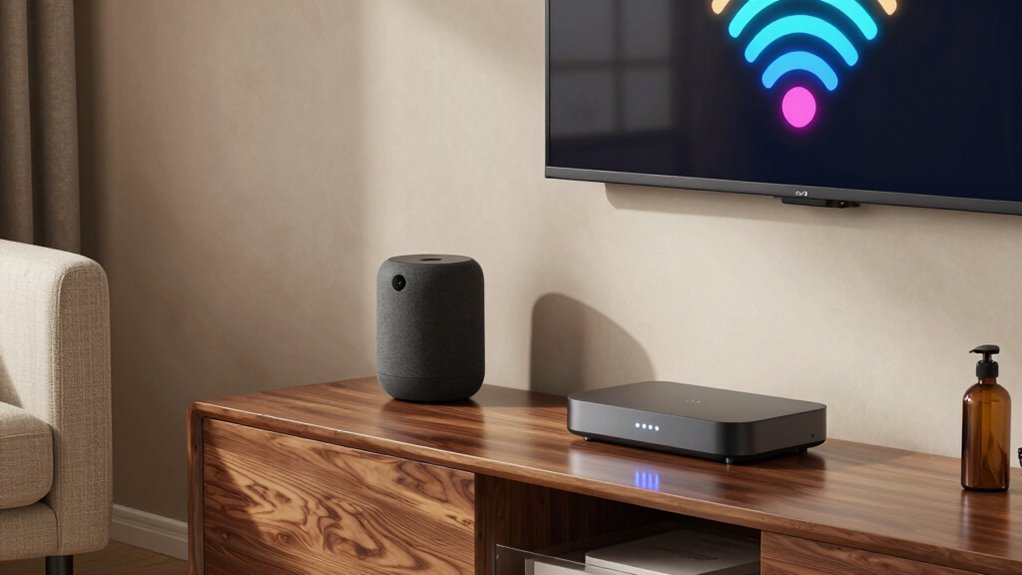
Wi-Fi devices have become popular choices for smart home setups because they offer easy integration and broad compatibility. However, their reliability depends on several factors. First, energy consumption can impact device performance; Wi-Fi devices often use more power, which might lead to inconsistent operation. Second, a user interface that’s simple and intuitive guarantees you can manage your devices effortlessly, reducing frustration. Third, your Wi-Fi network’s strength plays a critical role—weak signals or interference can cause lag or disconnections, making your setup less dependable. Additionally, privacy concerns are an important consideration when choosing Wi-Fi devices for your smart home. While Wi-Fi devices are convenient, their reliability hinges on stable energy use, clear user interfaces, and a strong network. Network stability also plays a crucial role in maintaining consistent device performance. In addition, understanding how home decor principles influence device placement can help optimize your network’s effectiveness. Proper placement that considers signal interference can significantly improve your device reliability and overall smart home experience. Being aware of device compatibility with existing systems can further enhance your setup’s dependability. Keep these in mind to ensure your smart home remains functional and responsive.

TP-Link Deco X55 AX3000 WiFi 6 Mesh System – Covers up to 6500 Sq.Ft, Replaces Wireless Router and Extender, 3 Gigabit Ports per Unit, Supports Ethernet Backhaul, Deco X55(3-Pack)
Wi-Fi 6 Mesh Wi-Fi – Next-gen Wi-Fi 6 AX3000 whole home mesh system to eliminate weak Wi-Fi for…
As an affiliate, we earn on qualifying purchases.
As an affiliate, we earn on qualifying purchases.
Do Hub Devices Offer More Dependability?
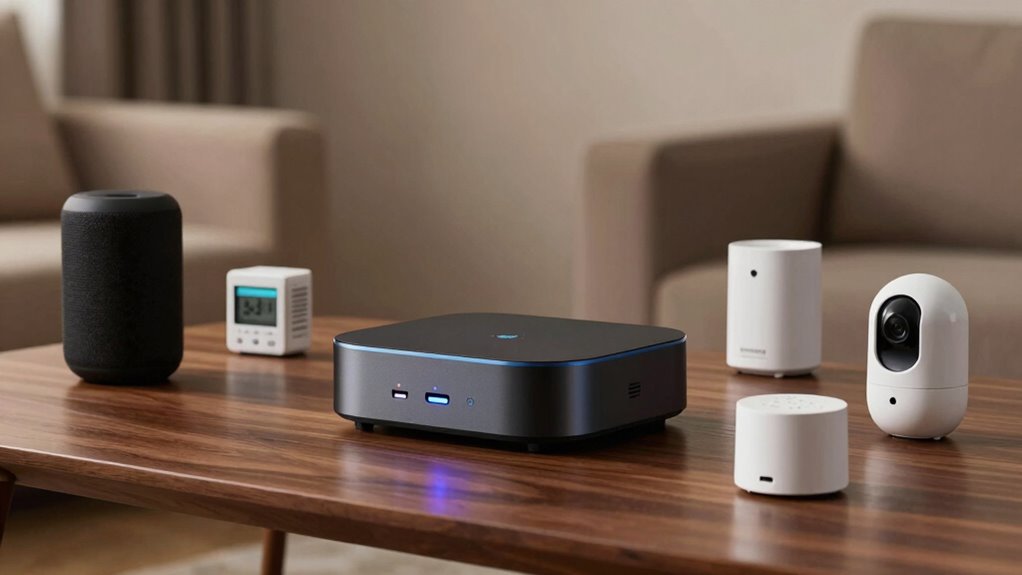
While Wi-Fi devices are convenient, some users find that adding a dedicated hub can improve overall dependability. Hub devices often operate with alternative power sources, reducing the risk of failure if your home Wi-Fi experiences disruptions. This setup can lead to more stable connections, especially for critical smart home functions. Additionally, hubs streamline user convenience by centralizing control, making it easier to manage multiple devices through a single platform. They’re designed to handle multiple connections simultaneously, decreasing lag or disconnection issues. If your priority is consistent performance and fewer interruptions, a hub device offers a dependable solution. It minimizes reliance on your home’s internet stability, providing peace of mind that your smart devices will work reliably when you need them most. Reliable operation is also enhanced because hubs are often specifically engineered to handle increased device loads without performance degradation. Furthermore, many hubs are compatible with various smart home ecosystems, which can simplify integration and expand your device options. Utilizing a dedicated hub can also reduce network congestion, improving overall smart device performance. Additionally, some hubs incorporate built-in backup power, ensuring continuous operation even during outages. Incorporating a hub can also help in reducing network congestion, leading to smoother device interactions and fewer connectivity issues.
How Secure Are Wi‑Fi and Hub Smart Devices?
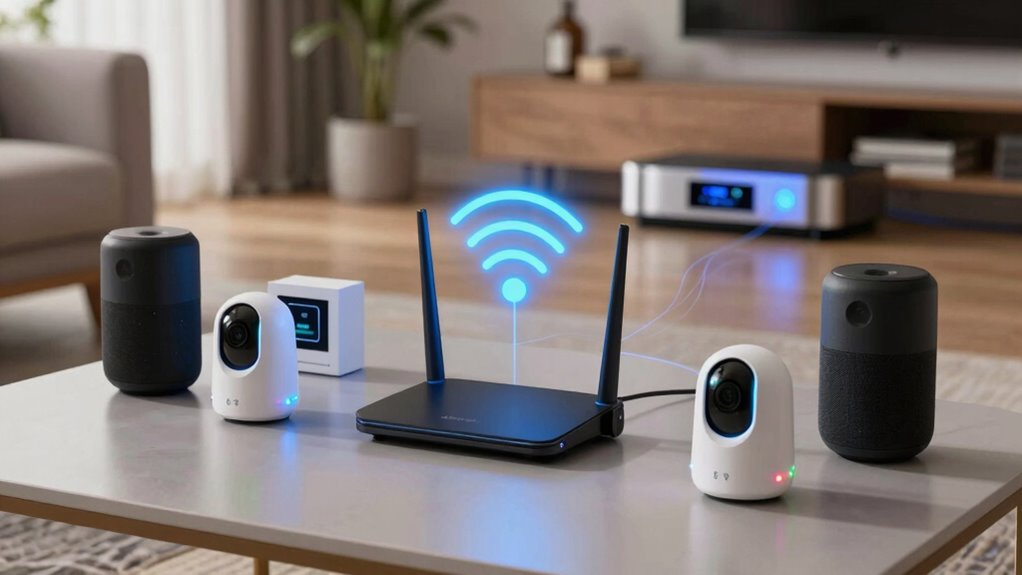
Security is a crucial consideration when choosing between Wi-Fi and hub smart devices, as both systems have unique vulnerabilities. Wi-Fi devices often rely on encryption standards like WPA3, but if not properly updated, they can become targets for hackers. Hub devices, on the other hand, typically use local connections, reducing exposure but still face risks if firmware updates aren’t promptly applied. Regularly reviewing security protocols can help identify potential weaknesses before they are exploited. Additionally, the presence of security standards varies across different devices, impacting overall safety. Consider these points:
- Weak encryption standards can leave your devices vulnerable.
- Delayed firmware updates open doors for security breaches.
- Inconsistent security practices across brands can compromise your privacy.
Staying vigilant with regular firmware updates and understanding encryption standards helps keep your smart devices secure, regardless of whether you choose Wi-Fi or hub systems.
How Your Network Stability Impacts Device Reliability
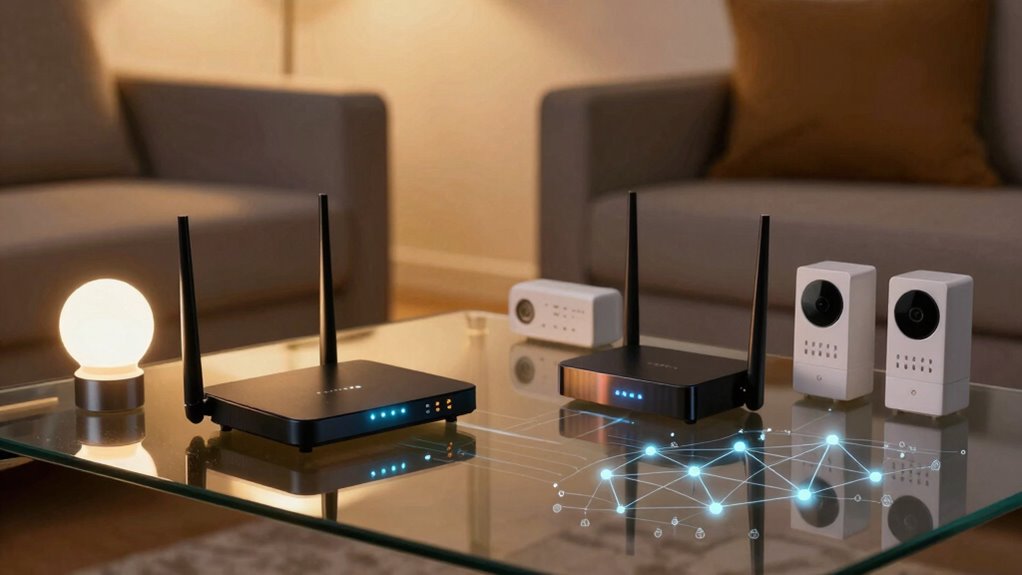
Your network’s signal strength and range directly affect how reliably your devices stay connected. When signals weaken or drop out, devices can become unresponsive or disconnect entirely. Additionally, network congestion from multiple devices competing for bandwidth can cause delays and reduce overall performance. Ensuring proper network setup and maintenance can help mitigate these issues and improve device reliability. Regularly updating firmware and optimizing network configuration can further enhance stability and performance. Being aware of potential interference sources, like microplastics in dust or other environmental factors, can also help maintain a stronger, more stable connection. Incorporating imagination into troubleshooting strategies can lead to innovative solutions for persistent connectivity issues. Understanding the importance of device placement within your network can significantly reduce interference and improve overall reliability.
Signal Strength and Range
A strong Wi-Fi signal is vital for your smart devices to function reliably, especially as they rely on consistent connectivity to perform their tasks smoothly. When signal strength drops or range diminishes, you risk device failures and frustration. To guarantee peak performance, consider these factors:
- Interference issues can weaken signals, caused by other electronics or Wi-Fi networks nearby. Using appropriate equipment can help minimize interference and optimize your network.
- Signal obstacles like thick walls or furniture can block or reduce range, limiting device responsiveness.
- Device placement matters—placing your router centrally improves coverage and minimizes dead zones.
- Incorporating outdoor elements such as landscaping or outdoor structures can also influence your Wi-Fi signal, potentially affecting device reliability.
Maintaining a clear, strong connection prevents lag and disconnections, keeping your smart devices operating seamlessly. Pay attention to interference issues and signal obstacles to enhance network reliability and enjoy your smart ecosystem without interruptions.
Network Congestion Effects
When multiple devices compete for bandwidth on the same network, congestion can cause significant disruptions in performance. Increased network latency slows down data transfer, making your smart or hub devices respond sluggishly or intermittently. Interference issues, like overlapping Wi-Fi channels or signals from other electronics, further worsen these problems. As congestion builds, your devices struggle to communicate reliably, leading to dropped connections or delayed responses. Smart devices relying on Wi-Fi are especially vulnerable because they depend on stable, fast connections for real-time operation. Hub devices may handle congestion better due to centralized management, but they’re not immune. To improve reliability, reduce the number of connected devices, switch to less crowded channels, and guarantee your network has sufficient bandwidth to handle your device load.
What Factors Should You Consider When Choosing a Smart Home System?
Deciding on the right smart home system involves weighing several important factors to guarantee it fits your needs. First, consider energy efficiency—a system that conserves power saves money and reduces your carbon footprint. Next, evaluate the user interface—it should be intuitive and easy to navigate, making daily interactions smooth. Finally, think about compatibility with your existing devices and platforms to ensure seamless integration. Additionally, assess the system’s reliability, security features, and cost. Your choice should balance convenience and performance, giving you peace of mind. Remember, a well-chosen system enhances your home’s functionality while aligning with your lifestyle and values. These factors help you make an informed decision that truly fits your smart home vision.
When Is Reliability Most Critical in Smart Home Use?
Reliability becomes most critical in smart home systems when safety and security are at stake. If a device fails, it could compromise user privacy or lead to security breaches. For example, connected security cameras must operate consistently to prevent unauthorized access. Compatibility issues can also cause failures, making dependable communication essential. When safety is involved, even brief outages can have serious consequences, so you need trustworthy systems. Here’s a quick comparison:
| Aspect | Wi-Fi Devices | Hub Devices | Key Considerations |
|---|---|---|---|
| User Privacy | Data transmitted over internet risks | Centralized control enhances privacy | Privacy depends on security measures |
| Device Compatibility | Varies with network stability | Usually better integrated | Compatibility ensures seamless operation |
| Reliability | Can suffer from interference | Usually more stable | Critical for safety functions |
| Security | Potential vulnerabilities | Often more secure | Essential for safeguarding data |
| Ease of Use | Sometimes complex setup | Simplifies management | Influences system dependability |
Tips to Make Your Smart Home Setup More Dependable
Ensuring your smart home remains dependable requires proactive steps beyond just choosing the right devices. First, optimize your network for energy efficiency by regularly updating firmware and removing unused devices, which prevents overloads and keeps your system running smoothly. Second, prioritize a user interface that’s simple and intuitive; this reduces frustration and ensures you can control your devices effortlessly. Third, create a dedicated, stable Wi-Fi network for smart devices to minimize disruptions and improve reliability. These steps help reduce downtime, enhance user experience, and keep your smart home functioning seamlessly. By focusing on energy efficiency and user interface, you’ll enjoy a more dependable setup that adapts to your needs and simplifies your daily routines.
Frequently Asked Questions
Can Wi‑Fi Devices Work Without an Internet Connection?
Wi‑Fi devices generally can’t work without an internet connection, but some might operate locally for basic functions. Without internet, wireless security features like alerts won’t function, leaving you vulnerable. Signal interference from other devices can weaken your Wi‑Fi connection, causing unreliable performance or disconnections. To maintain stability, guarantee minimal interference and consider a hub device, which often offers more dependable local control even during internet outages.
Do Hub Devices Require Special Technical Skills to Set Up?
Setting up hub devices can seem intimidating, but with a little patience, you won’t need much technical expertise. The setup complexity varies between models, but generally, hubs are designed to guide you through simple, straightforward steps. You might encounter some technical hurdles, but most hubs come with clear instructions and user-friendly interfaces. With a little effort, you’ll master the setup and enjoy your smart home without hassle.
How Do Device Firmware Updates Affect Reliability?
Firmware updates can enhance device reliability by improving firmware stability and fixing bugs. However, frequent updates might occasionally introduce new issues, so it’s crucial to monitor update quality. Regularly updating your devices helps ensure they run smoothly and securely, but you should balance update frequency to avoid potential disruptions. Staying informed about update details can help you make better decisions, ultimately maintaining a reliable and secure smart home system.
Are There Compatibility Issues Between Different Smart Home Brands?
Imagine trying to dance with partners speaking different languages—that’s what interoperability challenges can feel like. Brand compatibility often causes issues between smart home devices, making some not work seamlessly together. You might find your smart lights won’t sync with your voice assistant or your security system. These compatibility hiccups highlight the importance of choosing devices that support common standards, ensuring smooth operation across brands and reducing frustration.
What Is the Typical Lifespan of Wi‑Fi Versus Hub Devices?
Wi‑Fi devices typically last around 3 to 5 years, but their device durability can vary based on usage and brand. Hub devices often have a longer lifespan, around 5 to 7 years, thanks to their robust build. Connectivity stability plays a role in longevity—better stability reduces wear and tear. You should consider quality and maintenance to maximize your device’s lifespan, regardless of whether it’s Wi‑Fi or hub-based.
Conclusion
Choosing between Wi-Fi and hub devices is like picking the right tool for a job—you want reliability that you can count on. While Wi-Fi devices are convenient and easy to expand, hubs often provide a steadier, more dependable connection. Consider your home’s network stability and security needs carefully. By doing so, you’ll build a smart home that’s as reliable as a lighthouse guiding you through the night, ensuring your devices work seamlessly and securely.