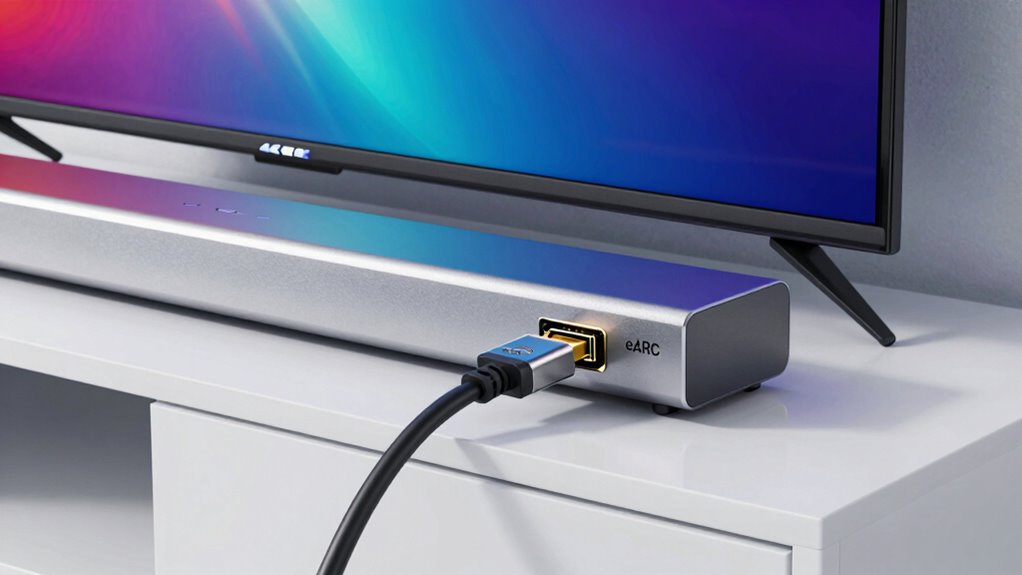

HDMI eARC offers a clear upgrade over ARC by supporting uncompressed, high-fidelity audio formats like Dolby Atmos and DTS:X, which reduces dropouts and improves sound quality. It provides higher bandwidth and lower latency, ensuring smooth, lossless sound streaming for your home theater setup. If you want to prevent audio disruptions and get the best sound performance, eARC is the better choice. Keep exploring to discover how to maximize your device’s potential.

Get the latest gadgets delivered free with Prime
- Fast, free delivery on millions of items
- Prime Video, Amazon Music and more included
- Member-only deals all year
Key Takeaways
- eARC supports higher bandwidth, reducing audio dropouts and improving high-quality, uncompressed audio transmission.
- HDMI 2.1 cables are required for eARC, ensuring stable, lossless audio connections.
- Proper setup and device compatibility are crucial to prevent audio dropouts with either ARC or eARC.
- eARC minimizes latency and synchronization issues, providing a more reliable audio experience.
- Using devices with eARC support and high-quality cables significantly reduces the chances of audio dropouts.
As an affiliate, we earn on qualifying purchases.
What Are HDMI ARC and eARC, and How Do They Work?
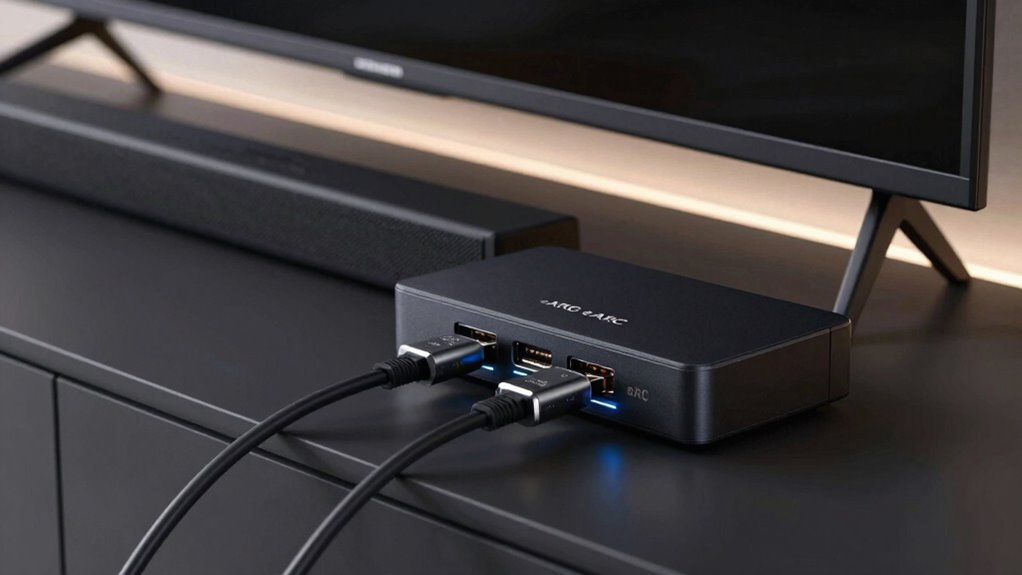
Have you ever wondered how your TV seamlessly sends audio to your soundbar or receiver? That’s where HDMI ARC and eARC come in. They enable your devices to communicate and transmit audio using different audio formats, like Dolby Atmos or DTS:X. HDMI ARC (Audio Return Channel) allows a single cable to carry audio from your TV to your sound system, but it has bandwidth limitations. eARC (enhanced ARC) improves on this, supporting higher-quality audio formats and faster data transfer. Cable length matters because longer cables can sometimes cause signal degradation, especially with high-bandwidth audio formats. To guarantee consistent sound quality, choose the right cable length and quality suited to your setup, whether you’re using ARC or eARC. Additionally, understanding audio format compatibility can help ensure you get the best sound experience possible. Being aware of HDMI standards can also help you select the most appropriate device and cable for optimal performance. Proper cable selection and installation can also prevent potential signal interference that might disrupt audio quality. Moreover, selecting the correct cable quality can significantly impact overall connectivity and sound integrity. Incorporating knowledge about electric power generation with bike generators can also inspire sustainable practices in your daily tech setup.
As an affiliate, we earn on qualifying purchases.
Main Differences Between HDMI ARC and eARC
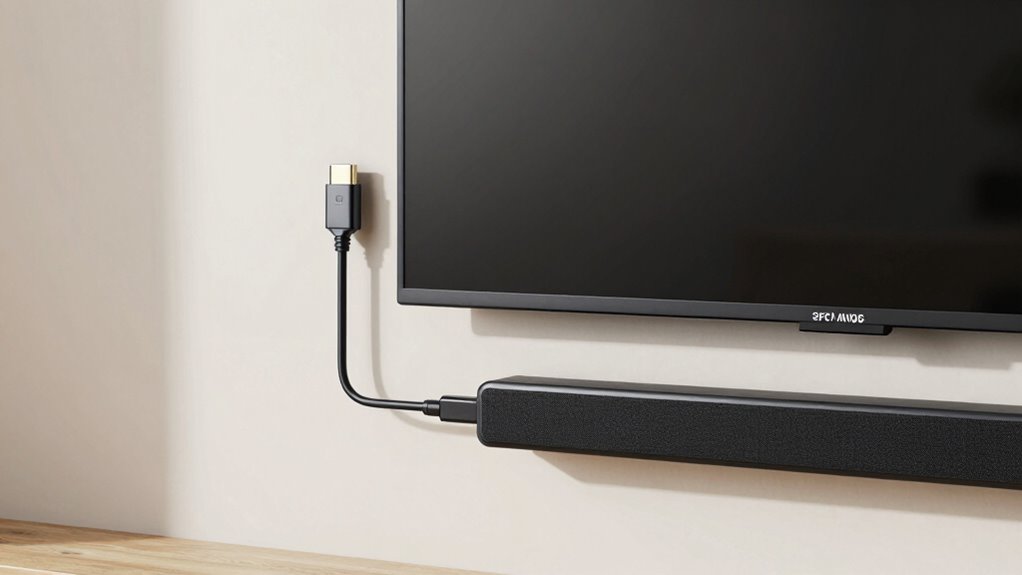
What sets HDMI ARC and eARC apart? The main difference is in their ability to handle audio quality and data transfer. eARC provides higher bandwidth, which means it supports uncompressed audio formats like Dolby Atmos and DTS:X, reducing audio latency for a more synchronized sound experience. HDMI ARC, on the other hand, can struggle with audio latency and compressed formats, which may cause slight delays. Cable compatibility is also a key factor: eARC requires HDMI 2.1 cables for peak performance, while ARC works with older HDMI cables. Overall, eARC offers better sound quality and lower audio latency, making it ideal for high-end audio setups, while ARC is suitable for simpler systems with standard audio needs. Compatibility considerations also play a role in choosing the right connection type for your setup. Understanding nail biology can help in maintaining healthy nails, just as knowing the technical differences between HDMI standards helps optimize your audio experience. Additionally, being aware of audio format support ensures you select the appropriate connection for your desired sound quality. Recognizing bandwidth requirements is essential for ensuring your equipment can handle high-quality audio streams effectively, especially as digital data transfer continues to evolve rapidly.
As an affiliate, we earn on qualifying purchases.
How to Check If Your Devices Support HDMI ARC or eARC?
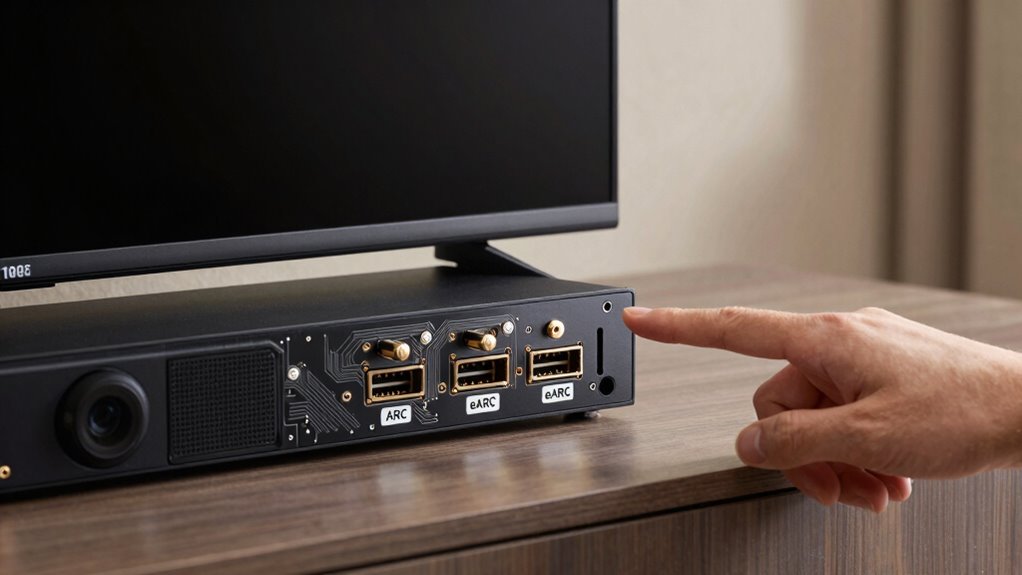
Determining whether your devices support HDMI ARC or eARC is straightforward if you know where to look. Start by checking the device labels or user manuals for HDMI port specifications. Many manufacturers mention compatibility directly on the device or in the specs.
Here’s a quick guide:
| Device Type | How to Verify Support |
|---|---|
| TV or AV Receiver | Check the HDMI port labels or user manual |
| Soundbar or Speaker | Look for HDMI ARC/eARC labels on the ports |
| HDMI Cable | Ensure it’s HDMI High Speed or Ultra High Speed |
| Settings Menu | Review HDMI or audio output options in device menus |
These troubleshooting tips simplify confirming device compatibility and ensure smooth setup. Additionally, understanding HDMI specifications can help you identify support for ARC or eARC features more confidently. It’s also helpful to refer to device compatibility details provided by manufacturers to avoid potential connectivity issues. Checking for HDMI version support can further clarify whether your equipment is compatible with the latest audio return standards. For optimal performance, verifying that your devices support eARC ensures the best audio quality and minimal dropouts.
As an affiliate, we earn on qualifying purchases.
Setting Up HDMI ARC/eARC for Seamless Audio
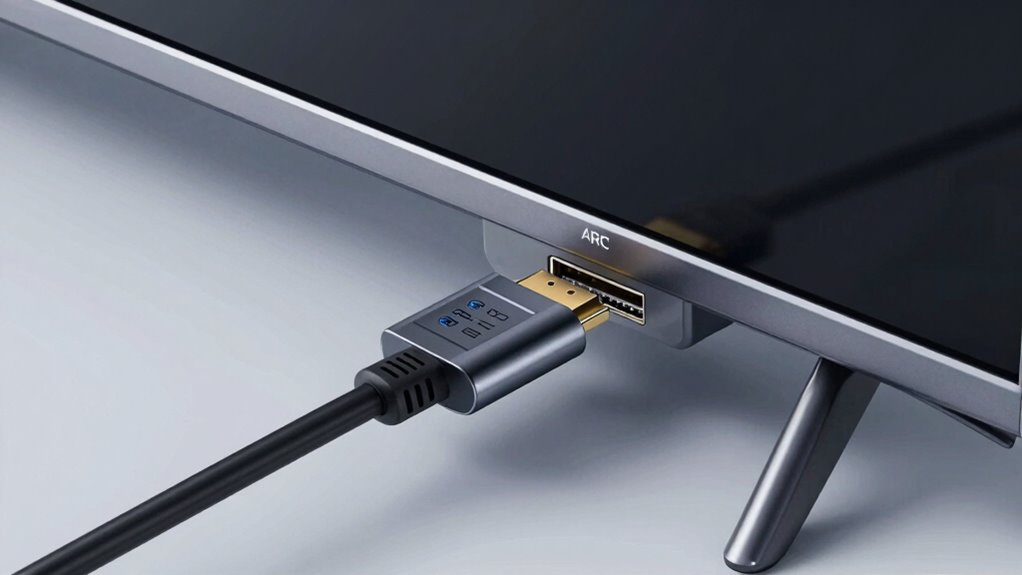
Setting up HDMI ARC or eARC for seamless audio might seem intimidating at first, but with the right steps, you can enjoy high-quality sound without the clutter of extra cables. Start by placing your speakers in ideal positions—aim for ear level and avoid obstructions to improve sound clarity. Proper speaker placement enhances the effectiveness of your audio system, especially when paired with acoustic treatments like foam panels or bass traps that reduce echo and improve sound quality. Confirm your TV and audio device are connected with the correct HDMI cable supporting ARC or eARC. Activate the feature in your device settings, and double-check that your audio output is set to HDMI ARC. These simple adjustments help prevent dropouts and deliver a smooth, immersive listening experience. Being aware of ethical consumer choices can also guide you toward more responsible electronics and accessories. Additionally, understanding how audio signal transmission works can help troubleshoot issues and optimize your setup for the best possible sound quality. Knowing the compatibility requirements of your devices ensures you select the right cables and settings for a reliable connection. It’s also helpful to familiarize yourself with network configurations that can influence your device’s connectivity and performance. Proper understanding of bank SWIFT/BIC codes can also assist in ensuring secure and accurate communication with your financial institutions when managing your setup or troubleshooting related issues.
Why eARC Is a Game-Changer for High-Quality Audio
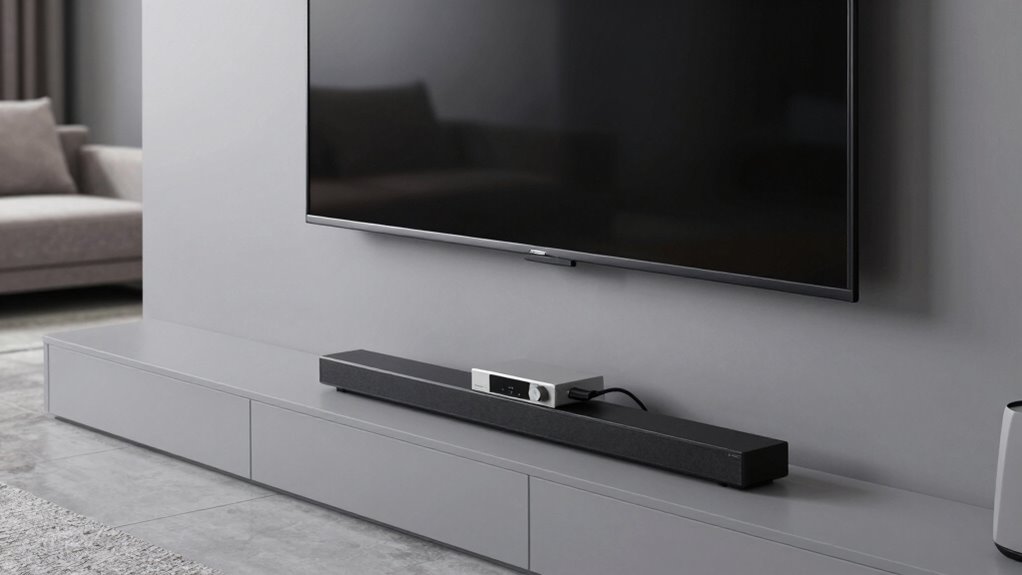
eARC offers unmatched audio quality that makes your sound clearer and more detailed. It also transfers data faster, so your audio stays in sync with your visuals without any lag. Plus, it simplifies your setup by handling high-quality audio through a single cable, reducing clutter. Additionally, it supports natural integration with other devices to create a seamless entertainment experience.
Unmatched Audio Quality
When it comes to audio quality, eARC delivers a significant leap forward by supporting higher bandwidths and uncompressed sound formats, making your listening experience richer and more detailed. This means you can enjoy true surround sound with immersive clarity, capturing every nuance of your favorite content. eARC’s ability to transmit high-quality audio also enables seamless wireless streaming of lossless formats, reducing the need for additional devices or cables. You’ll notice sharper dialogue, richer music, and more dynamic effects, elevating your home theater experience. With eARC, you’re no longer limited by compressed audio formats, ensuring you get the full depth and fidelity of high-end audio systems. It’s a game-changer for anyone who values pristine sound quality in their entertainment setup.
Faster Data Transfer
The ability to transfer data quickly is what truly sets eARC apart from previous HDMI standards. With higher bandwidth, eARC reduces the need for aggressive audio compression, preserving the original sound quality. This means you get richer, more detailed audio without artifacts caused by compression. Additionally, eARC minimizes bandwidth limitations, allowing for seamless transmission of high-resolution formats like Dolby Atmos and DTS:X. Here’s how it enhances your experience:
- Supports uncompressed audio formats for pristine sound.
- Handles higher bitrates, reducing audio dropouts.
- Transmits more audio channels simultaneously.
- Ensures consistent performance with less latency.
- Optimal audio setup tips help you optimize your setup for the best audio quality.
In short, faster data transfer makes eARC a game-changer for high-quality audio, letting you enjoy your sound system’s full potential without interruptions.
Simplified Connectivity
Thanks to its simplified connectivity, setting up high-quality audio systems has become much easier. With eARC, you can connect your devices with fewer cables, reducing clutter and improving cable management. This inclusive approach ensures that a wider range of devices can seamlessly integrate into your home entertainment setup. This minimizes the need for multiple connections, making setup faster and more straightforward. Plus, eARC supports wireless alternatives, enabling you to stream high-quality audio without physical cables, which is perfect for clean, clutter-free spaces. You no longer have to worry about tangled cords or limited placement options. Instead, you can focus on enjoying immersive sound without the hassle of complex wiring. Overall, eARC’s streamlined connectivity enhances your home entertainment experience by making high-fidelity audio more accessible and easier to integrate into your existing setup. Incorporating auditory processing techniques can further optimize your listening experience by enhancing sound clarity and comprehension. Additionally, the adoption of advanced audio standards ensures future-proof compatibility and better overall sound quality.
Which HDMI Audio Return Channel Option Is Right for You?
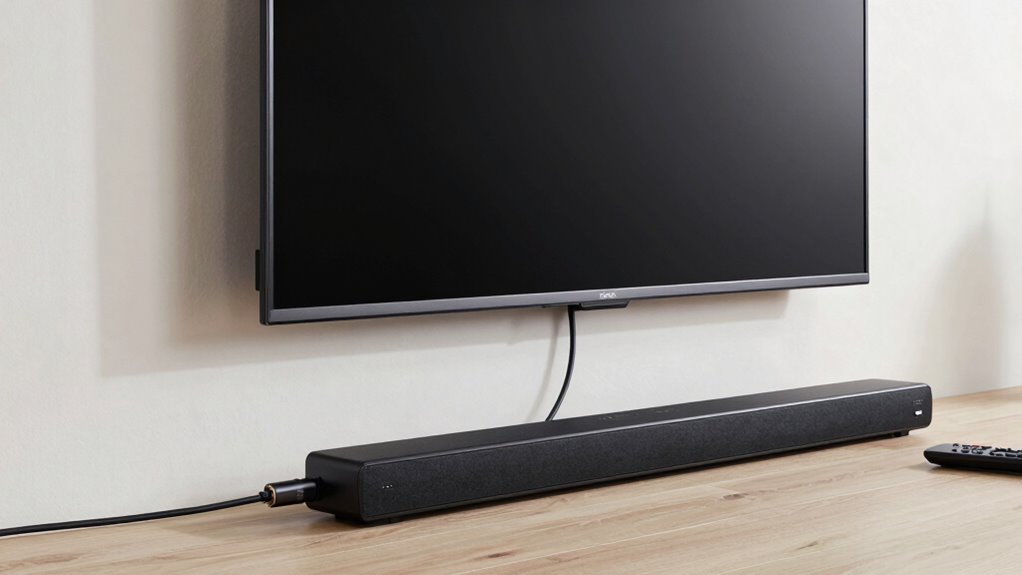
Choosing the right HDMI ARC option depends on your device compatibility, audio quality needs, and how simple you want the setup to be. If you have modern equipment, eARC offers better sound and easier connectivity, but older devices might only support standard ARC. Consider your current gear and audio preferences to find the best fit for your setup.
Compatibility With Devices
Determining which HDMI Audio Return Channel option is right for your setup depends largely on the compatibility of your devices. You need to verify if your TV, soundbar, or AV receiver supports either ARC or eARC. Here’s what to take into account:
- Device compatibility: Confirm all devices support the specific ARC or eARC feature.
- Firmware updates: Some devices may require updates to enable full ARC or eARC functionality.
- HDMI ports: Verify that your devices have the correct HDMI ports labeled for ARC or eARC.
- Brand and model: Compatibility can vary, so check the manufacturer’s specifications for your device.
Matching the right setup ensures seamless audio and prevents issues caused by incompatible hardware.
Audio Quality Differences
While ensuring your devices are compatible is key, understanding how each HDMI ARC option impacts audio quality can considerably influence your setup. With HDMI eARC, you get support for high-bitrate formats like Dolby Atmos and DTS:X, delivering richer surround sound with clearer detail. This means your movies and games sound more immersive, with precise spatial audio. On the other hand, standard ARC may limit you to compressed audio formats, which can reduce overall sound quality, especially for high-fidelity audio. Additionally, eARC supports wireless streaming of high-quality audio from compatible devices, ensuring a seamless, lossless experience. If you prioritize top-tier audio, especially for surround sound setups, eARC is the better choice. For simpler setups with basic audio needs, traditional ARC might suffice.
Setup and Connectivity
Setting up HDMI ARC or eARC depends on your devices’ compatibility and your specific needs. To get started, check if your TV and sound system support the feature. Then, decide which setup suits you best:
- Use HDMI ARC for basic setup, ideal if you don’t need high-bandwidth audio or advanced features.
- Opt for HDMI eARC if you want better wireless streaming quality and support for lossless audio formats.
- Connect your devices via the HDMI port labeled “ARC” or “eARC,” ensuring proper HDMI cable quality.
- Adjust power management settings to prevent unnecessary energy drain, especially if your devices support quick wake features.
Choosing the right option simplifies connectivity, enhances audio, and ensures seamless power management for your entertainment system.
Frequently Asked Questions
Can I Upgrade My Existing HDMI Cables to Support eARC?
You can’t upgrade your existing HDMI cables to support eARC because cable compatibility is essential. Most older cables don’t support the higher bandwidth needed for eARC, which impacts signal quality. To enjoy the full benefits of eARC, you should replace your current cables with high-speed HDMI cables specifically labeled as HDMI 2.1 or eARC-compatible. This guarantees maximum audio performance and prevents dropouts, giving you a seamless entertainment experience.
Does eARC Work With Older Audio Equipment?
eARC may not work seamlessly with older audio equipment that lacks HDMI ARC or eARC support. Vintage compatibility is limited, meaning you might experience issues or no audio at all. If your gear isn’t compatible, consider analog alternatives like optical or RCA cables to connect your devices. These options provide reliable audio transfer without the need for HDMI support, ensuring you can enjoy your sound system even with vintage gear.
Are There Any Compatibility Issues Between Different Brands?
Think of HDMI eARC and ARC like a dance partner—if they don’t speak the same language, the steps can stumble. Brand compatibility can sometimes cause interoperability challenges, meaning some devices might not connect or work seamlessly. While many brands now support the latest standards, older or less common brands might face issues. To avoid surprises, check each device’s compatibility before connecting, ensuring your audio system syncs smoothly and keeps the music flowing.
How Does Cable Length Affect HDMI Arc/eARC Performance?
Cable length can impact HDMI ARC/eARC performance because longer cables increase signal attenuation, which weakens the audio signal. If your cable isn’t well-shielded, it’s more susceptible to interference, causing dropouts or degraded sound quality. To guarantee smooth audio transmission, use high-quality, properly shielded cables and keep lengths within recommended limits. This helps maintain strong, stable connections and prevents dropout issues during critical moments.
Is a Firmware Update Necessary for HDMI ARC or eARC Support?
Did you know over 70% of modern devices need firmware updates for ideal HDMI ARC or eARC support? If you’re experiencing compatibility concerns, a firmware update is often necessary to guarantee your device works seamlessly with the latest audio features. Updating firmware enhances functionality and fixes bugs, preventing audio dropouts. So, check your device manufacturer’s website regularly, and keep your firmware current for the best audio experience.
Conclusion
Choosing between HDMI ARC and eARC is like picking the right key to access perfect sound. While ARC might get you in the door, eARC opens the gateway to high-fidelity audio that transforms your living room into a concert hall. Don’t settle for static when crystal-clear sound is within reach. With the right setup, you’ll turn your TV’s audio into a symphony, making every movie night feel like front-row seats—music to your ears, no dropouts in sight.
Fall Picks
fall essentials
As an affiliate, we earn on qualifying purchases.