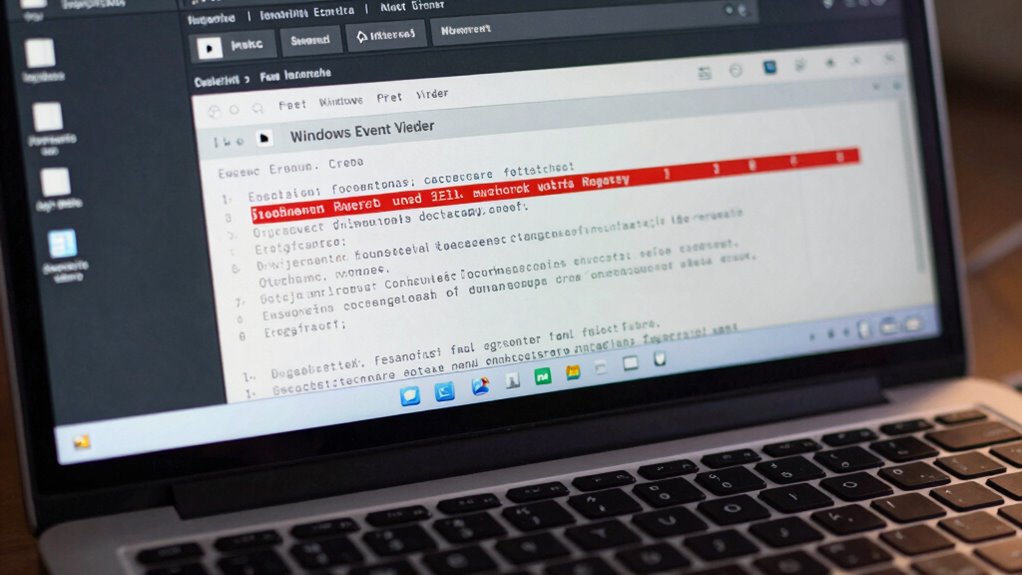
Begin your journey with Event Viewer to identify critical errors early, and discover how to focus on what truly matters to keep your system healthy.
Browsing Tag
Troubleshooting
10 posts
Windows Search Broken? Rebuild It the Right Way
For fixing Windows Search issues, learn the right way to rebuild it and ensure your system runs smoothly again.
External Drive Not Showing Up? Fix It Without Formatting
Here’s a quick guide to fix your external drive issue without formatting and get it back working smoothly.
Notifications Missing? Fix Android Notification Settings Fast
Find out how to quickly fix missing Android notifications and restore your alerts with simple troubleshooting steps.
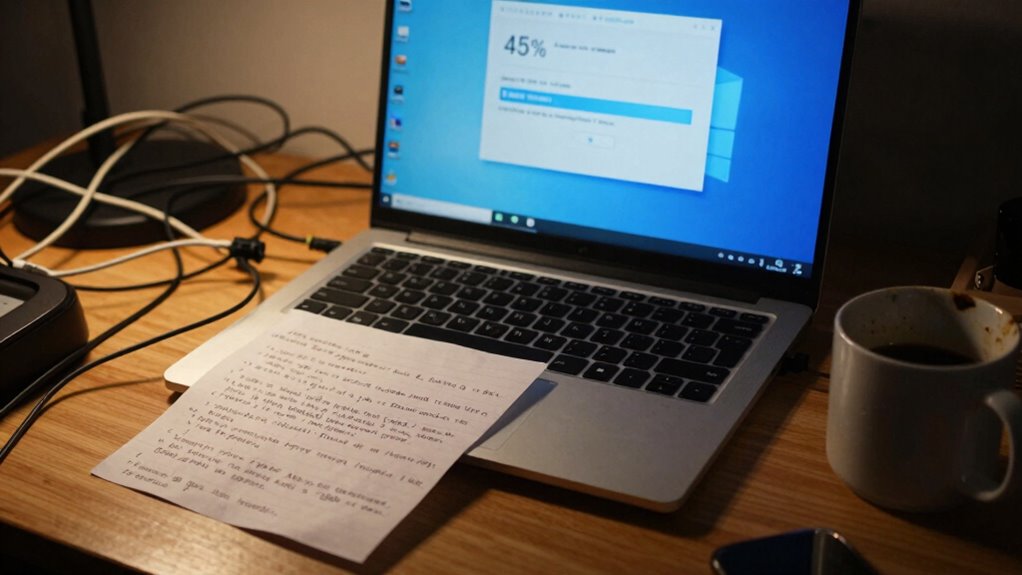
Windows Update Stuck? The Fix That Works More Often Than It Should
Find out how restarting Windows Update services can quickly resolve stuck updates and get your system back on track.
Blue Screen? The First 5 Things to Check (In Order)
Having a blue screen? The first five steps to diagnose the issue could save your system—find out what to check first.
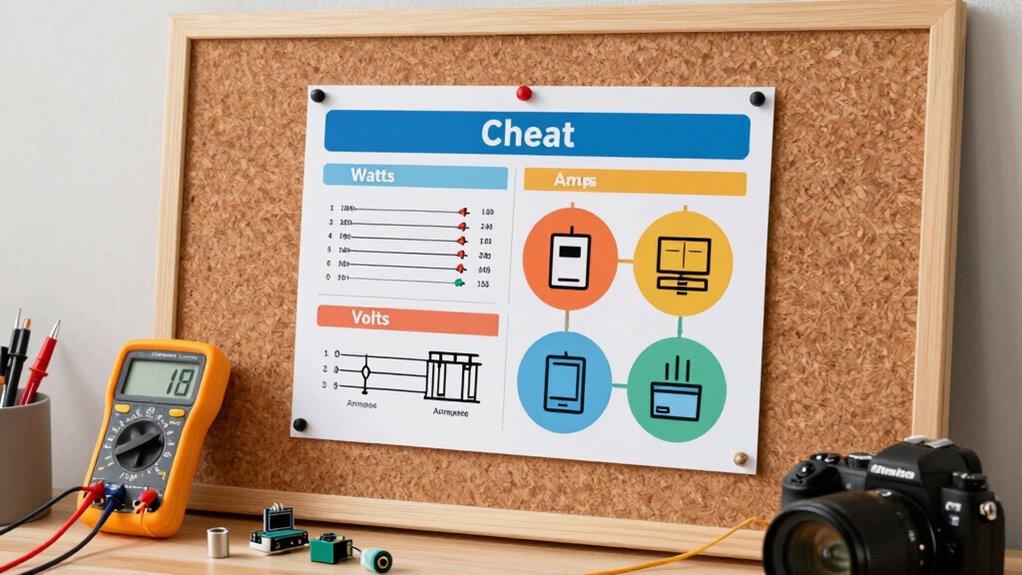
Watts vs Volts vs Amps: The Cheat Sheet You’ll Actually Use
Master the differences between watts, volts, and amps to ensure safe, efficient electrical use—discover essential tips and troubleshooting strategies inside.
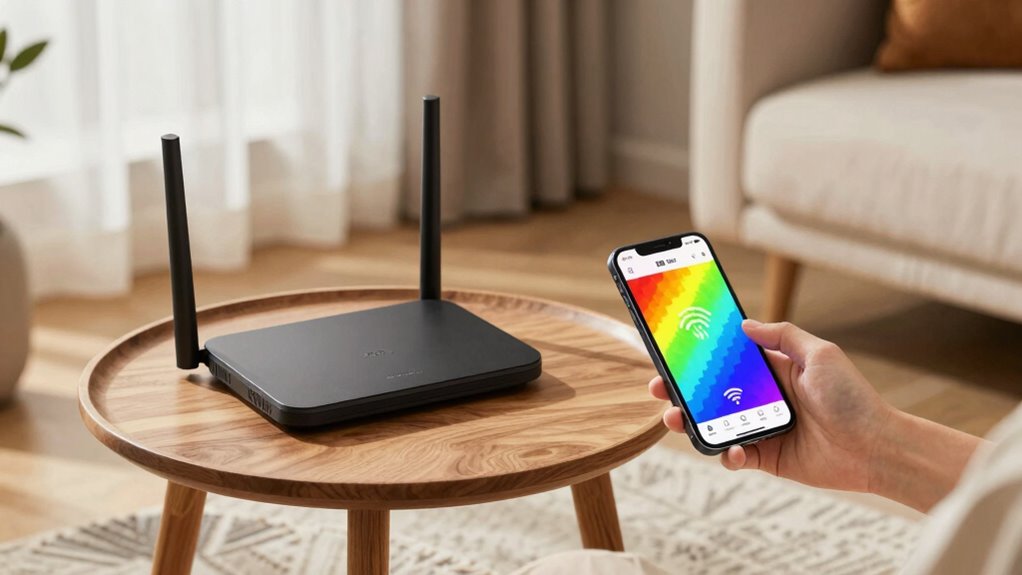
How to Find Wi‑Fi Dead Zones in Your Home (Before You Buy Anything)
Gaining better Wi-Fi coverage starts with identifying dead zones—discover essential tips to troubleshoot before investing in new equipment.
Your Internet Is Fast… So Why Is YouTube Buffering? Try This 2‑Minute Test
Optimize your streaming experience by diagnosing common issues causing YouTube buffering despite fast internet—discover the quick test to identify the problem.
Wi‑Fi Keeps Disconnecting? Fix the One Setting That Usually Does It
Discover how one simple setting could be causing your Wi‑Fi disconnects and learn how to fix it for a more stable connection.