
Understanding laptop CPU names helps you avoid being tricked by marketing hype and guarantees you pick a processor that suits your needs. Each name encodes details like generation, performance tier, and usage focus, with suffixes indicating efficiency or power. Recognizing these patterns lets you compare CPUs beyond just their labels, so you can make smarter choices. Keep exploring, and you’ll discover how to decode every detail behind those confusing model numbers.
Key Takeaways
- Understand that CPU names encode generation, performance tier, and suffixes indicating power and efficiency focus.
- Recognize that suffixes like ‘H’ or ‘U’ signal high performance or low power, not overall quality.
- Check benchmarks and reviews instead of relying solely on model numbers for real performance insights.
- Mobile CPUs prioritize energy efficiency, while desktop CPUs emphasize higher clock speeds and core counts.
- Opt for recent generations to benefit from improved thermal management, battery life, and overall performance.
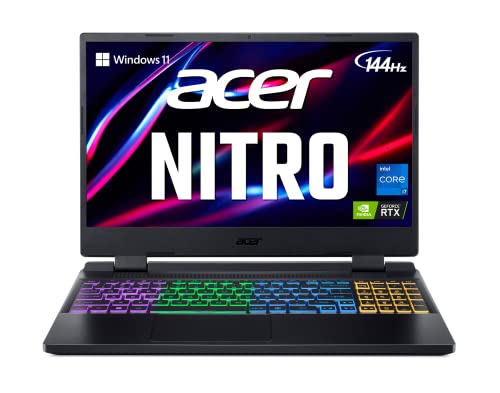
acer Nitro 5 AN515-58-725A Gaming Laptop | Intel Core i7-12700H | NVIDIA GeForce RTX 3060 Laptop GPU | 15.6" FHD 144Hz 3ms IPS Display | 16GB DDR4 | 512GB Gen 4 SSD | Killer Wi-Fi 6 | RGB Keyboard
Dominate the Game: With the 12th Gen Intel Core i7-12700H processor, your Nitro 5 is packed with incredible…
As an affiliate, we earn on qualifying purchases.
As an affiliate, we earn on qualifying purchases.
Why Decoding CPU Names Matters Before Buying a Laptop
Understanding CPU names is essential because they directly indicate the processor’s performance and capabilities. When you decode these names, you can better predict how your laptop will handle tasks, affecting battery life and cooling systems. A more powerful CPU often consumes more energy, which can drain your battery faster and require robust cooling systems to prevent overheating. Conversely, a CPU with a lower performance level might extend battery life but may struggle with demanding applications. Knowing what the CPU name signifies helps you choose a laptop that balances performance with longevity and thermal management. This understanding also allows you to identify processor performance tiers and understand how they relate to overall system efficiency. Being aware of decoding CPU names ensures you select a device that matches your specific needs without overpaying for unnecessary power. Recognizing the importance of thermal management is crucial for maintaining optimal performance over time.

acer Nitro V 16S AI Gaming Laptop | AMD Ryzen 7 260 Processor | NVIDIA GeForce RTX 5060 Laptop GPU (572 AI Tops) | 16" WUXGA IPS 180Hz Display | 32GB DDR5 | 1TB Gen 4 SSD | Wi-Fi 6 | ANV16S-41-R2AJ
AI-Powered Performance: The AMD Ryzen 7 260 CPU powers the Nitro V 16S, offering up to 38 AI…
As an affiliate, we earn on qualifying purchases.
As an affiliate, we earn on qualifying purchases.
What Do Laptop CPU Names Really Mean?
Laptop CPU names encode a lot of information in a compact form, revealing details about the processor’s generation, performance level, and features. When you see a name like Intel Core i7-12700H, the numbers indicate its generation and performance tier. The suffix, such as ‘H’ or ‘U,’ shows its intended use—high performance or low power. This influences your battery life, as CPUs designed for efficiency typically consume less power and extend battery life. Understanding CPU naming conventions helps you make more informed decisions about your device’s capabilities. Thermal management is also affected; higher-performance chips generate more heat, requiring better cooling solutions. Understanding these naming conventions helps you choose a CPU that balances performance with battery life and thermal considerations, ensuring your laptop meets your specific needs without surprises.
ultrabook with low power CPU U suffix
As an affiliate, we earn on qualifying purchases.
As an affiliate, we earn on qualifying purchases.
How to Read and Understand Intel CPU Naming Conventions
Intel’s CPU naming system packs a lot of information into a relatively short name, making it easier for you to identify a processor’s capabilities at a glance. The first part, like “Core i5” or “Core i7,” indicates performance level. The numbers that follow, such as “1135G7,” reveal generation, with higher numbers generally meaning newer tech. The letter at the end, like “U” or “H,” shows thermal performance and battery life priorities; “U” focuses on power efficiency and longer battery life, while “H” offers higher performance with better thermal output. Understanding these elements helps you choose a CPU that balances battery life and thermal performance for your needs, whether you want a lightweight laptop or a high-performance machine.
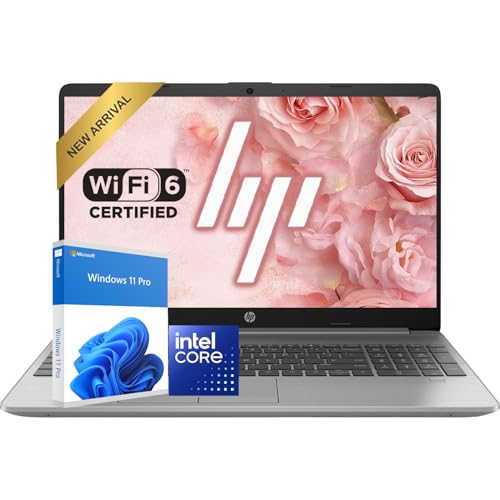
HP New 15.6" FHD Business Laptop Computer | Intel High-Performance CPU | 32GB RAM | 1TB SSD | Anti-Glare Display | Wi-Fi 6 & Bluetooth 5 | Up to 9 Hours Battery for Work & School | Windows 11 Pro
Bright 15.6'' FHD Display with Wide View: The 15.6'' Full HD display offers bright, sharp visuals with slim…
As an affiliate, we earn on qualifying purchases.
As an affiliate, we earn on qualifying purchases.
Deciphering AMD Ryzen Naming and Branding

AMD Ryzen processors use a naming system that reveals a lot about their performance and positioning, making it easier for you to compare different models. The series number (like 5, 7, or 9) indicates the overall performance tier, with higher numbers offering better gaming benchmarks and processing power. The suffixes—such as “U,” “H,” or “X”—highlight specific features, like power efficiency or high performance for gaming and intensive tasks. The architecture code (e.g., Ryzen 5000 or 7000) helps you identify the generation, which impacts thermal management and efficiency. The naming system also often includes performance benchmarks that can guide your decisions based on real-world use. Keep in mind that higher-tier models usually generate more heat, so thermal management is essential for maintaining performance during gaming or heavy workloads. This naming system helps you quickly gauge a CPU’s capabilities and suitability. Additionally, understanding the differences between models can enhance your self-awareness of what best fits your needs, especially when considering requirements traceability to ensure compatibility with your system components. Knowing how branding and series designations are structured can also help you avoid confusion when selecting a processor.
Recognizing Mobile vs. Desktop CPUs in Specs
You can spot mobile and desktop CPUs in specs by looking at power efficiency and performance ratings. Mobile chips prioritize lower power consumption, often resulting in less raw power compared to desktop counterparts. Understanding these differences helps you choose the right CPU for your needs. Recognizing comparative advantage in resource allocation can also aid in understanding how different CPUs optimize for efficiency versus performance. Additionally, being aware of the architectural needs of various applications can guide you toward selecting a CPU that best aligns with your usage requirements. Being familiar with hardware specifications can further clarify how specific features impact overall system performance and suitability, especially when considering resource allocation strategies that optimize either efficiency or power. Recognizing core count and clock speed can also provide insights into a CPU’s capacity to handle multitasking and demanding tasks effectively.
Power Efficiency Differences
Mobile CPUs are designed to prioritize power efficiency, which means they consume less energy and generate less heat compared to their desktop counterparts. This focus enhances battery longevity and simplifies thermal management, making your device last longer between charges and stay cooler during use. Recognizing these differences in specs helps you choose a CPU suited for portability and extended use. Features indicating power efficiency include lower TDP (thermal design power) ratings, optimized power states, and energy-efficient cores. Additionally, thermal management features are crucial for maintaining performance without overheating during prolonged use. Understanding power consumption can help you select a CPU that balances performance and energy savings for your needs. Being aware of power efficiency can also guide you in making more environmentally friendly technology choices. For instance, energy-efficient architectures often incorporate advanced manufacturing processes that further reduce overall power use.
Performance Variations
While power efficiency shapes the design of mobile CPUs, performance capabilities often differ considerably from their desktop counterparts. Mobile CPUs prioritize battery life and thermal management, which typically means lower clock speeds and fewer cores compared to desktop CPUs. This results in less raw power but better energy efficiency, allowing your laptop to run longer between charges. Desktop CPUs, however, are built for sustained performance, with superior thermal management systems that enable higher clock speeds and more cores without overheating. When comparing specs, pay attention to these differences: a mobile CPU might seem comparable but could underperform in demanding tasks, while a desktop CPU offers the power needed for intensive workloads. Recognizing these distinctions helps you choose the right CPU for your needs.
What Do Series and Generations Tell You About a CPU?

Have you ever wondered what the series and generation numbers in a CPU name actually mean? These numbers reveal a lot about the processor’s capabilities and improvements over time. The series often indicates the target user, like mainstream or high-performance gaming, affecting gaming performance. The generation shows how recent the architecture is, impacting efficiency and battery life optimization. Additionally, understanding the design and features of natural pools can give insights into how modern backyard designs incorporate eco-friendly and sustainable practices.
- Newer generations typically deliver better power efficiency and thermal management, which is essential for performance longevity.
- Series numbers can suggest the level of performance, from entry-level to premium.
- Higher series often mean more cores and better multitasking.
- The architecture of a CPU plays a significant role in its overall performance and efficiency.
- The manufacturing process used in the CPU’s fabrication also influences its performance and heat output, making it an important factor to consider.
- The generation influences gaming performance improvements.
- Both numbers help you gauge if a CPU suits your needs for battery life or gaming.
Understanding these helps you pick a CPU that matches your priorities.
How to Interpret Model Numbers and Prefixes in CPU Names
When you see a CPU model number, understanding its structure helps you compare performance and features. Prefixes often indicate the series or target market, while the remaining numbers reveal the generation and specific model. Recognizing these patterns lets you quickly assess a processor’s capabilities and place within the lineup.
Decoding Model Number Structure
Understanding how to decode CPU model numbers can seem intimidating at first, but it’s actually quite straightforward once you recognize the patterns. Model numbers often include specifics about performance, power, and features. Here’s what to look for:
- Series or generation indicators: Show the CPU’s overall performance level.
- Numbering systems: Higher numbers usually mean better performance or newer tech.
- Suffixes: Indicate features like integrated graphics or power efficiency.
- Prefixes: Sometimes reveal the target market, such as ultra-portable or gaming laptops.
- Cooling and battery considerations: Lower-powered models may prioritize battery life and cooling systems, affecting overall performance and longevity.
Decoding these can help you choose a CPU matching your needs, especially for optimized battery life and cooling.
Meaning of Prefixes
Model number prefixes in CPU names often reveal the intended use or target market for the processor. They can indicate whether the CPU is designed for high performance, power efficiency, or basic tasks. For example, prefixes like “U” typically denote low-power chips optimized for thermal design and longer battery life, often used in ultrabooks. “H” prefixes usually indicate high-performance CPUs with higher thermal design power (TDP), suitable for gaming or demanding applications. These prefixes also reflect CPU manufacturing priorities, balancing performance with thermal and power constraints. Recognizing these prefixes helps you understand a processor’s purpose. Whether it’s a lightweight, energy-efficient model or a powerhouse, the prefix guides your expectations about thermal management and overall performance, making it easier to pick the right CPU for your needs.
Recognizing Series and Generations
Recognizing series and generations in CPU names is essential because they indicate the processor’s age and technological advancements. The series often reveals the target use, like gaming or ultraportables, while the generation shows how current the tech is. Newer generations typically offer better battery life and improved cooling solutions, which impact performance and portability. To interpret model numbers and prefixes:
- Look for the first number after the brand, indicating the generation (e.g., 12th gen).
- Check the series letter(s), like U or H, which suggest power and thermal design.
- Higher series numbers usually mean more features or capabilities.
- Understand that older generations might lack modern efficiencies in battery life.
- Recognize that newer series focus on better cooling solutions for sustained performance.
How to Compare CPUs Beyond Just Their Names
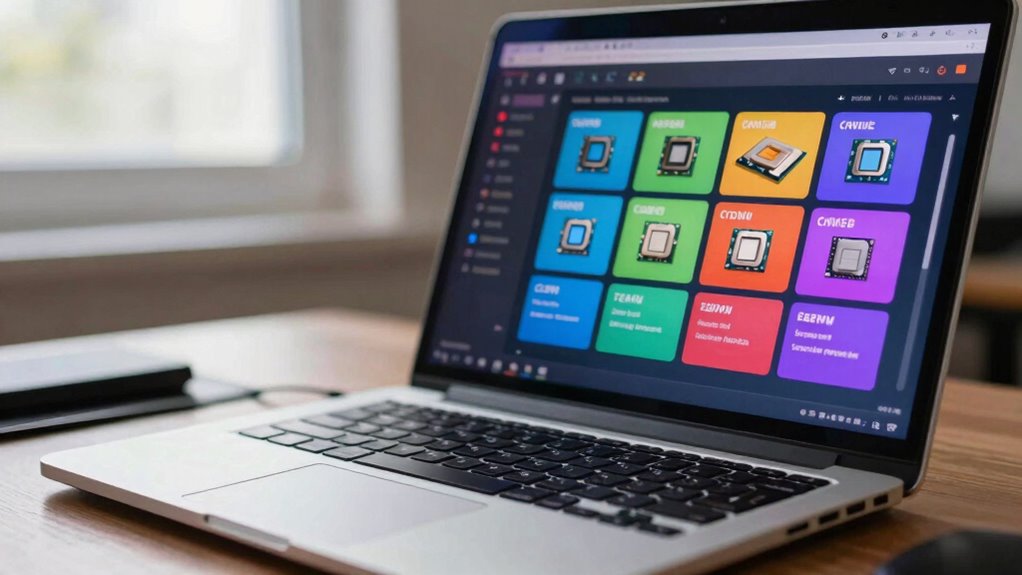
While CPU names can give you a rough idea of their generation and series, they don’t tell the full story about performance or capabilities. To compare CPUs effectively, look beyond branding and check actual benchmarks and reviews. Pay attention to thermal management, as a processor’s ability to stay cool impacts sustained performance and device longevity. Better thermal management means fewer throttling issues, which keeps your laptop running smoothly during intensive tasks. Also, consider battery longevity—some CPUs are optimized for power efficiency, providing longer usage per charge. Comparing these factors gives you a clearer picture of real-world performance, helping you choose a CPU that balances speed, thermal efficiency, and battery life for your specific needs, rather than relying solely on the processor’s name.
Common Mistakes When Reading CPU Branding and How to Avoid Them
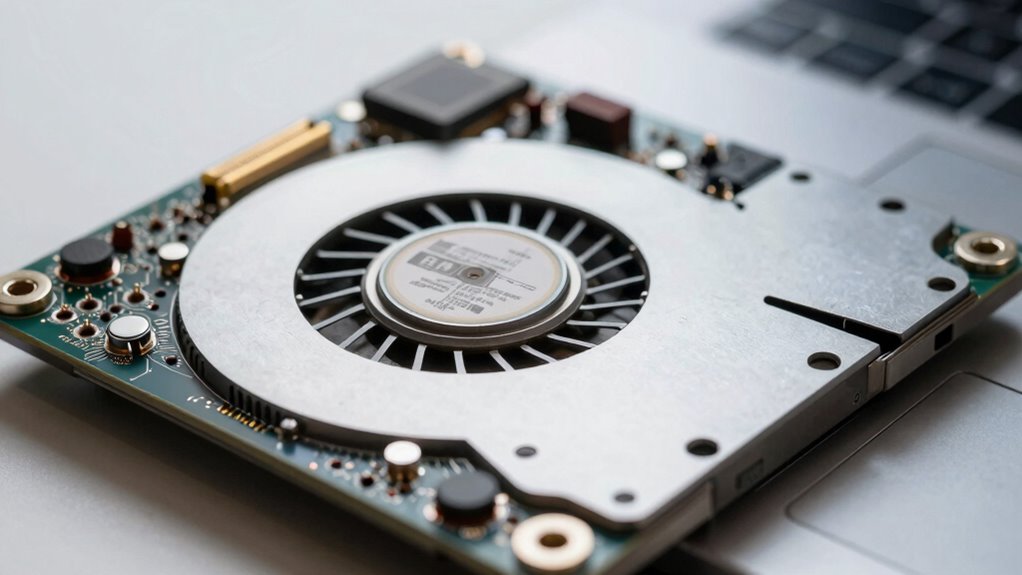
Many people assume that the names of CPUs tell the whole story about their performance and capabilities, but that’s often not the case. Brand naming tricks can mislead you into thinking a higher number always means better performance. Be wary of overclocking myths, which suggest that *unlocked* CPUs automatically deliver top speeds—this isn’t always true without proper cooling and setup.
To avoid mistakes:
- Don’t rely solely on the CPU model number; check benchmarks and reviews.
- Understand that brand suffixes (like “H” or “U”) indicate different power profiles, not performance levels.
- Recognize that higher clock speeds don’t guarantee better efficiency.
- Be cautious of overhyped overclocking claims.
- Remember that brand naming tricks often hide the true specs behind marketing terms, so always dig deeper.
Tips for Choosing the Right Laptop CPU for Your Needs

To choose the right laptop CPU, start by understanding what you’ll mainly use your device for. Comparing processor generations helps you find improvements in speed and efficiency. This way, you can select a CPU that matches your specific needs without overspending.
Understand Your Usage Needs
Choosing the right laptop CPU starts with understanding how you’ll use your device daily. Your usage determines the balance between performance, battery life, and graphics needs. If you mainly browse the web, check emails, or use basic apps, a lower-tier processor will suffice. For creative work or gaming, prioritize CPUs with better graphics performance. If portability matters, opt for chips that conserve battery life. Consider these factors:
- Web browsing and office tasks (lower power CPU)
- Creative work and gaming (strong graphics performance)
- Long battery life for travel or remote work
- Heavy multitasking or video editing
- Occasional or intensive use
Knowing your priorities helps you choose a CPU that aligns with your needs, ensuring your laptop performs well without unnecessary costs or compromises.
Compare Processor Generations
Understanding the differences between processor generations helps you make an informed choice when selecting a laptop CPU. Newer generations often improve battery life and thermal management, meaning your device runs longer and stays cooler under load. For example, Intel’s 12th Gen chips focus on efficiency, while AMD’s Ryzen 7000 series emphasizes power enhancement. Consider how these updates affect your needs. If you prioritize portability, a recent generation with better thermal management will extend battery life and reduce overheating. Here’s a quick comparison:
| Generation | Focus | Key Benefit |
|---|---|---|
| Older | Basic performance | Lower cost |
| Mid-range | Improved efficiency | Better battery life |
| Latest | Advanced thermal tech | Longer battery & cooler |
Choose a recent generation aligned with your usage for maximum performance.
Frequently Asked Questions
How Often Do CPU Names Change With New Laptop Models?
You’ll notice CPU names typically change with new laptop models, often aligning with brand naming and model updates. Manufacturers usually update their CPU series annually or biannually to improve performance and efficiency. When a new laptop model releases, its CPU name might reflect the latest generation, helping you identify the tech’s age. Remaining aware of these updates guarantees you select a device with the most current, powerful CPU for your needs.
Are Higher Model Numbers Always Better for Laptop CPUS?
Higher model numbers don’t always mean better performance for laptop CPUs. They might offer increased overclocking potential or improved thermal efficiency, but that’s not guaranteed. You should consider specific features, benchmarks, and how well the CPU fits your needs. A lower-numbered CPU with good thermal efficiency could outperform a higher one in real-world use, especially if overclocking potential isn’t a priority for your tasks.
What Are the Signs of Misleading CPU Branding in Laptops?
You can spot misleading CPU branding by checking the brand reputation and marketing tactics. If a laptop claims a “premium” or “gaming” CPU but offers low performance, it’s likely using hype. Look beyond the branding; compare actual specs like cores, clock speed, and benchmarks. Be wary of overly aggressive marketing that emphasizes branding over real performance. Trust established brands and verified reviews to avoid falling for misleading CPU labels.
Do Gaming Laptops Have Different CPU Naming Conventions?
They say “the proof’s in the pudding,” and gaming laptops often use different CPU naming conventions to highlight gaming performance. You’ll see Intel’s H-series and AMD’s HX-series chips, which emphasize higher clock speeds and better thermal management for gaming. These labels help you identify CPUs designed for intensive tasks, ensuring smoother gameplay and improved thermal control. Pay attention to these naming cues to pick a laptop that truly meets your gaming needs.
How Can I Verify a Cpu’s Actual Performance Beyond Its Name?
You can verify a CPU’s actual performance by checking benchmark results from trusted sources like PassMark or Cinebench. These tests reveal real-world scores, showing overclocking potential and thermal performance under load. Additionally, review user reviews and reviews that discuss thermal throttling or stability. This way, you get a true sense of how the CPU performs in everyday tasks and gaming, beyond just its name or specifications.
Conclusion
By understanding CPU names, you can decode performance, compare models confidently, and avoid costly mistakes. Recognize what the prefixes, numbers, and branding mean, and apply this knowledge to match your laptop to your needs. Whether you’re multitasking, gaming, or working, knowing how to read CPU specs helps you make smarter choices. Empower yourself to select the right processor, avoid confusion, and enjoy a laptop that truly fits your lifestyle, now and in the future.