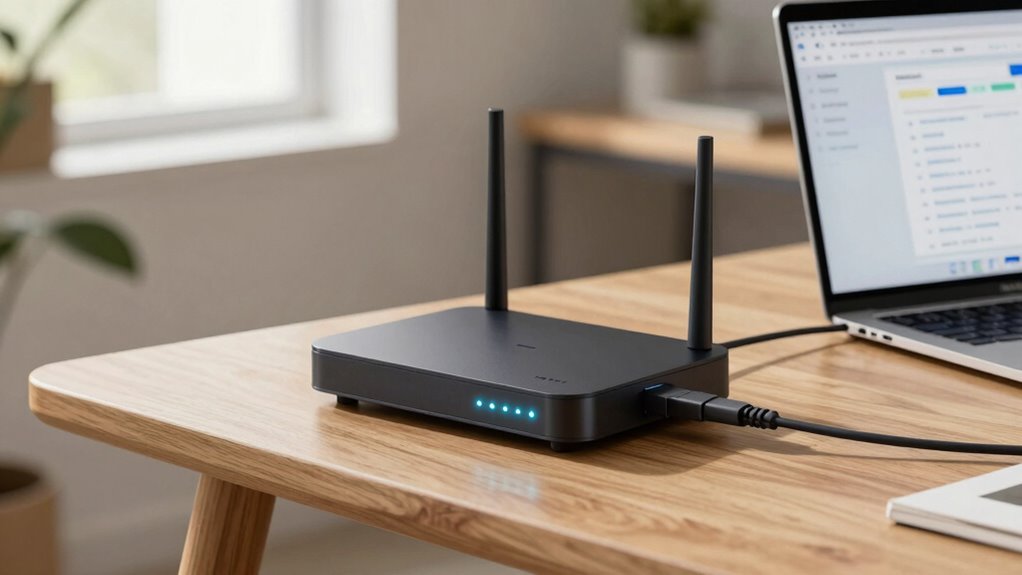
DHCP is a key feature in your router that automatically assigns IP addresses to your devices, making it easy for them to connect without manual configuration. When you connect a new device, DHCP finds an available address and assigns it quickly. This process prevents conflicts and keeps your network organized. Understanding how DHCP works can help you troubleshoot issues and optimize your network performance, so stay with us to learn more about its essential role.

Get the latest gadgets delivered free with Prime
- Fast, free delivery on millions of items
- Prime Video, Amazon Music and more included
- Member-only deals all year
Key Takeaways
- DHCP automatically assigns IP addresses and network settings to devices, simplifying network configuration.
- Routers act as DHCP servers, distributing IPs to ensure devices can communicate on the network.
- The DHCP process involves device discovery, offer, request, and acknowledgment steps.
- DHCP lease renewal maintains continuous IP address assignment without manual intervention.
- Proper DHCP setup prevents IP conflicts and enhances network security and reliability.
As an affiliate, we earn on qualifying purchases.
What Is DHCP and Why Is It Essential for Your Network?
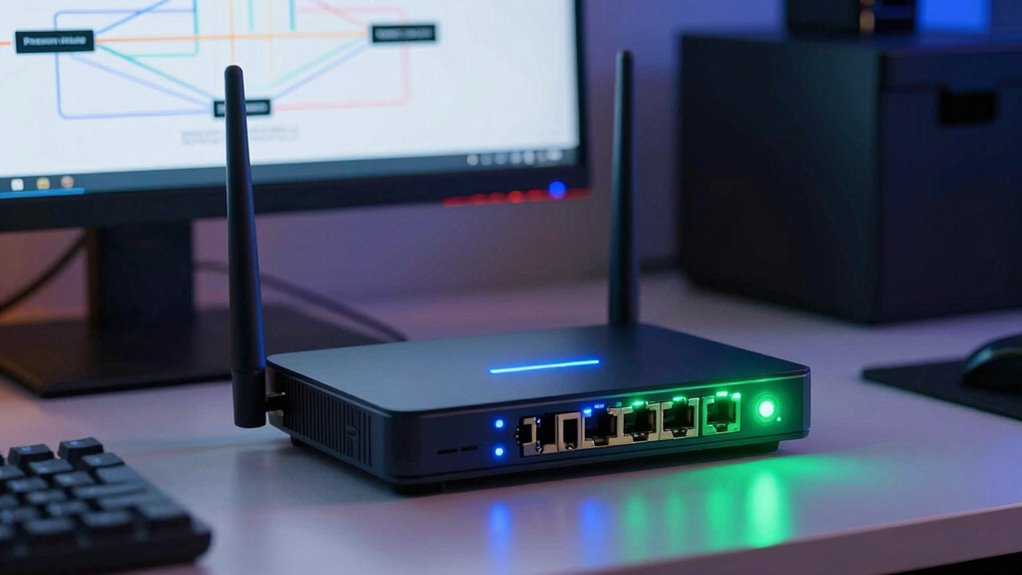
Dynamic Host Configuration Protocol (DHCP) is a network management tool that automatically assigns IP addresses and other essential network settings to devices. Without DHCP, you’d manually configure IPs, which can lead to conflicts and security vulnerabilities. DHCP simplifies IP management, ensuring each device gets a unique address quickly and efficiently. This process enhances network security by reducing the chances of IP conflicts or unauthorized devices connecting. It also streamlines network administration, allowing you to manage IPs centrally without constant manual updates. By automating address distribution, DHCP keeps your network organized, reliable, and secure. Additionally, understanding how network protocols operate allows you to better troubleshoot and optimize your network environment. Recognizing the role of IP address management helps in maintaining an efficient and secure network infrastructure. This makes it a crucial component for maintaining a healthy, well-managed network environment, especially as your device count grows.
As an affiliate, we earn on qualifying purchases.
How Does DHCP Assign IP Addresses to Devices?
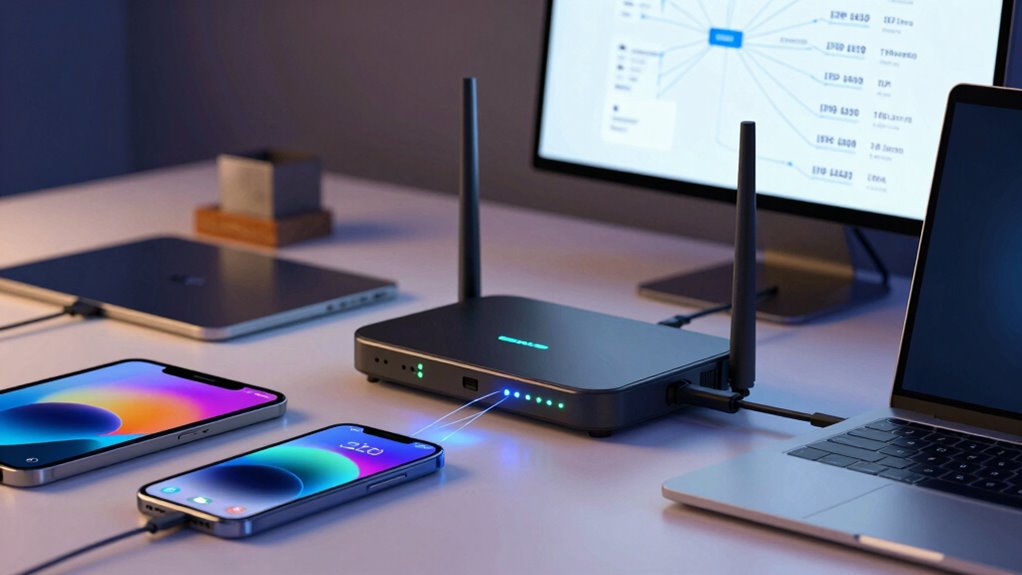
Have you ever wondered how your devices automatically get their IP addresses when connecting to a network? DHCP handles IP address allocation by assigning unique addresses from a pool managed by your router. Here’s how it works:
- Your device sends a DHCP discover request to find available addresses.
- The router responds with an offer, and your device requests an address.
- The router confirms the assignment, and your device begins using the IP address.
This process guarantees each device gets a unique IP address. When the DHCP lease nears expiration, your device requests a renewal to keep using the same address. If the renewal fails, the process repeats, guaranteeing continuous IP address allocation without manual input.
As an affiliate, we earn on qualifying purchases.
How DHCP Works: A Step-by-Step Explanation
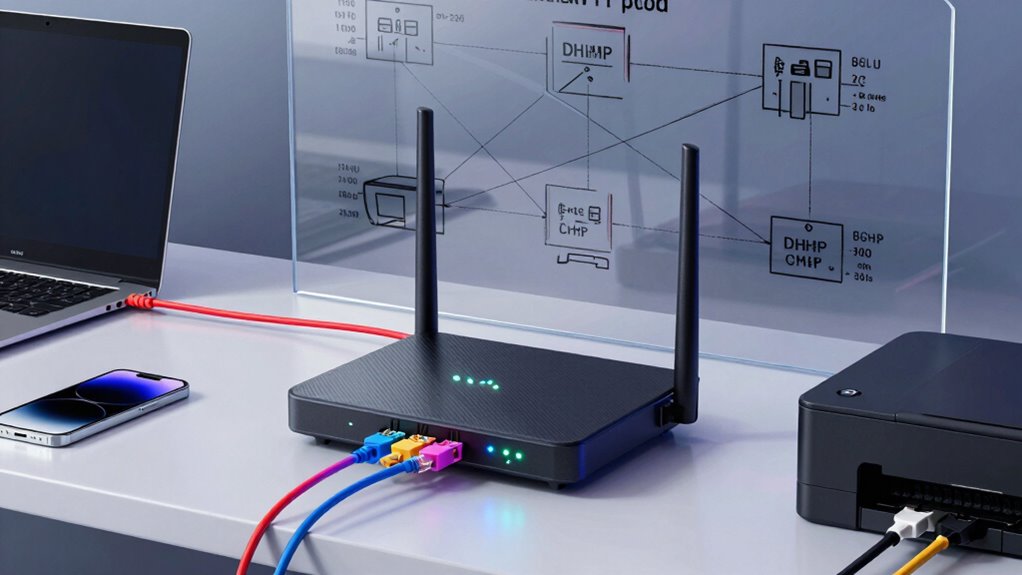
To understand how DHCP works step-by-step, it helps to see the process in action when a device connects to a network. First, your device sends a DHCP Discover message to find available DHCP servers. The server responds with a DHCP Offer, proposing an IP address allocation. Next, your device replies with a DHCP Request, accepting the offer. The server then confirms the assignment with a DHCP Acknowledgment, completing the IP address allocation. Throughout this process, security measures like DHCP snooping help protect against unauthorized devices. This guarantees the IP addresses are assigned securely, preventing potential attacks. Additionally, understanding the importance of high-quality network hardware can improve overall DHCP performance and reliability. Proper configuration of network security protocols is also crucial to maintaining a safe and efficient network environment. Recognizing the role of network management practices can further optimize DHCP functions and reduce network issues. It’s also beneficial to stay informed about emerging network threats to proactively defend your network infrastructure. By following these steps, DHCP efficiently manages IP address distribution, keeping your network organized and secure without manual intervention.
As an affiliate, we earn on qualifying purchases.
Troubleshooting Common DHCP Problems
When DHCP isn’t functioning properly, devices may struggle to obtain or renew IP addresses, leading to network connectivity issues. To troubleshoot, start by checking if your DHCP server is active and correctly configured. Common problems include IP conflicts, failed lease renewals, or incorrect IP reservation settings.
A properly functioning flywheel can also influence engine responsiveness, similar to how a stable DHCP setup ensures consistent IP address allocation. Here are some steps to resolve these issues:
- Verify that the DHCP scope is correctly set and not exhausted.
- Ensure lease renewal requests are reaching the DHCP server.
- Review IP reservation settings to prevent conflicts and ensure devices get the correct IPs.
- Network stability plays a crucial role in maintaining reliable DHCP operations, so addressing any underlying connectivity issues can prevent lease renewal failures. Additionally, understanding how IP address management impacts network reliability can help in diagnosing persistent problems.
Addressing lease renewal issues helps devices maintain stable connections. Confirm that the DHCP server is responsive and that your devices are configured to renew leases automatically. Proper network configuration is essential to prevent these issues from recurring.
Why DHCP Is Key to Reliable Network Connectivity
DHCP plays a crucial role in guaranteeing your network remains reliable by automatically assigning and managing IP addresses for devices. This automation prevents conflicts and ensures each device connects seamlessly, reducing downtime. When devices join the network, DHCP ensures they’re compatible by providing correct network settings, improving device compatibility. Additionally, DHCP enhances network security by limiting IP address allocations and preventing unauthorized access. It simplifies network management, especially as your network grows or changes, maintaining a stable connection for all devices. Without DHCP, you’d face manual IP configuration, which can lead to misconfigurations, conflicts, and connectivity issues. Overall, DHCP is indispensable for a dependable, secure, and smoothly functioning network, making sure your devices stay connected without interruptions.
Frequently Asked Questions
Can DHCP Assign Static IP Addresses?
Yes, DHCP can assign static IP addresses, but it’s done through reservations rather than typical dynamic allocation. You specify a device’s MAC address and assign it a fixed IP address within your network configuration. This way, DHCP guarantees that the device always gets the same IP address while still managing IP address allocation efficiently. It simplifies network management and prevents IP conflicts, making your network more organized and reliable.
How Secure Is DHCP From Potential Attacks?
While DHCP offers convenience, it’s not immune to subtle threats. You might encounter risks from rogue DHCP servers or insufficient network segmentation, which can allow attackers to redirect your traffic or intercept data. To enhance security, implement strict network segmentation and monitor for unauthorized servers. Regularly updating your network’s defenses guarantees DHCP remains a helpful tool rather than a vulnerability, keeping your data safer amid evolving threats.
What Is DHCP Lease Time and How Does It Work?
You might wonder what DHCP lease time is; it’s the duration your device can use an IP address assigned through dynamic allocation. When the lease approaches expiration, your device attempts lease renewal to keep the same address. This process helps manage IP addresses efficiently, ensuring they’re available for other devices when needed. Lease time balances network stability and address availability, making your network more organized and responsive.
Can DHCP Be Configured for IPV6?
Sure, DHCP can be configured for IPv6, and it’s not just a fancy upgrade. You’ll use IPv6 auto configuration and DHCPv6 options to assign addresses seamlessly, as if your network’s got its own brain. It’s like giving your devices a GPS to find their way, avoiding manual setup chaos. With DHCPv6, you simplify management, guarantee proper address allocation, and keep your network running smoothly—all without pulling your hair out.
How Does DHCP Handle Address Conflicts?
DHCP handles address conflicts through conflict resolution processes. When a device requests an IP address, DHCP checks for an address collision by ensuring no other device uses it. If a conflict arises, DHCP releases the address and assigns a different one, preventing network issues. This proactive mechanism helps maintain smooth network operation and avoids connectivity problems caused by duplicate addresses.
Conclusion
Don’t let DHCP troubleshooting scare you—it’s simpler than you think and essential for keeping your network running smoothly. While it might seem complex at first, understanding how DHCP assigns and manages IP addresses helps you troubleshoot faster and prevent connectivity issues. So, next time your devices struggle to connect, remember that DHCP is working behind the scenes, ensuring everything stays connected. Embrace its role, and you’ll keep your network reliable and hassle-free.
Fall Picks
fall essentials
As an affiliate, we earn on qualifying purchases.