
HDMI 2.1 is the latest standard that boosts your home theater with higher resolutions, faster refresh rates, and better audio. It supports features like VRR, which smooths gameplay by syncing the display and GPU, ALLM, which auto-switches your TV to game mode for less lag, and eARC, ensuring high-quality sound from your devices. To get the most out of these features, you’ll want compatible devices, certified cables, and proper setup. Keep going to discover everything you need to know.

Get the latest gadgets delivered free with Prime
- Fast, free delivery on millions of items
- Prime Video, Amazon Music and more included
- Member-only deals all year
Key Takeaways
- HDMI 2.1 introduces advanced features like VRR, ALLM, and eARC for improved gaming, seamless video, and high-quality audio.
- VRR synchronizes the display’s refresh rate with the GPU to reduce screen tearing and stuttering during gameplay.
- ALLM automatically switches your TV to gaming mode, minimizing input lag without manual adjustments.
- eARC supports lossless, high-bitrate audio formats like Dolby Atmos and DTS:X for immersive sound experiences.
- Proper setup, including certified cables and firmware updates, is essential for optimal performance of these HDMI 2.1 features.
As an affiliate, we earn on qualifying purchases.
What Is HDMI 2.1 and Why It Matters for Your Home Theater
HDMI 2.1 is the latest version of the high-definition multimedia interface, offering significant upgrades over previous standards. It enhances your home theater experience with improved cable durability, ensuring your connections last longer and withstand daily use. This version also boosts color accuracy, delivering richer, more vibrant images that make movies and games more immersive. With HDMI 2.1, you get a more reliable connection, reducing worries about signal degradation or broken cables. It’s designed to handle higher bandwidths, meaning your devices can transfer more data quickly and efficiently. As a result, your setup becomes more resilient and capable of delivering stunning visuals with precise, true-to-life colors. Upgrading to HDMI 2.1 makes your home theater more durable and visually impressive. Enhanced image quality plays a vital role in creating immersive viewing experiences, especially with high-resolution projectors and screens. Additionally, HDMI 2.1’s improved bandwidth capacity ensures future-proofing as media and gaming content continue to evolve, supporting features like Free Floating landscapes and dynamic visual effects. Incorporating advanced data transfer technologies helps maximize the potential of your home entertainment system, especially with high-bandwidth connections that support the latest media standards.
As an affiliate, we earn on qualifying purchases.
How HDMI 2.1 Improves Video Resolution and Refresh Rates
With HDMI 2.1, you’ll notice sharper images thanks to higher video resolutions like 8K and even 10K. You also get faster refresh rates, making motion smoother and reducing lag during gaming or fast-paced scenes. These improvements lead to clearer visuals and a more immersive viewing experience.
Higher Video Resolutions
Have you ever wondered how newer HDMI standards deliver sharper and more detailed images? HDMI 2.1 supports higher video resolutions, like 8K at 60Hz and 4K at 120Hz, guaranteeing crisp visuals. To get the best quality, proper color calibration is essential, allowing you to see colors more accurately and vividly. Additionally, the enhanced cable durability of HDMI 2.1 cables ensures reliable transmission even at these higher resolutions and longer distances. This means you can enjoy immersive, high-resolution content without worrying about signal loss or degraded image quality. As a result, your viewing experience becomes more lifelike and vibrant, making HDMI 2.1 a significant upgrade for future-proof entertainment setups.
Faster Refresh Rates
Building on the stunning visuals supported by higher resolutions, HDMI 2.1 also markedly boosts refresh rates, making fast-paced scenes look smoother and more fluid. With support for up to 120Hz at 4K, you’ll notice less motion blur and more accurate detail during quick movements. This improvement enhances your overall viewing experience, especially for gaming and sports. To fully leverage these faster refresh rates, proper color calibration is essential, ensuring vivid and true-to-life images. Keep in mind that not all HDMI adapters support HDMI 2.1’s higher refresh rates, so check compatibility before connecting older equipment. Upgrading your setup with HDMI 2.1 cables and compatible devices allows you to enjoy sharper visuals and seamless motion, elevating your entertainment to a new level. Additionally, understanding video resolution and refresh rates can help you optimize your setup for the best experience.
Enhanced Visual Clarity
HDMI 2.1 considerably enhances visual clarity by supporting higher video resolutions and faster refresh rates simultaneously. This upgrade allows you to experience sharper, more detailed images, especially at 4K and 8K resolutions. Improved color accuracy means colors appear more vibrant and true-to-life, elevating your viewing experience. Additionally, light enhancement features optimize brightness and contrast, making dark scenes darker and bright scenes more vivid without losing detail. These improvements reduce motion blur and pixelation, giving you smoother visuals during fast-paced action. Whether you’re gaming, watching movies, or viewing content with HDR, HDMI 2.1 guarantees you get clearer, more precise visuals with richer colors and better light management, transforming your entertainment setup into a truly immersive experience.
As an affiliate, we earn on qualifying purchases.
What Is Variable Refresh Rate (VRR) and How It Enhances Gaming
Variable Refresh Rate (VRR) makes your gameplay smoother by syncing the display’s refresh rate with your graphics card’s frame rate. This reduces screen tearing and minimizes input lag, giving you a more responsive experience. With VRR, your gaming sessions feel more fluid and immersive.
Smoother Gameplay Experience
When you’re gaming, smooth gameplay is essential for an immersive experience, and that’s where Variable Refresh Rate (VRR) comes in. VRR dynamically adjusts your display’s refresh rate to match your graphics card’s frame output, reducing stuttering and input lag. This creates a seamless, fluid visual experience, making fast-paced action feel more natural. As a bonus, VRR can improve color calibration consistency, ensuring visuals stay sharp and vibrant during intense gameplay. It also helps with audio synchronization, preventing lip-sync issues caused by frame drops or stutters. The result is a more cohesive experience, where visuals and sound work in harmony, delivering smoother gameplay that keeps you fully engaged without distractions or interruptions. Additionally, display technology improvements driven by standards like HDMI 2.1 further enhance overall picture quality and responsiveness. Innovations like advanced HDR support contribute to richer, more lifelike visuals, elevating the gaming experience even further. Incorporating adaptive refresh rate technology ensures your gaming setup stays future-proof as display standards continue to evolve. Moreover, understanding the benefits of HDMI 2.1 can help you optimize your gaming and entertainment setup for the best possible experience. Using high-quality cables can also maximize the performance and stability of your connection, ensuring you get the full benefits of these advanced features.
Reduced Screen Tearing
Have you ever noticed the distracting horizontal lines or tearing during fast-paced gameplay? That’s screen tearing, which happens when your display’s refresh rate isn’t synchronized with your graphics card’s frame rate. This can lead to screen flickering and disrupt your gaming experience. HDMI 2.1 introduces Variable Refresh Rate (VRR), which dynamically adjusts the display’s refresh rate to match the frame rate output by your GPU. This synchronization reduces screen flickering and minimizes screen tearing, providing smoother visuals. Plus, VRR helps maintain color accuracy, so your game visuals stay vibrant and true to life. By eliminating tearing and flickering, VRR guarantees you stay immersed in the action without distractions, giving you a much more polished and enjoyable gaming experience.
Lower Input Latency
Ever wondered how some gamers react instantly to in-game actions without any delay? That’s thanks to lower input latency, which HDMI 2.1’s Variable Refresh Rate (VRR) helps achieve. VRR reduces lag by syncing your display’s refresh rate with your GPU’s frame rate, preventing delays that cause input lag. Better synchronization also improves color calibration and black levels, making visuals more accurate and immersive. This technology also helps reduce input lag, ensuring your gameplay feels more responsive. Additionally, dynamic refresh rate adapts in real-time to your gaming performance, minimizing screen tearing and stuttering. This means you see quick responses and smoother gameplay without sacrificing picture quality. When your display adapts in real-time to your gaming performance, you experience less motion blur and fewer distractions. Ultimately, VRR enhances your gaming experience by delivering faster, more precise visuals, so your reactions stay sharp and your gameplay fluid, giving you a true competitive edge.
As an affiliate, we earn on qualifying purchases.
How Auto Low Latency Mode (ALLM) Optimizes Your Gaming Experience
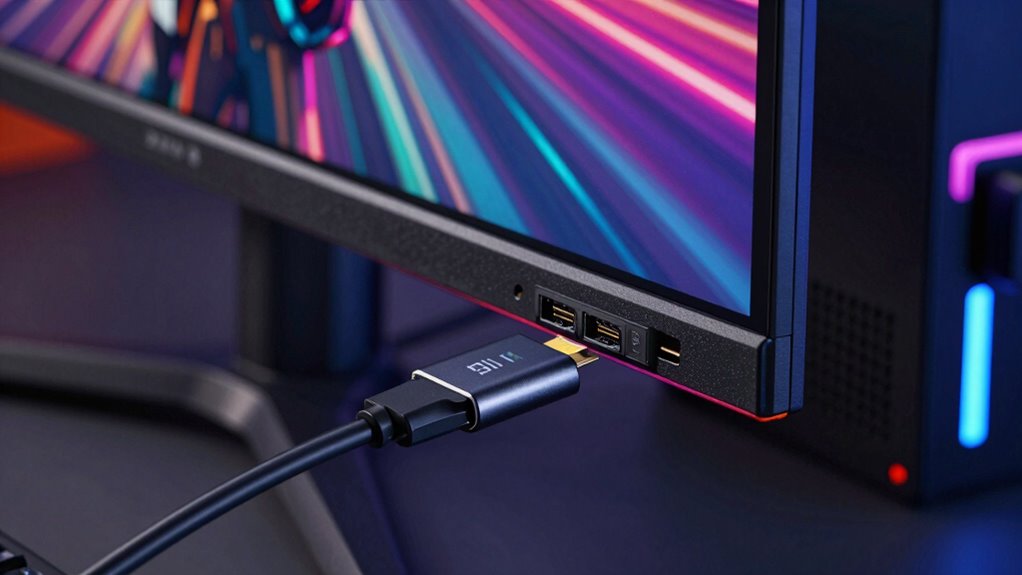
Are you looking to improve your gaming performance without fiddling with settings? Auto Low Latency Mode (ALLM) automatically switches your TV to the best mode for gaming, enhancing gaming optimization. This feature detects when you’re playing and activates auto low latency, reducing input lag and providing smoother gameplay. With ALLM, you don’t need to manually change settings every time you start a game, guaranteeing seamless shifts. Incorporating gaming-specific features like ALLM can also help prevent issues such as screen tearing and stuttering for an even better experience. Additionally, HDMI 2.1 supports these advanced features, ensuring your setup is optimized for modern gaming. Proper connection setup is crucial to fully utilize these capabilities and maximize your gaming enjoyment, especially when considering cabling solutions that ensure reliable signal transmission.
How eARC Improves Your Home Audio and Compatibility
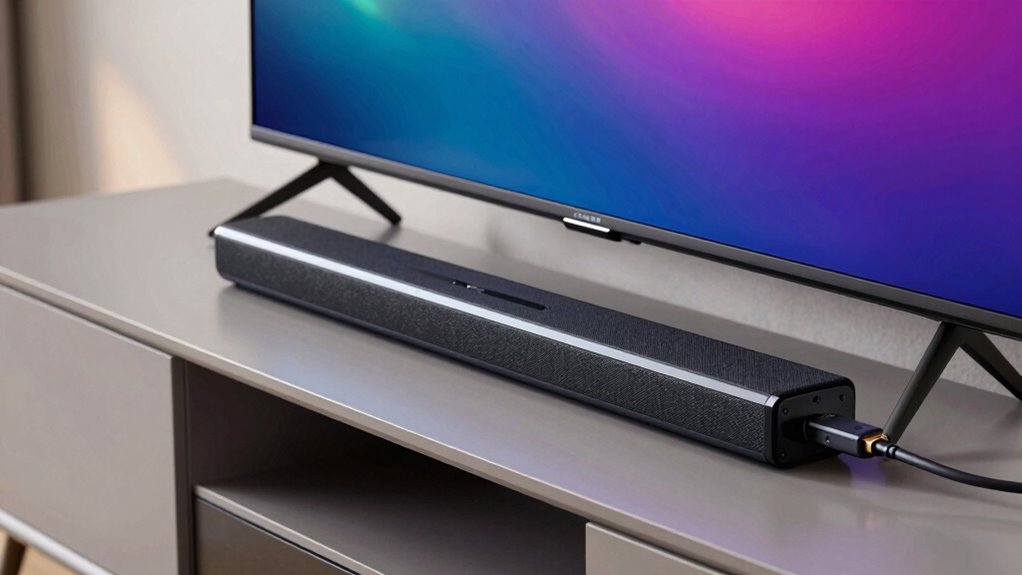
Building on how HDMI 2.1’s features like ALLM enhance your gaming experience, the enhanced audio capabilities of eARC (Enhanced Audio Return Channel) take your home entertainment to the next level. eARC supports higher bandwidth, allowing you to enjoy lossless audio formats like Dolby Atmos and DTS:X, delivering richer sound quality. Its compatibility with wireless connectivity makes it easier to connect soundbars and audio systems without cluttering cables. Additionally, eARC facilitates smart home integration, enabling seamless control of your audio devices through voice assistants or centralized systems. This means your entire home theater setup becomes more streamlined and responsive. Furthermore, audio format support ensures compatibility with the latest high-quality sound standards, providing a more immersive experience. As bandwidth and compatibility improve, smart home integration becomes even more seamless and intuitive, allowing for more flexible and coordinated control of your entertainment devices. When combined with other HDMI 2.1 features, eARC can significantly enhance your overall home entertainment setup. With eARC, you get clearer, more immersive audio while maintaining effortless connectivity and smarter integration with your smart home ecosystem.
HDMI 2.1 Vs HDMI 2.0: What’s New and Should You Upgrade?

What exactly sets HDMI 2.1 apart from its predecessor, HDMI 2.0? The main upgrades include increased bandwidth for higher resolutions and frame rates, improved color calibration, and better bandwidth management. These enhancements support 4K at 120Hz and 8K at 60Hz, delivering smoother visuals. Additionally, HDMI 2.1 introduces features like Dynamic HDR, eARC, and VRR, improving both audio and gaming experiences.
Here’s a quick comparison:
- Increased bandwidth (48Gbps vs. 18Gbps)
- Support for higher resolutions and refresh rates
- Enhanced color calibration options
- Advanced bandwidth management for consistent quality
If you want future-proofing with richer visuals and better audio, upgrading makes sense.
Does Your Device Support HDMI 2.1? How to Check Compatibility
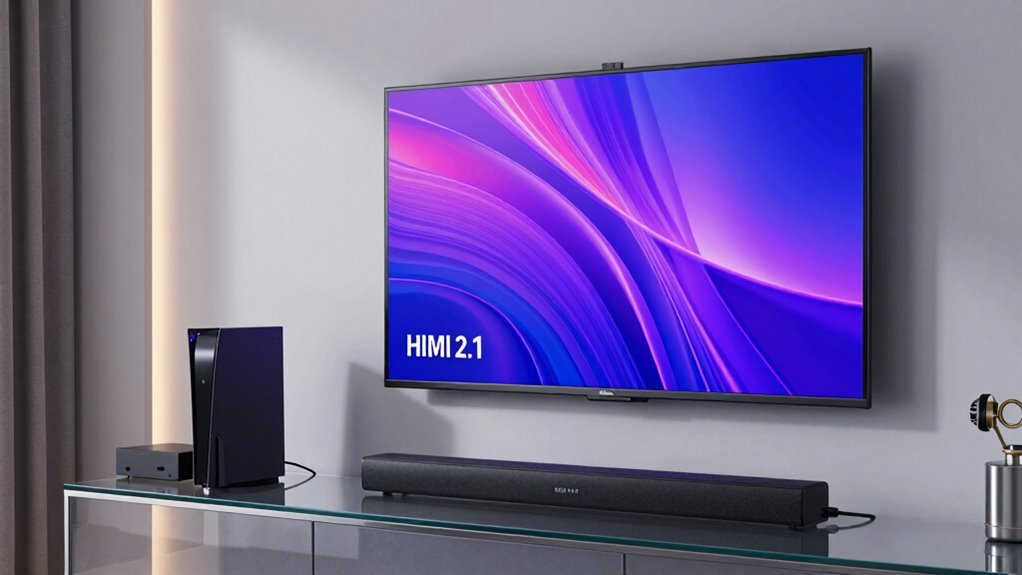
To determine if your device supports HDMI 2.1, start by checking its specifications online or in the user manual. Next, inspect the HDMI port on your device; HDMI 2.1 ports are often labeled or look similar to previous versions. Keep your device’s firmware updated regularly, as manufacturers sometimes add support through updates.
Check Device Specifications
Knowing whether your device supports HDMI 2.1 is essential before making an upgrade or connecting new equipment. To determine compatibility, start by checking the device specifications. Look for HDMI 2.1 support listed in the user manual or product details.
You can also perform a quick port inspection:
- Check the HDMI port for labels or markings indicating version support
- Review device settings for HDMI options related to HDMI 2.1 features
- Visit the manufacturer’s website for detailed specs
- Confirm whether your device supports advanced features like VRR or eARC
Device compatibility depends on both the hardware and firmware. Ensuring your device explicitly states HDMI 2.1 support helps prevent future issues and guarantees access to the latest features.
Inspect HDMI Ports
Inspecting your HDMI ports is a straightforward way to determine if your device supports HDMI 2.1. First, look for port labeling; many devices label HDMI ports as “HDMI 2.1” or include a logo indicating compatibility. If the labeling isn’t clear, check the physical quality of the port—durable, well-constructed ports often indicate better support for high-bandwidth features like HDMI 2.1. Also, examine the cable durability if you’re using a cable that connects to these ports; high-quality, sturdy cables are better suited for the increased data transfer rates HDMI 2.1 offers. Ultimately, clear port labeling and durable construction are key signs your device is HDMI 2.1 compatible, ensuring you get the most advanced features and best performance.
Update Firmware Often
Regularly updating your device’s firmware is vital for guaranteeing compatibility with HDMI 2.1 features. Firmware updates often include improvements like refined color calibration, better cable handling, and enhanced overall performance. To check if your device supports HDMI 2.1, look for manufacturer updates or visit the product’s support page. Keeping firmware current can also improve cable durability by fixing known issues.
- Verify updates regularly for new features and bug fixes
- Ensure your device’s firmware is up-to-date for peak color calibration
- Use manufacturer-approved firmware to avoid compatibility issues
- Update firmware to enhance cable durability and prevent connection problems
Setting Up HDMI 2.1 Cables and Devices for Best Performance

To get the most out of your HDMI 2.1 setup, start by connecting your compatible devices with high-quality cables designed for the latest standard. Look for cables with strong cable durability to withstand regular use without degradation, ensuring consistent performance. Use cables that support the full bandwidth of HDMI 2.1 to maximize features like VRR and eARC. Properly connect your devices and set the correct input settings on your TV or monitor. Pay attention to color accuracy, as a good HDMI cable preserves vibrant, true-to-life visuals. Avoid cheap or damaged cables, which can cause signal issues or degrade picture quality. When everything is properly connected, your setup will deliver smooth gameplay, excellent visuals, and prime audio experience.
Troubleshooting HDMI 2.1: Common Issues and Fixes
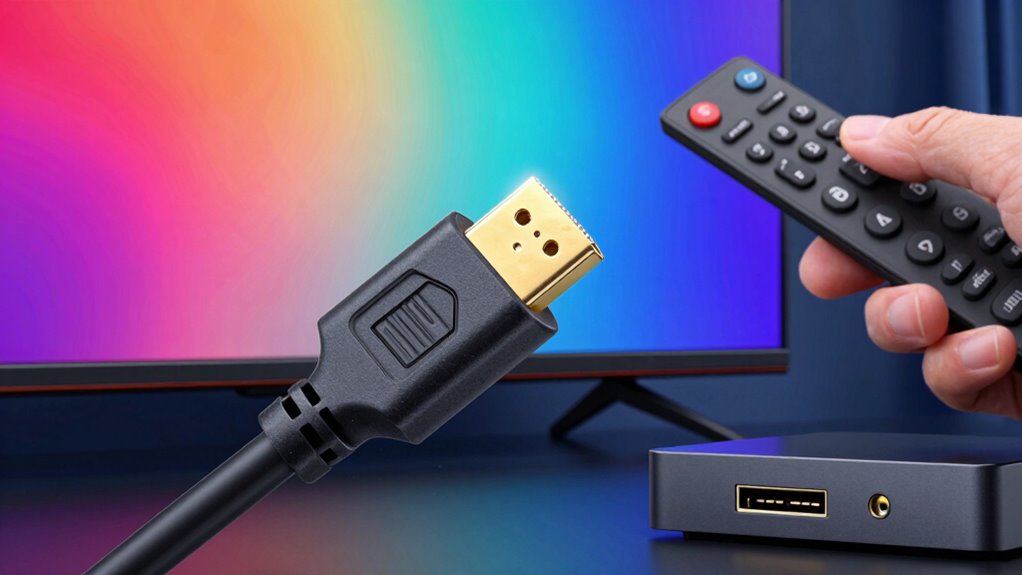
Even with a proper HDMI 2.1 setup, issues can still arise that affect your picture quality or audio performance. Common problems include signal drops, flickering, or audio disruptions. These often stem from cable durability concerns or compatibility issues between devices. To troubleshoot, start by checking your HDMI cable’s condition—damaged or low-quality cables can cause instability. Ensure your devices support HDMI 2.1 features and are updated with the latest firmware. Verify that all connections are secure and properly seated. Sometimes, switching to a certified HDMI 2.1 cable resolves compatibility issues. Additionally, testing with different ports or devices to isolate the problem can help identify the root cause. Being aware of HDMI standards can further assist in diagnosing and preventing future connectivity problems, and understanding your home entertainment setup can guide you in choosing the right devices and cables for optimal performance. Properly assessing the cable quality and ensuring compatibility with your equipment can significantly improve your overall experience.
Why Upgrading to HDMI 2.1 Future-Proofs Your Entertainment System

Upgrading to HDMI 2.1 guarantees your entertainment system stays ahead of technological advancements, providing support for higher resolutions, faster refresh rates, and advanced features like dynamic HDR and eARC. Its creative design allows seamless integration with modern devices, guaranteeing compatibility and improved performance. HDMI 2.1 also emphasizes energy efficiency, helping you reduce power consumption without sacrificing quality. Future-proofing your setup means you’ll enjoy immersive gaming, crisp 4K or 8K visuals, and enhanced audio experiences for years to come. The enhanced bandwidth and advanced features ensure your system adapts to upcoming innovations, saving you from frequent upgrades. Overall, HDMI 2.1 combines innovative design and energy efficiency, making your entertainment system more versatile, sustainable, and ready for future demands.
Frequently Asked Questions
Can HDMI 2.1 Cables Be Backward Compatible With Older HDMI Devices?
Yes, HDMI 2.1 cables are generally backwards compatible with older HDMI devices, but there are compatibility concerns to take into account. You might face adapter limitations or reduced features, like missing advanced functions such as VRR or eARC. To guarantee proper performance, check if your older devices support HDMI 2.1 features or if you need adapters designed specifically for backward compatibility. Sometimes, using older HDMI cables is better for older equipment.
What Are the Minimum Requirements for HDMI 2.1 Support on Gaming Consoles?
Think of HDMI 2.1 support on gaming consoles as the modern Swiss Army knife—minimal requirements include adhering to HDMI licensing and Compatibility standards set by the HDMI Forum. Your console needs an HDMI 2.1 port and firmware updates that enable features like VRR, ALLM, and eARC. Without these, you won’t enjoy the full benefits. Just like upgrading your vintage computer, meeting these standards guarantees ideal performance and future-proofing.
How Does HDMI 2.1 Impact Streaming Services Like Netflix or Hulu?
HDMI 2.1 improves your streaming experience by supporting higher resolutions and faster refresh rates, ensuring better streaming quality. It enhances content compatibility with 4K and 8K content, so you get sharper images. Plus, features like eARC improve audio quality, making dialogue clearer. Overall, HDMI 2.1 helps your streaming services deliver richer visuals and sound, elevating your viewing experience without any hiccups.
Are There Any Specific HDMI 2.1 Features Needed for Dolby Atmos or DTS:X?
You don’t need specific HDMI 2.1 features for Dolby Atmos or DTS:X, but having HDMI 2.1 guarantees your setup meets their bandwidth requirements for high-quality audio. These codecs demand higher bandwidth, especially for immersive sound, and HDMI 2.1’s increased bandwidth capacity supports this. So, to get the best experience, make certain your HDMI 2.1 cable and device can handle the necessary bandwidth and support the required audio codecs.
Will Upgrading to HDMI 2.1 Improve Sound Quality on Existing Audio Systems?
Upgrading to HDMI 2.1 can be like giving your home theater a shot of adrenaline, but it doesn’t automatically boost your current audio quality. If your system isn’t compatible with the new features like eARC, you might not notice much difference. Think of it as upgrading the wiring; your sound depends on both the cable and the system, so compatibility is key for real improvements in audio quality.
Conclusion
By upgrading to HDMI 2.1, you’re opening the door to a vibrant world where every pixel and sound wave sync seamlessly, transforming your home theater into a cinematic haven. Picture crisp, lifelike images dancing across your screen, complemented by immersive audio that surrounds you. This upgrade isn’t just about keeping up; it’s about elevating your entertainment experience, ensuring your system remains ready for the future’s stunning resolutions and dynamic gaming adventures.
Halloween Picks
halloween
As an affiliate, we earn on qualifying purchases.