
Mesh backhaul links your Wi-Fi nodes to improve speed and reliability. Wired backhaul uses Ethernet cables, offering consistent speeds, less interference, and better security. Wireless backhaul is flexible and easier to set up but can be affected by walls, interference, and congestion. Your choice depends on your environment and needs. Understanding these options helps you optimize your network’s performance—keep exploring to find out which setup works best for you.
Key Takeaways
- Wired backhaul provides dedicated, high-capacity connections, ensuring faster and more reliable mesh network speeds.
- Wireless backhaul offers flexibility and easier installation but can experience speed reductions due to interference.
- Wired setups are less susceptible to signal interference, maintaining consistent speeds across the network.
- Wireless backhaul performance depends on environmental factors like walls, devices, and congestion.
- Using dual-band or wired options enhances speed and reduces congestion in mesh networks.

TP-Link Deco X55 AX3000 WiFi 6 Mesh System – Covers up to 6500 Sq.Ft, Replaces Wireless Router and Extender, 3 Gigabit Ports per Unit, Supports Ethernet Backhaul, Deco X55(3-Pack)
Wi-Fi 6 Mesh Wi-Fi – Next-gen Wi-Fi 6 AX3000 whole home mesh system to eliminate weak Wi-Fi for…
As an affiliate, we earn on qualifying purchases.
As an affiliate, we earn on qualifying purchases.
Understanding Mesh Backhaul and Why It Matters for Wi-Fi
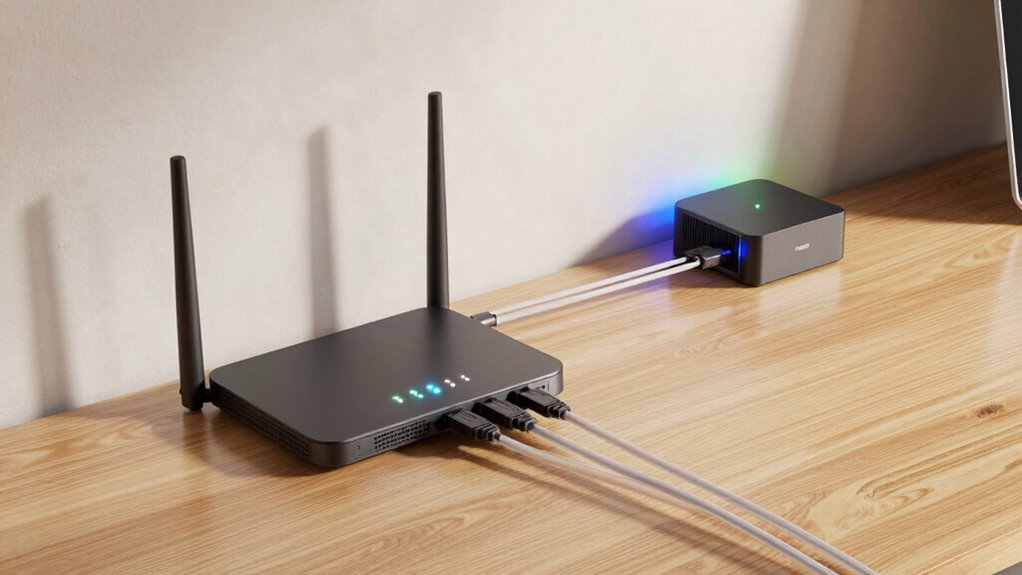
Understanding mesh backhaul is essential because it directly impacts your Wi-Fi network’s performance and reliability. When you grasp how mesh backhaul works, you can better optimize your bandwidth and reduce signal interference. A strong backhaul guarantees data moves smoothly between mesh nodes, preventing bottlenecks that slow down your connection. Wireless backhaul, in particular, can be vulnerable to interference from other devices or thick walls, which can degrade signal quality. By understanding these factors, you can position your nodes more effectively and select the right setup to maintain high speeds. Properly managed mesh backhaul keeps your entire network running efficiently, giving you consistent, fast internet access throughout your home or office. Additionally, understanding digital concepts like backhaul can help you stay ahead in network architecture for future technology developments.
TP-Link Deco X55 AX3000 WiFi 6 Mesh System – Covers up to 6500 Sq.Ft, Replaces Wireless Router and Extender, 3 Gigabit Ports per Unit, Supports Ethernet Backhaul, Deco X55(3-Pack)
Wi-Fi 6 Mesh Wi-Fi – Next-gen Wi-Fi 6 AX3000 whole home mesh system to eliminate weak Wi-Fi for…
As an affiliate, we earn on qualifying purchases.
As an affiliate, we earn on qualifying purchases.
How Wired Mesh Backhaul Boosts Speed and Reliability
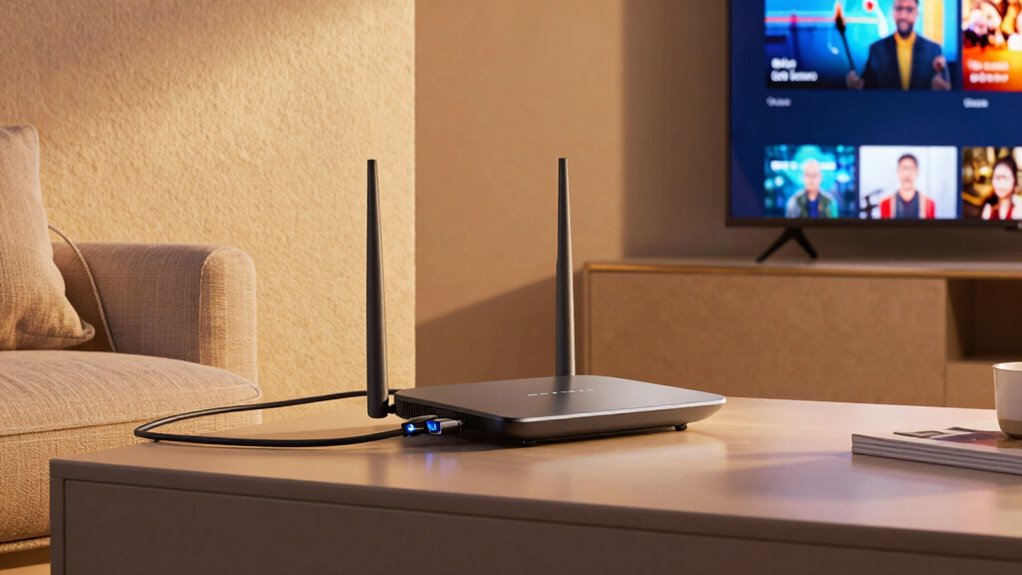
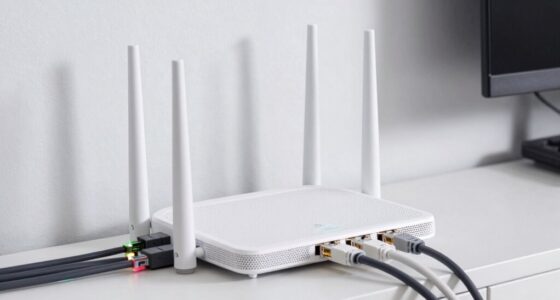
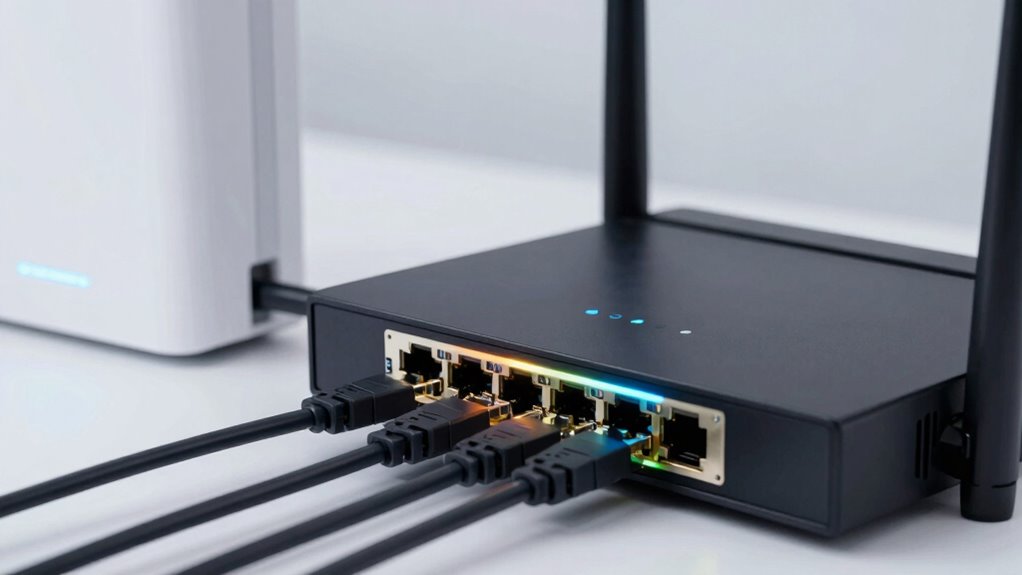
A wired mesh backhaul considerably enhances your network’s speed and reliability by providing a dedicated connection between mesh nodes. This setup ensures bandwidth optimization, as data doesn’t compete with other traffic on your main network, allowing for faster transfers. With a wired connection, signal stability improves greatly because it’s less susceptible to interference and congestion, resulting in more consistent performance. You’ll notice fewer drops and lag, especially when multiple devices are active simultaneously. This reliable backbone helps maintain high speeds across your entire network, even at greater distances or through obstacles. In short, a wired mesh backhaul maximizes your network’s efficiency by delivering stable, high-capacity links that keep everything running smoothly. Additionally, incorporating home automation devices can further optimize your network for smart safety features like leak detectors and indoor air monitoring. A high contrast ratio in your network setup can also contribute to clearer data transmission by reducing interference. Ensuring your network uses dedicated links can make a significant difference in overall performance and stability.

Cudy AX3000 Wi-Fi 6 2.5G Mesh System, Covers up to 2100 Sq.Ft, Replaces Wireless Router and Extender, Supports Ethernet Backhaul, Ideal for 2.5G Network, M3000 2-Pack
Wi-Fi 6 Mesh Wi-Fi: New-gen Wi-Fi 6 AX3000 whole home mesh system to eliminate weak Wi-Fi for better…
As an affiliate, we earn on qualifying purchases.
As an affiliate, we earn on qualifying purchases.
Should You Use Wireless Mesh Backhaul? Key Factors to Consider
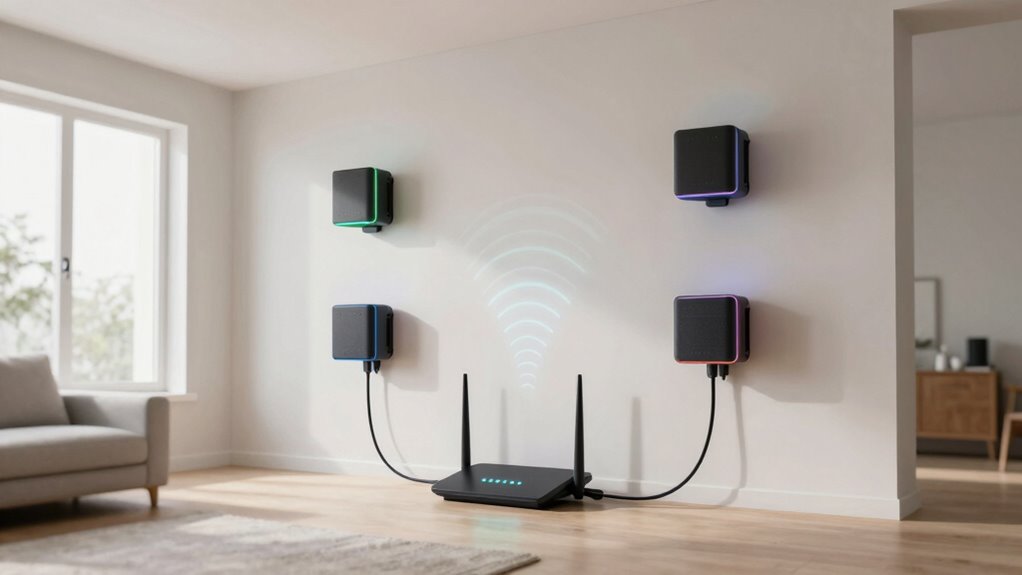
While wired mesh backhaul offers clear advantages in speed and stability, wireless mesh backhaul can be a practical choice depending on your situation. If running fiber optic cables isn’t feasible, wireless backhaul provides flexibility and easier setup. However, consider potential signal interference from other wireless devices or thick walls, which can weaken the connection. Your environment matters—if you have a high-density area with many competing signals, wireless backhaul might struggle to deliver consistent performance. On the other hand, if you’re close to a fiber optic source, you can use wireless as a backup or in less critical areas. Ultimately, weigh the convenience of wireless against possible disruptions caused by interference and the need for reliable, high-speed connections. Proper setup and placement can also significantly influence your network’s performance. Additionally, understanding the types of data storage and backup gear can help optimize your overall network infrastructure.

TP-Link AC1200 WiFi Extender, 2023 Engadget Best Budget Pick, 1.2Gbps Signal Booster for Home, Dual Band 5GHz/2.4GHz, Covers Up to 1500 Sq.ft and 30 Devices,Support Onemesh, One Ethernet Port (RE315)
𝐒𝐭𝐫𝐨𝐧𝐠𝐞𝐫 𝐖𝐢-𝐅𝐢 𝐢𝐧 𝐄𝐯𝐞𝐫𝐲 𝐂𝐨𝐫𝐧𝐞𝐫 – Enjoy extended coverage with strong performance powered by Adaptive Path Selection and…
As an affiliate, we earn on qualifying purchases.
As an affiliate, we earn on qualifying purchases.
Wired vs. Wireless Mesh Backhaul: Which Is Better for You?
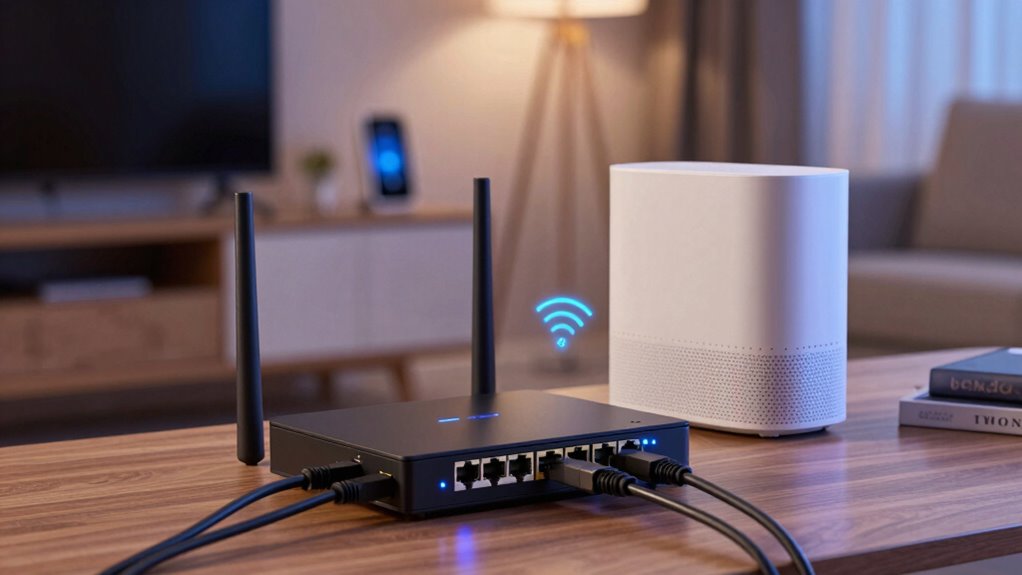
Deciding between wired and wireless mesh backhaul depends on your specific needs and environment. Wired backhaul offers better network security since it’s less vulnerable to interference or hacking, making it ideal for sensitive data. It also provides more consistent speeds and reliable connectivity, especially over long distances or in busy networks. However, the cost considerations are higher, as installing Ethernet cables or fiber connections can be expensive and labor-intensive. Wireless backhaul, on the other hand, is more flexible and easier to set up, often costing less upfront. While it may be more susceptible to interference and potential security risks, modern encryption methods help protect your data. Additionally, understanding the differences in network infrastructure and how it impacts connection stability can help you make a more informed decision. Considering installation complexity is also important when choosing between the two options. Moreover, evaluating your long-term scalability needs can influence which option is more advantageous for your setup. Incorporating future network expansion plans can also be a crucial factor in selecting the most suitable backhaul method.
Top Tips to Maximize Your Mesh Backhaul Performance

Choosing the right backhaul setup is just the first step; optimizing its performance guarantees you get the most out of your mesh network. To do this, focus on mesh customization—adjusting settings and placement to suit your environment. Position your nodes in open, central locations to minimize signal interference from walls or devices. Avoid placing nodes near cordless phones, microwaves, or Bluetooth gadgets, as these can disrupt your signal. Regularly update firmware to improve stability and performance. Use dual-band or wired backhaul when possible to reduce congestion and boost speeds. Monitor your network’s performance and tweak node placement or settings as needed. These simple steps ensure your mesh backhaul remains fast, reliable, and less prone to interference.
Frequently Asked Questions
How Does Mesh Backhaul Impact Overall Network Security?
Mesh backhaul impacts your network security by relying on encryption protocols to protect data between nodes, preventing unauthorized access. Wireless backhaul may introduce vulnerabilities if encryption isn’t robust, whereas wired backhaul offers a more secure connection. Regular firmware updates are essential, as they patch security flaws and enhance protection. By ensuring your mesh system uses strong encryption and keeps firmware current, you safeguard your network from potential threats.
Can Mesh Backhaul Support Multiple Devices Simultaneously Without Lag?
Yes, mesh backhaul can support multiple devices simultaneously without lag, especially when your devices are compatible with the system. The strong signal strength provided by a wired backhaul can enhance overall performance, reducing congestion and lag. Wireless backhaul might experience slight delays when many devices connect, but good signal strength and device compatibility guarantee smooth, lag-free operation across multiple devices. Proper setup and quality hardware make all the difference.
What Are the Maintenance Requirements for Wired Versus Wireless Mesh Backhaul?
You’ll find that wired mesh backhaul requires less maintenance since cables are durable and less prone to damage, but you should check for loose connections over time. Wireless backhaul needs occasional updates to handle signal interference and maintain peak performance. Both setups benefit from regular firmware updates and cleaning to prevent dust buildup, ensuring reliable network speeds. Overall, wired backhaul demands less ongoing effort, but wireless offers more flexibility with some extra care.
How Does Interference Affect Wireless Mesh Backhaul Performance?
Interference can totally sabotage your wireless mesh backhaul, making your internet crawl. When there’s frequency congestion or signal interference, your devices struggle to communicate smoothly, causing lag and dropped connections. Think of it like shouting in a noisy room—your signal gets lost or muddled. To keep speeds blazing, you need to minimize interference by choosing best-fitting channels, avoiding crowded frequencies, and placing nodes away from electronic clutter.
Are There Specific Environments Where One Type of Backhaul Outperforms the Other?
In industrial environments and outdoor deployments, wired backhaul generally outperforms wireless because it offers more reliability and less interference. You’ll find wired connections ideal when stability and speed are critical, especially in areas with heavy machinery or electrical interference. Wireless backhaul works well in less congested outdoor spaces, but in challenging environments like factories or sprawling outdoor sites, wired options guarantee consistent, high-speed connectivity.
Conclusion
Think of your mesh network as a well-orchestrated dance, where wired backhaul keeps the rhythm steady and smooth, while wireless offers a freer, more flexible flow. Choosing the right path is like selecting the perfect dance partner—each has its charm and purpose. By understanding how these options work, you’ll find your Wi-Fi moving gracefully, ensuring a seamless performance for all your online needs. Your connection’s harmony depends on making the right choice for your space.