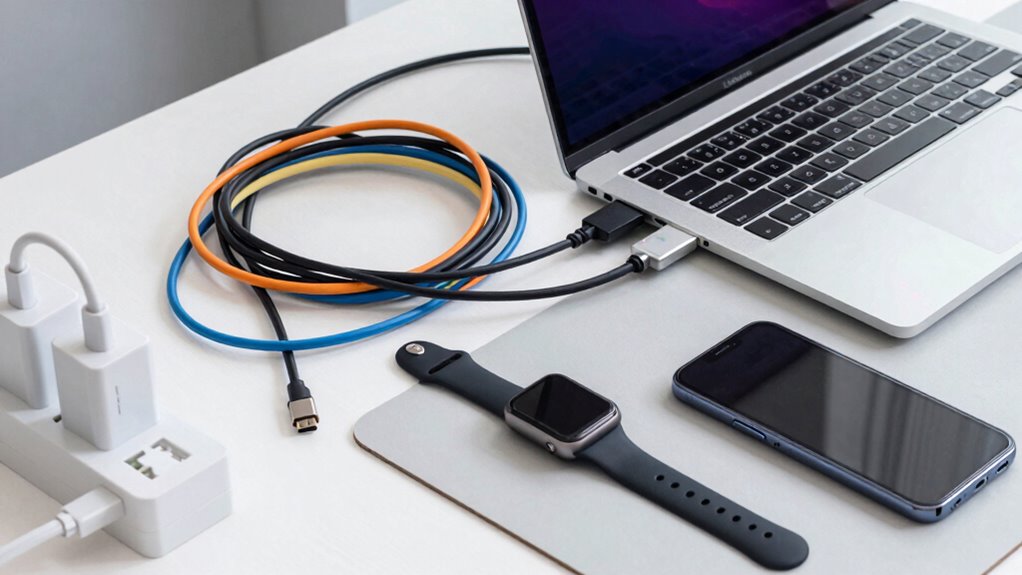

Figuring out USB-C charging can seem complicated, but understanding key terms and standards helps you pick the right gear. Check your device’s compatibility with USB Power Delivery (USB PD) for fast charging and see if it supports wireless charging or higher data speeds like USB 3.1 or Thunderbolt 3. Match the wattage and cables to your device’s needs for safety and efficiency. If you want to make smart choices, keep exploring the details — it’s easier than you think.

Get the latest gadgets delivered free with Prime
- Fast, free delivery on millions of items
- Prime Video, Amazon Music and more included
- Member-only deals all year
Key Takeaways
- Understand your device’s support for USB Power Delivery (USB PD) and compatible fast charging standards.
- Prioritize high-quality, certified cables and chargers to ensure safety and reliable performance.
- Match charger wattage and cable specifications with your device’s requirements for optimal charging speed.
- Check device compatibility with wireless charging and advanced USB standards like USB 3.1 or Thunderbolt 3.
- Consider future-proof features like high battery capacity and universal compatibility to avoid frequent upgrades.
As an affiliate, we earn on qualifying purchases.
What Is USB‑C Charging and Why Is It Important?
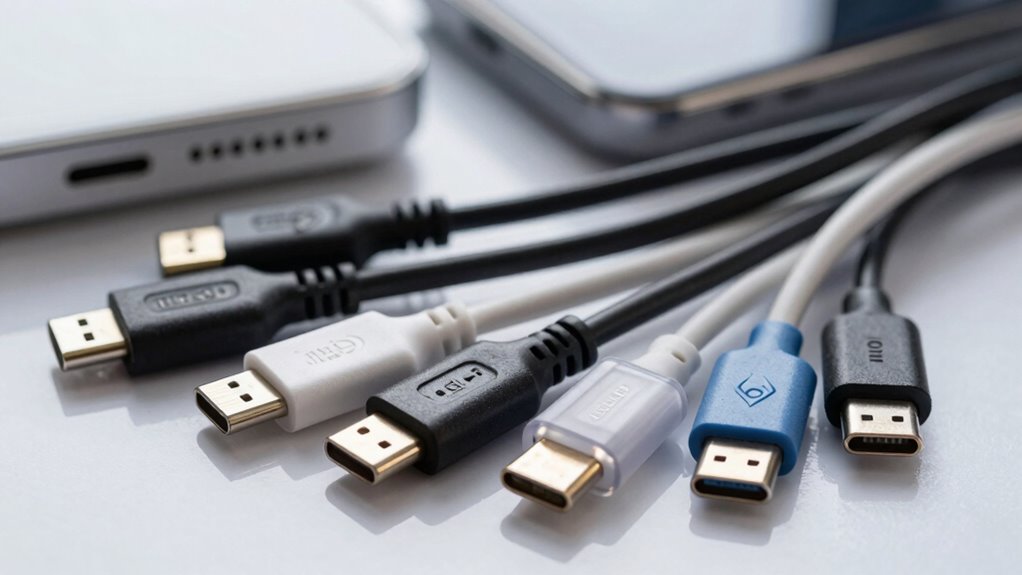
What exactly is USB‑C charging, and why does it matter? USB‑C is a versatile connector that supports faster charging and data transfer, transforming how you power devices. It’s crucial because it aligns with advancements in battery technology, allowing devices to charge more efficiently and quickly. USB‑C also opens the door to wireless charging compatibility, making cable clutter a thing of the past for many devices. Its universal design simplifies your tech accessories, reducing the need for multiple chargers. With improved power delivery, USB‑C ensures your devices recharge faster and more safely. This standard’s growing adoption means you can expect better performance, easier compatibility, and a future where wireless charging becomes the norm, streamlining your daily tech routine. Additionally, understanding charging standards can help you select the right cable or charger for your needs and avoid compatibility issues.
As an affiliate, we earn on qualifying purchases.
Different USB‑C Port Versions and What They Can Do
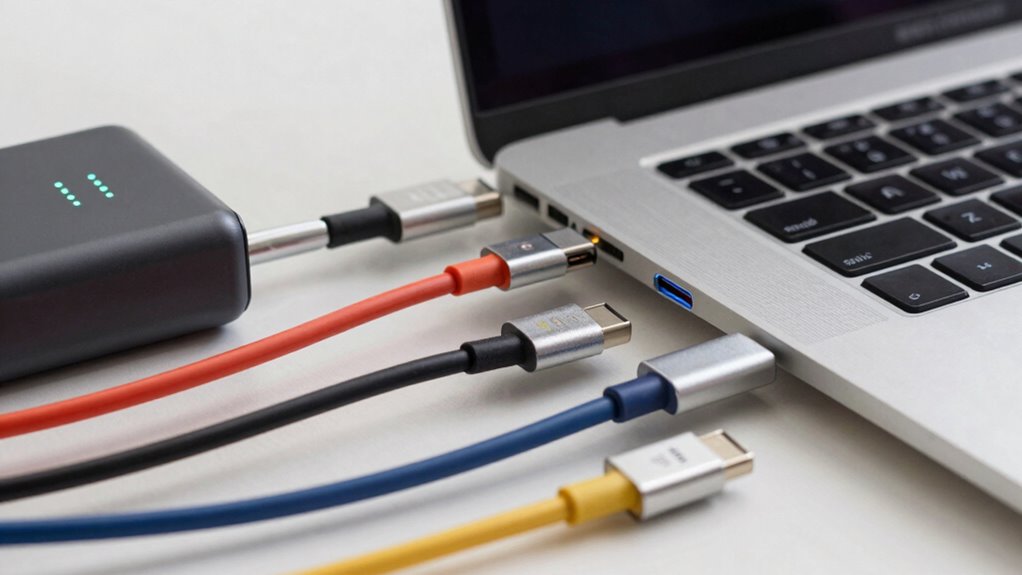
There are several USB‑C port versions, each offering different capabilities that can impact how you charge and transfer data. Some ports support faster data speeds, higher power delivery, or enhanced port compatibility. Knowing these differences helps you choose the right device and cable. Additionally, understanding digital concepts surrounding USB‑C can help you stay ahead in choosing the best tech for your needs, especially as technology standards continue to evolve.
As an affiliate, we earn on qualifying purchases.
How to Choose the Right USB‑C Power Output for Your Devices
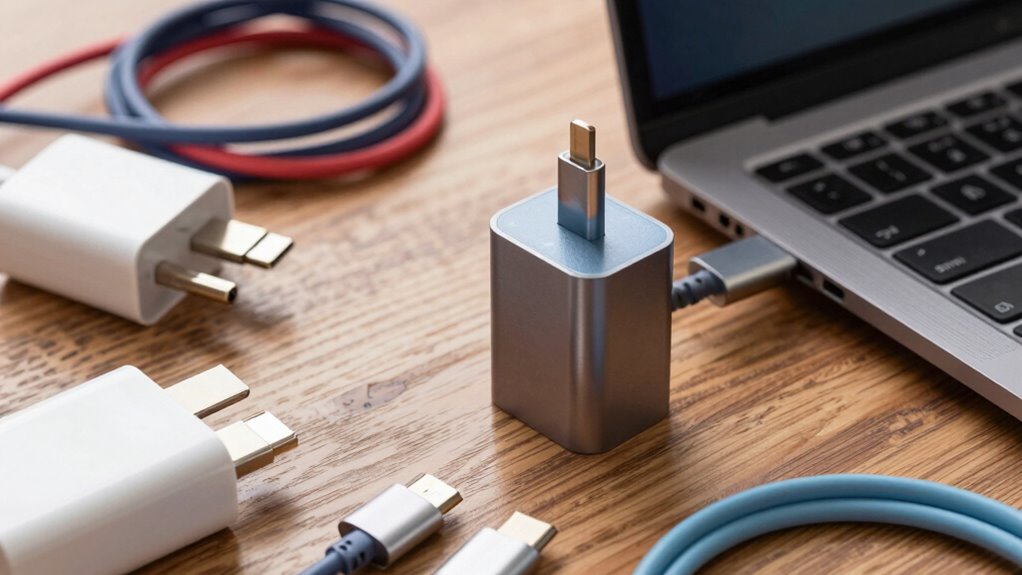
To choose the right USB‑C power output, you need to take into account your device’s power requirements first. Make sure your charger is compatible with your devices to ensure safe and efficient charging, and think about future-proofing your setup with a versatile charger that can handle evolving needs. This way, you’ll avoid under- or over-powering your gadgets while staying prepared for new devices. Considering the power management capabilities of your charger can also help optimize overall device performance and longevity. Additionally, understanding the essential DIY tools needed for troubleshooting or upgrading your charging setup can help you address potential issues safely and effectively.
Device Power Requirements
Understanding your device’s power requirements is essential to selecting the right USB‑C charger. If you pick too low, your device may charge slowly or not at all, affecting battery longevity. Too high, and you risk damaging the device or reducing its lifespan. To get it right, consider these points:
- Visualize your device’s power needs, like a small smartphone versus a high-end laptop.
- Think about how fast you need your device to charge—quick boosts or slow, steady power.
- Check if your accessories are compatible with higher wattages, preventing damage.
- Remember that higher power outputs can improve battery longevity by reducing charge cycles and wear.
Matching the right power assures safe, efficient charging while protecting your device’s longevity and accessories compatibility.
Compatibility With Chargers
Choosing the right USB‑C charger isn’t just about matching wattages; it’s about guaranteeing your device and accessories work safely together. Compatibility depends on your device’s battery capacity and charging technology. If you use wireless charging, make sure your charger supports it and delivers the right power level to avoid slow charging or overheating. For devices with larger battery capacities, opt for chargers with higher wattage to speed up charging times. Check if your device supports fast charging standards like Power Delivery (PD) or Quick Charge, and choose a charger that aligns with those protocols. Using incompatible chargers can lead to inefficient charging or potential damage. Always verify your device’s specifications and the charger’s output to ensure safe, reliable power delivery. Additionally, understanding indoor plant care and the importance of proper lighting and humidity can help extend the lifespan of your devices by preventing overheating caused by environmental factors. Being aware of safety precautions for electronic devices can also help you avoid hazards such as short circuits or electrical fires. Proper backyard transformation essentials—like ensuring your outdoor setup is safe and well-ventilated—can further protect your electronics from environmental damage.
Future-Proofing Your Setup
Planning for the future means selecting a USB‑C power output that can keep up as your device needs evolve. Think ahead about your growing tech collection and future accessories. Consider:
- A charger with higher wattage to support fast charging and power-hungry devices.
- Compatibility with wireless charging pads, ensuring your setup is versatile.
- Support for multiple ports, like USB hubs, so you can connect multiple peripherals simultaneously.
- Adequate power delivery to keep your newer devices, like tablets and laptops, fully charged without hassle.
Choosing the right output now guarantees your setup remains effective as your needs grow. It saves you from constant upgrades and keeps your workspace streamlined and future-ready.
As an affiliate, we earn on qualifying purchases.
Which USB‑C Cables and Chargers Do You Really Need?
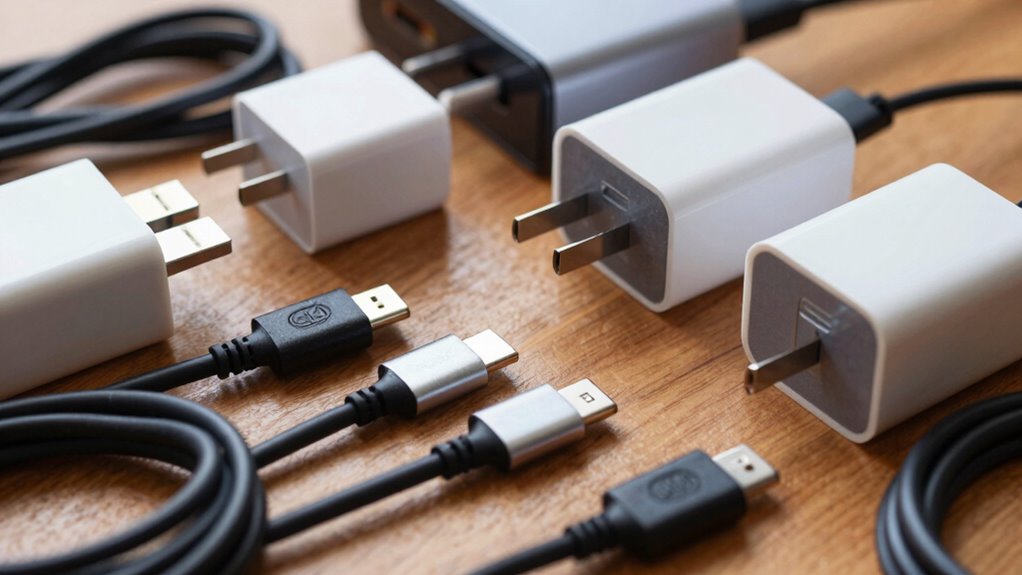
With so many USB-C cables and chargers on the market, it’s easy to get overwhelmed trying to figure out what you actually need. Focus on cable durability and brand reputation to make smart choices. Look for sturdy cables with reinforced connectors and good reviews. For chargers, pick those from reputable brands known for safety and reliability. Consider your device’s power needs: a basic charger for everyday use or a higher wattage one for fast charging. Make sure the cables and chargers are compatible with your devices to avoid issues. Here’s a quick comparison:
| Needs | Recommendations |
|---|---|
| Durability | Reinforced cables, well-reviewed brands |
| Brand reputation | Trusted manufacturers with positive reviews |
| Power requirements | Match wattage to device needs |
| Compatibility | Check device compatibility before buying |
Fast Charging, Power Delivery, and Data Transfer: What’s the Difference?
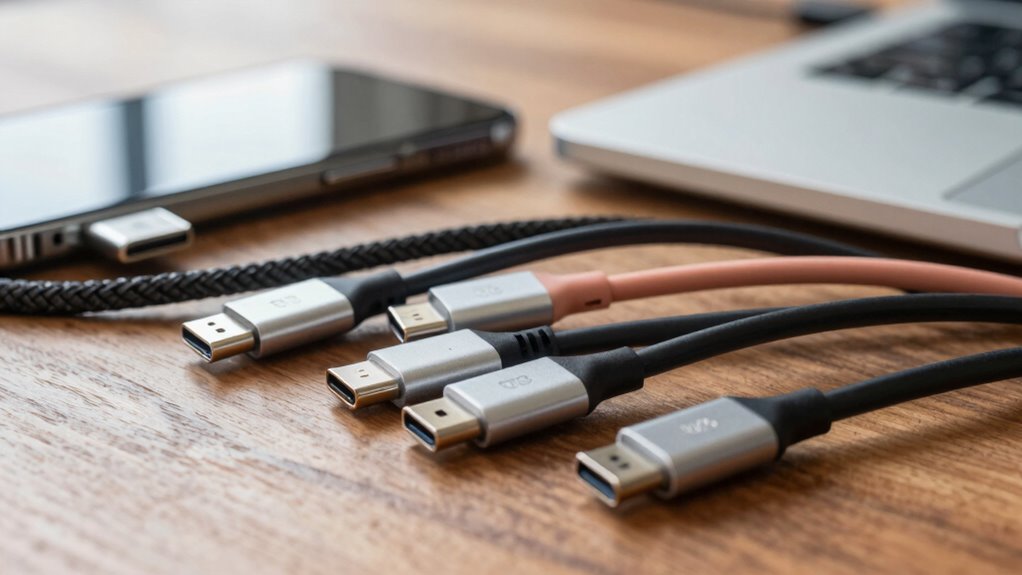
When choosing a USB‑C cable or charger, it’s important to understand the difference between speed and power, as well as data transfer rates and compatibility. Faster charging doesn’t always mean more power or better data speeds, so knowing what your devices need can save you frustration. Clarifying these points helps you pick the right gear for your specific use. Additionally, device limitations can impact performance, so understanding your device’s capabilities ensures you don’t overestimate what your accessories can deliver.
Speed Versus Power
Understanding the difference between speed and power in USB-C connections is essential because they serve different purposes. Speed focuses on data transfer rates, while power emphasizes how quickly and efficiently your device charges. You might choose high-speed data transfer for large files, but prioritize power delivery for faster charging and better battery longevity.
Picture these scenarios:
- A device charging rapidly, reducing downtime, with improved charging ergonomics.
- Transferring files at lightning speed, minimizing waiting time.
- Balancing battery health with fast charging to prevent long-term damage.
- Using a cable designed for both quick power and efficient data flow without sacrificing usability.
Knowing this helps you pick the right cable, ensuring ideal charging ergonomics and preserving your device’s battery health.
Data Transfer Rates
Data transfer rates determine how quickly your devices share information, but they’re often confused with fast charging and power delivery. These rates depend on device compatibility and the cable you choose. For faster data transfer, look for cables supporting higher bandwidth standards like USB 3.1 or Thunderbolt 3. Keep in mind, not all cables are built equally—some lack the durability needed for frequent use, which can lead to connection issues or damage. While fast charging and power delivery focus on supplying power efficiently, data transfer rates are about moving information swiftly. Choosing the right cable ensures your devices transfer data smoothly without sacrificing durability, so invest in quality cables that match your device’s capabilities for peak performance. Understanding data transfer capabilities can help you identify and improve clarity in your writing. Additionally, selecting cables that prioritize durability and quality can prevent common issues caused by wear and tear over time.
Compatibility Considerations
Because fast charging, power delivery, and data transfer each serve different purposes, it’s vital to verify your device and cable are compatible with the specific features you need. For example, a cable supporting fast charging can quickly juice up your device, but might not transfer data efficiently. Power delivery allows for higher wattage, enabling features like wireless charging and extending battery lifespan. When choosing cables or chargers:
- Confirm they support fast charging if you need quick power boosts.
- Check for Power Delivery compatibility for high wattage transfers.
- Make sure data transfer speeds meet your requirements.
- Consider if the cable supports wireless charging, which can reduce wear on ports and improve battery lifespan.
- Additionally, understanding the horsepower of electric dirt bikes can help you choose the right power source or charger for your electric bike, ensuring optimal performance and longevity. Knowing about the precious metals market can also be beneficial if you’re considering investments in Gold IRAs, as it influences the overall stability and value of your portfolio. Being aware of electrical basics is essential to avoid mismatched or incompatible components that could damage your devices or pose safety risks. Moreover, selecting cables with air purifying qualities, similar to low light office plants, can contribute to a healthier environment for your workspace.
How to Identify Quality USB‑C Cables and Chargers
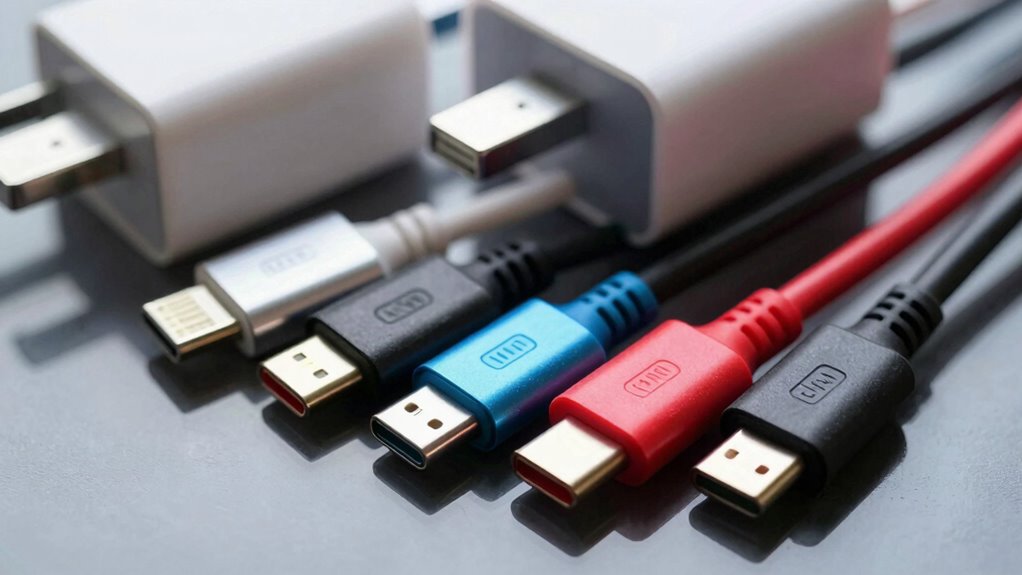
Choosing a quality USB-C cable or charger can seem complicated, but there are clear signs to look for. First, check the cable’s durability—high-quality cables use reinforced connectors and sturdy materials that resist fraying and bending. A well-made cable should feel solid in your hand and withstand regular use without breaking. Additionally, pay attention to the aesthetic design; a sleek, well-constructed charger or cable often indicates better manufacturing standards. Authentic brands typically include markings or certifications, such as USB-IF certification, which ensure safety and performance. Avoid cheap, flimsy-looking options, as they’re more likely to fail quickly or cause damage. By focusing on durability, design, and certifications, you can confidently select cables and chargers that last and perform reliably. Incorporating sound healing science principles into your routine can also promote better focus and overall well-being, making your workspace more productive. Understanding large number conversions can also help you make more informed decisions when dealing with technical specifications or product details.
Common USB‑C Charging Problems and How to Fix Them

Many users encounter charging issues with USB-C devices, and these problems can often be traced back to simple, fixable causes. Common issues include loose connections, damaged cables, dirty ports, or incompatible chargers. To fix these, start by examining your cable and port for signs of wear that affect cable durability and port longevity. A thorough understanding of cybersecurity tactics can also help users recognize signs of potential hardware tampering or malicious interference that could affect device performance. Here are some steps to troubleshoot:
Many USB-C charging issues stem from simple, fixable problems like loose connections or dirty ports.
- Check if the cable fits snugly without wobbling.
- Inspect the port for dust or debris and clean gently.
- Replace worn or frayed cables to prevent connection issues.
- Use a charger and cable that match your device’s specifications for best performance.
Additionally, regularly inspecting your device for hardware tampering can help prevent potential damage or security risks. Addressing these simple problems can restore reliable charging and extend your device’s lifespan.
Is My Device Compatible With Usb‑C Fast Charging?
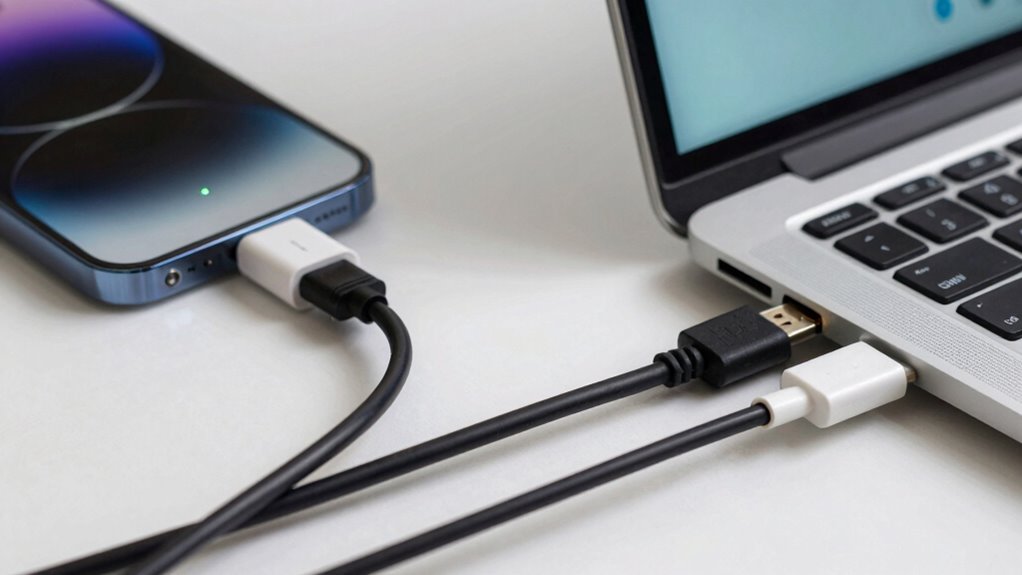
To see if your device supports fast charging via USB-C, check its power output compatibility and charging standards. Not all devices can handle higher wattage or specific fast-charging protocols. Confirming these details guarantees you get the most efficient and safe charging experience. Additionally, understanding current AI trends and creative uses can help you identify innovative accessories or solutions that enhance your charging setup. Being aware of household safety tips can also help you ensure safe handling of electronic devices in your home. For example, knowing about Soul Sanctuaries and their focus on wellness can inspire you to create a calming space for your device charging area, promoting both safety and relaxation. Staying informed about airless paint spraying tips and gear can inspire you to design a dedicated, organized charging station that maximizes safety and efficiency in your household.
Compatibility With Power Output
Not all USB-C devices can handle fast charging, so it’s important to check your device’s power specifications before attempting to use higher output chargers. Your device needs proper support for voltage stability to prevent damage during rapid charging. Also, consider connector durability, as frequent fast charging can wear out ports faster if not built for it. To determine compatibility, imagine:
- Your device’s manual listing maximum wattage and voltage requirements.
- The charger’s ability to deliver consistent power without fluctuations.
- The quality of the cable, ensuring it maintains voltage stability.
- Your device’s port design, which should support robust connector durability for repeated fast charging cycles.
Matching these factors helps avoid damage and ensures safe, efficient charging.
Device Charging Standards
Wondering if your device supports USB-C fast charging? Check your device’s charging standards to be sure. Some devices, especially smartphones and tablets, are compatible with fast charging through USB Power Delivery (USB PD), but others may only support standard charging or wireless charging. Battery capacity also affects charging speed—larger batteries take longer, even with fast tech. Here’s a quick reference:
| Device Type | Supports Fast Charging | Compatible With Wireless Charging |
|---|---|---|
| Smartphones | Yes, if USB PD enabled | Often, depends on model |
| Tablets | Yes, if USB PD enabled | Usually, with compatible pad |
| Laptops | Yes, with higher wattage | Rare, mostly wired charging |
| Wireless Devices | No, unless specified | Yes, if compatible |
| Wearables | Varies, check specs | Usually, on newer models |
Knowing these helps you pick the right charger for your device and battery capacity.
Future-Proof Your Setup: Choosing the Best USB‑C Gear
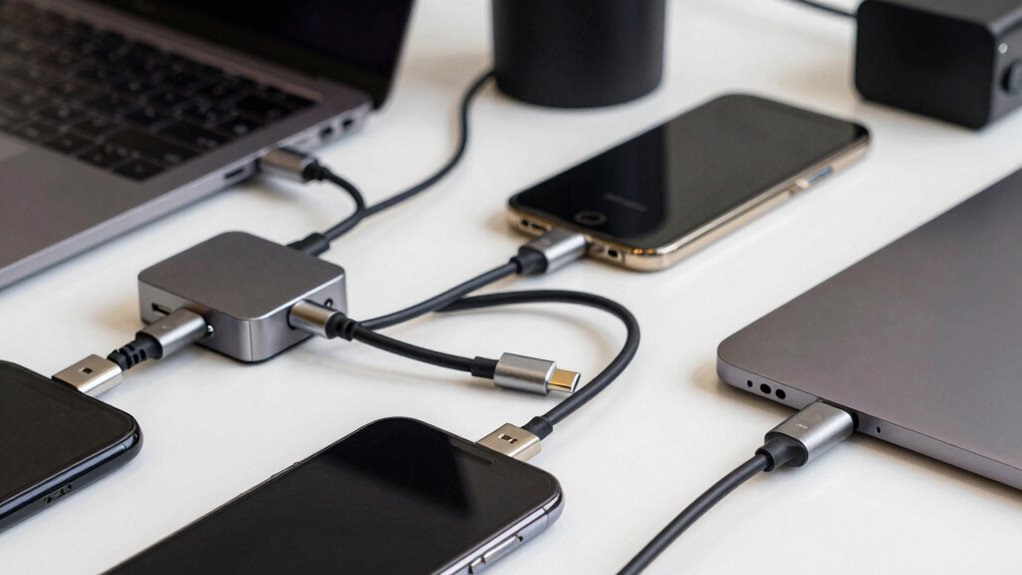
Choosing the right USB-C gear now can save you from frequent upgrades later, especially as technology continues to evolve rapidly. To future-proof your setup, focus on devices with high battery capacity and wireless charging support. This guarantees longer usage without constant recharging and convenience on the go.
Opt for USB-C devices with high batteries and wireless charging to ensure longer, hassle-free use and future compatibility.
Consider these key features:
- A charger with Power Delivery (PD) for faster, more efficient charging.
- Devices supporting wireless charging for easy, cable-free power-ups.
- High battery capacity in portable devices for all-day use.
- Compatibility with upcoming USB‑C standards to stay current.
Tips for Troubleshooting USB‑C Charging Issues
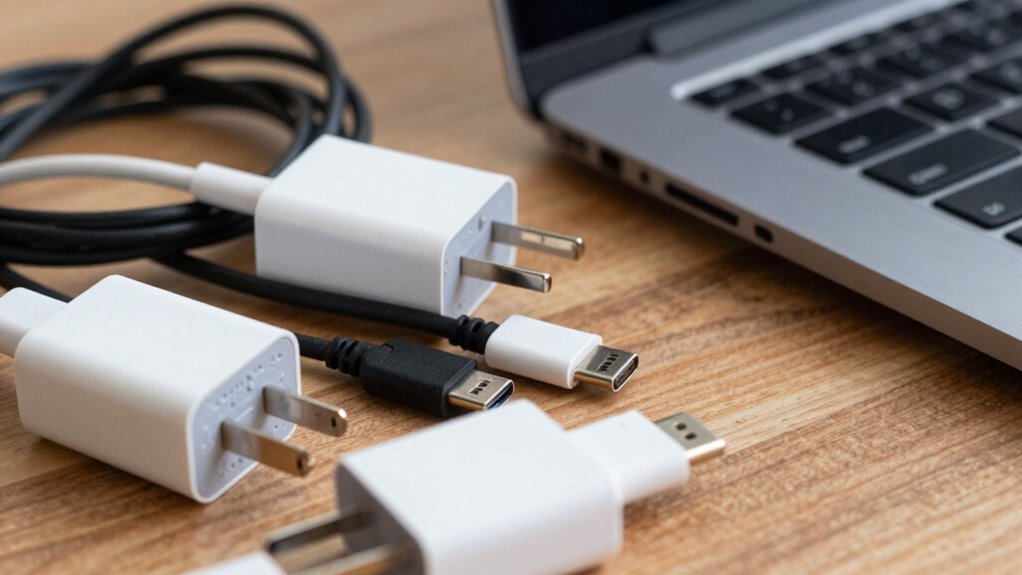
When your USB‑C device isn’t charging properly, troubleshooting begins with checking the basics. Make certain your cable and port are clean and undamaged. Try a different cable or charger to rule out hardware issues. If your device supports wireless charging, test that to see if it’s a port-specific problem. Also, consider your battery health; an aging battery may charge slowly or intermittently. Use device diagnostics to assess battery status. Keep in mind that poor connection or dirt can disrupt charging. Use the table below to understand potential issues:
| Issue | Solution |
|---|---|
| Slow charging | Check cable quality and port cleanliness |
| Wireless charging failure | Confirm device compatibility and alignment |
| Battery health decline | Replace battery if necessary |
Frequently Asked Questions
Can I Use Any Usb‑C Cable With My Device Safely?
You shouldn’t use any USB‑C cable with your device freely. To guarantee safety, pick cables with good cable durability and from reputable brands, as they’re more likely to meet quality standards. Cheaper, unknown cables may damage your device or pose safety risks. Invest in cables with solid construction and positive reviews from trusted brands, so you can charge efficiently without risking your device’s health.
How Do I Identify Genuine Usb‑C Accessories?
To identify genuine USB‑C accessories, check for certification labels like USB-IF or MFi, which indicate proper testing and safety standards. Avoid counterfeit accessories, as they often lack these labels and may be cheaply made. Examine the build quality and packaging for reputable brands. If in doubt, purchase from trusted retailers or directly from manufacturers to guarantee you get authentic, safe, and reliable USB‑C cables and chargers.
Are All Usb‑C Ports Backward Compatible?
You’ll find that most USB-C ports are designed with compatibility in mind, making it easier to connect your devices. While universal adapters and adherence to compatibility standards help guarantee smooth connections, not all ports are backward compatible with every older device. It’s wise to double-check the specifications or test with your specific gear to avoid surprises. Embracing these standards helps you enjoy versatile, hassle-free charging and data transfer.
What Is the Maximum Power Output My Device Can Handle?
Your device’s maximum power output depends on its charging standards and power delivery capabilities. Check the device specifications or user manual to find the wattage limit, typically measured in watts (W). Most modern devices support USB Power Delivery (USB-PD), which can deliver up to 100W. Always use compatible chargers and cables that match your device’s power delivery standards to guarantee safe and efficient charging.
Does Faster Charging Damage My Device’s Battery?
Faster charging won’t ruin your battery—ironic, isn’t it? It’s actually designed to optimize battery longevity while reducing charge times. Modern devices intelligently manage charging speed, preventing damage even with rapid recharge. So, you can enjoy quick power boosts without sacrificing battery health. Just use compatible chargers and cables, and your device’s battery will stay healthy longer. Speed up your charging without the guilt!
Conclusion
Exploring USB-C charging can feel like finding a needle in a haystack, but remember, sometimes less is more. By understanding your device needs and choosing compatible cables and chargers, you’ll avoid headaches and keep your tech running smoothly. Don’t chase every new feature—focus on what truly matters. As the saying goes, “A stitch in time saves nine,” so invest in the right gear now to prevent issues down the road.
Fall Picks
fall essentials
As an affiliate, we earn on qualifying purchases.