If your internet slows down when using a VPN, start by testing your VPN speed with tools like Ookla or Fast.com to see if the slowdown is caused by the VPN itself. Check for signs like frequent disconnects or slow browsing during VPN use. Try switching to nearby servers or lighter encryption protocols like WireGuard. If you want your connection to stay fast and secure, there are simple steps you can take—discover more to optimize your setup.

Get the latest gadgets delivered free with Prime
- Fast, free delivery on millions of items
- Prime Video, Amazon Music and more included
- Member-only deals all year
Key Takeaways
- Run speed tests with and without VPN to identify performance differences.
- Check server proximity; distant servers often cause slower speeds.
- Switch encryption protocols; lighter options like WireGuard improve performance.
- Use less congested servers during off-peak hours for better speeds.
- Ensure VPN software is updated and reconnect to refresh routing paths.
As an affiliate, we earn on qualifying purchases.
Test Your VPN Speed to Confirm the Issue
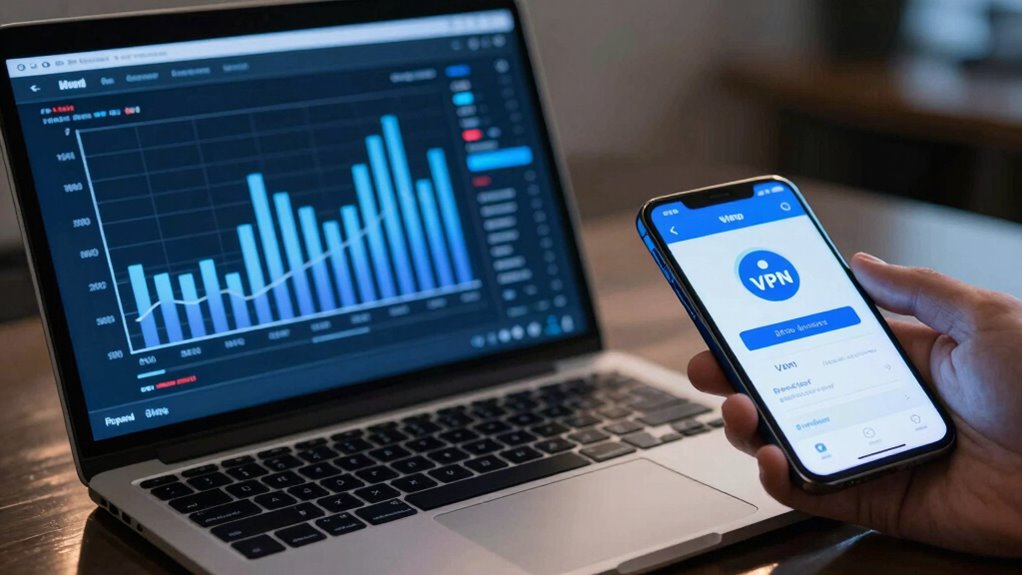
Before blaming your VPN for slow internet, you should verify whether it’s actually the cause. The best way is to test your VPN speed. Connect to your VPN and run a speed test using tools like Ookla or Fast.com. Pay attention to your download and upload speeds, as well as ping times. Also, check the server location you’re connected to—closer servers usually deliver faster speeds. Keep in mind that encryption protocols can impact performance; stronger protocols like OpenVPN may slow you down compared to lighter options like IKEv2. By comparing these results with your regular internet speed, you can determine if your VPN is the bottleneck. This step helps you distinguish between VPN issues and your overall internet connection. Additionally, understanding how projector technology influences image quality can help optimize your viewing experience, just as understanding VPN performance factors can help you troubleshoot connectivity issues effectively.
As an affiliate, we earn on qualifying purchases.
Identify Signs That Your VPN Is Slowing You Down
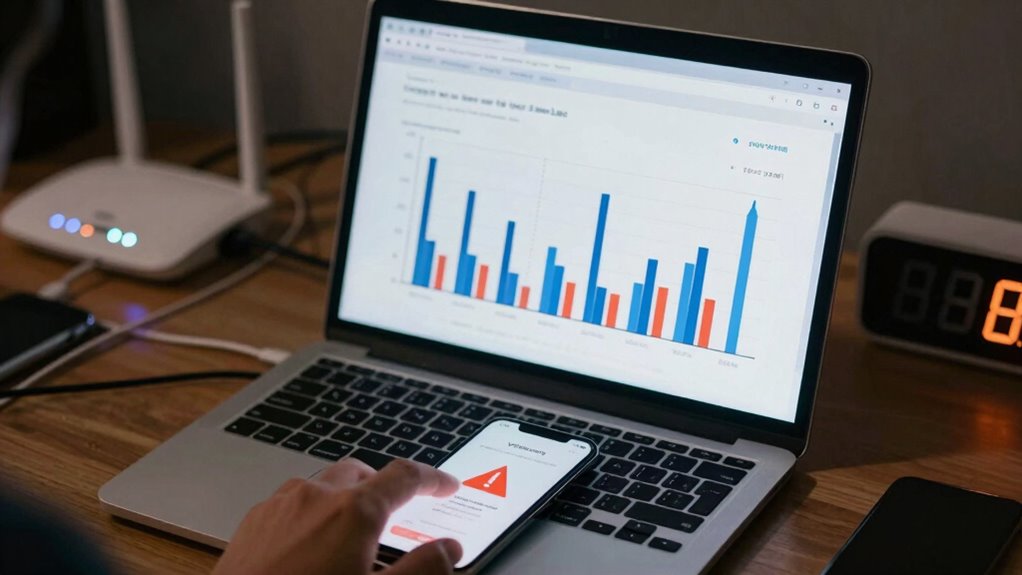
If your internet feels sluggish only when connected to your VPN, there are certain signs that can help you identify if it’s the cause. First, notice if your speeds dip markedly during VPN use, especially when browsing or streaming. Second, check if the connection feels inconsistent or drops frequently. Third, consider the server location: connecting to distant servers can cause noticeable slowdowns. Fourth, examine the VPN encryption level; stronger encryption often results in slower speeds. Additionally, understanding performance parts can help you optimize your setup and reduce potential bottlenecks. If these signs align, your VPN’s encryption might be slowing you down, or your server location could be too far away. Recognizing these indicators helps determine if your VPN is the bottleneck, so you can adjust settings or choose different servers accordingly.
As an affiliate, we earn on qualifying purchases.
Troubleshoot Common VPN Speed Problems
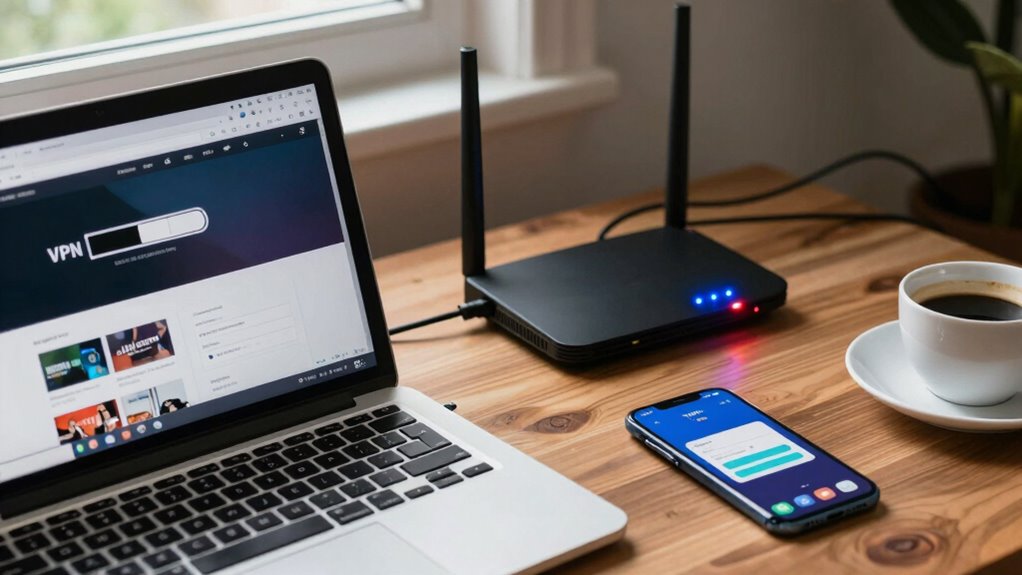
When you notice your VPN is slowing down your internet, the first step is to identify and troubleshoot common issues that could be causing the problem. Start by checking your server locations; connecting to a server far from your physical location can reduce speed. Switching to a closer server often improves performance. Next, review your encryption protocols; some protocols like OpenVPN with AES-256 are secure but may slow your connection, while newer protocols like WireGuard offer faster speeds without sacrificing security. Here’s a quick guide:
| Issue | Solution | Impact |
|---|---|---|
| Server locations | Choose closer servers | Faster speeds |
| Encryption protocols | Switch to faster options like WireGuard | Improved performance |
| Network congestion | Avoid peak hours | Reduced slowdown |
Additionally, understanding digital concepts such as bandwidth and latency can help you better diagnose and resolve VPN speed issues. Being aware of how network congestion impacts your connection can enable you to time your usage better and avoid slowdowns. Recognizing how server proximity influences connection speed can guide your choice of VPN servers for optimal performance. Implementing these strategies can also be complemented by understanding how hardware limitations and your device’s network configurations affect overall speed. Troubleshooting these areas can considerably enhance your VPN speed.
As an affiliate, we earn on qualifying purchases.
Simple Tips to Boost Your VPN Performance
To boost your VPN performance, start with simple adjustments that can make a noticeable difference. First, choose server locations closer to your physical location to reduce latency and improve speed. Second, switch to a VPN with optimized VPN encryption protocols that balance security and performance. Third, avoid overcrowded servers by selecting less busy options, which often provide faster speeds. Fourth, disconnect and reconnect if your connection feels sluggish, as this can refresh your VPN’s routing. These small tweaks help guarantee your VPN runs smoothly without sacrificing security. By focusing on server locations and VPN encryption settings, you can substantially enhance your browsing experience while maintaining privacy and speed. Additionally, understanding how proper networking practices can influence your connection quality will help you troubleshoot issues more effectively. Paying attention to your overall network configuration can prevent unnecessary slowdowns and ensure your connection remains robust, especially when optimizing for VPN performance. Incorporating network optimization techniques can further improve your overall internet experience and help prevent issues caused by network congestion.
Maintain Fast and Secure VPN Connections

Maintaining a fast and secure VPN connection requires ongoing attention to both performance and security settings. To do this, choose strong VPN encryption that balances security with speed. Also, enhance server selection by connecting to nearby or less congested servers to reduce latency. Regularly update your VPN software to access the latest security features and performance improvements. Use the table below to help you evaluate your options: Additionally, considering AI-powered security can help optimize your VPN connection by providing smarter threat detection and performance analytics. Incorporating household products such as noise-canceling devices can also improve your overall environment, reducing external noise that may interfere with your internet usage. Being aware of cybersecurity tactics can further help you identify potential vulnerabilities that might impact your VPN’s effectiveness. For example, integrating smart home security systems can provide an extra layer of protection by monitoring your network for unusual activity.
Frequently Asked Questions
Can Switching VPN Servers Improve My Internet Speed?
Switching VPN servers can improve your internet speed if you choose one closer to your location or with less traffic. Server proximity reduces latency, making your connection faster. Also, selecting VPN protocols like WireGuard or OpenVPN can enhance speed, as some protocols are more efficient than others. Experiment with different servers and protocols to find the best balance between security and speed, ultimately improving your browsing experience.
Does VPN Encryption Impact My Browsing Speed?
Yes, VPN encryption can impact your browsing speed due to encryption overhead, which adds extra processing time. Additionally, server latency plays a role; if the VPN server is far away or overloaded, your connection slows down. To improve speed, choose servers closer to you with lower latency, and look for VPNs that optimize their encryption processes. This way, you balance security and performance effectively.
How Does My Device’s Hardware Affect VPN Performance?
Your device’s hardware acts like the engine under your VPN’s hood—powerful specs can boost speed, while limitations slow it down. If your device has outdated processors or limited RAM, it struggles to handle encryption and data flow, causing lag. Upgrading your device’s specifications or optimizing hardware can help VPN performance stay smooth as silk. Remember, a robust engine makes for a swift, seamless ride through the digital landscape.
Are Free VPNS More Likely to Slow Down My Internet?
Free VPNs are more likely to slow down your internet because they often have limited bandwidth and fewer servers, which can cause congestion. The VPN cost matters, as paid services typically offer better speeds and stability due to more resources. A free service might seem appealing, but it can compromise your connection quality. To avoid slowdowns, consider investing in a reputable, paid VPN that prioritizes performance.
Can Using a Wired Connection Enhance VPN Speed?
Using a wired connection can considerably enhance your VPN speed by providing wired stability and improved connection consistency. Unlike Wi-Fi, which is prone to interference and signal drops, a wired setup offers a direct link to your router, reducing latency and packet loss. This stable connection allows your VPN to perform more efficiently, resulting in faster browsing, streaming, and downloads. So, if you’re experiencing slow VPN speeds, switching to a wired connection can make a noticeable difference.
Conclusion
If your VPN is slowing you down, don’t give up. By testing your connection, recognizing signs of trouble, and trying simple tweaks, you can regain fast, secure browsing. Imagine you’re streaming a movie, but buffering keeps ruining the moment. With a few adjustments, like switching servers or updating your app, you could be watching seamlessly again. Stay proactive, and you’ll enjoy the internet’s freedom without the frustration.
Halloween Picks
halloween
As an affiliate, we earn on qualifying purchases.