
Bluetooth sound can sound bad on some devices because of the codecs they support. Not all devices use high-quality codecs like aptX or LDAC; many default to basic ones like SBC, which can reduce audio clarity. Compatibility, hardware limits, and power efficiency also influence codec choice, often sacrificing sound quality. If you want better sound, it’s helpful to understand how codecs work and what you can do to improve your experience—more details follow.

Get the latest gadgets delivered free with Prime
- Fast, free delivery on millions of items
- Prime Video, Amazon Music and more included
- Member-only deals all year
Key Takeaways
- Devices may support only lower-quality codecs (like SBC or AAC), limiting audio fidelity regardless of potential higher-quality options.
- Hardware limitations and compatibility issues can force fallback to less efficient codecs, reducing sound quality.
- Poor Bluetooth connections or interference can cause audio dropouts and degraded sound, even with high-quality codecs available.
- Device firmware or software outdatedness may prevent optimal codec negotiation, resulting in subpar audio performance.
- Using incompatible or unsupported codecs across devices leads to automatic downgrades, impacting audio clarity and richness.
Products Worth Considering

Sony WH-1000XM6 Wireless Noise-Canceling Over-Ear Headphones, Blue, Bundle

Sony WH-1000XM4C Wireless Noise-Cancelling Headphones, Black

Bose QuietComfort Headphones (2nd Gen), Wireless Noise-Cancelling Over-Ear Headphones, Eucalyptus Green
As an affiliate, we earn on qualifying purchases.
How Do Bluetooth Audio Codecs Work?
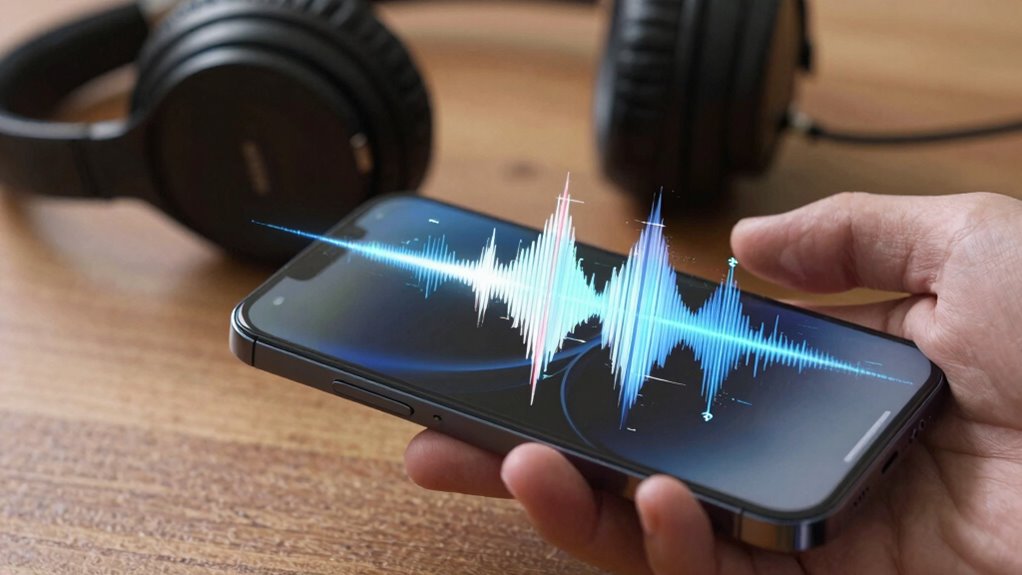
Bluetooth audio codecs are vital for transmitting sound wirelessly, converting digital audio into signals that can be sent over Bluetooth connections. They compress the audio data through audio compression techniques, reducing file size for smoother transmission. This compression can impact sound quality, but it helps manage wireless latency, which is the delay between the source and your ears. Lower latency guarantees real-time audio, indispensable for activities like gaming or video calls. Different codecs use varying levels of compression, balancing sound fidelity and data transfer speed. Some codecs prioritize high-quality audio, while others focus on minimizing wireless latency for seamless listening. Understanding how these codecs work helps you choose devices that deliver the best sound experience based on your needs. Additionally, the choice of codec can be influenced by the content formats and research considerations behind digital audio transmission. The effectiveness of these codecs can also depend on the technology standards implemented in your devices, which determine compatibility and performance. Moreover, advancements in audio compression techniques continue to enhance both sound quality and transmission efficiency in wireless audio technology, making it essential to stay informed about emerging compression algorithms that may impact future performance. Staying updated on industry developments can also help you understand the latest improvements in wireless audio quality.
Why Do Some Devices Use Worse Bluetooth Codecs?
Many devices opt for worse Bluetooth codecs because of hardware limitations or compatibility issues. Using lower-quality codecs helps reduce Bluetooth latency, guaranteeing smoother audio transmission during calls or gaming. These codecs also consume less processing power, which improves battery efficiency—crucial for smaller devices like earbuds or smartphones. However, this often comes at the expense of sound quality. Devices with limited hardware may struggle to support higher-quality codecs, leading manufacturers to choose simpler options to ensure stable connections. Compatibility with a wide range of devices can also influence codec choice, as not all devices support advanced codecs. Ultimately, the decision balances hardware capabilities, battery life, and the need for reliable connectivity over audio fidelity. Understanding hardware constraints can help clarify why certain codecs are favored in specific devices. Additionally, the variety of available codecs impact user experience by influencing how well devices perform across different environments, especially when considering legacy device support and diverse manufacturer standards. Recognizing the importance of hardware limitations can also explain why some devices default to lower-quality codecs despite the potential for better audio.
How Codec Quality Affects Your Bluetooth Sound
The quality of your Bluetooth audio largely depends on the codec being used. Higher-quality codecs, like aptX or LDAC, deliver clearer sound but may increase battery consumption and impact Bluetooth security. Lower-quality codecs save battery but sacrifice audio detail. The table below shows how codec choice influences your experience:
| Codec | Sound Quality | Battery Use | Security Impact |
|---|---|---|---|
| SBC | Basic | Low | Standard |
| AAC | Good | Moderate | Moderate |
| aptX HD | Excellent | Higher | Similar to SBC |
| LDAC | Superior | Highest | Similar to SBC |
| LC3 | Optimized | Low | Improved security |
Choosing a codec balances sound, security, and battery life, shaping your Bluetooth experience. Codec selection can directly affect your device’s overall security and performance. Additionally, understanding the codec quality helps users make informed choices to optimize their listening experience.
Best Bluetooth Codecs for Clearer Audio
If you want the clearest audio quality from your wireless devices, choosing the right Bluetooth codec makes a significant difference. High-quality codecs like aptX and LDAC minimize codec compression, allowing more audio data to pass through, which boosts audio fidelity. AAC is widely supported and offers a good balance between compression and sound quality, especially on Apple devices. SBC, the default codec, provides basic audio but often suffers from lower fidelity. For the best clarity, opt for codecs that support higher bit rates and less compression, like aptX HD or LDAC. These codecs transmit more detailed sound, reducing artifacts and providing a richer listening experience. Additionally, understanding essential safety tips for using your portable devices can help prevent accidents and ensure safe operation. Incorporating backyard transformation essentials can also enhance your overall audio and outdoor experience, making your space more enjoyable. Being aware of Bluetooth compatibility can further ensure your device and chosen codec work seamlessly together for optimal sound quality. Recognizing codec support limitations can help you troubleshoot issues and select the best options for your specific devices. Moreover, considering device compatibility can streamline your setup and maximize audio performance.
How to Check Which Codec Your Device Uses
To determine which Bluetooth codec your device uses, you’ll need to access specific settings or use dedicated apps. First, check your device’s Bluetooth settings or developer options, where codec details are often displayed during device pairing. Some smartphones or computers provide this info directly, while others require apps like Bluetooth Explorer or developer tools. Keep in mind that codec licensing can influence which codecs are available, especially with proprietary options like AAC or LDAC. When pairing devices, the chosen codec is negotiated based on compatibility and licensing restrictions. Knowing your current codec helps you understand your audio quality potential. Regularly verifying this ensures you’re making the most of your device’s capabilities and optimizing your Bluetooth listening experience. Additionally, understanding codec compatibility can help troubleshoot connection issues and improve overall sound quality, as compatibility between devices determines the available audio quality and stability. Being aware of Twin Flame connections and their unique energetic signatures can also help you better interpret unusual signals or sensations during your Bluetooth experience, especially if you’re sensitive to energy shifts. Codec selection can vary depending on device features and software updates, so staying informed can enhance your listening experience. It’s also helpful to note that software updates may introduce new codecs or improve existing ones, further affecting your device’s performance.
Tips to Improve Bluetooth Audio Quality
Improving Bluetooth audio quality often starts with ensuring a strong and stable connection. To do this, keep your devices close and minimize obstacles that can cause interference. Using the latest firmware or software updates can also enhance connection stability and optimize codec performance. Adjusting your device’s audio settings to prioritize higher-quality codecs can make a noticeable difference, aligning with your user preferences for sound clarity. Be mindful that switching to higher-quality codecs might impact battery life, so find a balance that suits your listening habits. If you experience frequent dropouts, try resetting your Bluetooth connections or re-pairing devices. Maintaining a clear line of sight between devices can also improve audio consistency and overall experience. Additionally, understanding the Power of Imagination can help you visualize optimal setups and troubleshoot issues more creatively. Knowing about the best gear and knife roundups for smart shopping can also help you choose the right accessories to enhance your Bluetooth setup.
When Should You Upgrade Your Bluetooth Gear?
You should consider upgrading your Bluetooth gear when your current devices no longer support the latest codecs or lack compatibility with newer technology. Technological advancements can greatly improve audio quality, battery life, and connection stability, making newer devices worth the investment. If your gear feels outdated or limits your experience, it’s probably time to upgrade.
Device Compatibility Factors
Determining when to upgrade your Bluetooth gear depends largely on device compatibility. If you encounter issues with device pairing or find that your current device doesn’t support newer codecs, it’s a sign you might need an upgrade. Compatibility hinges on whether your device’s hardware and firmware can handle advanced codecs, which often require specific licensing agreements. Older devices may lack the necessary support, leading to subpar audio quality. Upgrading becomes necessary when your current gear can’t effectively utilize newer codecs or fails to maintain stable connections. Check your device specifications for codec support and ensure firmware updates are available. If these limitations persist, investing in newer Bluetooth gear with broader codec compatibility will significantly improve your listening experience.
Technological Advancements Benefits
As device compatibility issues can limit your audio experience, staying current with technological advancements becomes even more important. Upgrading your Bluetooth gear can substantially improve features like reduced wireless latency, ensuring audio and video stay synchronized. Newer devices also often optimize battery impact, providing longer listening sessions without draining your device quickly. Consider upgrading if:
- You notice lag between audio and video during streaming or gaming
- Your current device’s battery life diminishes faster than expected
- You want support for advanced codecs like AAC or aptX HD for better sound quality
Modern Bluetooth devices incorporate faster data transfer and smarter power management. These improvements mean a more seamless, high-quality listening experience, making an upgrade worthwhile when these issues impact you.
Troubleshooting Poor Bluetooth Sound: Is Codec the Issue?
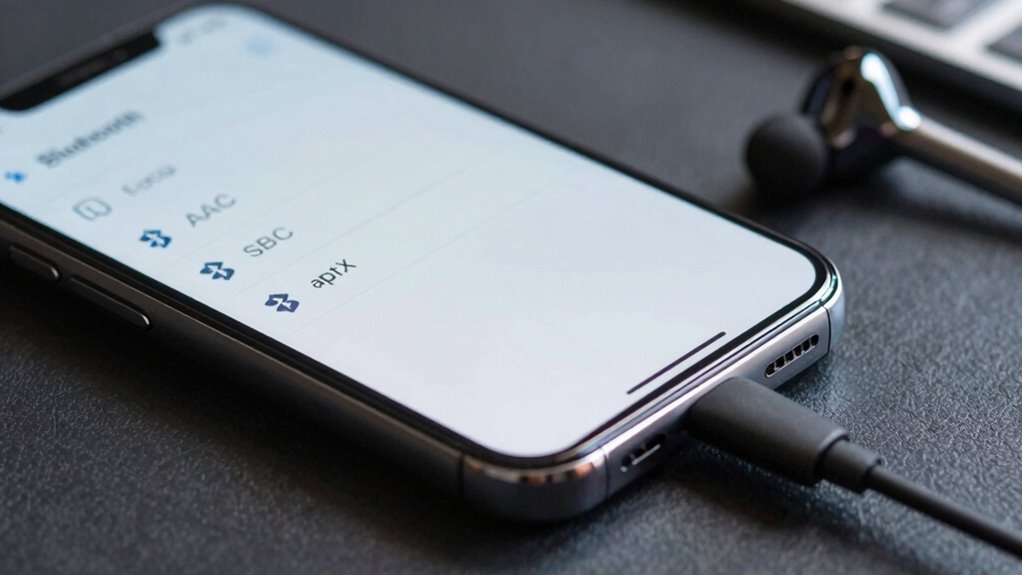
If your Bluetooth sound quality is poor, the first thing to check is whether your device and headphones support the same codecs. Signal interference from other devices can also cause issues, making the audio drop or sound choppy. Addressing compatibility problems and minimizing interference often improves your listening experience.
Codec Compatibility Problems
Codec compatibility issues often cause poor Bluetooth sound quality, and addressing them can substantially improve your listening experience. When your device and headphones don’t support the same codec, you might encounter choppy audio, increased device latency, or frequent disconnections during Bluetooth pairing. To troubleshoot, check your device’s supported codecs and verify they match your headphones’ capabilities. Compatibility problems are common with older devices or when switching between different brands. You might notice that some codecs, like AAC or aptX, work better than SBC, which is more basic. To improve sound quality, select the highest supported codec for both devices, and keep firmware updated to guarantee compatibility. These steps help minimize latency issues and improve overall Bluetooth audio performance.
Signal Interference Effects
Even when your devices support the same Bluetooth codec, signal interference can still cause audio issues. Wireless interference from Wi-Fi networks, microwave ovens, or other electronic devices can lead to signal degradation, resulting in choppy sound or dropouts. These disruptions happen because the Bluetooth signal struggles to maintain a stable connection. To visualize, consider this table:
| Interference Source | Effect on Signal | Solution |
|---|---|---|
| Wi-Fi networks | Signal degradation | Move away or switch channels |
| Microwave ovens | Audio dropouts | Keep devices apart |
| Other Bluetooth devices | Congestion | Limit connected devices |
Being aware of your environment helps. Minimizing interference keeps your Bluetooth sound crisp and clear.
Future Trends in Bluetooth Audio Codecs
As technology continues to evolve, the future of Bluetooth audio codecs promises significant advancements in sound quality, latency, and power efficiency. You can expect new codecs to reduce wireless latency, making audio sync perfectly with visuals. Manufacturers will also work on simplifying codec licensing, encouraging wider adoption and innovation. Future codecs might include adaptive bitrates that optimize quality based on your device and environment, ensuring consistent sound. Additionally, improved compression algorithms will deliver richer audio without draining your device’s battery.
- Lower wireless latency for seamless audio-visual sync
- Simplified codec licensing to boost compatibility
- Smarter, adaptive codecs for consistent quality
Frequently Asked Questions
Can Software Updates Improve Bluetooth Audio Quality?
Yes, software updates can improve Bluetooth audio quality. They often optimize how your device handles audio compression, reducing loss of sound clarity. Updates can also address signal interference issues, making connections more stable and clearer. By improving codec support and refining transmission algorithms, software updates help minimize audio degradation, giving you better sound. So, keeping your device’s software current can lead to a noticeably better Bluetooth listening experience.
Do All Devices Support the Latest Bluetooth Codecs?
A stitch in time saves nine, and that applies to your Bluetooth devices too. Not all devices support the latest Bluetooth codecs, mainly due to device compatibility and codec limitations. While newer devices often include advanced codecs like aptX or LDAC, older models may only support basic ones like SBC. To enjoy high-quality sound, make certain both your device and headphones support the same, newer codecs.
How Does Battery Life Affect Bluetooth Audio Performance?
Battery life greatly impacts Bluetooth audio performance because of battery drain and power management. When your device’s battery is low, it may reduce Bluetooth power, causing weaker signals or lower audio quality. To optimize performance, make sure your device manages power efficiently and keeps the battery sufficiently charged. Proper power management minimizes disruptions, maintains stable connections, and helps you enjoy consistent, high-quality Bluetooth audio without sacrificing device longevity.
Are There Compatibility Issues Between Different Bluetooth Codecs?
Think of Bluetooth codecs like different languages—sometimes, devices just can’t understand each other. Yes, there are compatibility issues between different Bluetooth codecs, causing codec incompatibility. When you attempt device pairing, if both devices don’t support the same codec, the connection defaults to a lower quality or fails altogether. To guarantee maximum sound quality, check that your device and headphones support the same codecs, preventing communication breakdowns.
Does the Environment Impact Bluetooth Sound Quality?
Yes, your environment impacts Bluetooth sound quality. Environmental interference from Wi-Fi signals, other wireless devices, or even thick walls can disrupt the Bluetooth connection, causing audio dropouts or reduced quality. Your acoustic environment also matters; noisy or echo-filled spaces can diminish your listening experience. To improve sound, try reducing interference sources, moving closer to your device, or choosing a quieter, more controlled environment for the best Bluetooth audio performance.
Conclusion
Now that you understand how Bluetooth codecs influence sound quality, you’re armed with the knowledge to make smarter choices and troubleshoot issues like a tech wizard. Whether upgrading your gear or tweaking settings, you hold the power to transform your audio experience from meh to mind-blowingly crystal clear. Don’t let poor codecs drown out your favorite tunes—take control and turn your Bluetooth setup into a sound powerhouse that’s as sharp as a hawk’s vision!