
To stop notification spam without missing important alerts, start by customizing your device’s notification settings to prioritize critical apps and contacts. Use filters or keywords to catch only urgent messages, and set specific times to review non-essential notifications. Activate Focus Modes or Do Not Disturb during work or leisure to reduce distractions. Regularly review and adjust these settings to keep your digital space focused. Keep exploring to learn how automating and managing notifications can improve your focus even further.

Get the latest gadgets delivered free with Prime
- Fast, free delivery on millions of items
- Prime Video, Amazon Music and more included
- Member-only deals all year
Key Takeaways
- Use filters and keyword-based rules to prioritize critical notifications and suppress non-essential alerts.
- Set specific review times and scheduling to avoid constant interruptions while staying informed.
- Customize notification tones and vibrations to distinguish urgent alerts from regular updates.
- Enable Focus Modes or Do Not Disturb during work to block distractions but allow critical notifications.
- Regularly review and adjust notification settings to ensure important messages are not missed.
As an affiliate, we earn on qualifying purchases.
Why Notification Spam Disrupts Your Digital Life
Notification spam can quickly overwhelm your digital space, making it difficult to focus on important tasks. This constant stream of alerts creates notification overload, which distracts you from what truly matters. As your devices ping nonstop, digital clutter builds up, cluttering your screens with irrelevant or low-priority notifications. Over time, this chaos hampers your productivity and increases stress levels. You may find yourself checking your phone or computer more often, only to feel frustrated by the endless interruptions. The more notifications you receive, the harder it becomes to concentrate. This digital clutter diverts your attention, draining mental energy and causing you to miss critical updates or opportunities. Managing notification spam is essential to regain control and keep your digital life organized. Recognizing the impact of notification overload on market trends can help you prioritize alerts that genuinely affect your investments and crypto activities. Implementing effective notification management strategies can improve focus and help you stay aligned with your priorities, ultimately reducing the digital clutter that hampers your efficiency. Additionally, incorporating backyard transformation essentials like creating designated relaxation zones can help you disconnect from digital distractions and foster a healthier balance between online and offline life. Understanding the importance of digital organization can further enhance your ability to manage notifications effectively and maintain a productive digital environment.
As an affiliate, we earn on qualifying purchases.
Identify the Notifications That Really Matter
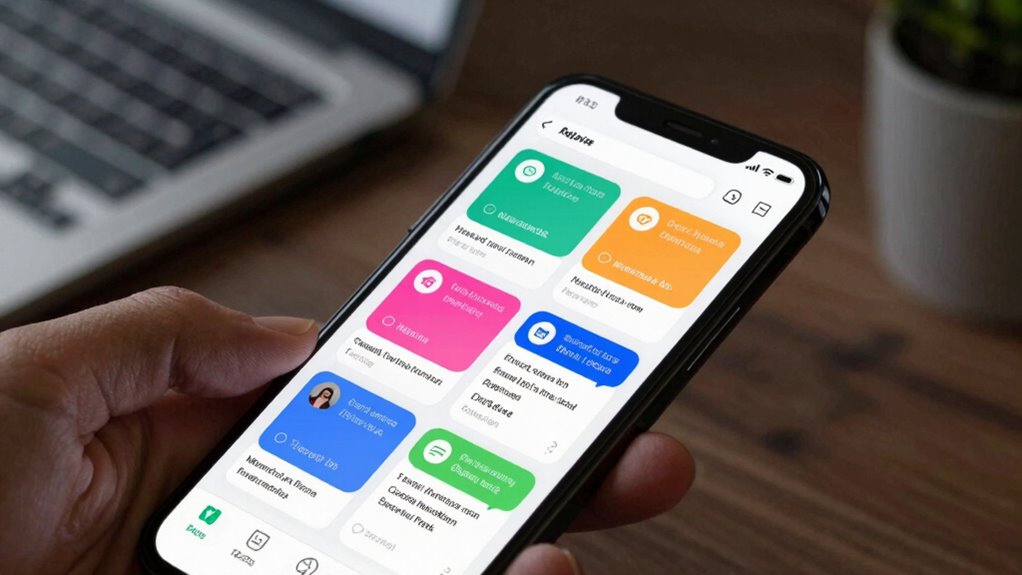
To cut through the noise, you need to prioritize alerts that truly matter. Set filters to catch critical notifications and recognize signals that demand immediate attention. Doing this helps you focus on what’s important without being overwhelmed by less urgent updates. Incorporating digital ecosystem strategies can enhance your ability to manage and curate content effectively. Building a content management system tailored to your needs can further streamline your notification process and improve responsiveness. Understanding family communication patterns can also help you better interpret and respond to important alerts, especially when integrating natural light and wellness touches into your daily routines. Being aware of global perspectives can provide additional insights into how different notification systems operate across various regions.
Prioritize Critical Alerts
Have you ever been overwhelmed by a flood of alerts that turn out to be minor or irrelevant? To avoid missing critical updates, you need to prioritize your alerts effectively. Start by understanding notification etiquette—only send or receive alerts that truly matter, respecting digital boundaries. Set clear rules for what warrants your immediate attention, like urgent work issues or important personal messages. By doing this, you guarantee your notifications align with your priorities and don’t distract from essential tasks. Remember, not every alert deserves your attention at all times. Filtering out non-urgent alerts helps you stay focused on what’s truly important, reducing stress and preventing burnout. Incorporating techniques such as body awareness from somatic therapy can also help you recognize when your focus is being unnecessarily disrupted. Additionally, understanding the importance of essential safety tips in related areas, like using portable oil radiators safely, can reinforce the value of prioritizing critical information in all aspects of life. Practicing digital boundaries can further enhance your ability to manage your notifications effectively. Prioritizing critical alerts keeps you in control and assures you don’t miss vital information.
Set Notification Filters
How can you guarantee that only the most important alerts reach you? Setting notification filters helps you do just that. By customizing filters, you assure critical messages come through while less urgent updates stay quiet. Use notification etiquette to prioritize alerts from trusted contacts or essential apps. Adjust alert timing so you’re not bombarded during work or rest hours. Consider filtering notifications based on keywords, sender, or app activity, and remember that lightweight formulations can reduce notification overload. This approach aligns with monitoring best practices to help you control your focus, avoid distractions, and stay responsive to what truly matters. Understanding the signs of twin flame connection can also guide you in recognizing meaningful alerts that resonate on a deeper level. Remember, effective filtering isn’t just about silence; it’s about smart prioritization. Fine-tune your settings to balance alert importance and timing, making your notifications more manageable and meaningful. Incorporating privacy considerations ensures that your notification preferences respect your data and privacy choices. Understanding how to manage app notifications can further optimize your notification strategy for better focus and peace of mind.
Recognize Urgent Signals
After setting filters to manage your notifications, the next step is learning to recognize which alerts truly demand your attention. You need to develop a sense of notification etiquette, understanding which signals are urgent and which can wait. Prioritize alerts from trusted contacts or services that indicate immediate issues or time-sensitive updates. Establish clear digital boundaries by resisting the urge to check every notification immediately; instead, set specific times to review non-urgent alerts. Recognizing urgent signals means focusing on notifications that impact your safety, work, or well-being. Being aware of digital boundaries helps prevent notification fatigue and maintains your focus. By being selective and disciplined, you avoid distraction while ensuring you don’t miss important alerts. This balance helps you stay responsive without overwhelming yourself with trivial notifications.
As an affiliate, we earn on qualifying purchases.
Customize Your Device’s Notification Settings
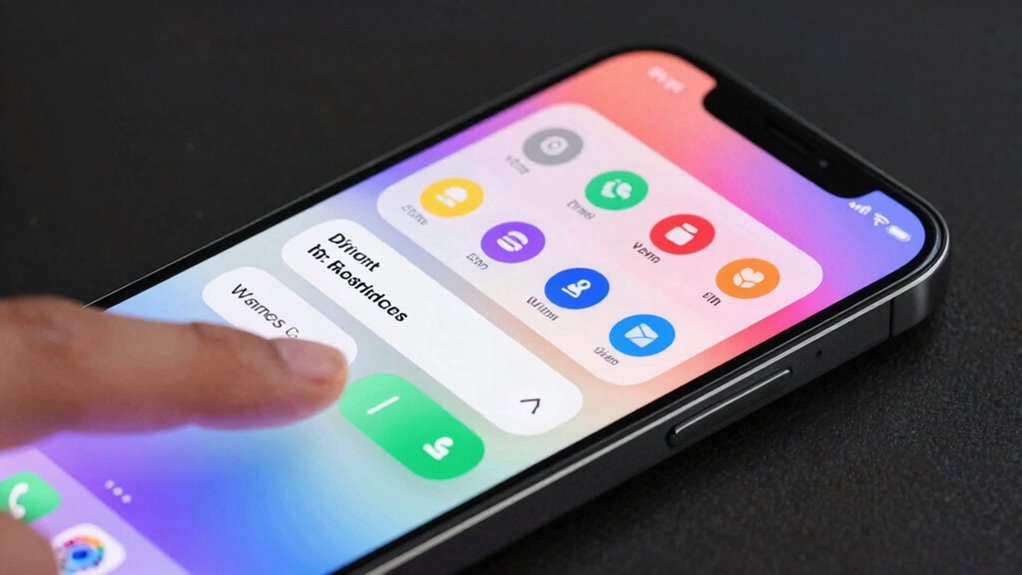
To reduce notification clutter, you should customize your device’s notification settings to prioritize what truly matters. Adjust notification tones so only important alerts sound, and use visual alerts selectively to avoid distractions. You can:
- Set distinct notification tones for urgent versus non-urgent apps
- Disable visual alerts for less critical notifications
- Choose to receive banners or lock screen alerts only for key apps
- Silence notifications during specific hours
- Limit notifications to only high-priority contacts or apps
These tweaks help you stay focused while still catching essential alerts. By fine-tuning your notification tone and visual alerts, you prevent unnecessary interruptions and ensure important messages stand out when they matter most. Understanding safety and seamanship fundamentals can help you better recognize critical alerts related to boating emergencies, ensuring you respond promptly when needed. Proper DIY tool use can also be essential for maintaining safety during emergency repairs or equipment checks. Additionally, customizing notification settings boosts your overall digital safety by reducing the risk of missing vital information amidst the noise. Incorporating essential oils for safety awareness, such as recognizing signs of respiratory distress or dizziness, can further enhance your preparedness in emergency situations. Being aware of the Gold IRA markets can help investors make informed decisions regarding their retirement assets, so staying updated with relevant alerts is equally important.
As an affiliate, we earn on qualifying purchases.
Use Focus Modes and Do Not Disturb to Stay Focused
Using focus modes and Do Not Disturb helps you manage notifications so you can stay on task. By customizing these settings, you control which alerts come through and when. This makes it easier to reduce interruptions and maintain your concentration. Incorporating techniques like setting specific notification preferences can further enhance your focus.
Customizing Focus Settings
Customizing your Focus Settings allows you to tailor notifications and interruptions to fit your needs, helping you stay focused when you need it most. By adjusting focus modes, you control which contacts and apps can send personalized alerts, ensuring you receive only the most important updates. Use notification etiquette to set boundaries, like silencing work alerts during personal time or vice versa. You can also schedule focus modes for specific times or activities, making it easier to stay present. Consider the following ways to customize:
- Select specific contacts for urgent alerts
- Limit notifications from certain apps
- Create custom focus modes for different activities
- Schedule focus sessions automatically
- Enable or disable notifications based on location
These steps help you manage interruptions effectively while respecting notification etiquette.
Managing Notifications Effectively
When you need to stay focused, leveraging Focus Modes and Do Not Disturb features can be highly effective. These tools help you enforce digital boundaries, ensuring only essential notifications come through. Practicing good notification etiquette means setting clear expectations about your availability, so others know when you’re offline. Use Focus Modes to customize which apps and contacts can alert you during work or personal time. Do Not Disturb allows you to silence all non-urgent alerts, reducing interruptions. By managing notifications proactively, you avoid distraction and maintain productivity. Remember, effective notification management isn’t just about silence; it’s about creating boundaries that respect your focus and time. This way, you stay connected without feeling overwhelmed or missing critical updates.
Filter App and Email Notifications Effectively
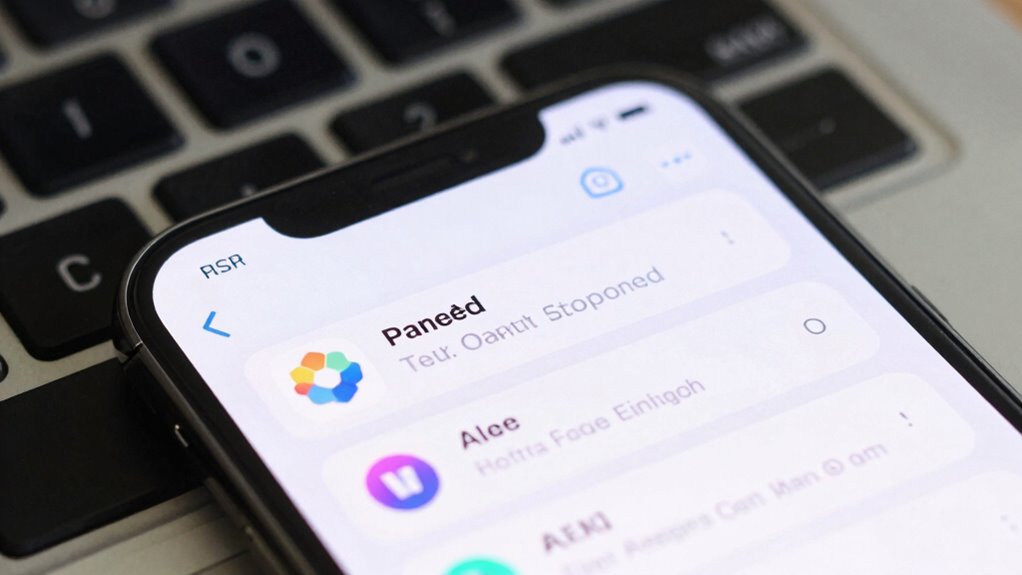
To reduce notification overload, it is essential to filter app and email alerts so you only see what truly matters. Start by setting clear rules for notification etiquette—know which alerts warrant your attention. Consider an app redesign if needed, choosing tools that allow easy filtering and customization. Use these strategies:
- Disable non-essential notifications from social media and games
- Prioritize critical emails and flag them for quick access
- Create custom filters to sort incoming messages
- Set do-not-disturb hours for less interruption
- Regularly review and adjust notification settings
Set Up Priority Notifications for Critical Alerts
Prioritizing critical alerts guarantees you’re immediately aware of important events without getting overwhelmed by less relevant notifications. To do this effectively, leverage alert customization and adhere to proper notification etiquette. Set high-priority alerts for essential contacts, apps, and systems, so you don’t miss urgent updates. Use your device’s settings to assign different notification sounds or vibrations, making critical alerts stand out. Consider this table for quick reference:
| Person/Source | Alert Type | Notification Method |
|---|---|---|
| Boss | Urgent emails | Sound and vibration |
| Family | Emergency calls | Vibrate only |
| Work App | Deadlines reminder | Banner notification |
| Security System | Breach alerts | Loud alarm |
| Calendar | Critical meetings | Pop-up alert |
Following proper notification etiquette guarantees clarity while avoiding unnecessary disruptions.
Automate Notification Management to Reduce Distractions
By automating your notification management, you can substantially reduce distractions and focus on what matters most. Implementing smart filters and schedules helps maintain proper notification etiquette while controlling alert frequency. This minimizes interruptions and prevents overwhelm. You can set rules to mute non-urgent alerts during focused work sessions or after hours. Use automation tools to prioritize important notifications, ensuring you don’t miss critical updates. Adjust settings to limit repetitive alerts, reducing fatigue. Consider consolidating multiple notifications into summaries, so you’re informed without constant pings. Automating this process keeps your workflow smooth and your mind clear, making it easier to stay productive without sacrificing awareness of essential alerts.
Review and Adjust Your Notification Settings Regularly
Regularly reviewing and adjusting your notification settings guarantees they stay aligned with your current priorities and workflows. This practice helps you avoid unnecessary interruptions and makes sure you don’t miss critical alerts. Keep in mind proper notification etiquette—only send alerts that are relevant and timely. Applying social etiquette in your notifications shows respect for others’ time and attention, preventing over-communication. Check your settings frequently to remove or silence channels that no longer matter or clutter your alerts. Adjust notification preferences based on your evolving tasks, deadlines, and personal habits. By staying proactive, you maintain control over your digital environment, reducing distraction while remaining informed about what truly matters. Consistently fine-tuning your settings keeps your communication efficient and respectful.
Frequently Asked Questions
How Can I Identify the Most Distracting Notifications on My Device?
To identify the most distracting notifications, start by reviewing your device’s notification settings and look for apps that generate excessive alerts. You can also observe when you’re most distracted by certain notifications, helping you recognize patterns of notification clutter. Use distraction management tools like prioritizing essential alerts and muting non-urgent notifications. This way, you focus on what truly matters and reduce unnecessary interruptions, improving your overall productivity.
Are There Apps That Can Help Filter Notifications Automatically?
Yes, apps like Notification Management tools and App Filtering services help you automatically sort, silence, or prioritize notifications. They work like gatekeepers, filtering out distractions while ensuring important alerts reach you. You set rules for different apps, and the app filtering does the rest, so you stay focused without missing essential updates. These tools create a balanced notification environment, giving you control over what demands your attention.
Can Notification Settings Differ Between Android and iOS Devices?
Yes, notification settings differ between Android and iOS devices, especially in Notification customization and alert prioritization. Android offers more granular control, allowing you to customize notifications for individual apps, set different priorities, and even silence certain alerts. iOS also provides options to manage notifications, but with a more streamlined approach. You can tailor alert styles, sounds, and banners, but Android typically gives you more flexibility for filtering and prioritizing notifications.
How Do I Ensure I Don’t Miss Urgent Alerts While Minimizing Spam?
Imagine a busy city intersection, where urgent alerts flash like bright signs. To avoid missing critical notifications, use notification prioritization to highlight important alerts and set custom alert tones for urgent messages. Adjust your settings so only essential notifications break through, while less important ones stay quiet. This way, you stay informed about what truly matters without getting overwhelmed by spam.
What Are the Best Practices for Reviewing Notification Preferences Regularly?
You should review your notification preferences regularly by focusing on your notification hierarchy and priority settings. Check which alerts are set as high priority and guarantee they’re enabled for urgent updates. Adjust lower-priority notifications to minimize spam, but avoid turning them off completely. Regularly updating these settings helps you stay informed of critical alerts while reducing unnecessary interruptions, ensuring you never miss important notifications when it matters most.
Conclusion
By mastering these strategies, you’ll reclaim your digital life from notification chaos and regain control like a true master of focus. No longer will you be drowned in an endless tide of distractions; instead, you’ll enjoy a serene, productive environment where only the most essential alerts break through. With consistent tweaks and mindful management, you’ll transform your device into a powerful tool for clarity and efficiency—making notification spam vanish faster than a blink of an eye.
Fall Picks
fall essentials
As an affiliate, we earn on qualifying purchases.