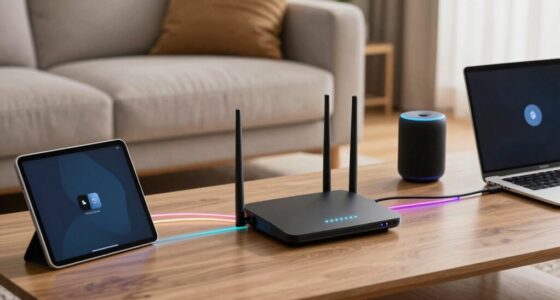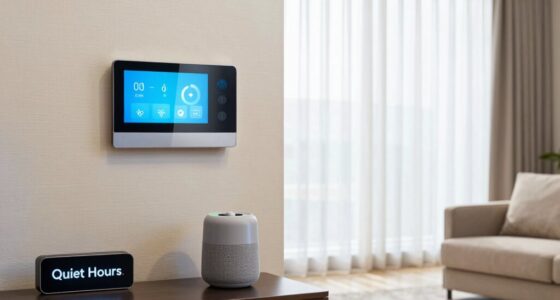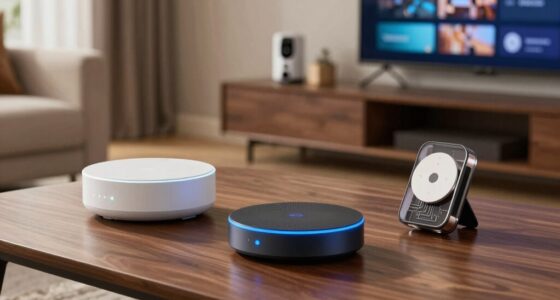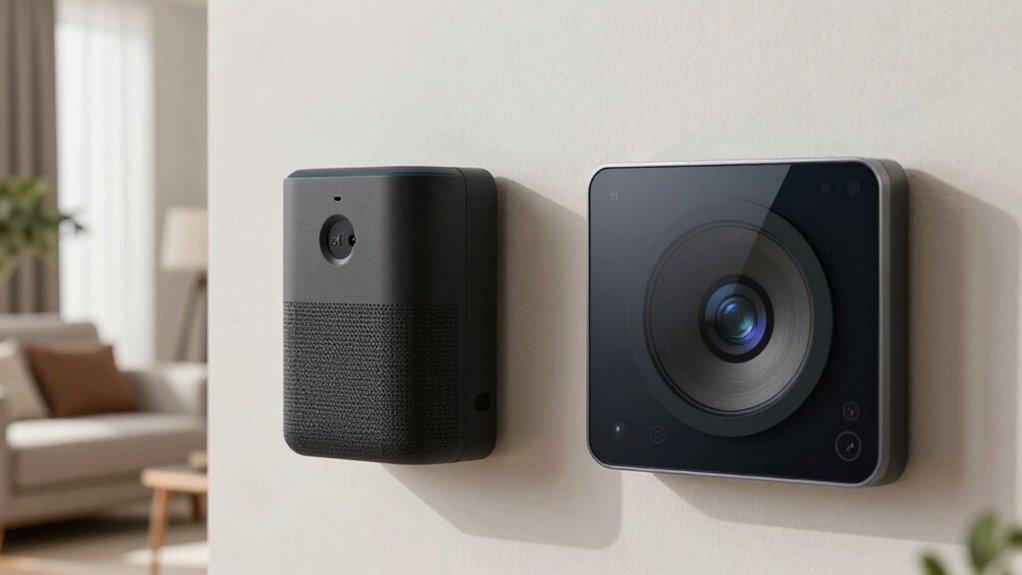
To safeguard your smart home privacy, regularly review and disable microphone and camera permissions in your device settings. Cover cameras with physical shutters or stickers when not in use, and turn off voice commands or disconnect devices from the internet if needed. Use hardware switches for quick control and confirm your devices have the latest firmware updates. Staying proactive about these controls helps you keep private spaces secure—discovery of more helpful tips is just ahead.

Get the latest gadgets delivered free with Prime
- Fast, free delivery on millions of items
- Prime Video, Amazon Music and more included
- Member-only deals all year
Key Takeaways
- Regularly review and adjust device permissions to restrict microphone and camera access to trusted apps only.
- Use physical covers or shutters to block cameras when not in use for immediate privacy control.
- Disable or disconnect microphones and cameras via device settings or hardware switches when privacy is a concern.
- Keep firmware and software updated to fix vulnerabilities that could expose recording features.
- Monitor device indicators like LED lights or physical signs that signal active microphone or camera use.
As an affiliate, we earn on qualifying purchases.
How Do Microphones and Cameras Affect Your Smart Home Privacy?

Microphones and cameras in smart home devices can profoundly impact your privacy because they have the ability to constantly listen and watch your activities. Voice command privacy becomes a concern when these devices pick up more than just your commands, potentially recording sensitive conversations. Similarly, camera lens security is crucial because unauthorized access can let intruders see your private space or even record videos without your knowledge. You might think your devices are secure, but vulnerabilities could expose your personal life. It’s important to understand how these devices operate and take steps to protect your privacy. Regularly updating firmware, disabling microphones when not in use, and covering camera lenses can help ensure your smart home remains a safe, private environment. Additionally, understanding smart home privacy concepts can help you make more informed decisions about device security. Being aware of potential privacy breaches allows you to implement better safeguards and maintain control over your personal data. Knowing the security features of your devices can also help you strengthen your defenses against unauthorized access. Implementing these practices can significantly reduce the risk of unauthorized surveillance and enhance your overall privacy at home. Recognizing the importance of device vulnerabilities can further motivate you to stay vigilant and proactive in safeguarding your smart home environment.
As an affiliate, we earn on qualifying purchases.
How Can You Identify Which Devices Have Microphones and Cameras?

To identify if your devices have microphones or cameras, start by checking their specifications or user manuals. You can also look for physical indicators like small holes or lenses on the device. Being attentive to these details helps you understand what features your devices have and manage your privacy accordingly. Additionally, understanding free floating technology and how it integrates with your devices can help you better control potential vulnerabilities. Recognizing device components such as microphones and cameras is essential for maintaining your privacy in an increasingly connected environment. Being aware of how water-related entertainment and technology are integrated into modern devices can also inform your privacy precautions in smart home setups. Knowing about smart home devices and their capabilities can help you identify which products might have hidden microphones or cameras, allowing for more effective privacy management. Being familiar with common child-friendly features can prevent unintended access or data collection.
Check Device Specifications
Checking device specifications is the most straightforward way to determine if a gadget has a microphone or camera. Start by reviewing the manufacturer’s details, which often list hardware features. Device calibration notes can reveal whether a device includes audio or visual sensors. Look for specifications related to audio input, video recording, or sensor capabilities. Firmware updates can also hint at added features or improvements, sometimes including camera or microphone functionalities. Regularly updating your device’s firmware guarantees you have the latest security patches and feature disclosures. If specifications aren’t clear, visit the manufacturer’s website or contact support for detailed info. Knowing these details helps you identify which devices may be transmitting audio or video, so you can better manage your privacy and device controls. Additionally, hardware features in device specifications can explicitly indicate the presence of microphones or cameras. Recognizing these details can also assist in device security practices to ensure your privacy is maintained.
Look for Physical Indicators
Many devices don’t hide their sensors or recording components, making physical indicators a quick way to identify potential privacy risks. Look for visual indicators or physical signals that reveal the presence of microphones or cameras. These can include tiny holes, lens covers, or LED lights that turn on when active. Some devices have small, discreet markings or icons indicating camera or microphone functionality. Others might have physical switches or shutters you can slide over the lens or microphone. Being aware of these physical signals helps you know which devices could potentially record you. Regularly inspecting your gadgets for these indicators makes it easier to spot unintentional or malicious recordings. Additionally, hardware design features such as removable covers or built-in privacy shutters provide further control over device recordings. Understanding device indicators can also help you determine if a device is actively recording or just has the potential to do so. Staying vigilant about physical indicators enhances your privacy and control over your smart home environment. Recognizing these signs can also help you identify malicious hardware modifications that could compromise your privacy.
smart home device firmware update kit
As an affiliate, we earn on qualifying purchases.
As an affiliate, we earn on qualifying purchases.
Quick Ways to Disable or Cover Microphones in Your Home
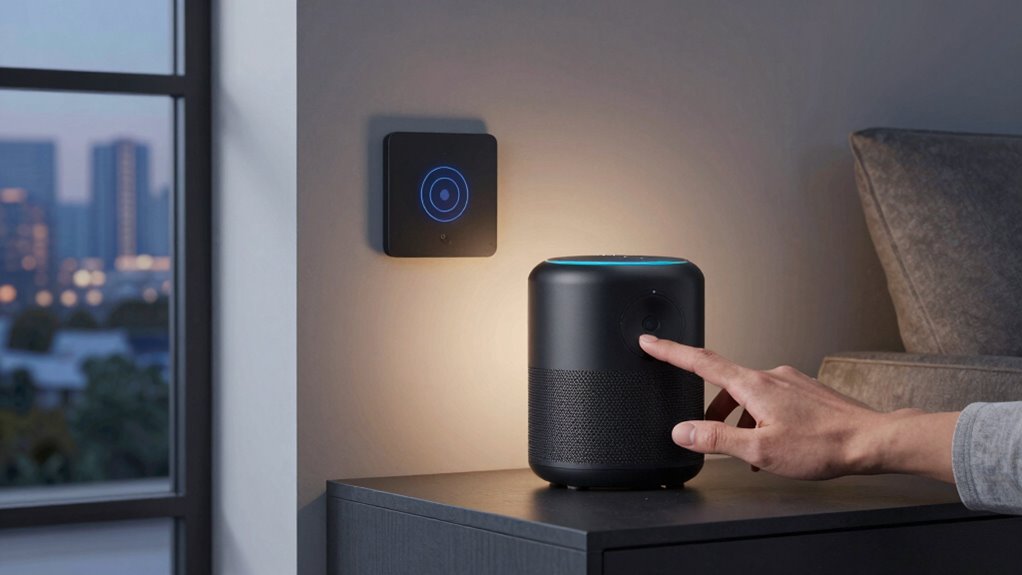
If you’re concerned about your privacy, disabling or covering the microphones on your smart home devices is a quick and effective step. Covering microphones with tape or a physical cover instantly blocks sound input, reducing the risk of unauthorized listening. For a more secure approach, disable voice command security features in your device settings, preventing accidental activation. You can also disconnect the device from the internet or disable the microphone through app controls. Additionally, guarantee your network uses data encryption techniques to protect your data during transmission. These measures help prevent eavesdropping and keep your conversations private. Implementing proper device configuration is essential for maintaining your home’s security. Ensuring your network privacy settings are up to date can further strengthen your overall home security. Being aware of cookie management options can also enhance your privacy by controlling how your data is collected and used. Regularly reviewing your device permissions can prevent unauthorized access, giving you more control over your smart home. Taking these simple actions can give you peace of mind, knowing you’re actively controlling your microphone access and safeguarding your home’s privacy. Additionally, understanding the microphone/ camera controls in your devices allows you to quickly respond to any potential privacy threats.
camera shutter for smart devices
As an affiliate, we earn on qualifying purchases.
As an affiliate, we earn on qualifying purchases.
How to Turn Off or Restrict Access to Your Smart Home Cameras
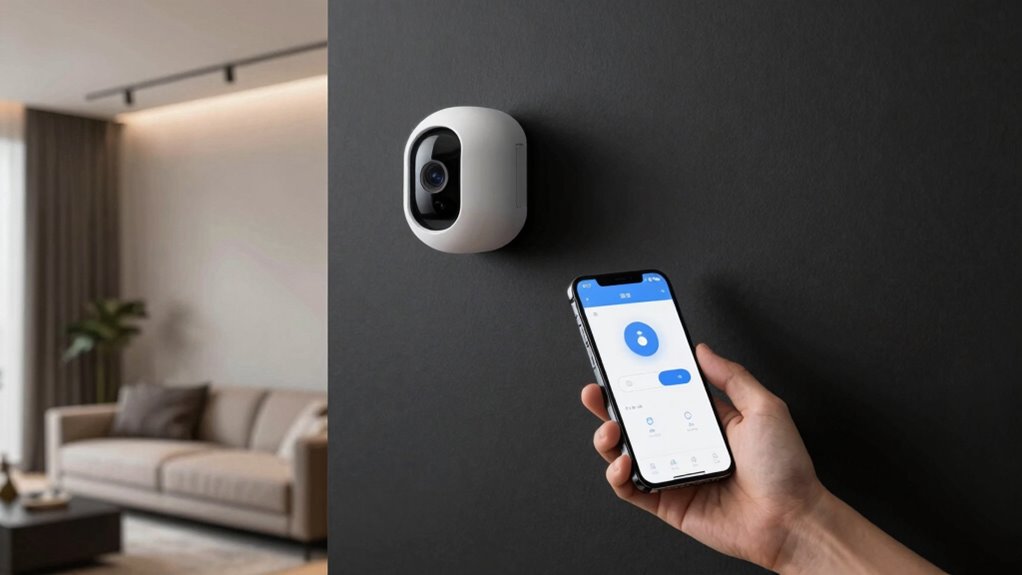
Disabling or restricting access to your smart home cameras is a straightforward way to enhance your privacy, especially after covering or turning off microphones. You can do this by adjusting camera settings through the app or using voice command security to disable cameras quickly. Always make sure your data encryption techniques are enabled to protect your footage from unauthorized access. Consider creating user-specific access controls, limiting who can view footage. Regularly update your device firmware to patch vulnerabilities. Disconnect cameras from Wi-Fi when not in use. Use strong, unique passwords for camera accounts. Proper smart device security practices help safeguard your entire smart home ecosystem. Pet tracking gear can also help monitor your pets’ activity and location when you’re concerned about privacy or security. Additionally, understanding how to set up your home theater and AV gear properly can help you manage your smart devices more effectively and securely. To further protect your privacy, familiarize yourself with watt-hour capacity considerations to ensure your devices are powered securely and reliably.
Managing App Permissions for Microphones and Cameras

Have you ever considered how app permissions can impact your smart home privacy? Managing app permission management for microphones and cameras is essential. When you grant apps access, you might unintentionally expose sensitive information or compromise voice command security. Regularly review permissions in your device settings, ensuring only trusted apps have access. Disable permissions for apps that don’t need microphone or camera access, especially those running in the background. This minimizes the risk of unauthorized listening or video recording. Staying vigilant helps prevent privacy breaches and maintains control over your devices. By actively managing app permissions, you keep your smart home environment secure, reducing vulnerabilities and safeguarding your personal space from potential intrusions.
Using Physical Covers and Hardware Switches to Protect Your Devices

Using physical covers and hardware switches gives you a simple, reliable way to block access to your devices’ microphones and cameras. These tools provide instant privacy control, even if software settings are compromised. By incorporating them, you gain peace of mind and a straightforward method to safeguard your smart home.
Physical Covers for Privacy
Ever wondered how to guarantee your smart devices stay private when you’re not actively using them? Physical covers are a simple yet effective solution. Covering your camera with a slide or sticker blocks unwanted visual access, providing peace of mind. For microphones, physical covers prevent accidental voice activation, especially during sensitive conversations. When not in use, consider disconnecting devices from Wi-Fi or disabling voice activation features. If your device supports device pairing, ensure it’s paused or turned off when not needed. These physical barriers give you immediate control over privacy and reduce the risk of unauthorized access.
- Use tape or camera covers when not in use
- Enable physical switches on cameras and microphones
- Disconnect devices during private moments
- Use privacy screens for additional security
- Turn off voice activation when idle
Hardware Switches Benefits
Physical covers and switches offer straightforward, reliable ways to protect your smart devices from unwanted access. They provide a simple solution to disable microphones or cameras instantly, ensuring voice command security isn’t compromised when you don’t need it. Hardware switch advantages include quick, physical control that doesn’t rely on software or internet connectivity, reducing the risk of hacking. Unlike voice commands, switches eliminate the chance of accidental activation or remote interference. By physically toggling a switch or covering a lens, you gain peace of mind knowing your privacy is protected at all times. These hardware controls are especially useful for those concerned about security vulnerabilities, offering a tangible barrier against unauthorized access and giving you complete control over your smart home devices.
Troubleshooting Common Microphone and Camera Privacy Problems
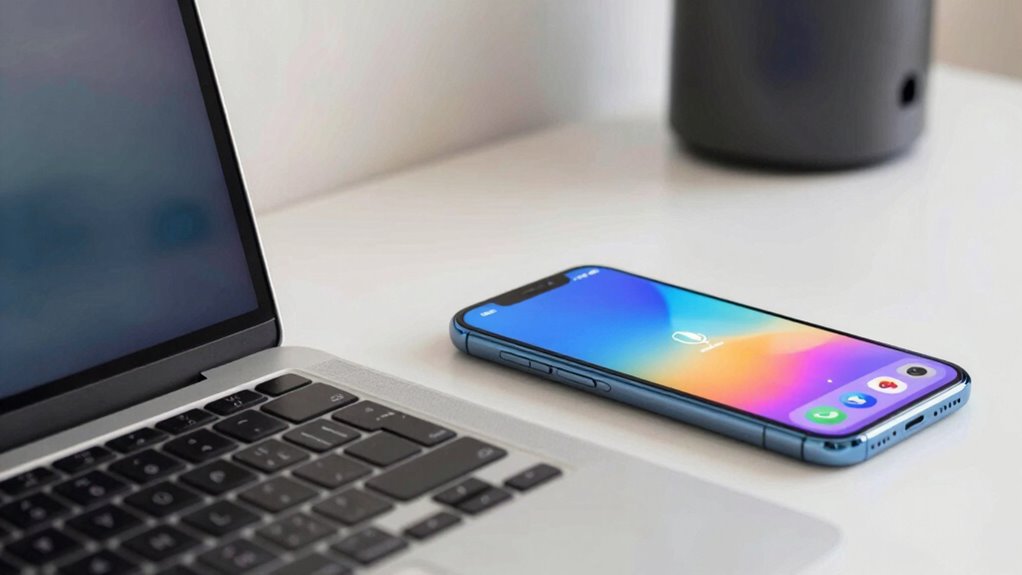
When your microphone or camera suddenly stops responding or behaves unexpectedly, it can be frustrating and concerning. You might worry about voice command vulnerabilities or potential data breaches. To troubleshoot, start by checking device settings and permissions. Confirm your firmware and software are up-to-date to fix bugs that could cause issues. Restart your device to reset connections. Verify your network’s security, especially data encryption methods, to prevent unauthorized access. If problems persist, test hardware with another device or app. Remember, some issues stem from voice command vulnerabilities, making it crucial to disable voice activation if suspicious activity occurs. Also, consult manufacturer support or online forums for specific solutions. Regularly updating security settings keeps your smart home safer from privacy risks.
Tips to Keep Your Privacy Safe as Smart Technology Evolves
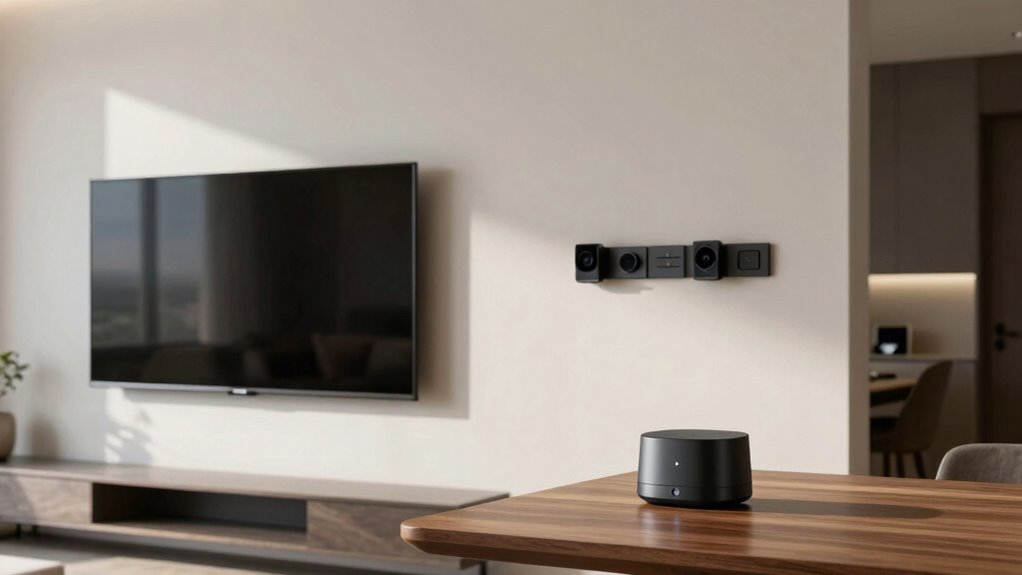
As smart technology continues to advance, staying proactive about protecting your privacy is essential. To do this, prioritize voice command security by regularly updating passwords and enabling multi-factor authentication. Be cautious with voice assistants, and review their privacy settings to limit data sharing. Additionally, understanding data encryption techniques is critical; ensure your devices use end-to-end encryption to protect your information from unauthorized access. Keep firmware and software up to date, as updates often include security enhancements. Use strong, unique passwords for all smart devices and avoid using default credentials. Regularly audit your device permissions and disable features you don’t need. By staying informed and practicing these security measures, you can better safeguard your privacy as smart technology evolves.
Frequently Asked Questions
Can Smart Home Devices Record Audio or Video Without My Knowledge?
Yes, smart home devices can record audio or video without your knowledge, especially if voice activation accidentally triggers them. To protect your privacy, guarantee your devices support strong device encryption and regularly update their firmware. You should also review voice activation settings, disable features when not needed, and use privacy controls to restrict when and how your devices listen or record. This way, you stay in control of your smart home environment.
Are There Legal Protections Against Unauthorized Smart Device Recordings?
Yes, there are legal protections against unauthorized recordings by smart devices. Laws like data encryption protect your data, ensuring recordings are secure and inaccessible to unauthorized parties. Additionally, many regulations require user consent before devices can record or share audio and video. These protections aim to prevent unauthorized surveillance, giving you peace of mind that your smart home devices respect your privacy and operate within legal boundaries.
How Often Should I Review My Device Permissions and Privacy Settings?
You should review your device permissions and privacy settings at least once a month. Imagine a homeowner who missed updating permissions, allowing their smart camera to record constantly, risking privacy breaches. Regular review keeps you aware of who has access and helps you manage permissions effectively. This user awareness guarantees your smart devices only do what you want, reducing risks and maintaining your privacy. Stay proactive for peace of mind.
Do Smart Home Security Cameras Store Footage Locally or in the Cloud?
Smart home security cameras can store footage either locally or in the cloud. Many models offer local storage options like SD cards, giving you control over your data without relying on internet connectivity. Others use cloud backups, which securely store footage online, allowing remote access and easier sharing. Consider your privacy needs and internet stability when choosing between local storage and cloud backups to guarantee your footage stays safe and accessible.
What Are the Best Practices for Updating Device Firmware to Enhance Privacy?
Like a modern-day knight, you should regularly update your device firmware to bolster privacy. Make sure you download updates directly from trusted sources, and enable automatic updates if possible. Focus on firmware updates that improve device encryption and security features. By doing so, you safeguard your devices against vulnerabilities, prevent unauthorized access, and maintain control over your smart home’s privacy. Staying proactive keeps you one step ahead in the digital age.
Conclusion
As technology continues to weave itself into your daily life, taking simple steps to protect your privacy helps guarantee your peace of mind. Think of these controls as gentle guardians, quietly watching over your space while respecting your boundaries. By staying vigilant and proactive, you create a safe haven where innovation and comfort coexist harmoniously. Embrace these measures with confidence, knowing you’re fostering a secure environment where your personal moments remain just that—personal.
Fall Picks
fall essentials
As an affiliate, we earn on qualifying purchases.