
If your smart lights lag or flicker, it’s often because of issues in your mesh network. Weak signals, interference from other electronics, or poor device placement can disrupt communication between devices. Outdated firmware or hardware glitches may also cause delays. By optimizing your network setup and ensuring all components are updated, you can improve performance. Keep exploring, and you’ll discover ways to fix these problems and get your smart lights working smoothly.

Get the latest gadgets delivered free with Prime
- Fast, free delivery on millions of items
- Prime Video, Amazon Music and more included
- Member-only deals all year
Key Takeaways
- Weak Wi-Fi signals or interference disrupt mesh signal pathways, causing lag or flickering in smart lights.
- Outdated firmware or incompatible devices hinder communication within the mesh network, leading to delays.
- Physical obstructions and network congestion weaken signal strength and increase response times.
- Overloaded or improperly configured mesh nodes reduce responsiveness and overall lighting performance.
- Hardware issues or faulty components in the mesh network can disrupt signal routing, causing lag.
As an affiliate, we earn on qualifying purchases.
What Is a Mesh Network and How Does It Power Your Smart Lights?

Ever wondered why some smart lights respond faster and more reliably than others? It’s often due to the type of network they use, specifically a mesh topology. In a mesh network, each smart light connects directly to multiple other lights, creating a robust signal hierarchy. This setup allows signals to hop seamlessly between devices, reducing dead zones and guaranteeing a steady connection. Additionally, mesh topology enhances overall network resilience by allowing multiple pathways for data transmission, which is especially useful in complex smart home setups. Unlike traditional star networks, where a single hub controls everything, mesh networks distribute the communication load, boosting reliability. If one device drops out or faces interference, the signals reroute through other lights. This dynamic signal hierarchy keeps your smart lights responsive, minimizes lag, and guarantees consistent performance across your entire setup. Understanding digital concepts like mesh topology can help you optimize your smart home network for better performance. Additionally, knowledge of network configurations can assist in troubleshooting connectivity issues and improving overall system stability. Recognizing wireless communication methods within your network can further enhance your understanding of how these systems stay connected and efficient.
As an affiliate, we earn on qualifying purchases.
Why Is My Smart Light Lagging or Flickering? Common Causes Explained
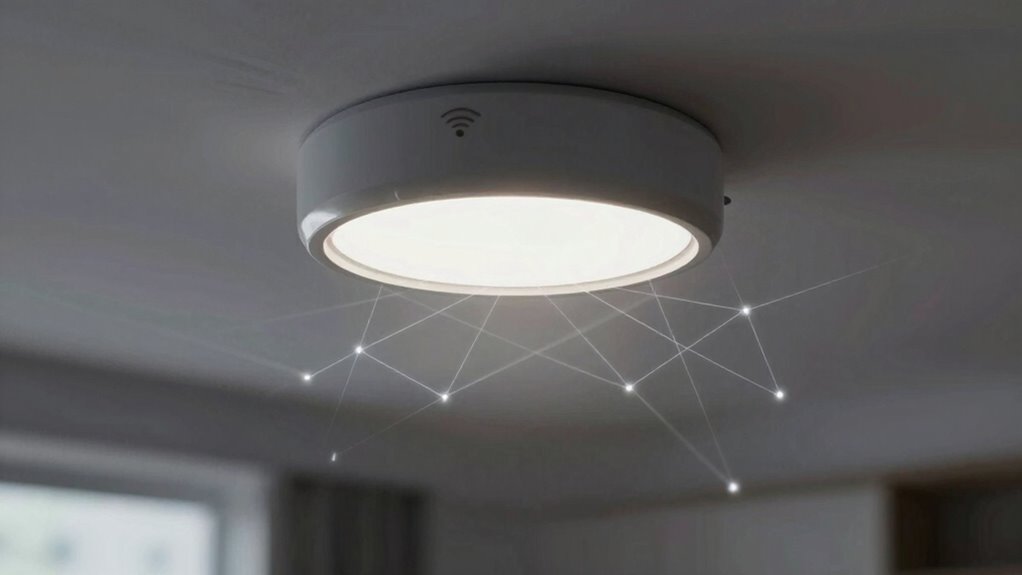
Lagging or flickering smart lights can be frustrating, but understanding the common causes helps you troubleshoot effectively. One reason is weak Wi-Fi signals or poor network coverage, which can disrupt your smart home’s lighting automation. If your smart light isn’t receiving a stable connection, it may lag or flicker. Another cause is outdated firmware or app issues—keeping your devices updated guarantees smooth performance. Additionally, incompatible bulbs or devices within your smart home setup can cause flickering, especially if they don’t communicate properly through the mesh network. Power fluctuations or electrical issues can also cause flickering, so it’s wise to check your wiring. Being aware of your mesh network setup is crucial, as it plays a vital role in maintaining seamless device communication. Proper network coverage ensures that all devices stay connected and function correctly. It’s also helpful to consider smart device compatibility to prevent issues caused by incompatible hardware. Furthermore, understanding how home automation systems interact can help optimize overall performance and reduce lag. It’s also helpful to consider battery inverter generators as they can provide a stable power source to reduce electrical inconsistencies. By identifying these common causes, you can improve your lighting automation and enjoy a more reliable smart home experience.
smart light interference blocker
As an affiliate, we earn on qualifying purchases.
As an affiliate, we earn on qualifying purchases.
How Can Interference and Signal Path Problems Disrupt Smart Lighting?
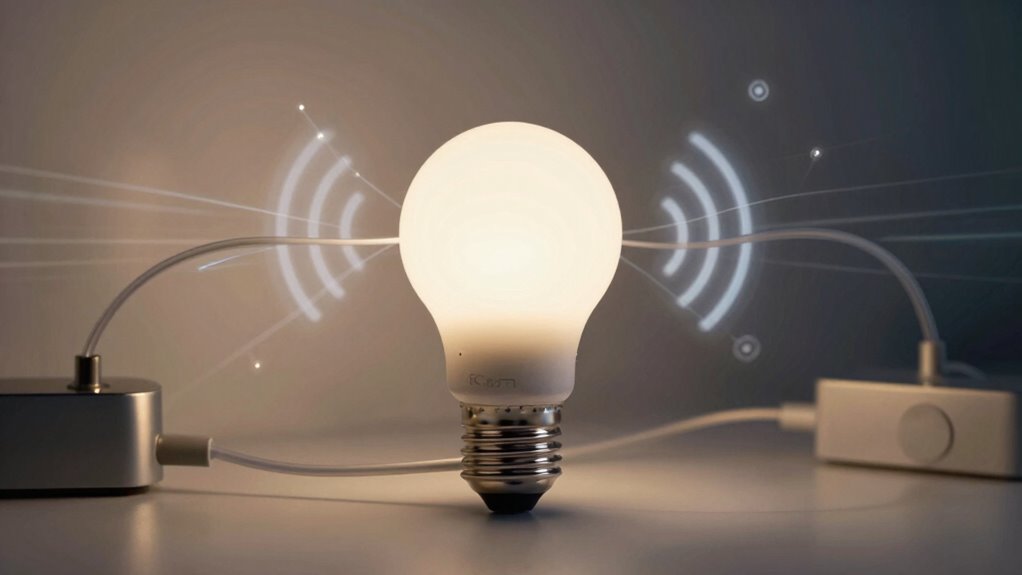
Interference from other electronic devices and problems in the signal path can considerably disrupt your smart lighting system. Wireless interference occurs when signals from Wi-Fi routers, cordless phones, or microwaves clash with your smart lights’ communication channels, causing lag or unresponsiveness. Signal obstructions, like thick walls or metal objects, also weaken the wireless connection, leading to delays or flickering. These issues increase the distance or create barriers between your smart lights and the hub or router, making it harder for commands to reach them promptly. In addition, wireless network congestion can further impair the system’s performance, especially in busy environments. Understanding mesh network architecture can help you identify the best placement and environment for your devices to reduce interference. Proper device placement is essential for optimizing signal strength and maintaining seamless operation. Additionally, signal path problems can be caused by faulty or outdated hardware components, which may require troubleshooting or replacement. As a result, your smart lighting may flicker, lag, or fail to respond altogether. To maintain smooth operation, it is crucial to minimize wireless interference and clear signal obstructions whenever possible.
mesh network troubleshooting tools
As an affiliate, we earn on qualifying purchases.
As an affiliate, we earn on qualifying purchases.
How to Troubleshoot Smart Light Lag and Improve Performance
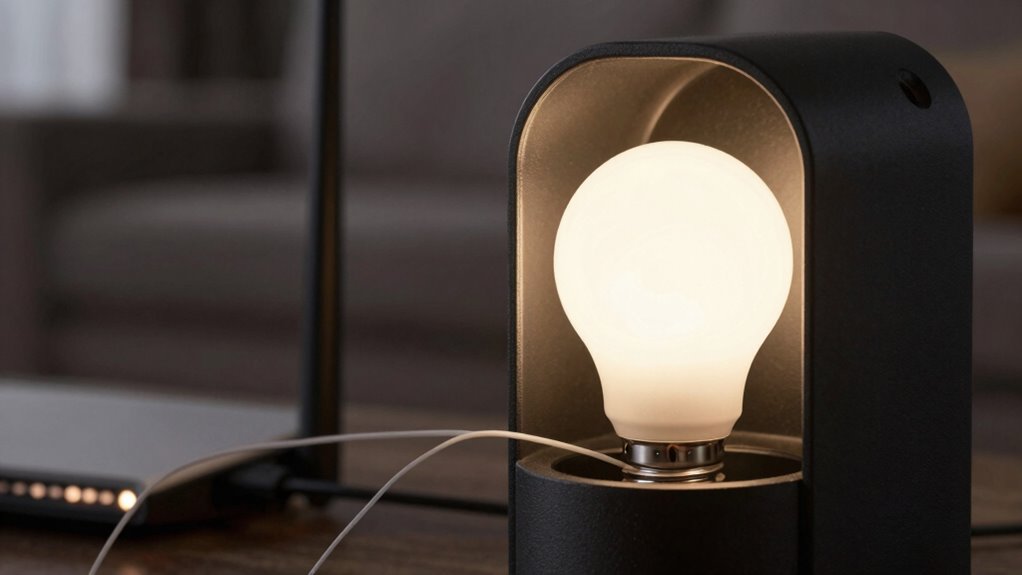
When your smart lights start lagging or responding slowly, troubleshooting can often pinpoint the issue and restore smooth performance. First, check for firmware updates for your smart lights and hub, as outdated software can cause lag. Keeping firmware current ensures best compatibility and fixes bugs that may hinder performance. Next, perform a power cycle by turning off the lights and unplugging the hub for about 30 seconds, then turn everything back on. This resets the network connection and clears temporary glitches. Also, verify that your Wi-Fi signal is strong and stable in the area where your smart lights are installed. Regularly updating firmware and power cycling devices are simple yet effective steps to improve response times and reduce lag in your smart lighting system. Additionally, ensuring your overall network security protocols are up to date can prevent interference and connectivity issues that contribute to lag. Being aware of potential mesh network issues can help you optimize the setup for better performance. Understanding how your drone bees influence hive health can also provide insights into maintaining a stable environment for your smart devices. Moreover, monitoring network traffic can help identify bandwidth-heavy activities that may be slowing down your smart lights.
When Should You Upgrade or Reconfigure Your Mesh Network for Faster Smart Lights?
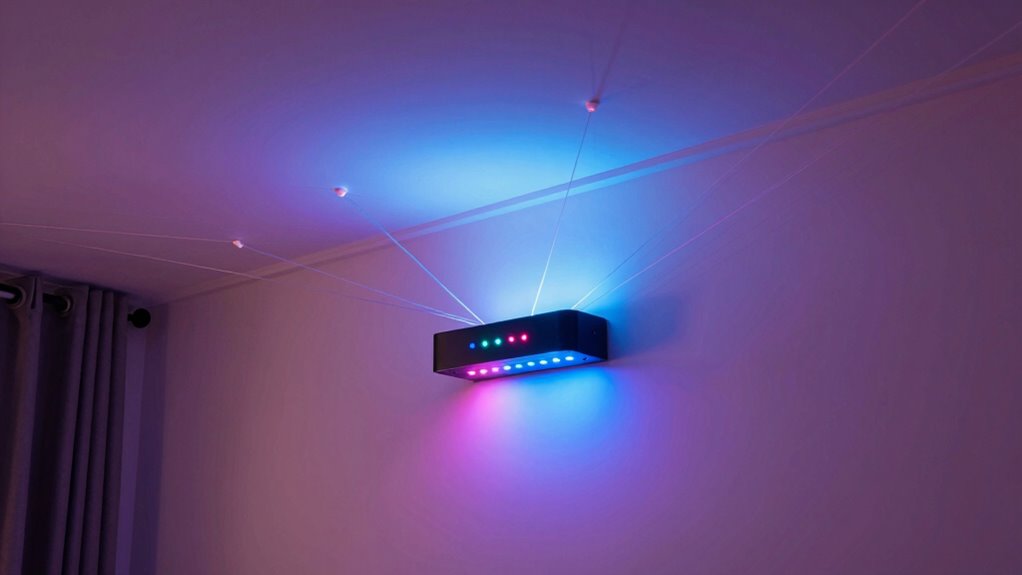
If your smart lights continue to respond slowly despite troubleshooting efforts, it may be time to upgrade or reconfigure your mesh network. Slow responses can hinder your smart home security and voice control integration, making automation less reliable. Consider upgrading your mesh nodes if your network is outdated or overwhelmed by device volume. Reconfiguring your network can also help optimize performance, such as adjusting node placement or reducing network congestion. When you notice persistent lag during voice commands or smart lighting routines, it’s a clear sign that your current setup needs improvement. Upgrading or reconfiguring guarantees faster, more dependable responses, enhances your smart home’s security, and makes voice control seamless. Don’t wait—improve your network to enjoy smarter, faster lighting.
Frequently Asked Questions
Can Adding More Smart Lights Slow Down Your Entire Mesh Network?
Adding more smart lights can slow down your mesh network, especially if they increase energy consumption or disrupt aesthetic design. When you connect many devices, they compete for bandwidth, causing lag. Poor placement or outdated firmware can make this worse. To keep things smooth, optimize device placement, update firmware, and balance the number of connected lights, ensuring your aesthetic design remains intact without sacrificing performance.
How Does the Placement of Smart Lights Affect Lag and Connectivity?
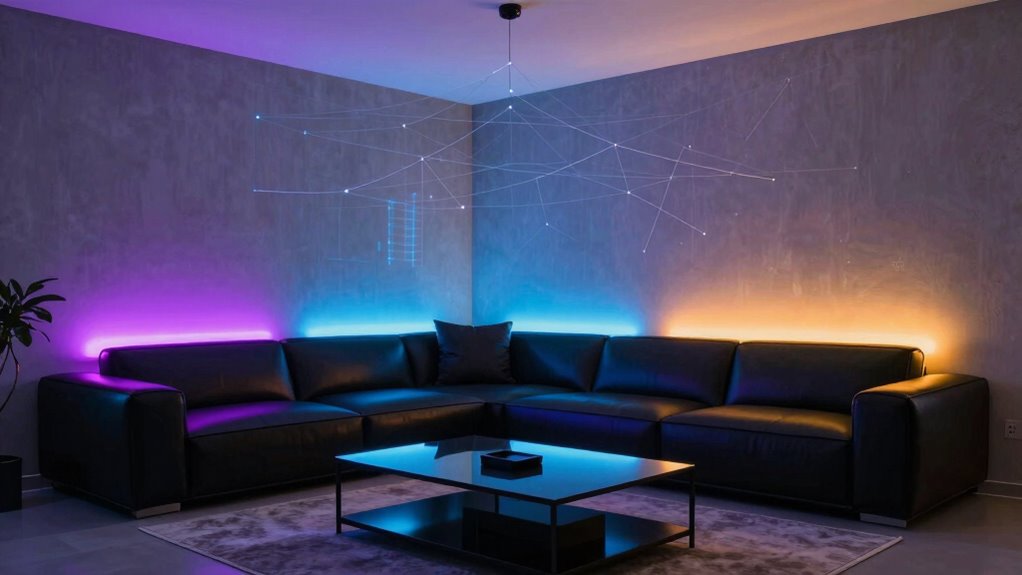
Think of your smart lights as stars in a constellation; smart placement is key to clear communication. If you place lights near thick walls or other electronic devices, signal interference can turn your network into a game of telephone, causing lag. To keep everything running smoothly, position lights in open spaces and away from potential interference. Proper placement guarantees a strong mesh network, reducing lag and improving connectivity.
Do Certain Wi-Fi Routers Better Support Smart Light Mesh Networks?
Yes, some Wi-Fi routers better support smart light compatibility due to superior router performance. Look for routers with strong mesh capabilities, high bandwidth, and low latency, as these features guarantee smoother communication between your smart lights and the network. Routers from brands like Netgear, Asus, or Google Nest often excel in supporting smart light mesh networks, reducing lag and improving overall connectivity.
What Role Do Firmware Updates Play in Reducing Smart Light Lag?
Firmware updates play a vital role in reducing smart light lag by improving firmware optimization, which enhances device performance. They also address network congestion issues, helping your mesh network run more smoothly. When you keep your smart lights’ firmware up-to-date, you minimize lag, guarantee better connectivity, and enjoy seamless control. Regular updates fix bugs and optimize communication protocols, making your smart lighting system more responsive and reliable over time.
Is It Possible to Prioritize Smart Lights Over Other Devices on Your Network?
Sure, you can prioritize your smart lights over other devices on your network. Ironically, it’s easier than you think—just set your smart lights to high priority in your router’s Quality of Service (QoS) settings. This way, your colorful, voice-controlled ambiance gets the bandwidth it deserves, minimizing lag. Now you can enjoy seamless color customization and voice control integration, all while your smart lights steal the show on your network.
Conclusion
Understanding your mesh network is like having a map to your smart lights’ secret highway. When you tackle interference, optimize signal paths, or consider an upgrade, you’re clearing the traffic jams that cause lag or flickering. Think of it as tuning your network engine—once it’s running smoothly, your smart lights will shine brighter and faster, turning your home into a well-orchestrated symphony of connectivity. Keep tweaking, and you’ll enjoy a seamless smart lighting experience every time.
Halloween Picks
halloween
As an affiliate, we earn on qualifying purchases.