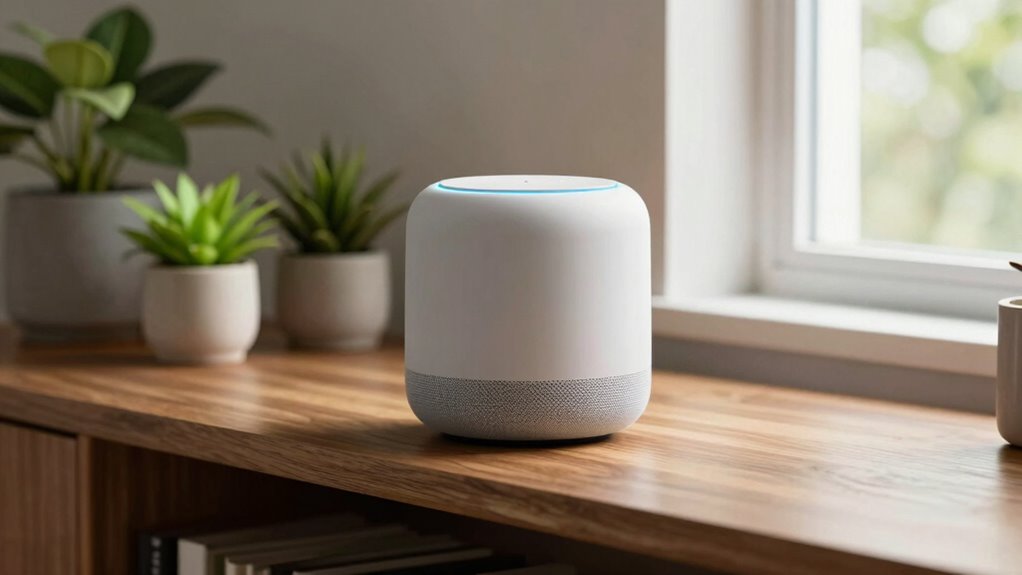
If your smart speaker isn’t hearing you well, focus on its placement instead of just increasing the volume. Place it at ear level, in a central and open spot, away from walls, furniture, or reflective surfaces like mirrors and windows. Clear obstacles and minimize background noise for better recognition. Adjusting microphone sensitivity or recalibrating the device can also help. Keep these tips in mind, and you’ll discover more ways to improve your speaker’s listening skills.
Key Takeaways
- Position the speaker at ear level and in an open, central spot away from walls or furniture to improve microphone pickup.
- Remove obstacles and clutter around the device to ensure clear voice pathways and reduce sound muffling.
- Avoid placing the speaker behind furniture, inside cabinets, or near reflective surfaces like mirrors or windows.
- Minimize background noise from appliances, TVs, or conversations to enhance voice recognition accuracy.
- Recalibrate the device and update firmware regularly to optimize microphone sensitivity and sound clarity.

Wireless Induction Speaker 5-in-1 Bluetooth Speaker with Phone Stand,Stereo Sound, 3500mAh Rechargeable, 8 RGB Ambient Light, 360° Adjustable Holder for iPhone/Android/iPad,Gifts for Men Women (Black)
Smart Induction Playback: No Bluetooth connection required – The induction speaker for iphone uses advanced automatic induction technology….
As an affiliate, we earn on qualifying purchases.
As an affiliate, we earn on qualifying purchases.
Why Isn’t My Smart Speaker Hearing Me Clearly?

If your smart speaker isn’t hearing you clearly, the problem might be related to its placement. When it’s too far from you or tucked into a corner, it struggles to pick up your voice command accurately. Poor placement can also affect sound quality, making it harder for you to hear responses clearly. Make sure your speaker is positioned at ear level and in an open space, away from walls or objects that can muffle sound. Avoid placing it near sources of background noise, like TVs or appliances. Good placement improves both voice command recognition and sound quality, so you get clear responses every time. Proper positioning helps your smart speaker perform at its best and makes your interactions smoother. Additionally, paying attention to the surrounding environment can significantly enhance its listening capabilities, especially when considering factors like acoustic treatment and ambient noise levels. Ensuring the listening environment is optimized can make a noticeable difference in performance. Adjusting these factors can also help mitigate background interference, leading to better voice recognition. Proper device orientation can further improve sensitivity and accuracy in capturing your commands.
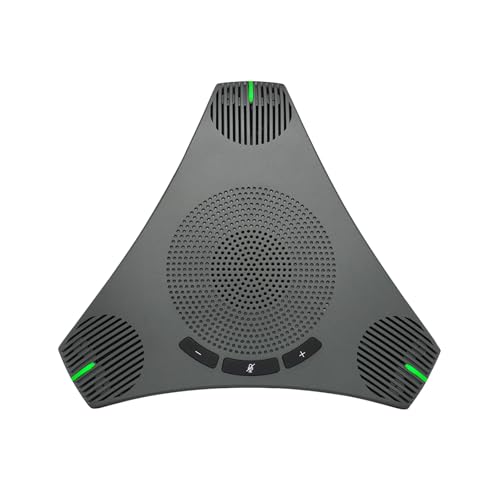
Conference Speaker and Microphone, USB Speakerphone with 360° Omnidirectional Voice Pickup, Smart Voice Enhancement, Hi-Fi Sound, Echo & Noise Reduction for Business, Home Office, Online Meeting
Smart Voice Enhancement: Conference speakerphone can eliminate background noise while simultaneously enhancing voices, and full duplex communication ensures…
As an affiliate, we earn on qualifying purchases.
As an affiliate, we earn on qualifying purchases.
Common Placement Mistakes That Reduce Voice Recognition Accuracy
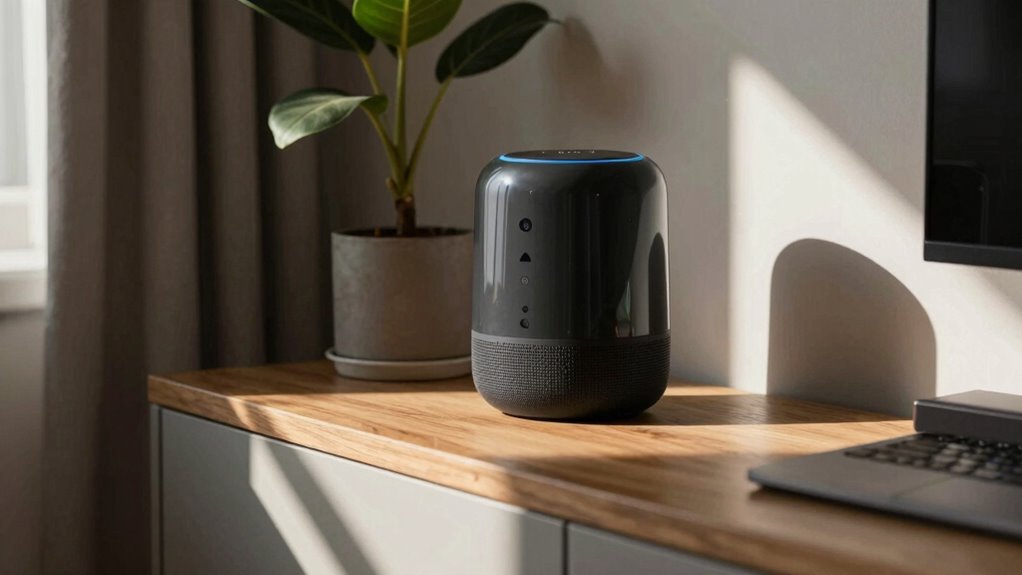
Placing your smart speaker with obstructed voice pathways or too close to walls can block sound and reduce recognition accuracy. Incorrect placement, like positioning it near noisy appliances or in a corner, can also make it harder for the device to hear you clearly. Excessive background noise from TV, music, or conversations can further interfere with voice commands.
Obstructed Voice Pathways
Obstructed voice pathways are a common mistake that can considerably hinder your smart speaker’s voice recognition accuracy. When objects block the speaker’s microphone, it struggles to pick up your voice clearly, leading to repeated commands or errors. Many people fall for voice command myths, thinking volume alone fixes recognition issues, but placement and openness matter more. Also, while speaker aesthetics are important for your decor, don’t sacrifice function for style. Keep the area around your device free of clutter, furniture, or decorative items that can muffle or block sound. Position your speaker where it has an unobstructed line of sight to your voice, ensuring it can hear you clearly from all angles. Proper placement improves recognition and reduces frustration. Proper placement is especially crucial when using portable devices in different rooms or locations, as environmental factors can impact sound clarity. Additionally, considering outdoor environments can help prevent recognition issues when moving your speaker outside or into open spaces. Being mindful of the voice pathways can make a significant difference in maintaining optimal performance. Ensuring your device is in an open, unobstructed area and avoiding clutter can enhance voice recognition significantly. Incorporating knowledge about nail biology, such as how nails grow and their strength, might seem unrelated, but it highlights the importance of proper care and positioning—just as well-maintained nails are less prone to damage, a properly placed speaker functions more reliably.
Incorrect Speaker Placement
One of the most common mistakes is choosing a spot that’s too close or too far from your typical listening area, which can drastically reduce voice recognition accuracy. Proper placement guarantees your smart speaker hears you clearly. Avoid placing it behind furniture or in corners, as these can muffle sound or distort voice commands. Consider aesthetic considerations, balancing functionality and visual appeal, to prevent clutter and maintain a clean look. Ensuring the speaker’s air leak sealing is properly maintained can also improve sound clarity and recognition performance. Additionally, selecting a location with minimal sound reflection can further enhance voice recognition accuracy. Being mindful of acoustic environment factors in your space can make a significant difference in how well your smart speaker responds. Recognizing and optimizing these placement factors is essential for achieving optimal smart home security and privacy.
Excessive Background Noise
Excessive background noise can considerably hinder your smart speaker’s voice recognition, making it harder for it to understand commands accurately. To improve performance, consider these steps:
- Minimize ambient noise around your speaker, like TVs or appliances, to enhance clarity.
- Use voice command customization options to help your device better interpret your speech amid background sounds.
- Keep your speaker firmware updated regularly, as updates often include noise filtering improvements.
- Exploring new frontiers in digital content can provide additional solutions and insights for optimizing your smart device’s performance.

NOTMBESTM Universal Smart Speaker Wall Mount Shelf Holder for Echo Devices/Homepod mini/Sonos Compatible with Google WiFi Mount Bracket Fit for TP-Link Deco/Eero/Nest WiFi System (Black)
Universal Wall Mount Shelf: It is fit for most smart speaker/ mesh wifi system/ Security Camera, Like google…
As an affiliate, we earn on qualifying purchases.
As an affiliate, we earn on qualifying purchases.
Best Ways to Position Your Smart Speaker for Better Listening

To guarantee your smart speaker delivers clear and accurate sound, placement is key. Position your device at ear level and avoid placing it behind furniture or inside cabinets, which can muffle sound. Keep it centrally located in the room to maximize voice pickup and ensure it’s unobstructed by objects. For the best performance, regularly check for voice assistant updates, as manufacturers often optimize microphone sensitivity through software improvements. Compatibility with other smart devices also influences placement; a compatible setup ensures better communication between your speaker and connected gadgets. Avoid placing it near mirrors or windows that reflect sound or cause echoes. Proper positioning helps your smart speaker hear you clearly, reducing the need for repeated commands and frustration. Additionally, understanding how sound reflection impacts microphone performance can further enhance listening accuracy. Considering battery capacity and how it may affect your device’s placement or power needs can also improve overall functionality, especially in portable or outdoor settings. Being aware of microphone sensitivity adjustments can further optimize your device’s ability to pick up your voice effectively. Moreover, optimizing microplastic accumulation on dust filters or in the environment may indirectly influence the overall air quality, which can impact device longevity and performance over time.

BXI Sound Absorber – 16 X 12 X 3/8 Inches 6 Pack High Density Acoustic Absorption Panel, Sound Absorbing Panels Reduce Echo Reverb, Tackable Acoustic Panels for Wall and Ceiling Acoustic Treatment
【SPECIFICATION】: High Density – 200kg/m3; Dimensions – 16 X 12 X 3/8 inches(cutting tolerance: 2%), pack of 6,…
As an affiliate, we earn on qualifying purchases.
As an affiliate, we earn on qualifying purchases.
How Room Layout and Obstacles Affect Your Smart Speaker’s Hearing
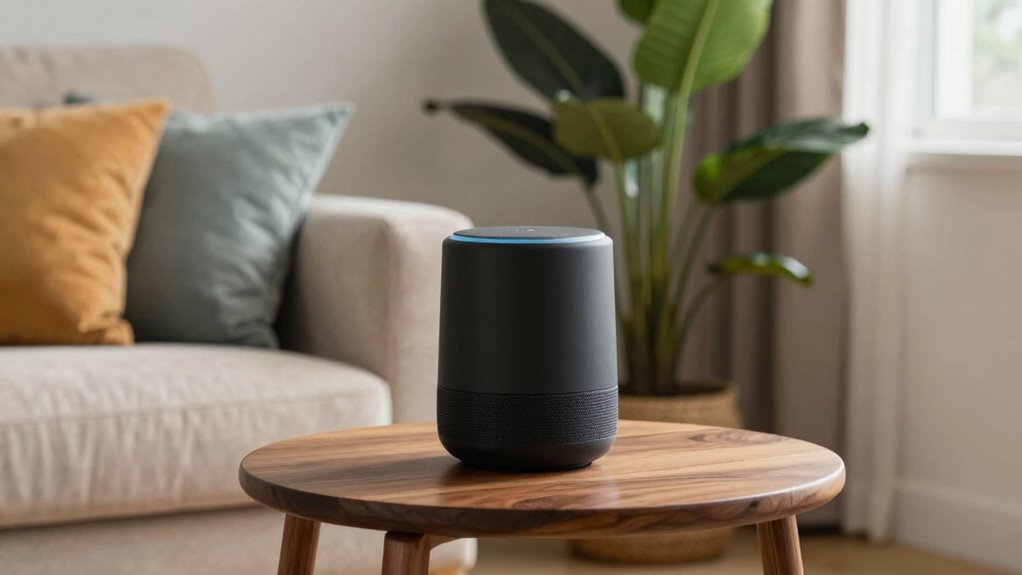
Your smart speaker works best when it has a clear line of sight to you, so avoid placing it behind furniture or in corners. Obstacles like walls or large objects can block sound and reduce voice recognition accuracy. Keep the area around your speaker open and free of obstructions for ideal listening. Additionally, understanding how room layout influences sound distribution can help optimize your device’s performance. Proper natural light placement can also create a more comfortable environment that encourages interaction with your smart devices. Ensuring the placement is optimal can significantly improve voice command recognition and overall functionality. Being mindful of acoustic properties within the room can further enhance sound clarity and device responsiveness. Recognizing how sound reflection impacts audio clarity can help you arrange your space more effectively.
Clear Line of Sight
While room layout can substantially impact your smart speaker’s ability to hear you clearly, obstacles like furniture, walls, and other objects often interfere with its microphone’s line of sight. To improve voice command clarity, consider these tips:
- Position your speaker in an open space, away from large furniture that might block sound.
- Keep it at ear level for better microphone pickup and to maintain speaker aesthetics.
- Avoid placing it near walls or in corners, which can cause sound reflections or muffling.
A clear line of sight guarantees your voice commands are detected accurately, making interactions smoother. Proper placement not only boosts hearing performance but also preserves your speaker’s sleek appearance. Remember, a well-placed smart speaker responds better, enhancing your overall experience.
Minimize Obstructions
Obstructions like furniture, appliances, and clutter can greatly hinder your smart speaker’s ability to hear you clearly. When objects block sound waves or create echoes, your speaker struggles with voice calibration, resulting in missed commands. To improve hearing, remove or rearrange obstacles around your device. Keep the space open and clear, especially near the speaker’s location. Regularly check for speaker updates, which often include enhancements to voice recognition and obstacle handling. These updates can boost performance if your speaker is struggling despite best placement. Remember, a clutter-free environment not only minimizes obstructions but also helps your smart speaker better process your voice, ensuring more accurate responses and a smoother smart home experience.
Using Smart Speaker Settings to Improve Voice Recognition
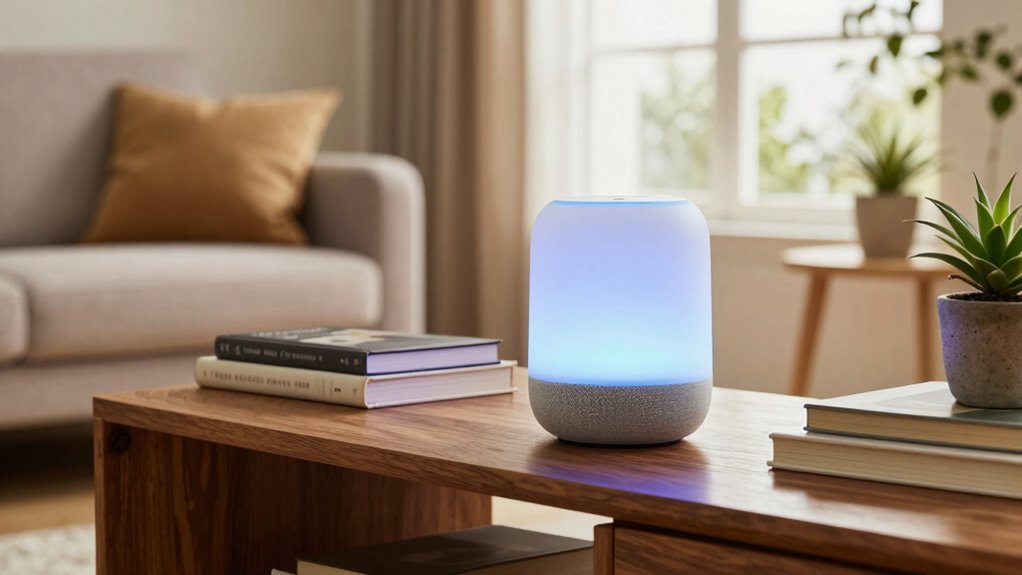
Adjusting your smart speaker’s settings can greatly enhance voice recognition accuracy. Start by reviewing your device’s audio settings to optimize sound clarity. Then, focus on customizing voice command preferences for better responsiveness. Here are three key steps:
- Adjust Microphone Sensitivity: Increase sensitivity in your settings to catch softer commands.
- Set Up Voice Recognition: Register your voice profile to help the smart speaker distinguish your voice from others.
- Refine Audio Settings: Balance bass, treble, and volume controls to improve clarity, ensuring your commands are heard clearly.
Troubleshooting When Placement Isn’t Fixing the Hearing Problem

Even if you’ve repositioned your smart speaker, sound issues can persist due to other factors. Poor voice recognition isn’t always about placement; it can be linked to speaker calibration. If your device still struggles to hear you, try recalibrating the speaker through its app or settings. Many smart speakers have calibration features that adjust for room acoustics and microphone sensitivity. Make sure your speaker’s microphones are unobstructed and clean, as dirt or debris can impair hearing. Also, check if your device’s firmware is up to date, since updates can improve voice recognition capabilities. If these steps don’t resolve the problem, consider testing different voice commands or speaking at a normal volume. Proper calibration and maintenance can notably improve your smart speaker’s ability to hear you clearly.
How to Test and Confirm Your Smart Speaker Is Listening Properly
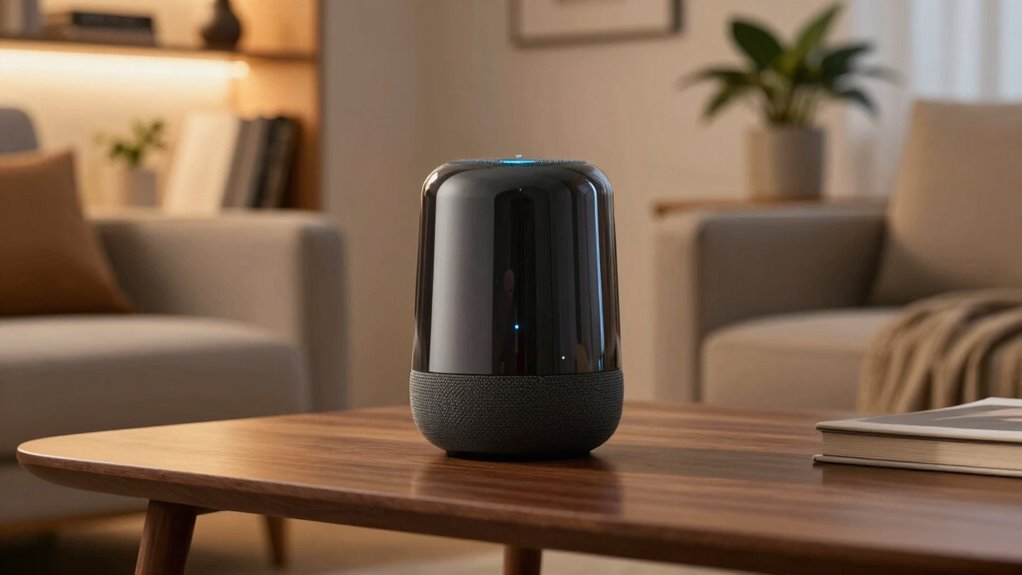
To guarantee your smart speaker is listening properly, start by giving it simple voice commands and paying close attention to its responses. If it understands and responds accurately, it’s a good sign. To further confirm, consider these steps:
- Test voice calibration by speaking from different distances and angles—does it respond consistently?
- Check for speaker updates in the app, ensuring your device has the latest firmware for optimal performance.
- Observe its responsiveness after resetting or repositioning, noting any improvements or persistent issues.
If commands are misunderstood or delayed, recalibrate your voice settings or update the speaker’s firmware. These actions help ensure your smart speaker listens properly and functions smoothly.
Frequently Asked Questions
Can Software Updates Improve My Smart Speaker’s Listening Ability?
Yes, software updates can improve your smart speaker’s listening ability by enhancing voice command clarity and fixing bugs that affect recognition. Regular updates often include improvements to audio processing and speech recognition algorithms. While proper speaker placement is essential for hearing you clearly, keeping your device’s software current guarantees it utilizes the latest features and fixes, helping it better understand your commands and respond accurately.
Do Microphone Sensitivity Settings Affect Voice Recognition?
Think of your smart speaker’s microphone sensitivity as a radio dial—adjusting it tunes your device’s voice recognition. Yes, microphone sensitivity settings directly impact how well your speaker picks up your voice. When set too low, it’s like speaking in a whisper; too high, and background noise interferes. Fine-tuning these settings helps your smart speaker better recognize your commands, ensuring it responds accurately whenever you talk.
How Does Background Noise Impact Smart Speaker Performance?
Background noise can considerably impact your smart speaker’s performance by reducing sound clarity. When there’s a lot of ambient noise, your device struggles to distinguish your voice commands, leading to missed or incorrect responses. To improve performance, minimize background noise by moving the speaker to a quieter spot and reducing external sounds. Clear sound clarity helps your smart speaker understand commands better, ensuring it responds accurately and promptly every time you speak.
Is There a Way to Calibrate My Smart Speaker’s Microphone?
Sure, you can fine-tune your smart speaker’s voice calibration through its settings. Start by checking if your device offers a microphone alignment feature—this helps optimize how it hears you. Many smart speakers have a calibration process in their app, guiding you through spoken commands or sounds to improve microphone sensitivity. Taking these steps guarantees your voice commands are captured accurately, making your smart speaker a more responsive and intuitive part of your home.
Can Wi-Fi Interference Affect My Smart Speaker’s Hearing?
Yes, Wi-Fi interference can affect your smart speaker’s hearing because it may disrupt its ability to process voice commands effectively. To improve performance, guarantee your Wi-Fi signal is strong and avoid placing the speaker near other electronic devices causing interference. Additionally, proper microphone placement is essential; position your speaker where it has a clear, unobstructed view of your voice, minimizing interference from walls or furniture.
Conclusion
If your smart speaker still isn’t hearing you clearly after trying placement tips, don’t worry—sometimes software updates or resetting the device can help. It might seem like a hassle, but these steps can profoundly improve voice recognition. Remember, even with perfect placement, environmental noise or device limitations can affect performance. So, stay patient and experiment with settings and positioning; often, a little troubleshooting makes all the difference in getting your smart speaker to listen better.