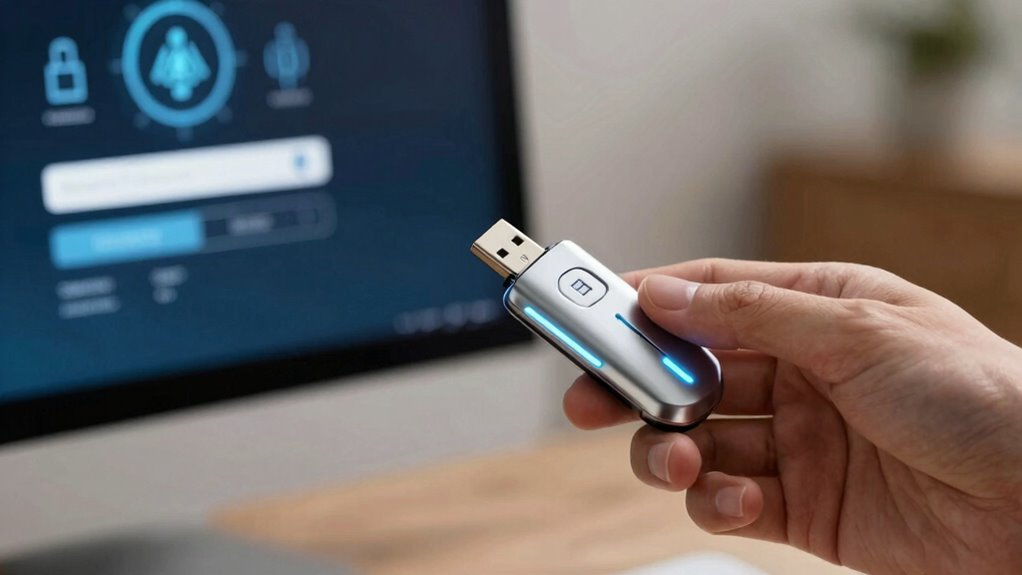

Passkeys are quickly replacing passwords because they’re safer and easier to use. They rely on cryptographic keys stored securely on your devices, which are accessed with biometrics like fingerprint or facial recognition. This method reduces hacking risks, resists phishing, and eliminates the hassle of password management. While some security challenges remain, the shift toward passkeys is gaining momentum. If you want to understand how they work and what the future holds, keep exploring this evolving technology.

Get the latest gadgets delivered free with Prime
- Fast, free delivery on millions of items
- Prime Video, Amazon Music and more included
- Member-only deals all year
Key Takeaways
- Passkeys provide a secure, passwordless authentication method using cryptographic keys and biometric verification.
- They significantly reduce risks of phishing, hacking, and data breaches compared to traditional passwords.
- Widespread adoption by tech companies indicates a shift toward passkeys as the new standard for digital security.
- Challenges remain, including device compatibility, infrastructure updates, and secure account recovery options.
- While passwords may decline, they might still serve as backups during the transition to passkey-based authentication.
As an affiliate, we earn on qualifying purchases.
What Are Passkeys and How Do They Work?
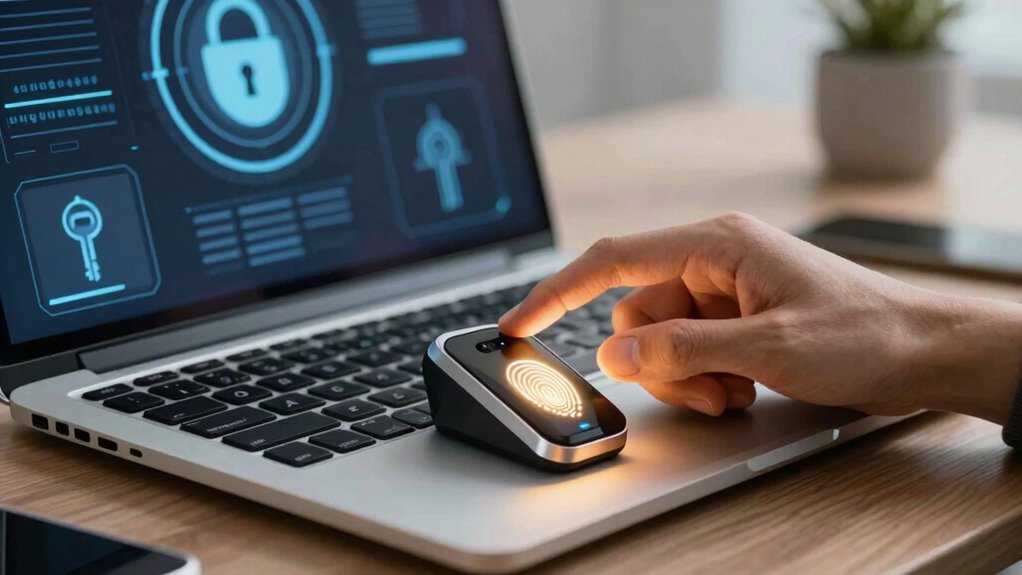
Have you ever wondered how your devices keep your accounts secure without relying on traditional passwords? Passkeys are a new form of authentication that use biometric authentication, like fingerprint or facial recognition, to verify your identity. Instead of typing a password, your device creates a unique cryptographic key during setup. When you log in, your device uses biometric data to unlock this key, confirming your identity seamlessly. Passkeys work across devices through password synchronization, ensuring you don’t need to remember or re-enter passwords. They’re stored securely on your device, making phishing attacks and data breaches much harder for hackers to exploit. Additionally, they contribute to a more secure cybersecurity environment by reducing the risks associated with side-channel attacks and other common threats. The use of biometric data in passkeys also aligns with the trend of **biometric authentication** becoming more prevalent in digital security measures. As technology advances, maintaining sound device setup and maintenance is crucial for ensuring the effectiveness of biometric security features. Incorporating cryptographic keys into authentication processes enhances overall security by making unauthorized access significantly more difficult. Moreover, ongoing research in digital security innovations is driving the development of even more resilient authentication methods.
As an affiliate, we earn on qualifying purchases.
Benefits of Passkeys Compared to Passwords
Unlike traditional passwords, which can be forgotten, stolen, or guessed, passkeys offer a much more secure and user-friendly alternative. They eliminate the hassle of password management, reducing the risk of weak or reused passwords. With passkeys, you avoid the frustration of resetting accounts and remembering complex strings. Additionally, passkeys leverage AI trends to enhance security features and streamline authentication processes. Imagine the difference:
| Passwords | Passkeys |
|---|---|
| Need to remember multiple passwords | No need to remember or store passwords |
| Susceptible to theft or guessing | Use cryptographic keys, nearly impossible to steal |
| Frequent resets required | Seamless login experience |
| Vulnerable to phishing | Resistant to phishing attacks |
| Slow authentication process | Fast, effortless access |
By utilizing cryptographic security methods, passkeys further bolster protection against potential threats. As digital security evolves, passkeys are poised to become the standard for safer, more convenient authentication. Passkeys enhance user convenience while considerably improving security.
passwordless authentication device
As an affiliate, we earn on qualifying purchases.
As an affiliate, we earn on qualifying purchases.
Are Passkeys Secure Enough? Limitations and Challenges
While passkeys considerably improve security over traditional passwords, they are not completely foolproof. Biometric authentication, commonly used for passkeys, can sometimes be vulnerable to spoofing or false acceptance, especially if the technology isn’t advanced enough. Additionally, the security of passkeys relies heavily on data encryption; if encryption is weak or compromised, attackers can potentially access your credentials. Hardware vulnerabilities or malware targeting biometric data can also pose risks, making it essential to keep devices updated and secure. Moreover, cable safety practices, such as proper wiring and heat management, are crucial in preventing hazards like overheating or toxic fumes, which can also compromise device integrity and safety. Proper filter sizing is essential to ensure optimal water flow and system efficiency, reducing strain on the entire system. It’s important to recognize that the effectiveness of passkeys can also depend on encryption strength, which varies based on the technology used. While passkeys reduce phishing risks and eliminate password reuse, no system is entirely immune. Recognizing these limitations helps you understand that, though safer, passkeys still require cautious handling and ongoing security measures. Incorporating smart lock technology can further enhance physical security, but it also comes with its own set of vulnerabilities if not properly managed. Furthermore, understanding the importance of privacy policies can help users make informed decisions about how their biometric and security data are stored and protected.
As an affiliate, we earn on qualifying purchases.
Moving From Passwords to Passkeys Safely
Switching from traditional passwords to passkeys marks a significant step toward enhancing your online security, but doing so safely requires careful planning. You need to guarantee secure user authentication and data encryption throughout the shift. Start by backing up your passkeys securely, and verify that your devices support biometric or hardware security keys. Use trusted platforms that implement end-to-end encryption, protecting your data during setup and use. Regularly update your devices and software to patch vulnerabilities. Be cautious of phishing attempts that try to trick you into revealing passkeys. Here’s a simple comparison:
| Step | Focus |
|---|---|
| 1 | Secure device support |
| 2 | Backup and recovery |
| 3 | Trustworthy platform use |
| 4 | Regular updates |
| 5 | Vigilance against phishing |
Additionally, understanding the importance of privacy policy can help you make informed decisions about your data security during this transition. Being aware of device compatibility is essential to ensure a smooth switch to passkeys and prevent potential access issues. To fully embrace this change, knowing the security fundamentals behind passkeys can help you stay vigilant and protect your information effectively. Recognizing the role of cryptographic protocols in securing passkeys can further strengthen your confidence in this technology. It’s also beneficial to be aware of the hardware security options available to safeguard your digital credentials.
Will Passkeys Replace Passwords in the Future?
Will passkeys eventually replace passwords, or will they simply coexist for the foreseeable future? It’s likely that passkeys will become the primary method for user authentication, but passwords might still linger in some areas. Passkeys offer stronger security because they rely on cryptographic data encryption, making it harder for hackers to steal credentials. They simplify user authentication by removing the need for complex passwords, reducing phishing risks. However, legacy systems and user habits could slow widespread adoption. In the future, organizations may changeover fully to passkeys, but some will keep passwords as a backup or for compatibility. Ultimately, passkeys are poised to improve security and streamline access, but a gradual shift will determine if they fully replace passwords down the line. As with any new technology, adoption challenges such as user familiarity and existing infrastructure could influence how quickly they become the standard.
Frequently Asked Questions
Can Passkeys Be Used on All Devices and Platforms?
Passkeys are not yet universally compatible across all devices and platforms. While device integration and cross-platform compatibility are improving, some older or less common systems might not support them fully. You might find that newer smartphones, tablets, and operating systems are more likely to handle passkeys seamlessly. To guarantee smooth use, check if your device and platform support passkeys or look for updates that enhance compatibility.
How Do Passkeys Handle Account Recovery if Lost?
If you lose your passkey, account recovery typically involves biometric fallback or social recovery options. Biometric fallback allows you to use fingerprint or facial recognition to regain access, while social recovery involves trusted contacts helping you restore your account. These methods make recovery easier and more secure without passwords, ensuring you’re not locked out if your device or passkey is lost.
Are Passkeys Compatible With Existing Authentication Systems?
Passkeys are designed to be compatible with many existing authentication systems through standard protocols like WebAuthn and FIDO2, easing user adoption. However, security concerns still exist, especially around how they integrate with older systems lacking native support. While they improve security by eliminating passwords, you should guarantee your systems update to support passkeys fully to maximize protection and streamline user experience, addressing both security concerns and fostering broader user adoption.
What Are the Privacy Implications of Using Passkeys?
Using passkeys enhances your privacy by reducing risks associated with passwords, but it also raises concerns. For example, if biometric security data like fingerprints are stored improperly, they could be compromised. Proper data encryption is essential to protect this sensitive information. With passkeys, your biometric data stays on your device, not on servers, minimizing exposure. Still, you should stay informed about how companies handle biometric security and encryption to safeguard your privacy.
How Do Passkeys Compare Cost-Wise to Traditional Password Management?
Passkeys are more cost-efficient than traditional password management because they reduce the need for frequent password resets, security training, and support. They also enhance security, lowering the risk of breaches that can be costly to fix. While initial setup might have some costs, the long-term savings from fewer security issues and streamlined access outweigh those expenses, making passkeys a smarter investment for both individuals and organizations.
Conclusion
As you consider adopting passkeys, it’s clear they offer a more secure and user-friendly alternative to traditional passwords. But as technology evolves, can they truly eliminate all risks? While passkeys are promising, staying vigilant and informed remains essential. Ultimately, isn’t the goal to make our digital lives safer and more seamless? Embracing passkeys might be a step forward—are you ready to leave passwords behind?
Halloween Picks
halloween
As an affiliate, we earn on qualifying purchases.