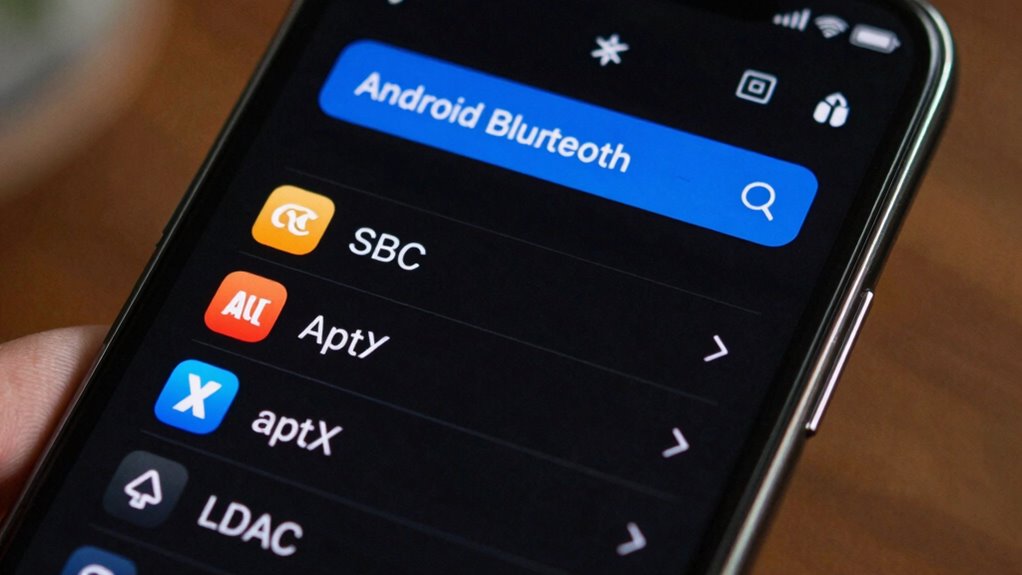

Android Bluetooth codec settings determine how your device compresses and transmits audio wirelessly, impacting sound quality and latency. SBC is the default, prioritizing stability but offering lower sound quality. AAC provides better fidelity on Apple-optimized devices, while aptX and aptX HD improve sound with lower latency, suitable for gaming and videos. LDAC transmits high-resolution audio for richer sound. To get the most out of your Bluetooth audio, understanding these options helps optimize performance—more details are just ahead.

Get the latest gadgets delivered free with Prime
- Fast, free delivery on millions of items
- Prime Video, Amazon Music and more included
- Member-only deals all year
Key Takeaways
- Android allows users to manually select Bluetooth codecs like SBC, AAC, aptX, and LDAC for optimized audio quality and latency.
- Different codecs impact sound clarity, latency, and compatibility; higher-quality codecs like LDAC and aptX HD offer better audio.
- Enabling developer options on Android enables manual codec selection for personalized audio performance.
- Regular firmware updates improve codec support, stability, and overall Bluetooth connection quality.
- Choosing the right codec depends on device compatibility, intended use (e.g., gaming or high-res listening), and balancing sound quality with responsiveness.
Bluetooth headphones with aptX HD support
As an affiliate, we earn on qualifying purchases.
As an affiliate, we earn on qualifying purchases.
What Are Bluetooth Codecs and Why Do They Matter?
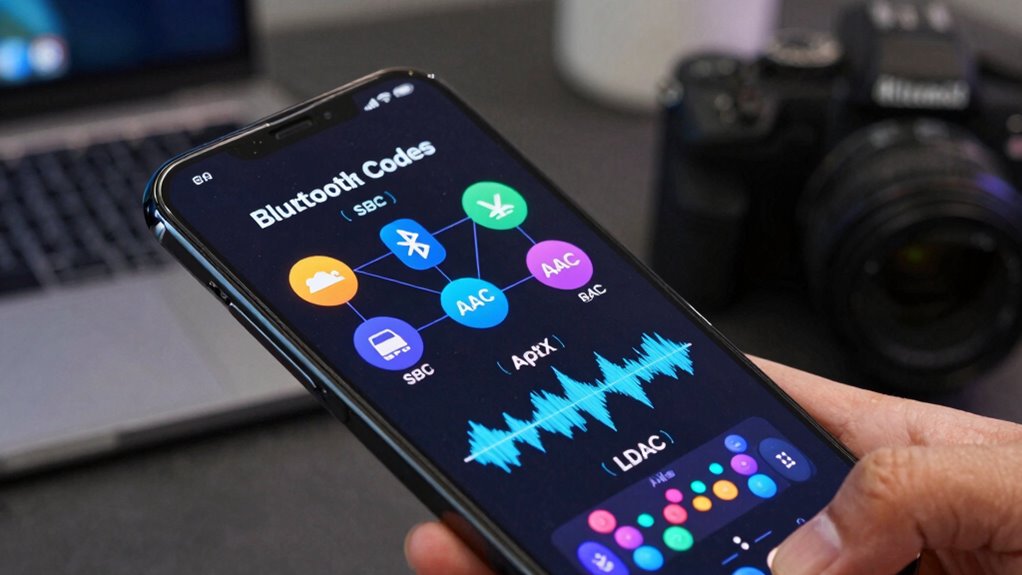
Bluetooth codecs are vital because they determine how audio data is compressed and transmitted wirelessly between your device and headphones or speakers. The codec affects Bluetooth latency, which is the delay you experience between your action and the sound you hear. Lower latency codecs, like aptX or LDAC, provide more synchronized audio, making them ideal for gaming or watching videos. Device compatibility is also essential—your device and headphones need to support the same codec for peak performance. If they don’t, your device might default to a less efficient codec, reducing sound quality or increasing delay. Choosing the right Bluetooth codec can improve your listening experience by balancing audio quality and responsiveness, especially when you’re using wireless earbuds or headphones.
LDAC compatible wireless earbuds
As an affiliate, we earn on qualifying purchases.
As an affiliate, we earn on qualifying purchases.
How SBC Codec Affects Your Bluetooth Audio Quality
Although SBC is the default codec for most Bluetooth devices, it often compromises audio quality to guarantee reliable connections across a wide range of hardware. When you pair your device via Bluetooth, SBC prioritizes a stable connection over sound fidelity, which may lead to muffled audio or low detail. Additionally, SBC can introduce noticeable audio latency, making it less ideal for watching videos or gaming. To understand its impact, consider:
SBC favors connection stability over sound quality, leading to muffled audio and noticeable latency.
- Lower audio quality compared to advanced codecs like aptX or LDAC.
- Increased audio latency, causing lip-sync issues during video playback.
- Dependence on device compatibility, as some hardware may not support higher-quality codecs.
- The importance of regional diversity in cultural festivals and events that can influence audio environments.
- The compatibility limitations of SBC can sometimes lead to inconsistent audio performance across different devices.
- Recognizing the trade-offs involved with SBC can help you choose the best codec for your specific needs.
- The performance variability of SBC may also affect overall listening experiences in different environments.
- In some cases, the hardware quality of Bluetooth devices significantly influences how well SBC performs, impacting overall audio clarity.
Choosing SBC means sacrificing some sound clarity for a more consistent Bluetooth pairing experience.
Android Bluetooth codec settings adapter
As an affiliate, we earn on qualifying purchases.
As an affiliate, we earn on qualifying purchases.
AAC Codec: The Apple-Optimized Choice for Android Devices?
While SBC provides a basic level of compatibility, the AAC codec has gained popularity for its ability to deliver better audio quality on many devices. Designed by Apple, AAC offers more efficient compression, resulting in clearer sound without considerably increasing data usage. However, AAC can be sensitive to wireless interference, which might cause audio dropouts or glitches, especially in crowded environments. Additionally, AAC tends to consume more battery power compared to SBC, as it requires more processing. If your device supports AAC and you’re seeking improved sound quality, it can be a good choice—just be mindful of potential issues with wireless interference and battery drain. Being aware of wireless interference and how it impacts AAC can help you optimize your listening experience. Understanding Bluetooth codec compatibility can also help you choose the best codec for your needs. Recognizing audio quality factors can further assist in selecting the most suitable codec for your listening preferences. Being familiar with backyard transformation essentials can help create a relaxing environment that complements your enhanced audio experience. Additionally, knowing how environmental factors influence wireless performance can help you get the most out of your Bluetooth connection in various settings.
high fidelity Bluetooth audio transmitter
As an affiliate, we earn on qualifying purchases.
As an affiliate, we earn on qualifying purchases.
What You Should Know About aptX and aptX HD for Better Sound
If you want to enjoy higher-quality audio over wireless connections, understanding aptX and aptX HD is essential. These codecs improve sound quality by reducing compression and supporting higher bit rates. However, their performance depends on codec compatibility between your device and headphones. Keep in mind:
Higher-quality wireless audio depends on aptX and aptX HD compatibility between your device and headphones.
- aptX vs. aptX HD: aptX offers better sound than SBC, but aptX HD delivers even higher resolution audio, closer to wired quality.
- aptX latency: While aptX reduces latency, aptX HD can introduce slight delays, which may affect video or gaming experiences.
- Device compatibility: Not all devices support aptX or aptX HD. Check your device’s specifications to guarantee compatibility for ideal sound quality. Additionally, codec support varies across brands and models, so verifying this ensures you get the best possible audio experience.
- Work-life balance is important to ensure you don’t sacrifice quality of experience for convenience when choosing your wireless codecs. Recognizing the importance of audio quality in your overall listening experience can help guide your choice of codecs and devices. Considering device capabilities can help you select the best setup for your needs. Staying informed about content quality and how it influences user satisfaction can further enhance your listening experience.
Knowing these factors helps you maximize your wireless listening experience.
LDAC for High-Resolution Audio: What Sets It Apart?

LDAC stands out because it delivers superior audio quality, making your high-resolution tracks sound clearer and more detailed. Its higher bitrate allows for richer sound without compression artifacts. If you want the best possible wireless listening experience, LDAC’s benefits are hard to beat. Additionally, LDAC’s ability to handle high-resolution audio ensures you get the most authentic listening experience possible. This technology also supports adaptive streaming, which helps maintain consistent sound quality even with varying Bluetooth connection conditions. Moreover, LDAC’s cable replacement capabilities make it a versatile choice for wireless high-quality audio. The technology’s widespread adoption in popular devices highlights its importance in the Bluetooth audio landscape.
Superior Audio Quality
To truly experience high-resolution audio on your Android device, you need a codec that can handle the increased data demands without sacrificing quality. LDAC stands out because it transmits up to three times more data than standard codecs, delivering superior sound clarity and detail. However, this high-quality performance can be affected by wireless interference, which may cause dropouts, and increased battery consumption, especially at higher bitrates. To maximize LDAC’s potential, consider these tips:
- Keep your device and headphones close to minimize wireless interference.
- Use the highest quality settings only when connected to a power source.
- Regularly update your device’s firmware for *ideal* codec performance.
This way, you enjoy the best audio experience without unnecessary compromises.
Higher Bitrate Benefits
Higher bitrates are what make LDAC stand out for high-resolution audio, allowing you to enjoy richer, more detailed sound. By enhancing bitrate, LDAC maximizes audio fidelity, ensuring you hear music as close to the original recording as possible. Unlike lower-bitrate codecs, LDAC dynamically adjusts to your environment and device capabilities, delivering up to 990 kbps for ideal quality. This bitrate enhancement reduces compression artifacts, preserving the nuances and depth of your favorite tracks. With LDAC, you benefit from a more immersive listening experience, especially with high-resolution audio files. The higher bitrate not only enhances clarity but also captures subtle textures and spatial cues, making your audio playback feel more natural and lifelike. Overall, LDAC’s higher bitrate benefits elevate your listening, providing superior sound quality with minimal compromise.
How to Choose the Best Bluetooth Codec for Your Device and Use Case
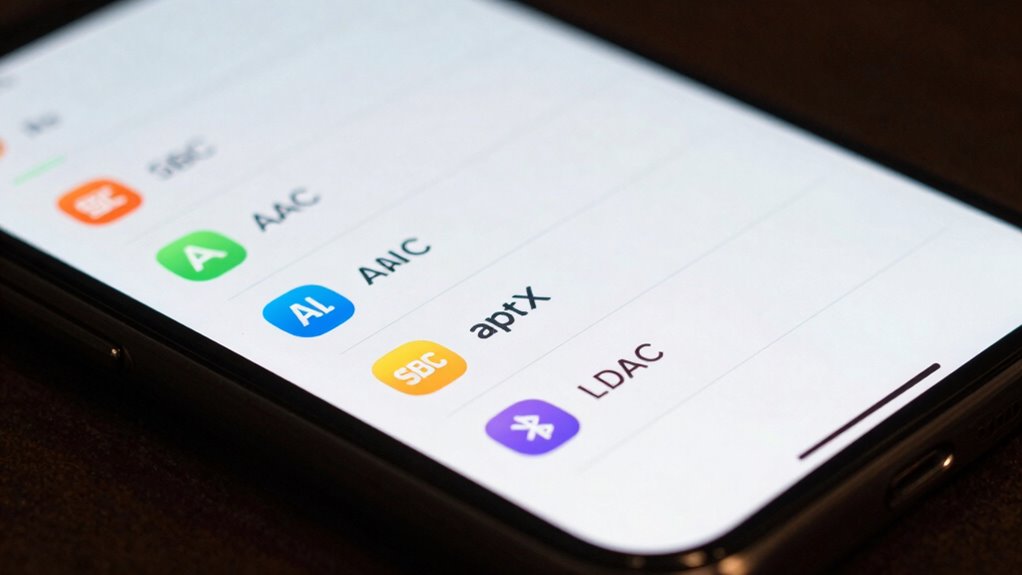
Choosing the right Bluetooth codec depends on your device’s capabilities and how you plan to use it. To make the best choice, consider these factors:
Selecting the best Bluetooth codec depends on your device and listening needs.
- Codec compatibility: Confirm your device supports the codec you want to use, like AAC or aptX, for peak performance. Ensuring compatibility can prevent connection issues and optimize audio quality.
- Audio latency: If you watch videos or play games, prioritize codecs with low latency to sync audio and visuals properly.
- Use case: For high-quality music streaming, opt for codecs like LDAC or aptX HD, which offer better sound quality. For casual listening, SBC or AAC may suffice.
- Device support levels can vary significantly, so checking manufacturer specifications ensures compatibility and optimal performance. Additionally, understanding Bluetooth codec support can help you select the best options for your specific needs.
Step-by-Step: How to Switch Bluetooth Codecs on Android
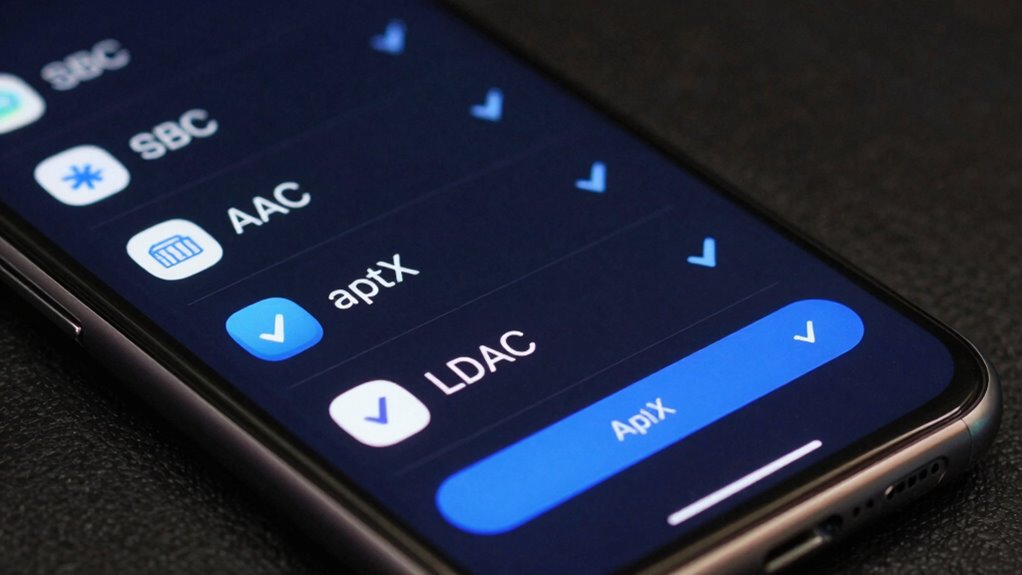
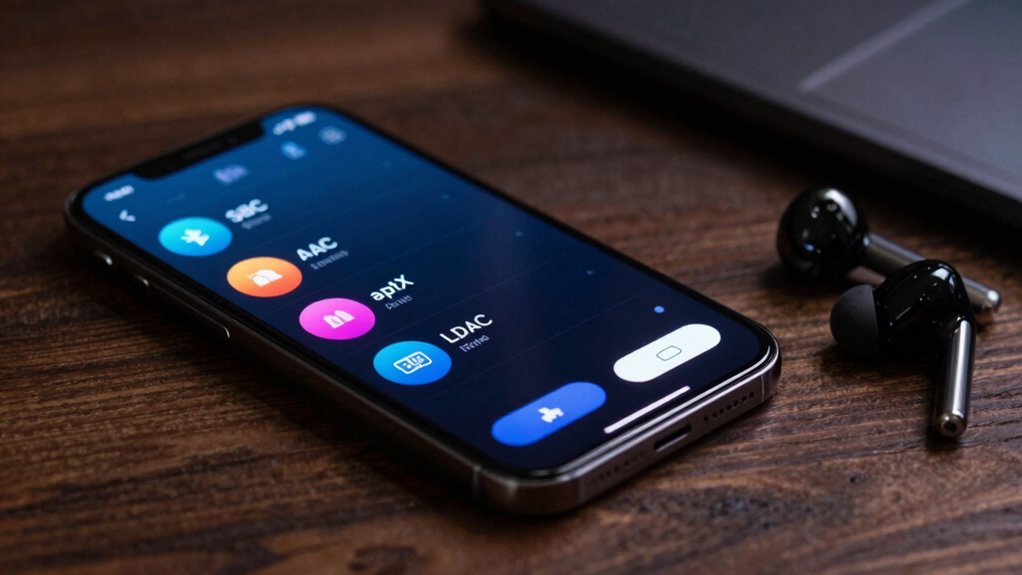
Switching Bluetooth codecs on Android isn’t always straightforward, but with a few simple steps, you can optimize your audio quality and performance. First, enable Developer Options by tapping your device’s build number seven times. Then, go to Settings > Developer Options > Bluetooth Audio Codec. Here, you’ll see a list of available codecs like SBC, AAC, aptX, and LDAC. Select the one that best suits your needs, considering codec compatibility with your device and headphones, as well as minimizing audio latency. Keep in mind, some devices may restrict codec choices, but adjusting this setting can markedly improve sound quality or reduce lag. After making your selection, reconnect your Bluetooth device to apply the new codec.
Troubleshooting Common Bluetooth Codec and Connection Issues
Even though Bluetooth codecs can enhance audio quality, you might encounter connection problems or inconsistent playback. To troubleshoot, consider these steps:
- Check device compatibility: Verify both your device and headphones support your chosen codec, as incompatibility can cause disconnects or poor audio. Compatibility issues are common sources of Bluetooth problems, so confirming support for your specific codec is essential.
- Monitor battery drain: Some codecs, like aptX or LDAC, consume more power. If you notice rapid battery loss, switch to a more efficient codec like SBC.
- Reset connections: Remove and re-pair your devices, and reboot both. Updating firmware can also resolve bugs affecting codec performance.
- Understand Codec Differences: Knowing how different Bluetooth codecs function can help you select the best option for your needs and avoid issues related to unsupported formats.
Addressing device compatibility issues and managing battery drain helps stabilize Bluetooth connections and improves audio consistency.
The Future of Bluetooth Codecs: What’s Next for Wireless Audio?
As wireless audio technology continues to evolve, the future of Bluetooth codecs promises even faster data transfer speeds, improved sound quality, and greater energy efficiency. Future codecs may better handle wireless interference, ensuring stable connections even in crowded environments. You can expect advancements that reduce latency, making audio sync more seamless for videos and calls. These improvements could also minimize battery impact, allowing your devices to last longer without sacrificing performance. Developers are exploring adaptive codecs that dynamically adjust to the environment, optimizing sound quality and stability. As these innovations roll out, you’ll notice clearer sound, fewer dropouts, and less drain on your device’s battery. Additionally, ongoing research into Victorian Steampunk aesthetics could influence innovative design concepts in future wireless audio devices, blending style with technology. Staying updated with codec developments will help you enjoy the best wireless audio experience possible.
Tips to Maximize Your Bluetooth Sound Quality Today
To get the best Bluetooth sound quality today, start by optimizing your codec settings for your device and headphones. Using high-quality devices can also make a noticeable difference in audio clarity and depth. Implementing these tips helps you enjoy your wireless audio without compromise. Additionally, understanding the potential of AI-driven audio optimization can enhance your listening experience by tailoring sound profiles to your preferences and environment.
Optimize Codec Settings
Optimizing your Bluetooth codec settings can considerably enhance your audio experience, but it requires understanding which codecs your device supports and how to enable the best options. To maximize quality, focus on settings that improve Bluetooth bandwidth and reduce audio latency. Here are some tips:
- Choose high-quality codecs like AAC, aptX, or LDAC for better sound clarity.
- Enable options that prioritize audio quality over connection stability if your device allows.
- Avoid outdated codecs like SBC when possible, as they limit Bluetooth bandwidth and increase latency.
Use High-Quality Devices
Using high-quality Bluetooth devices can make a noticeable difference in your audio experience. When you choose premium headphones or speakers, you benefit from better build quality and advanced audio codecs that enhance sound clarity and detail. Guaranteeing smooth Bluetooth pairing is essential—proper device compatibility confirms your device can support higher-quality codecs like aptX or LDAC, enabling superior sound. Cheaper or older devices may struggle with the latest codecs, limiting your audio potential. Investing in well-reviewed, high-end devices guarantees you’re getting the most out of your Bluetooth connection. Remember, the better your device compatibility, the more likely you’ll enjoy seamless pairing and prime sound quality. Upgrading your Bluetooth gear is one of the easiest ways to elevate your listening experience today.
Frequently Asked Questions
Can I Manually Set Different Codecs for Specific Apps?
Yes, you can set app-specific audio with codec customization on some Android devices. While Android doesn’t natively allow you to assign different Bluetooth codecs to individual apps, certain third-party apps or custom ROMs enable this feature. You’ll need to explore these options to customize your Bluetooth audio experience per app. Just remember, codec customization can improve sound quality or reduce latency, depending on your needs.
How Do Codecs Impact Battery Life on Android Devices?
Think of Bluetooth audio codecs as different engines; some are fuel-efficient while others are power-hungry. Your device’s codec efficiency impacts battery life—more advanced codecs like LDAC or aptX may drain your battery faster because they process higher data rates. If you’re mindful of battery, sticking to simpler codecs like SBC helps conserve power, but you might sacrifice some audio quality. So, choosing the right codec balances sound and battery life.
Are There Compatibility Issues Between Certain Bluetooth Devices and Codecs?
Yes, there can be compatibility issues between certain Bluetooth devices and codecs. Device compatibility varies because some devices support specific codecs while others don’t, which can limit your options for audio quality. Codec limitations may cause audio dropouts or reduced quality if your device and headphones or speakers aren’t fully compatible. To avoid problems, check your device’s supported codecs and make sure they match with your Bluetooth peripherals.
Does Codec Selection Affect Latency During Calls or Gaming?
Yes, codec selection impacts latency during calls or gaming, affecting your experience. Lower codec latency, like aptX Low Latency or LDAC, reduces delay, making conversations and gameplay more synchronized. Higher latency codecs, such as SBC, might introduce noticeable delays, hurting call quality and responsiveness. Choosing the right codec guarantees smoother, more real-time audio, improving your overall experience whether you’re chatting or gaming on your Android device.
Can Upgrading My Device’s Bluetooth Hardware Improve Codec Performance?
Upgrading your device’s Bluetooth hardware can definitely improve codec performance, especially regarding Bluetooth signal stability. While it might seem unnecessary, a hardware upgrade enhances your device’s ability to handle higher-quality codecs like aptX or LDAC, reducing dropouts and lag. You’ll notice better audio clarity and more consistent connections, making your calls and gaming sessions smoother. So, yes, investing in new hardware can make a noticeable difference.
Conclusion
Understanding Bluetooth codecs is like tuning a musical instrument—you’ll get the best sound when everything’s in harmony. By choosing the right codec for your device and needs, you can access richer, clearer audio that feels almost like having a concert in your pocket. So, take control of your wireless sound experience, tweak those settings, and let your music resonate perfectly—your perfect audio symphony is just a few taps away.
Halloween Picks
halloween
As an affiliate, we earn on qualifying purchases.