IPv6 introduces a new way devices connect, which can break networks if not properly managed. Its different addressing and configuration methods may cause compatibility issues with existing hardware and software. Misconfigurations or security oversights during deployment can lead to disruptions. To avoid these problems, you need proper planning, thorough testing, and secure implementation strategies. If you want to understand how to prevent IPv6 from causing network failures, there’s more to uncover below.
Key Takeaways
- IPv6’s larger address space can cause compatibility issues with legacy hardware and software not supporting the protocol.
- Misconfigured IPv6 settings or incomplete deployment can lead to network outages or connectivity failures.
- Dual-stack implementations may create routing conflicts if not properly managed.
- Security vulnerabilities may arise if IPv6 features like IPsec are not correctly configured or updated.
- Transition strategies like tunneling or translation can introduce performance issues and network complexity.

Mastering IPv6: Step-by-Step Solutions for Seamless Transition, Configuration, and Troubleshooting for Future-Proofing Your Network
As an affiliate, we earn on qualifying purchases.
As an affiliate, we earn on qualifying purchases.
What Is IPV6 and How Does It Differ From IPV4?
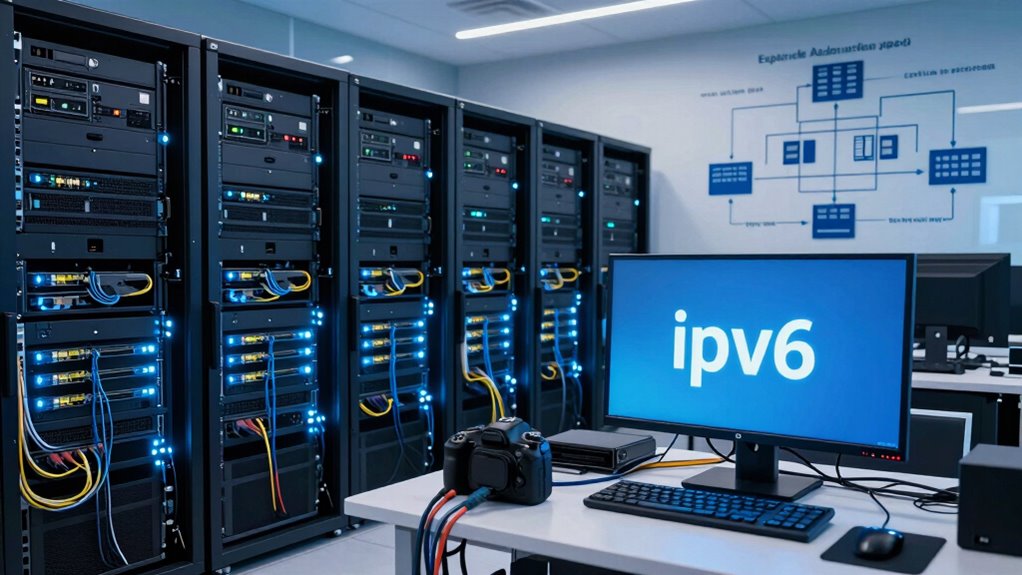
IPv6 is the latest version of the Internet Protocol, designed to replace IPv4 due to the exhaustion of available IPv4 addresses. Unlike IPv4, which uses 32-bit addressing, IPv6 employs 128-bit IPv6 addressing, vastly expanding the number of possible addresses. This change allows you to connect more devices directly without Network Address Translation (NAT). IPv6 also improves IPv6 security by integrating IPsec, providing end-to-end encryption and authentication. You’ll notice that IPv6 simplifies network configuration with automatic address assignment, making management easier. Overall, IPv6 offers enhanced security and a more scalable addressing system, ensuring your network can grow without the limitations faced by IPv4. Transitioning to IPv6 means embracing a more secure, efficient, and future-proof network environment. Additionally, understanding network configuration is crucial for a smooth transition and securing your network to ensure optimal performance. A key benefit of IPv6 is its ability to support future network growth, which is essential as the number of connected devices continues to rise. As more devices come online, IPv6 provides a sustainable solution to accommodate this expanding demand.

Security in an IPv6 Environment
As an affiliate, we earn on qualifying purchases.
As an affiliate, we earn on qualifying purchases.
Why Transitioning to IPv6 Can Disrupt Your Network

Switching to IPv6 can cause significant disruptions in your network if you’re not prepared. The shift impacts addressing security and managing bandwidth. Misconfigurations may leave vulnerabilities or cause network congestion. For example, improper setup could expose your network to threats or slow data flow. To make it relatable, here’s a quick overview:
| Issue | Impact | Solution |
|---|---|---|
| Addressing security | New vulnerabilities if not secured | Update security protocols |
| Managing bandwidth | Potential congestion during changeover | Proper network planning |
| Compatibility | Devices might not communicate well | Compatibility testing beforehand |
Understanding these risks helps you mitigate disruptions and ensures a smoother changeover to IPv6. Proper planning minimizes security gaps and keeps bandwidth flowing efficiently. Additionally, comprehensive content quality and authority play a vital role in securing your network infrastructure during such transitions. Being aware of network vulnerabilities and addressing them proactively can significantly reduce potential threats during the transition. Recognizing the importance of proper configuration can also prevent many common issues that arise during the IPv6 migration process. Moreover, ensuring compatibility testing is thorough can help identify issues before they impact the entire network. A thorough understanding of network management practices is essential for a seamless transition.

IPv6 Fundamentals
As an affiliate, we earn on qualifying purchases.
As an affiliate, we earn on qualifying purchases.
Common IPv6 Deployment Challenges and How to Address Them
Deploying IPv6 often presents several challenges that can hinder a smooth shift if not addressed properly. Security vulnerabilities may arise if you don’t update your defenses, making your network susceptible to new threats. Policy adjustments are essential to manage IPv6 traffic and ensure compliance. You might also face compatibility issues with existing hardware or software that doesn’t support IPv6 fully. Additionally, lack of expertise can leave gaps in your deployment strategy. Recognizing the importance of network security during this process can prevent vulnerabilities from being exploited. A thorough understanding of the security implications of IPv6 can help you implement effective safeguards. Be prepared to face:
- Unexpected security vulnerabilities risking your data
- Difficulties in updating policies for IPv6 traffic
- Compatibility issues with legacy systems
- Lack of skilled personnel to manage the transition
- Frustration from overlooked configuration details
Address these head-on to ensure a smoother, safer IPv6 deployment. Proper planning can help mitigate deployment challenges and facilitate a successful transition. Understanding the complexities of IPv6 is crucial for a comprehensive deployment strategy. Additionally, being aware of the potential for misconfigurations can help prevent common setup errors that compromise your network’s security and performance.

LM100 Rebound Leeb Hardness Tester with Software & Cable
Measure the hardness scale HB, HRC, HRB, HV, HS and HL, and strength σb
As an affiliate, we earn on qualifying purchases.
As an affiliate, we earn on qualifying purchases.
Getting Your Network Ready for IPv6 Migration
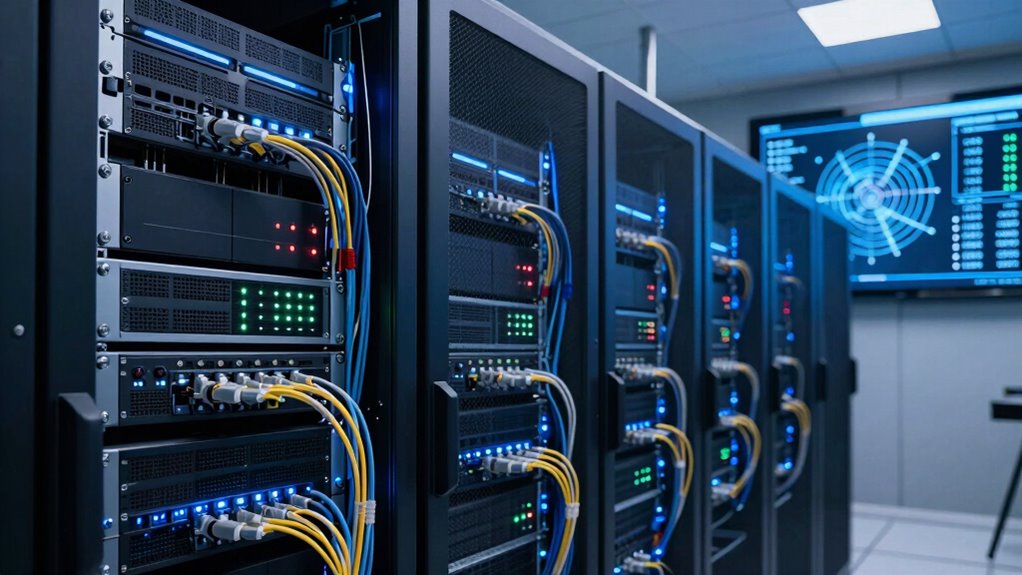
Are you prepared to shift your network to IPv6 smoothly? Start by auditing your current infrastructure, focusing on IPv6 addressing compatibility and security protocols. Update your hardware and software to support IPv6 features, ensuring your network can handle new address formats securely. Implement IPv6 security measures like firewall rules and encryption early to prevent vulnerabilities. A comprehensive network assessment can help identify potential issues before migration begins. Additionally, reviewing network vulnerabilities related to IPv6 can help you strengthen your defenses against emerging threats. Understanding network transition challenges is crucial for a successful migration process. Proper planning for IPv6 deployment can streamline the transition and reduce unexpected disruptions. Visualize your network transformation with this simple diagram:
| Device Type | IPv4 Address | IPv6 Address |
|---|---|---|
| Router | 192.168.1.1 | 2001:0db8::1 |
| Server | 192.168.1.10 | 2001:0db8::a |
| Workstation | 192.168.1.20 | 2001:0db8::b |
This prepares your network for seamless IPv6 addressing and security, minimizing disruptions during migration. Additionally, conducting a microplastics in dust assessment can help ensure your indoor environment remains safe and healthy during network upgrades.
Troubleshooting IPv6 Deployment Issues
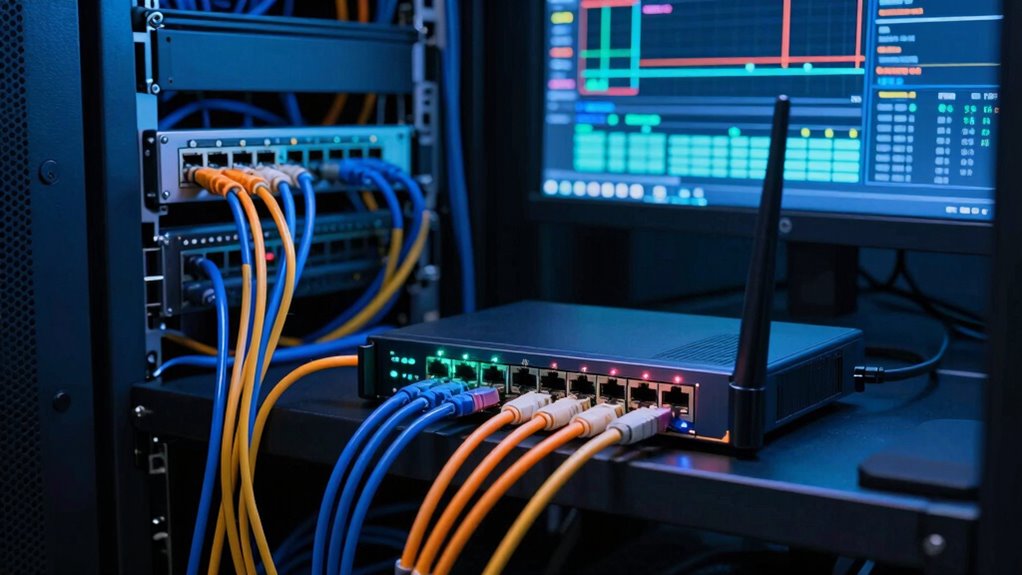
While shifting to IPv6 can streamline your network, issues often arise that disrupt connectivity or security. Troubleshooting IPv6 deployment requires patience and attention to detail. Common problems include misconfigured IPv6 addresses, firewall settings blocking traffic, or incompatible hardware. You might also encounter challenges with IPv6 security, such as inadequate protection against threats or improper IPv6 encryption. To address these issues, stay vigilant and methodical. Regular maintenance and understanding of toilet maintenance and repairs can help prevent unexpected issues in network infrastructure. Additionally, ensuring comprehensive requirements traceability can aid in identifying configuration errors and maintaining compliance throughout the deployment process. Recognizing the importance of network documentation can also greatly assist in diagnosing and resolving IPv6 issues more efficiently. Moreover, understanding the timing of network changes can prevent conflicts and ensure smoother transitions during deployment. Being familiar with support and boundaries can also help in managing expectations and responsibilities during the troubleshooting process.
Best Practices for a Stable IPv6 Transition
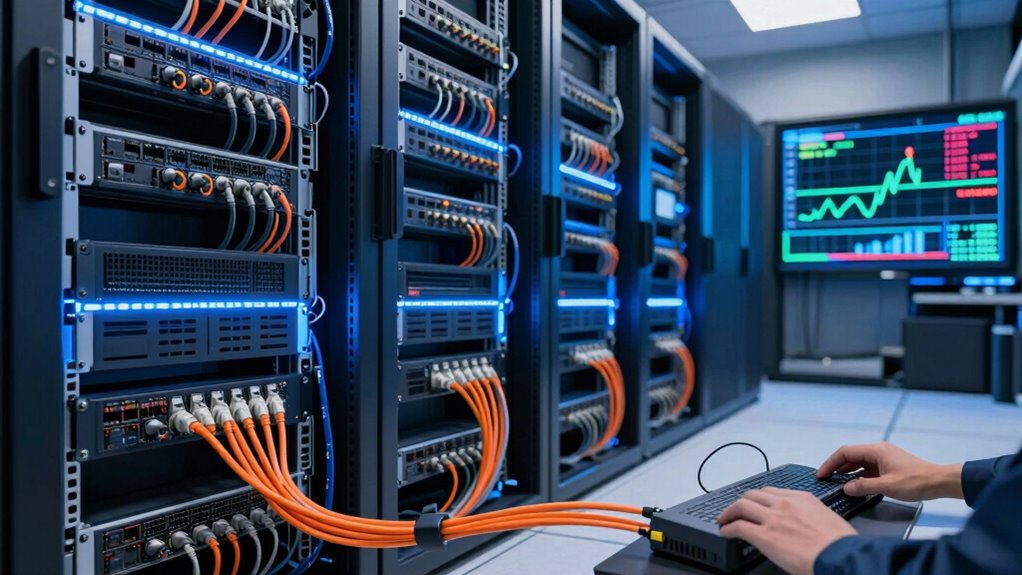
To facilitate a smooth IPv6 shift, you should focus on proper dual-stack deployment, allowing your network to support both IPv4 and IPv6 simultaneously. Conduct thorough network testing to identify potential issues early and guarantee compatibility across your infrastructure. By following these practices, you can achieve a stable and reliable migration to IPv6. Additionally, ensuring your network hardware and kitchen gear are compatible can prevent unexpected disruptions during transition.
Proper Dual-Stack Deployment
Implementing a proper dual-stack deployment is essential for ensuring a smooth and stable shift from IPv4 to IPv6. You need to carefully manage IPv6 address allocation to prevent conflicts and improve network efficiency. Prioritize IPv6 security by applying best practices, such as robust firewall rules and secure configurations, to protect your network from vulnerabilities. To foster confidence and stability, consider these key actions:
- Clearly plan your IPv6 address scheme
- Regularly update security policies
- Enable automatic address configuration with caution
- Use monitoring tools to track IPv6 traffic
- Train staff on IPv6-specific security measures
Comprehensive Network Testing
Before fully shifting to IPv6, thorough network testing is essential to identify potential issues and guarantee stability. You should test IPv6 security measures to confirm your network resists threats like unauthorized access and data breaches. Verify proper IPv6 address allocation to prevent conflicts and assure efficient routing. Conduct extensive connectivity tests across all devices and services to identify any compatibility problems. Use tools to simulate IPv6 traffic and monitor performance metrics, which helps you pinpoint bottlenecks or failures. Testing your DNS configurations and firewall rules is vital to maintain security and accessibility. By systematically validating these elements, you reduce the risk of outages and security vulnerabilities. Proper network testing creates a reliable foundation for a smooth, secure IPv6 transition, safeguarding your network’s future stability.
Planning for IPv6 Future Readiness
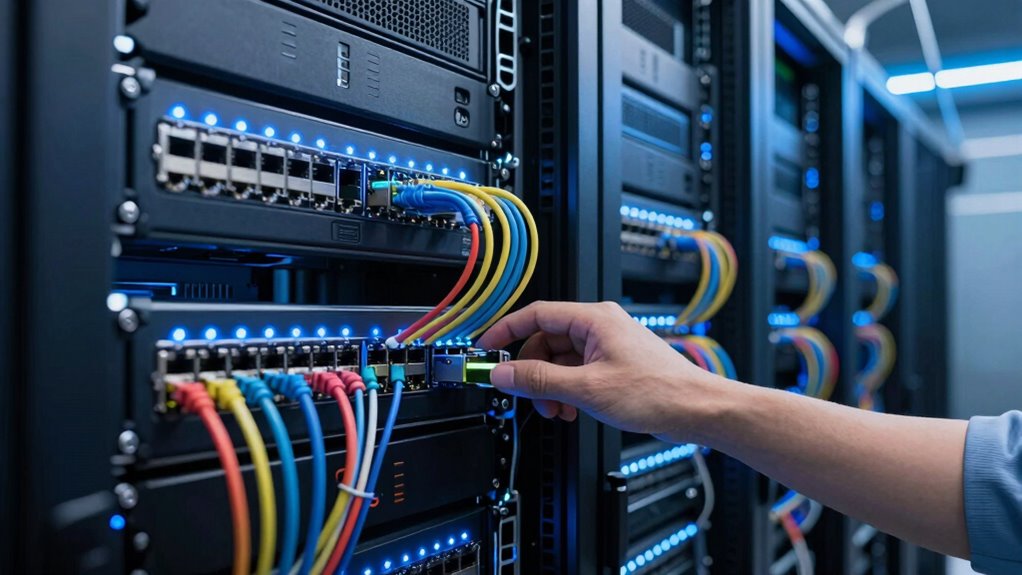
To prepare for a future with IPv6, you need to assess your network’s compatibility and identify any gaps. Training your staff guarantees they can manage and troubleshoot IPv6 effectively, minimizing disruptions. Strategically updating your infrastructure helps you stay ahead, facilitating a smooth shift and long-term readiness.
Assessing Network Compatibility
How can you determine if your current network infrastructure is ready for the shift to IPv6? Start by evaluating your network segmentation to identify potential gaps. Review your IP address planning to ensure compatibility with IPv6 addressing schemes. Use tools to scan your network for IPv4 dependencies that could hinder transition. Check hardware and software for IPv6 support—outdated devices may block progress. Understand your network’s complexity and whether it can handle dual-stack configurations.
Be aware of the emotional stakes involved:
- Feel confident in your migration plan
- Reduce unexpected network downtime
- Eliminate costly surprises
- Empower your team with clarity
- Secure your network’s future readiness
Training Staff Effectively
Once you’ve assessed your network’s compatibility with IPv6, the next step is guaranteeing your staff is prepared to manage and support the new protocol. Clear staff communication is essential to avoid misunderstandings and ensure everyone understands the upcoming changes. Develop targeted training modules that cover IPv6 fundamentals, configuration, security, and troubleshooting. Use hands-on exercises and real-world scenarios to reinforce learning. Schedule regular sessions to keep staff updated on best practices and industry developments. Assign roles based on expertise, encouraging collaboration across teams. Well-structured training helps reduce resistance to change and builds confidence, enabling your team to handle IPv6 implementation smoothly. Prepared staff are crucial for a seamless transition and long-term network stability.
Updating Infrastructure Strategically
Planning your infrastructure updates with a strategic mindset guarantees you’re prepared for IPv6’s long-term demands. To future-proof your network, focus on enhancing IPv6 security to protect against evolving threats and assure data integrity. Prioritize scalability, so your infrastructure can grow seamlessly with increasing demands. Consider these key points:
- Invest in hardware that supports IPv6 natively
- Update security protocols to safeguard IPv6 traffic
- Design a scalable network architecture
- Train staff on IPv6 best practices
- Regularly review and adapt your plan
Frequently Asked Questions
How Does IPV6 Impact Network Security Compared to IPV4?
IPv6 impacts your network security by offering privacy enhancements and supporting advanced encryption protocols. These improvements help protect your data and prevent unauthorized access more effectively than IPv4. With features like IP address randomization, your location stays private, reducing tracking risks. Additionally, stronger encryption options ensure your communications stay secure. Overall, IPv6 provides a more robust security foundation, making your network less vulnerable to threats in comparison to IPv4.
Are There Devices Incompatible With IPV6?
Yes, some devices face compatibility issues with IPv6. You might encounter incompatibility challenges if your hardware or software isn’t updated to support IPv6 protocols. Older devices, especially those designed before IPv6 became widespread, often struggle to connect seamlessly. To avoid these problems, make certain your network equipment and devices are IPv6-compatible, and keep firmware and software up to date, reducing potential incompatibility challenges and ensuring smooth network operation.
What Are the Cost Implications of IPV6 Migration?
Did you know that global IPv6 deployment costs are estimated to reach billions? You’ll find that the cost implications of IPv6 migration involve a thorough cost analysis, covering hardware, software, and training. Infrastructure upgrades are essential, but they can be expensive upfront. However, in the long term, IPv6 can reduce operational costs by streamlining network management and improving efficiency, making the investment worthwhile.
Can IPV6 Coexist With IPV4 During Transition?
Yes, IPv6 can coexist with IPv4 during shift through various strategies like dual-stack deployment, tunneling, and translation. These shift strategies enable your network to run both protocols simultaneously, ensuring compatibility and gradual IPv6 adoption. This approach minimizes disruptions while expanding network capabilities. By implementing dual-stack, you facilitate a smoother migration process, giving your organization time to adapt without losing connectivity or security.
How Does IPV6 Affect DNS Configuration?
IPv6 affects DNS configuration by requiring updated DNS records to handle IPv6 addresses, known as AAAA records, alongside traditional A records for IPv4. When you configure your DNS, you need to add these AAAA records to guarantee proper DNS resolution for IPv6 addresses. This update allows devices to resolve and connect to IPv6 addresses seamlessly, but it also necessitates careful management to avoid conflicts or resolution issues during the shift.
Conclusion
Moving to IPv6 is essential for future-proofing your network, but it comes with challenges—like the fact that nearly 30% of global networks still struggle with IPv6 deployment. By understanding the differences, preparing properly, and following best practices, you can minimize disruptions. Remember, a smooth migration not only enhances your network’s capacity but also guarantees ongoing connectivity. Staying proactive and informed helps you navigate the complexities and keep your network resilient and scalable for years to come.