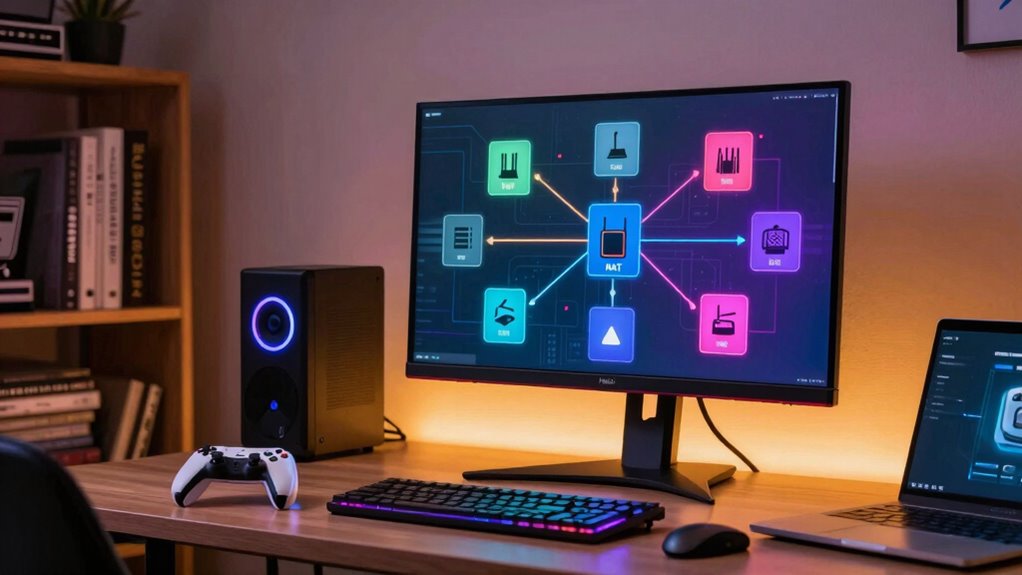

Your NAT type affects how easily you connect to other players online. An open NAT offers the best experience with less lag and smoother matchmaking, while strict NAT can block players and cause disconnections. You can check your NAT type on your console or PC and adjust it through your router by enabling UPnP or port forwarding. Understanding these settings can drastically improve your gaming. Keep exploring to learn simple steps for optimizing your connection even more.

Get the latest gadgets delivered free with Prime
- Fast, free delivery on millions of items
- Prime Video, Amazon Music and more included
- Member-only deals all year
Key Takeaways
- NAT types determine how easily your device connects to other players in online games.
- Open NAT allows seamless connections; strict NAT may block or limit multiplayer options.
- Checking your NAT type varies by platform: PlayStation, Xbox, or PC, using built-in settings or online tools.
- Improving NAT involves enabling UPnP, port forwarding, or using a wired connection for stability.
- Troubleshooting involves restarting devices, adjusting router settings, and verifying port configurations.
As an affiliate, we earn on qualifying purchases.
Why Your NAT Type Matters for Online Gaming
Your NAT type directly impacts your ability to connect smoothly with other players during online gaming. A strict NAT can block your connection or cause frequent disconnections, frustrating your gaming experience. It also affects network security by potentially exposing your system to vulnerabilities if not properly configured. Plus, NAT type influences gaming latency—the delay between your actions and what happens on the screen. A moderate or open NAT improves communication with game servers and other players, reducing lag and boosting responsiveness. When your NAT type is optimized, you enjoy more stable connections, faster matchmaking, and less frustration during multiplayer sessions. Understanding and managing your NAT type helps create a smoother, more secure gaming experience, ensuring you stay connected and competitive. Additionally, proper NAT configuration can help optimize your network for better performance and security.
As an affiliate, we earn on qualifying purchases.
How to Check Your NAT Type on PlayStation, Xbox, and PC
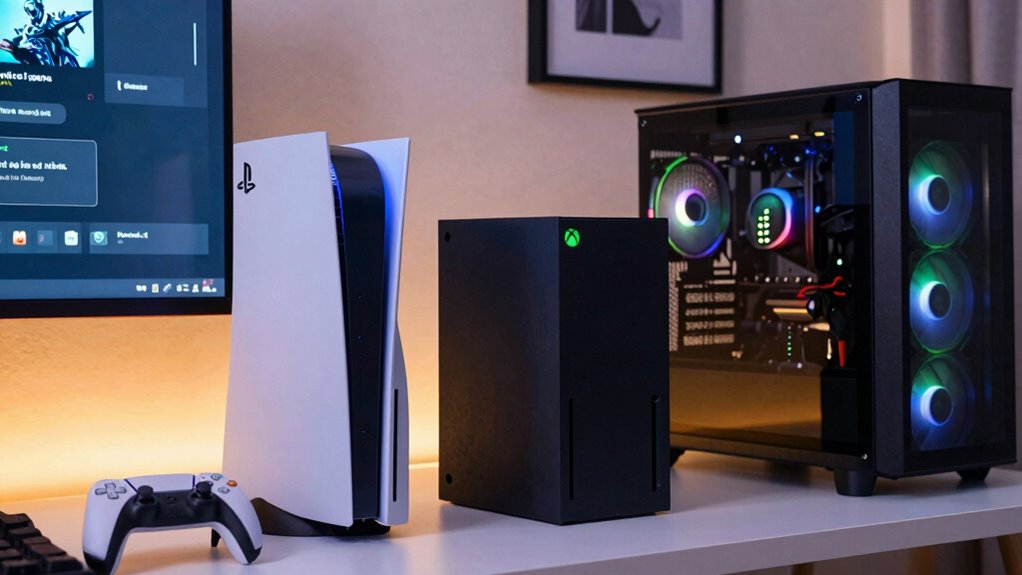
Checking your NAT type is a straightforward process that varies depending on the gaming platform you’re using. On PlayStation, go to Settings > Network > Test Internet Connection. For Xbox, navigate to Settings > Network > Test Network Connection. On PC, use your game’s network settings or online tools like ShieldsUP to test port accessibility. Knowing your NAT type can impact your network security and how you configure your router. To improve your NAT, consider adjusting your router configuration to open ports or enable UPnP. Be aware that closed NAT types often result from strict router settings, which can hinder multiplayer gaming. Understanding NAT types can help you optimize your connection for better gameplay performance. Additionally, NAT type classification is important for understanding how your network interacts with multiplayer servers. Properly configuring your network can also help enhance online stability, ensuring a smoother gaming experience. Keep your network secure while optimizing your connection to guarantee smooth, lag-free gameplay.
As an affiliate, we earn on qualifying purchases.
Understanding the Differences Between Open, Moderate, and Strict NAT Types
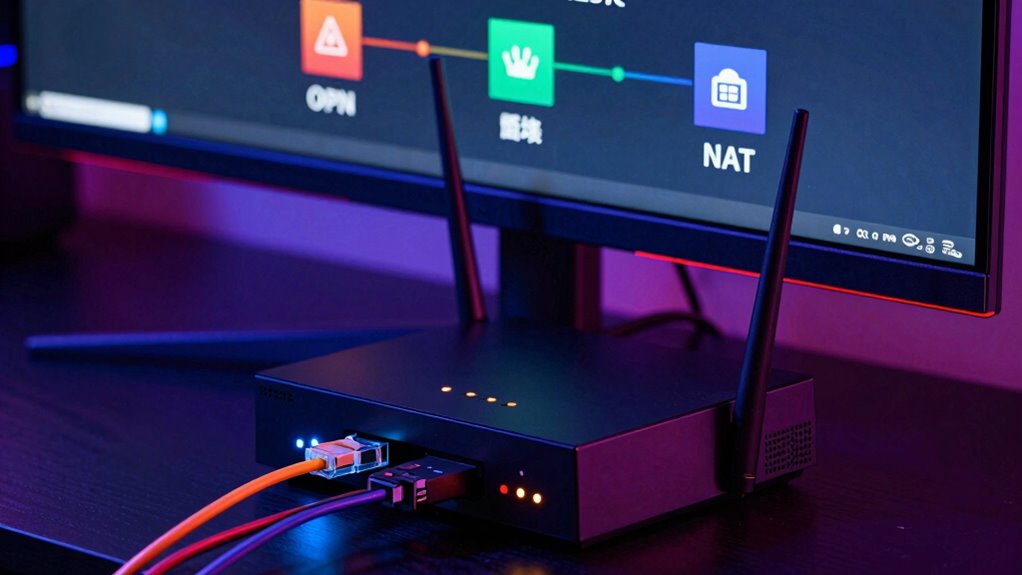
Understanding the differences between open, moderate, and strict NAT types is essential because each one affects your gaming experience differently. An open NAT allows for the easiest connections, with UPnP configuration often enabled to automatically open necessary ports. This reduces lag and improves matchmaking. A moderate NAT might require some manual adjustments, like port forwarding, to improve connectivity. It can still connect to most players but may experience occasional issues. A strict NAT limits your connections, making it difficult to join games or communicate with others. In this case, manually configuring UPnP settings or setting up port forwarding helps open specific ports, easing restrictions. Knowing these distinctions helps you optimize your network setup for smoother, more reliable gameplay.
As an affiliate, we earn on qualifying purchases.
Steps to Change and Optimize Your NAT Type for Better Connectivity
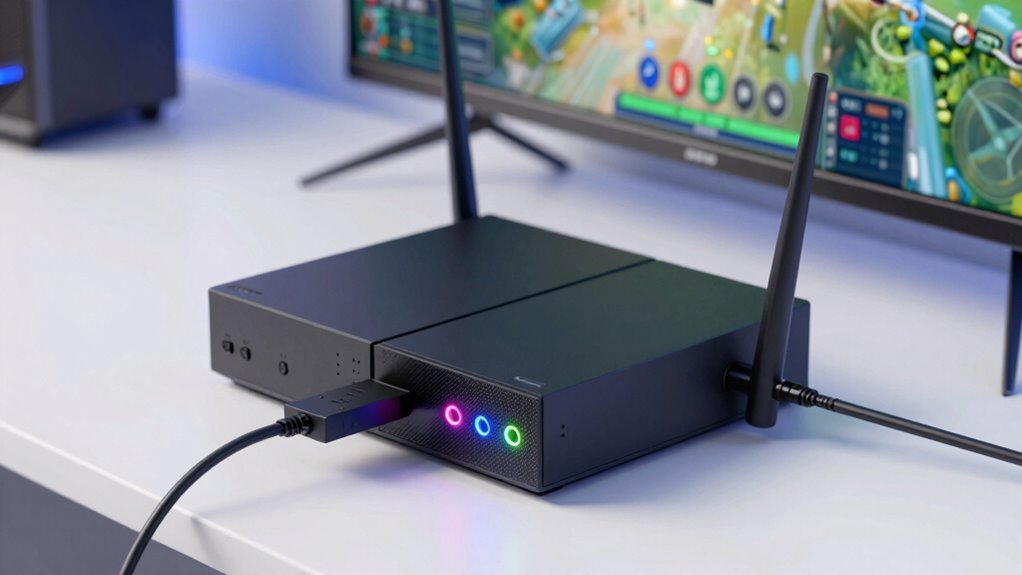
Optimizing your NAT type involves a series of straightforward steps to improve your connection quality and reduce matchmaking issues. First, access your router configurations—usually through a web browser—and enable UPnP or set up port forwarding for your gaming devices. Next, review your firewall settings; verify they aren’t blocking necessary ports or services. You might need to create specific rules to allow game traffic through. A portable oil radiator can also provide a reliable heat source during long gaming sessions, ensuring your environment remains comfortable. To boost your chances of having an open NAT, consider these actions:
Improve your gaming connection by enabling UPnP, forwarding ports, and checking firewall settings.
- Enable UPnP on your router
- Manually forward required gaming ports
- Disable strict firewall rules temporarily
- Use a wired connection for stability
Additionally, understanding your network protocols can help you troubleshoot connection issues more effectively. Being aware of legal and professional considerations can also be beneficial if you encounter persistent network issues requiring technical support. Familiarizing yourself with home network security best practices can prevent potential vulnerabilities that might affect your connectivity. Monitoring body jewelry measurements and ensuring your devices are configured correctly can improve overall network performance, especially in setups involving multiple devices or custom configurations. These steps can markedly enhance your NAT type, making online gaming smoother and more reliable.
Troubleshooting Common NAT-Related Connection Problems
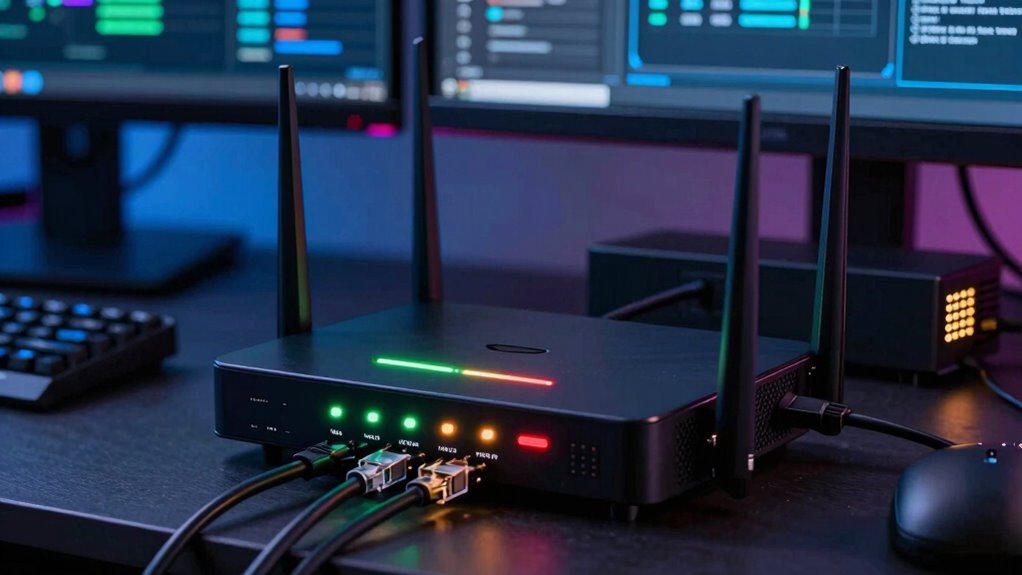
When you experience connection issues during online gaming, NAT-related problems are often the culprit. To troubleshoot, start by checking your router configurations to verify your NAT type is open or moderate. Sometimes, a strict NAT can block connections, causing lag or disconnections. Adjust your network security settings to allow necessary traffic, but avoid lowering security too much. Restart your router and console or PC to refresh network settings. If issues persist, consider enabling UPnP or manually port forwarding specific gaming ports. These steps can improve connectivity without compromising your network security. Additionally, proper router configurations can help resolve NAT-related problems quickly and efficiently. Regularly reviewing your network setup can prevent future issues and improve overall performance. Maintaining a well-optimized network setup, including proper port forwarding, is essential for stable gaming connections. Understanding how whole-home water systems impact network infrastructure might also help in optimizing your setup for better stability.
Frequently Asked Questions
Can NAT Types Affect Game Latency or Ping Times?
Yes, NAT types can affect your game latency or ping times. Strict NAT types often cause delays because they block or limit connections, increasing lag. You can improve this by setting up port forwarding or enabling UPnP configuration, which helps open necessary ports and allows smoother connections. This reduces latency and ping times, providing a better gaming experience with faster, more reliable online gameplay.
Does Changing NAT Type Impact My Network Security?
Changing your NAT type doesn’t necessarily improve network security; it mainly affects connectivity and gaming performance. However, altering NAT settings could introduce network vulnerabilities if not done correctly, especially if firewall configurations aren’t updated accordingly. Always make certain your firewall is properly configured to protect against potential threats. Be cautious, because a misconfigured NAT can expose your network to risks, so double-check your security settings after making changes.
Are There Specific Routers Better for Open NAT Types?
Yes, certain routers are better for achieving an open NAT type because they support advanced router configurations that facilitate NAT traversal. Look for routers with UPnP, DMZ, or port forwarding options, as these settings help open your NAT. Gaming-focused routers often excel at this, ensuring smoother gameplay and easier connections. Configuring your router properly can markedly improve your NAT type, reducing lag and connection issues during gaming sessions.
How Often Should I Check or Update My NAT Settings?
You should check your NAT settings at least once every few months to guarantee network stability. Regularly updating your router’s firmware is essential, as it can improve NAT performance and security. If you experience connectivity issues or lag spikes, update sooner. About 60% of gamers report better connection quality after firmware updates, so staying proactive helps maintain an open NAT type and smooth online play.
Can VPN Use Interfere With NAT Type and Gaming Connectivity?
Yes, VPNs can interfere with your NAT type and gaming connectivity. VPN security often involves NAT filtering, which can block or restrict certain ports needed for smooth gaming. When you connect through a VPN, it might change your NAT type to moderate or strict, causing lag or connection issues. To improve gaming, choose a VPN with good NAT handling or disable it during gameplay to avoid these disruptions.
Conclusion
Getting your NAT type right can considerably improve your online gaming experience, reducing lag and connection drops. While it may seem technical at first, following these steps makes the process manageable. Don’t let the fear of complex setups hold you back—many issues are easily fixable with some patience. Once optimized, you’ll enjoy smoother matches and better multiplayer interactions, proving that understanding your NAT type is a worthwhile investment for any serious gamer.
Fall Picks
fall essentials
As an affiliate, we earn on qualifying purchases.