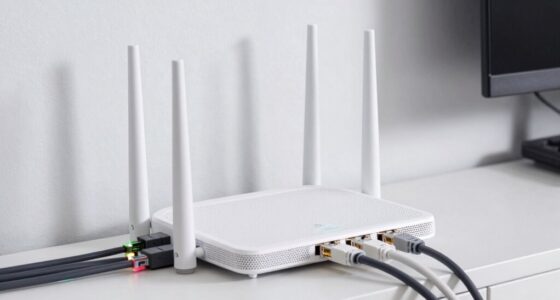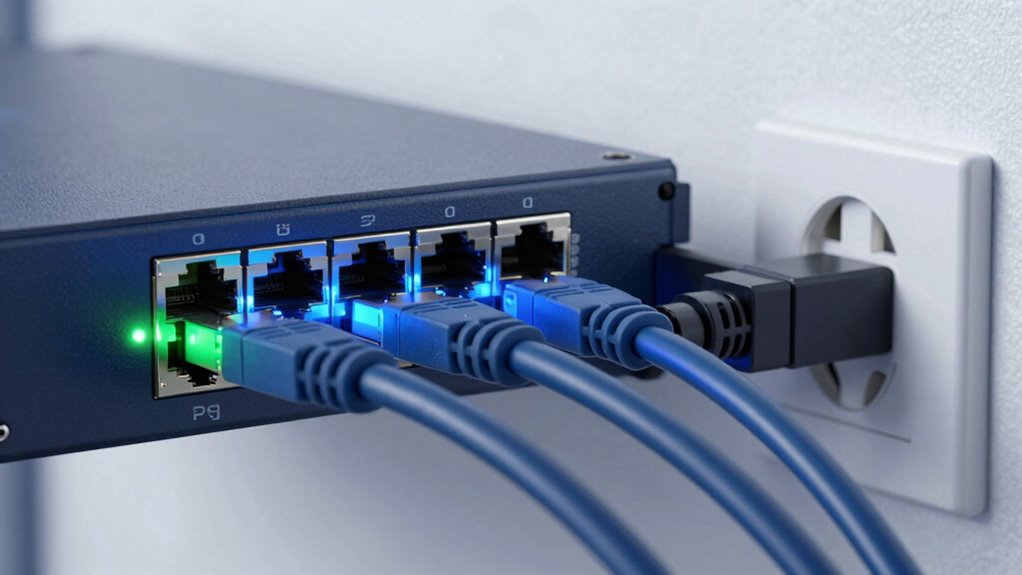

Power over Ethernet (PoE) lets you send both power and data through a single Ethernet cable, making device setup simple and helping you avoid extra wires. It’s compatible with different standards, like IEEE 802.3af, 802.3at, and 802.3bt, which support various power needs. Using PoE makes your network more flexible, scalable, and efficient. To guarantee safety and performance, understanding how to choose the right equipment and setup is essential—there’s more to discover if you keep exploring.

Get the latest gadgets delivered free with Prime
- Fast, free delivery on millions of items
- Prime Video, Amazon Music and more included
- Member-only deals all year
Key Takeaways
- PoE combines power and data transmission through a single Ethernet cable, simplifying device installation and reducing clutter.
- Different PoE standards (IEEE 802.3af, at, bt) deliver varying power levels suitable for various devices.
- Proper setup involves matching device power requirements, using quality cables, and ensuring safety measures like grounding.
- PoE powers a range of devices including IP cameras, Wi-Fi access points, and VoIP phones, enabling flexible placement.
- Creative deployments include smart lighting, signage, and sensors, leveraging PoE for efficient, scalable network solutions.
As an affiliate, we earn on qualifying purchases.
What Is Power Over Ethernet (PoE) and How Does It Work?
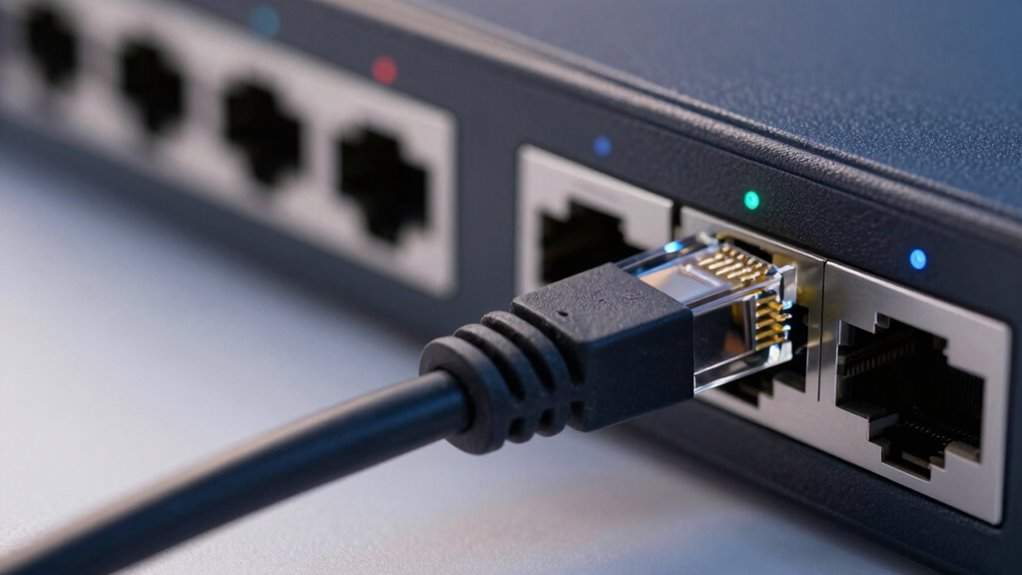
What Is Power Over Ethernet (PoE) and How Does It Work?
Have you ever wondered how devices like security cameras and Wi-Fi access points get power without needing separate cables? Power over Ethernet (PoE) makes this possible by combining power and data transmission through a single Ethernet cable. This setup enhances wireless integration, allowing you to position devices flexibly without worrying about nearby power outlets. PoE is also designed for energy efficiency, delivering only the amount of power each device needs, reducing waste and lowering electricity costs. It simplifies installation, minimizes clutter, and guarantees reliable power delivery even in hard-to-reach places. Properly understanding power delivery standards can help you select the right equipment for your needs and ensure compatibility across your network. Additionally, understanding protecting your investments can help ensure your PoE setup remains secure and reliable over time. Recognizing the safety standards involved in PoE installation is essential for preventing potential electrical issues and ensuring long-term durability. Adhering to these standards can also improve system performance and help maximize the performance and longevity of your network devices.
As an affiliate, we earn on qualifying purchases.
Which PoE Standard Is Right for You? (IEEE 802.3af, 802.3at, 802.3bt)
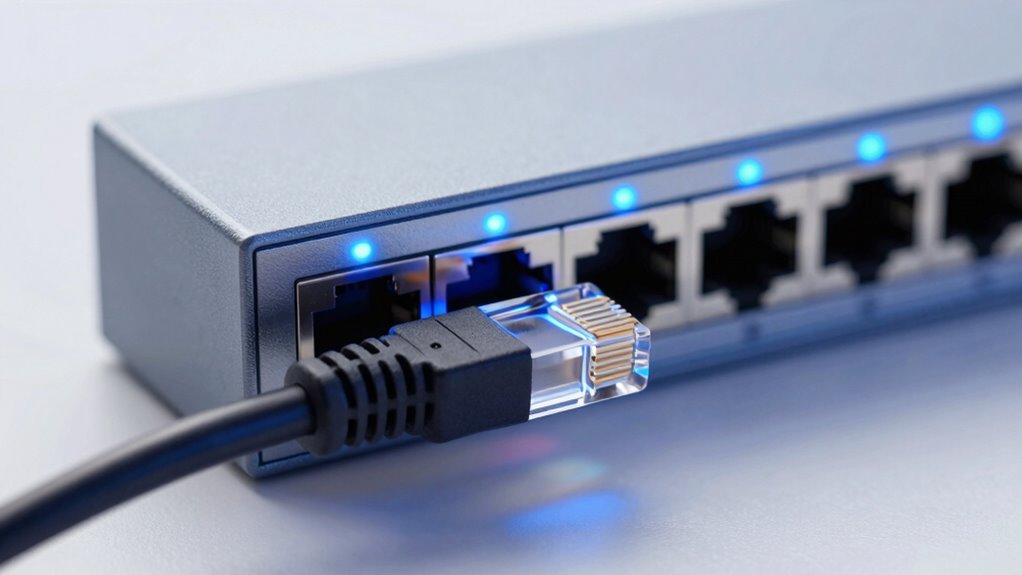
Choosing the right PoE standard depends on your device’s power needs and network setup. To optimize power efficiency and guarantee standard compatibility, consider these options:
Selecting the appropriate PoE standard ensures efficient power delivery and seamless device compatibility.
- IEEE 802.3af (PoE): Suitable for low-power devices like IP phones and wireless access points, delivering up to 15.4W.
- IEEE 802.3at (PoE+): Ideal for devices requiring more power, such as PTZ cameras or advanced access points, providing up to 30W.
- IEEE 802.3bt (PoE++ or 4PPoE): Best for high-demand equipment like pan-tilt-zoom cameras or LED lighting, delivering up to 90-100W.
- Compatibility considerations: Always verify your device’s power requirements and your switch’s support for the standard to maximize power efficiency and seamless integration. Device compatibility is crucial to ensure your network functions smoothly without power issues.
As an affiliate, we earn on qualifying purchases.
Benefits of Using PoE for Your Network Devices
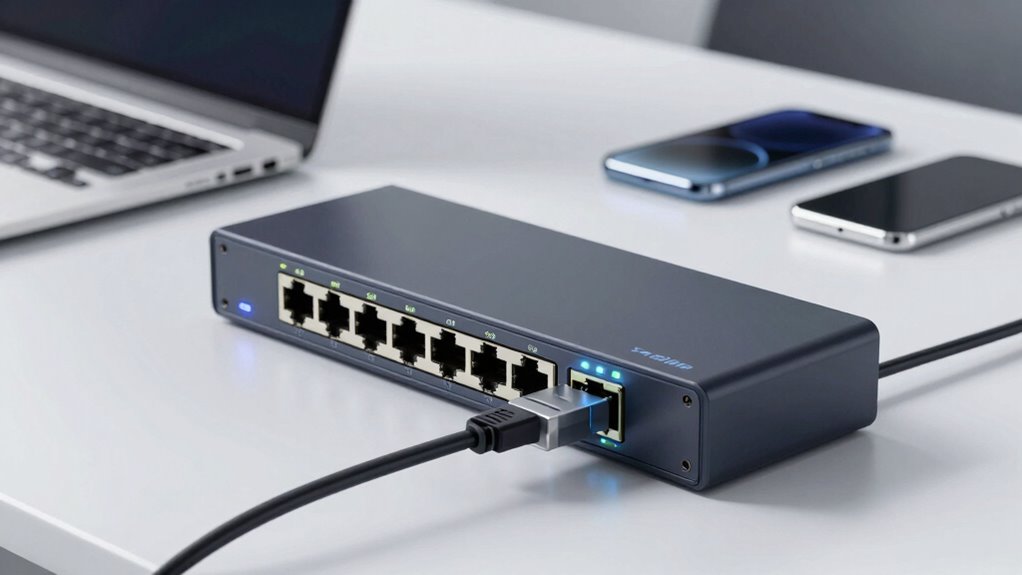
Using PoE makes setting up your network much easier by combining power and data delivery in a single cable. It also helps cut down on clutter, giving your space a cleaner look. Plus, PoE offers flexible power options, so you can easily upgrade or move devices without rewiring. Incorporating safety tips ensures your installation remains secure and reliable. Additionally, understanding smart home privacy and security practices can help protect your connected devices from potential threats. Being aware of home design considerations, such as proper cable routing and device placement, can further enhance your network’s safety and efficiency. Considering PoE standards can also ensure compatibility and optimal performance across your devices.
Simplifies Network Setup
Ever wondered how to make your network setup quicker and more straightforward? PoE simplifies this process by reducing the number of cables needed, making installation faster and more organized. It also enhances wireless security by minimizing exposed connections, which lowers vulnerabilities. Additionally, PoE supports network scalability, allowing you to easily add devices without extensive rewiring. Here is a key aspect of PoE: it promotes sustainable practices in backyard design by reducing electronic waste and energy consumption. Incorporating energy-efficient technologies with PoE can further optimize your network’s environmental impact. Recognizing the importance of traditional care alongside modern solutions, integrating PoE can contribute to more sustainable and efficient systems. As the demand for smart device integration grows, PoE’s ability to efficiently power multiple devices becomes increasingly valuable. Moreover, the potential for remote management makes PoE an even more versatile choice for modern networks. Here are four ways PoE streamlines your setup:
Reduces Cable Clutter
Have you noticed how tangled and messy your network cables can become? Using PoE helps reduce cable clutter by combining power and data into a single cable, cutting down on the number of cords needed. This simplification minimizes the risk of wireless interference, which can disrupt signal quality, especially in crowded environments. With fewer cables running around, your setup looks cleaner and more organized. Additionally, fewer cables mean better cable durability, as there’s less wear and tear from bending or tangling. This not only prolongs the lifespan of your cables but also makes maintenance easier. Overall, PoE streamlines your network, reduces clutter, and keeps your workspace tidy while improving reliability.
Enhances Power Flexibility
Wouldn’t it be great if your network devices could adapt more easily to changing needs? PoE enhances power flexibility, allowing you to deploy and reposition devices without rewiring. This flexibility supports:
- Seamless wireless integration, making it easier to expand or upgrade your network.
- Simplified power management, enabling centralized control and energy efficiency.
- Rapid deployment of devices in various locations without power outlets.
- Better scalability, as adding new devices requires minimal infrastructure changes.
- Incorporating wall art trends like digital frames and interactive murals can further enhance your environment’s connectivity and aesthetic appeal. Additionally, the home soundproofing principles can be integrated to create a quieter, more comfortable space around your network setup. Understanding how essential oils support health and well-being can inspire you to create a more inviting and relaxing workspace environment, especially as the market trends in tech continue to evolve. Recognizing the benefits of hormesis in holistic wellness can help you optimize your overall space and health.
As an affiliate, we earn on qualifying purchases.
Top Devices Powered by PoE and How You Can Use Them
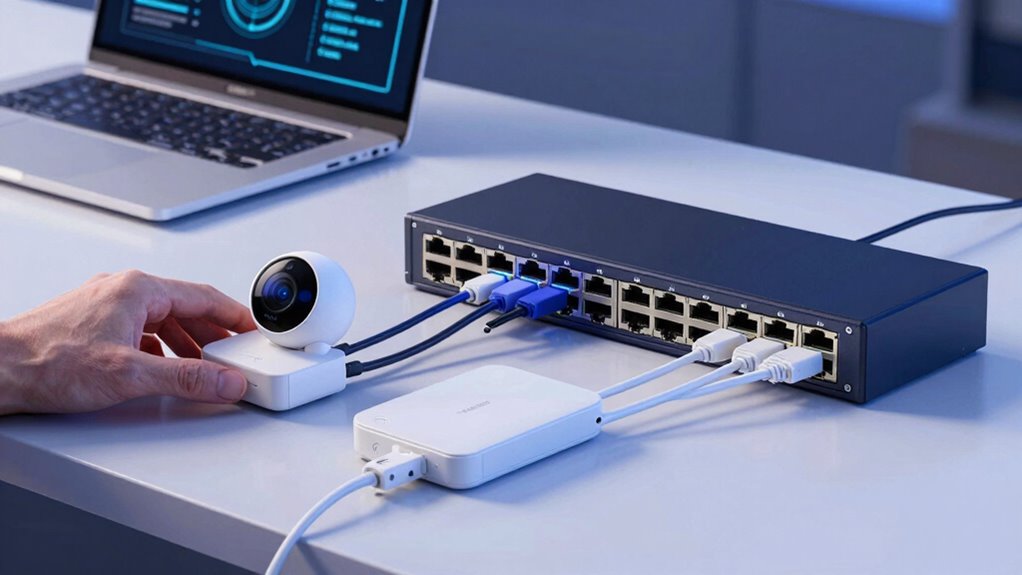
Many common devices, like IP cameras, wireless access points, and VoIP phones, are powered by PoE, making installation simpler and more flexible. You can also get creative by using PoE to power digital signage, sensors, or even small IoT projects. Exploring these options helps you optimize your network setup and reduce clutter. Understanding the fundamentals of PoE can further enhance your ability to implement it effectively across various devices. Additionally, leveraging multi-device setups can improve efficiency and expand your network’s capabilities. For example, choosing the right power sourcing equipment ensures reliable power delivery to multiple devices simultaneously. A solid grasp of PoE standards is essential to ensure compatibility and performance across different devices and setups. Recognizing the importance of proper cabling is crucial for maintaining optimal power and data transfer.
Common PoE Devices
You might be surprised by how many essential devices you can power effortlessly with Power over Ethernet (PoE). It supports a variety of devices vital for modern connectivity and automation.
- Wireless sensors: PoE powers sensors for environmental monitoring, security, and smart building management, enabling real-time data collection.
- IP cameras: Security cameras rely on PoE for reliable power and data transmission, simplifying installation and reducing cable clutter.
- VoIP phones: These phones benefit from PoE’s single-cable setup, ensuring clear communication with minimal setup effort.
- IoT integrations: PoE seamlessly connects IoT devices, streamlining smart systems, automation, and remote monitoring, all through a single network cable.
Creative Deployment Ideas
Power over Ethernet opens up a world of creative possibilities for deploying essential devices in innovative ways. You can use PoE to implement creative lighting solutions that transform spaces effortlessly, enhancing ambiance or highlighting features without complicated wiring. It also enables sleek, innovative signage that is easy to update and maintain—perfect for retail, hospitality, or corporate environments. With PoE, you can install networked LED displays or digital signs in hard-to-reach areas, reducing costs and complexity. Additionally, PoE-powered cameras and sensors can be integrated seamlessly into your existing infrastructure for smarter security and automation. These options give you the flexibility to experiment with lighting and signage designs, making your spaces more engaging, functional, and visually appealing—all while simplifying installation and maintenance.
Choosing the Best PoE Switch or Injector for Your Needs
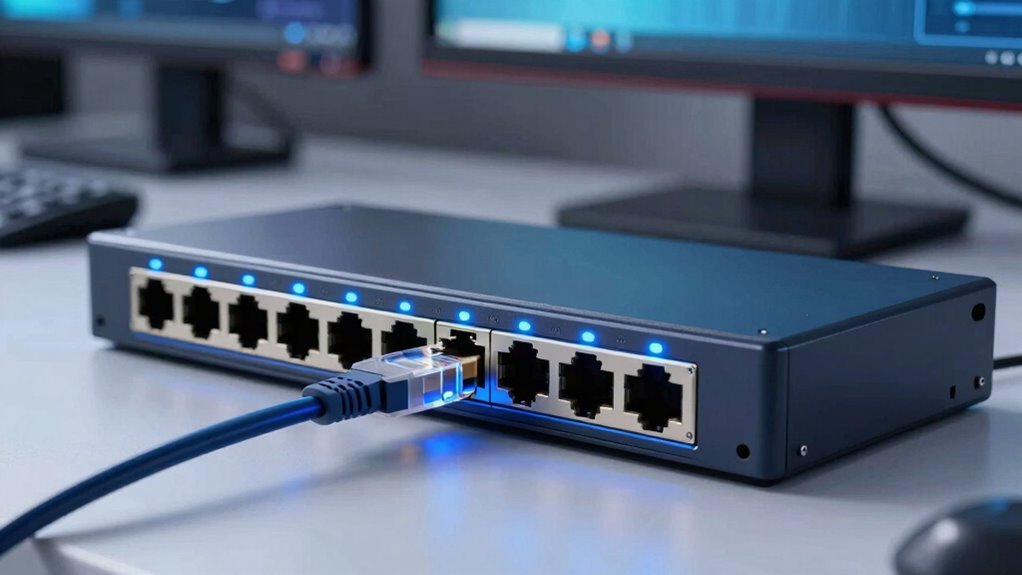
Choosing the right PoE switch or injector depends on your specific network needs and device requirements. To guarantee maximum performance, consider these factors:
- Power Budget: Match the device’s power demands with the switch’s total capacity for reliable operation.
- Cable Durability: Use high-quality cables to maintain data integrity and withstand environmental conditions.
- Power Efficiency: Select devices with energy-saving features to reduce operational costs.
- Port Density: Determine how many devices you’ll connect to avoid bottlenecks and ensure scalability.
Setting Up PoE Devices Safely and Correctly
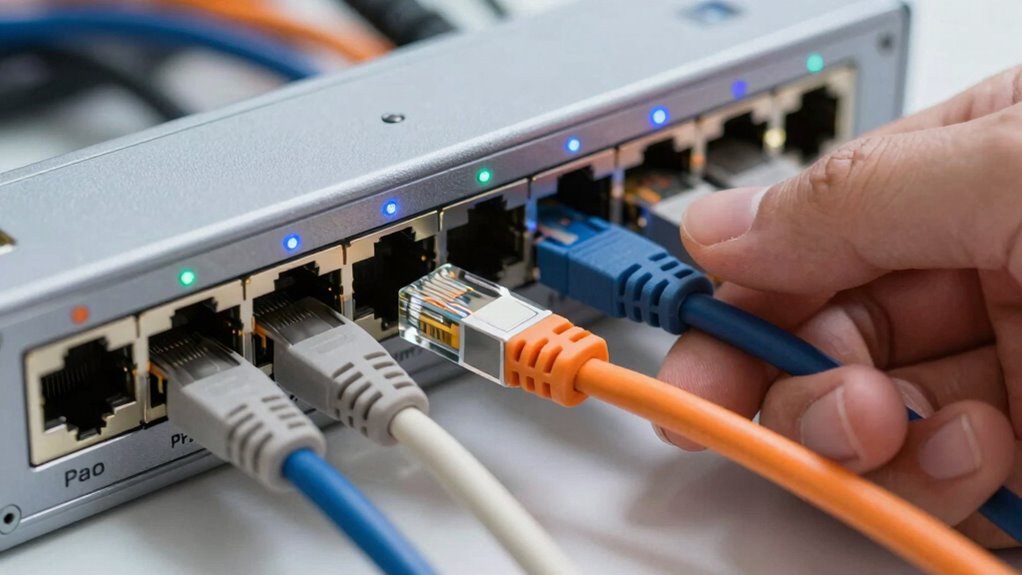
Ensuring the safe and correct setup of PoE devices is essential to prevent damage and maintain network reliability. Start by inspecting cable insulation; proper insulation protects against short circuits and electrical faults. Use high-quality cables rated for PoE, which are designed to handle the power levels involved. Protect your setup from power surges by installing surge protectors or PoE injectors with built-in surge suppression. Avoid running cables near sources of electrical interference that could compromise data transmission or cause faults. Make sure connections are secure and correctly matched to your power requirements. Properly grounding your equipment also helps prevent damage from unexpected electrical events. Following these precautions ensures your PoE devices operate safely and efficiently, reducing the risk of damage and network downtime.
Troubleshooting Common PoE Issues and Ensuring Reliable Power
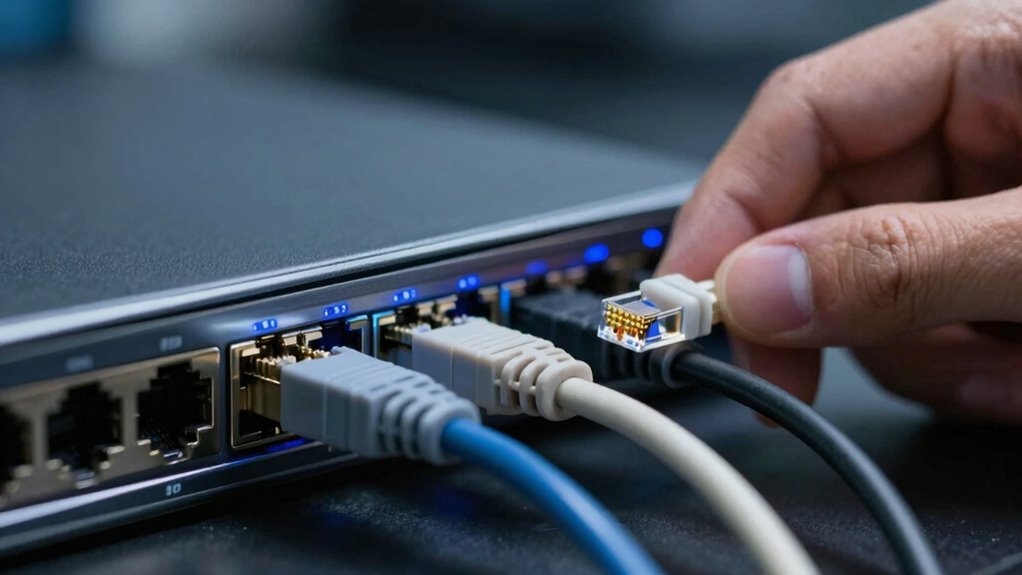
Even with proper setup, PoE systems can encounter issues that disrupt power delivery or data transmission. To troubleshoot effectively, start by checking the power supply to guarantee your PoE switch or injector delivers the correct wattage. Next, inspect the cables for damage or loose connections, as cable troubleshooting is often the culprit. Confirm that the Ethernet cables meet PoE specifications and replace any that fall short. Additionally, verify the device’s compatibility and power requirements to avoid overloads or insufficient power. Finally, test the PoE port with a different cable or device to identify if the problem lies with the port itself or the connected hardware. These steps help ensure reliable power and smooth data flow.
PoE vs. Other Power Options: What’s Better for You?
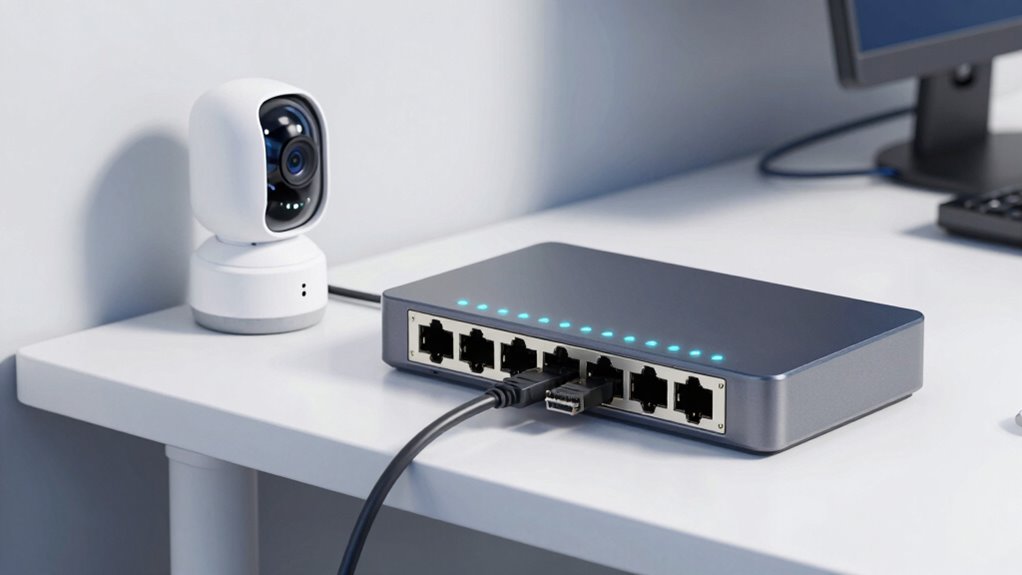
When comparing PoE to other power options, it’s important to take into account your specific needs for convenience, cost, and scalability. PoE offers a streamlined setup by combining power and data over a single cable, reducing clutter and simplifying installation. It provides good voltage stability, ensuring your devices receive consistent power, which minimizes interruptions. Regarding power efficiency, PoE can be more effective because it delivers only the energy needed, reducing waste. Traditional power supplies might offer higher voltages but lack the flexibility and centralized control of PoE. If you prioritize easy scalability and efficient power management, PoE is likely the better choice. However, for high-power requirements or specialized applications, other options may be more suitable.
Is PoE the Right Choice for Your Network? Factors to Consider
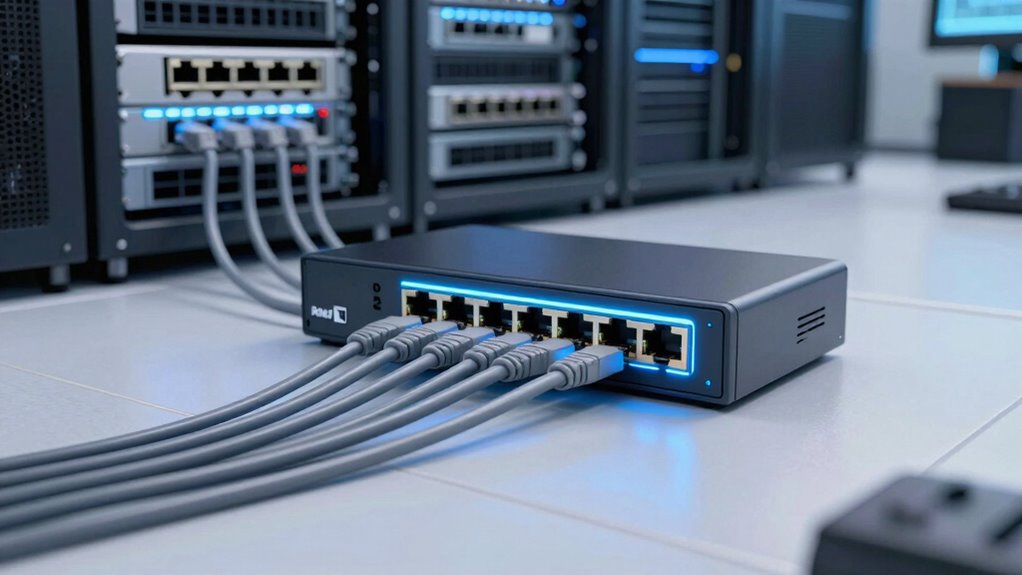
Deciding whether PoE is the right fit for your network depends on several key factors. First, assess your wireless security needs; PoE can power security cameras, enhancing surveillance. Next, consider your network scalability; PoE simplifies adding devices without extensive wiring, making growth easier. Third, evaluate power requirements—some devices need more power than PoE can supply, so verify compatibility. Finally, think about infrastructure compatibility; existing cabling and switches should support PoE for seamless integration. If your network demands robust security, easy expansion, and simplified wiring, PoE could be ideal. However, if you have high power needs or legacy equipment, other options might suit you better. Weighing these factors ensures you make an informed decision aligned with your network goals.
Frequently Asked Questions
Can Poe Support High-Power Devices Like Security Cameras?
Yes, PoE can support high-power devices like security cameras, but you need to guarantee device compatibility and proper power management. Look for PoE standards such as PoE+ or PoE++ (IEEE 802.3at or 802.3bt), which deliver higher wattages suitable for demanding devices. Always verify your device’s power requirements and choose compatible PoE switches or injectors to avoid power issues and ensure reliable operation.
How Does Poe Impact Network Security Measures?
You might worry PoE introduces network vulnerabilities, but it actually enhances security if managed properly. PoE supports data encryption, protecting sensitive information from interception. Plus, using secure switches and VLANs isolates devices, reducing risks. While some see the combined power and data as a threat, implementing strong security measures guarantees PoE benefits—like simplified wiring—don’t compromise your network’s integrity.
Is Poe Compatible With Existing Network Infrastructure?
PoE is generally compatible with existing network infrastructure, but you might need some upgrades for peak performance. Check if your switches and routers support PoE or if they need to be replaced or supplemented with PoE injectors. This guarantees network compatibility and simplifies setup. An infrastructure upgrade may be necessary to fully leverage PoE’s benefits, especially in larger or older network setups. Proper planning guarantees seamless integration and future-proofing.
What Are the Limitations of Poe Cable Lengths?
PoE cable lengths are limited to about 100 meters (328 feet) because of cable attenuation and voltage drop. As the cable length increases, signal quality decreases, and voltage drops may hinder device operation. To maintain reliable power and data transfer, avoid exceeding this limit or consider using powered switches or extenders. Proper cable quality and installation practices also help minimize issues caused by attenuation and voltage drop.
How Does Poe Compare to Wireless Power Solutions?
Think of PoE as a steady stream, while wireless power is like a gust of wind—more flexible but less predictable. PoE offers reliable power delivery with high power efficiency and stable connections, ideal for fixed devices. Wireless solutions provide greater flexibility and ease of installation, perfect for locations where cabling is impractical. However, wireless power often faces limitations in range and power consistency, making it less suitable for high-demand applications.
Conclusion
So, now you’re practically a PoE pro, ready to power up your network like a boss. Just remember, choosing the right standard isn’t rocket science—unless you’re powering satellites, then maybe it is. Whether you’re upgrading or starting fresh, PoE makes life easier, safer, and way cooler. Just don’t forget to double-check your setup—unless you enjoy surprises, like your camera suddenly becoming a paperweight. Happy networking!
Fall Picks
fall essentials
As an affiliate, we earn on qualifying purchases.