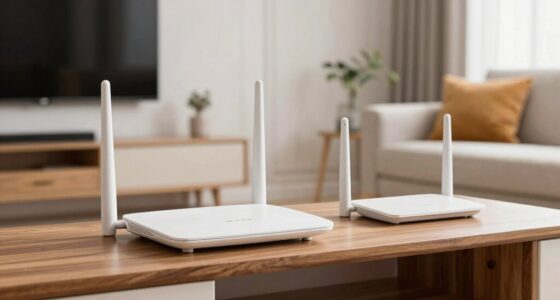
A guest network creates a separate Wi-Fi access point so visitors can use the internet without risking your main network’s security. You should consider setting one up if you want to protect personal files, manage bandwidth, or keep your primary devices safe from potential threats. Proper setup involves strong encryption, unique passwords, and network segmentation. Keep exploring to find out how to set up and manage a secure guest network effectively.

Get the latest gadgets delivered free with Prime
- Fast, free delivery on millions of items
- Prime Video, Amazon Music and more included
- Member-only deals all year
Key Takeaways
- Guest networks create isolated Wi-Fi access for visitors, protecting your primary devices and data.
- They improve security by preventing guest devices from accessing sensitive network resources.
- Use a guest network when hosting visitors, to reduce network congestion and maintain privacy.
- Proper configuration, including strong passwords and segmentation, is essential to prevent security vulnerabilities.
- Implementing a guest network is beneficial for homes and businesses prioritizing secure, controlled, and private guest internet access.
As an affiliate, we earn on qualifying purchases.
What Are Guest Networks and How Do They Work?
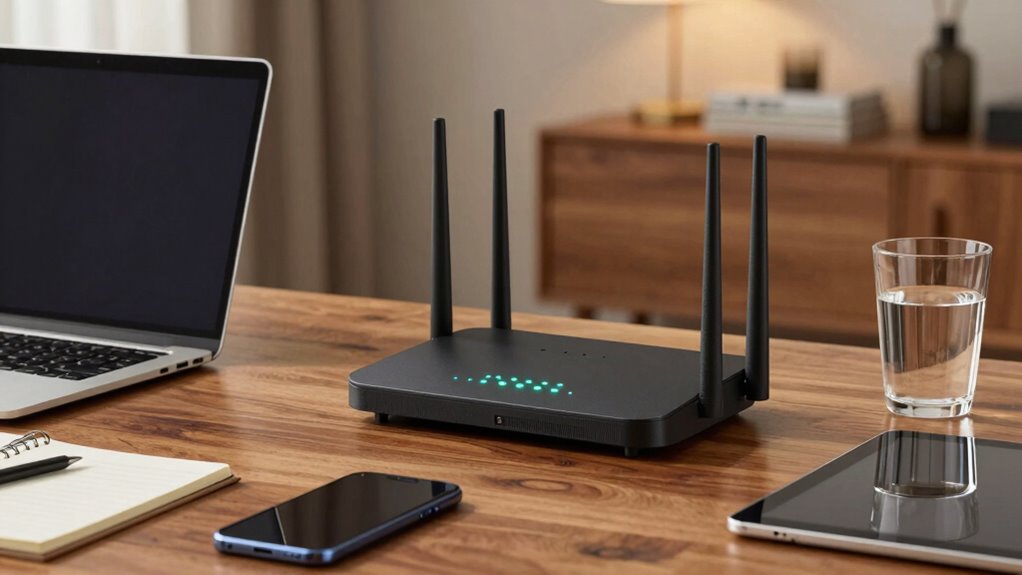
Ever wondered how you can allow visitors to use your Wi-Fi without giving them access to your main network? That’s where guest networks come in. They create a separate Wi-Fi network specifically for guests, ensuring network isolation so visitors can’t access your personal files or connected devices. This setup keeps your primary network secure while still offering internet access. network segmentation also helps in managing bandwidth more effectively, preventing guest usage from impacting your main connection’s performance. Most routers let you easily set up a separate network, and you can customize settings like password protection and access restrictions. Using a guest network is a smart way to maintain security and performance without sacrificing convenience for your visitors. Additionally, security protocols enhance overall protection by safeguarding your network from unauthorized access, especially as emerging cybersecurity threats continue to evolve. Implementing proper network security measures further helps in defending against potential vulnerabilities.
As an affiliate, we earn on qualifying purchases.
Do You Need a Guest Network? Signs You Might

If you’re unsure whether your guests need access or if you want to keep your main network private, a guest network helps. It limits what guests can access, reducing security risks and preventing them from interfering with your primary devices. If you notice a drop in network performance, setting up a guest network is a smart move to improve overall network performance and safeguard your data.
As an affiliate, we earn on qualifying purchases.
Benefits of Using a Guest Network for Your Wi-Fi

Using a guest network offers several key advantages that can improve your Wi-Fi experience. It enhances guest privacy by isolating their devices from your main network, preventing access to personal files or sensitive information. This network segmentation ensures that visitors can browse the internet freely without compromising your data security. Additionally, a dedicated guest network reduces network congestion on your primary connection, leading to better performance for your devices. It also simplifies management, allowing you to easily control access and set time limits for guests. Implementing a guest network aligns with requirements traceability principles, ensuring you can easily manage and document access controls and security measures. Furthermore, having a separate network can help you better adhere to security best practices by minimizing potential vulnerabilities that could be exploited by unauthorized users. Creating a guest network can also benefit from incorporating security features, such as encryption and strong passwords, to further protect your main network. Incorporating network segmentation can additionally help in isolating different device types, enhancing overall security.
Wi-Fi password protection device
As an affiliate, we earn on qualifying purchases.
As an affiliate, we earn on qualifying purchases.
Risks of Guest Networks You Should Know

While guest networks offer convenience and security benefits, they also come with potential risks that you should be aware of. One major risk is improper network segmentation, which can allow guests to access more than just internet services, potentially exposing your main network and sensitive devices. If not correctly isolated, guest devices might attempt to access other connected systems, jeopardizing your data privacy. Additionally, guests could inadvertently introduce malware or viruses, which might spread to your network. Even with encryption, malicious users may exploit vulnerabilities in your guest network setup. Properly configuring your guest network settings is crucial to minimizing these risks and maintaining a secure environment. It’s essential to understand that, without proper controls, your network segmentation might fail, leaving your private information vulnerable. Being aware of these risks helps you implement better safeguards for your home or business network. Understanding network segmentation and how it applies to your setup can help prevent unauthorized access and protect your data. Recognizing the importance of security best practices can also influence your overall approach to security and well-being. Implementing regular updates and monitoring can further reduce the likelihood of security breaches, ensuring your network remains protected.
How to Set Up a Secure Guest Network on Your Router
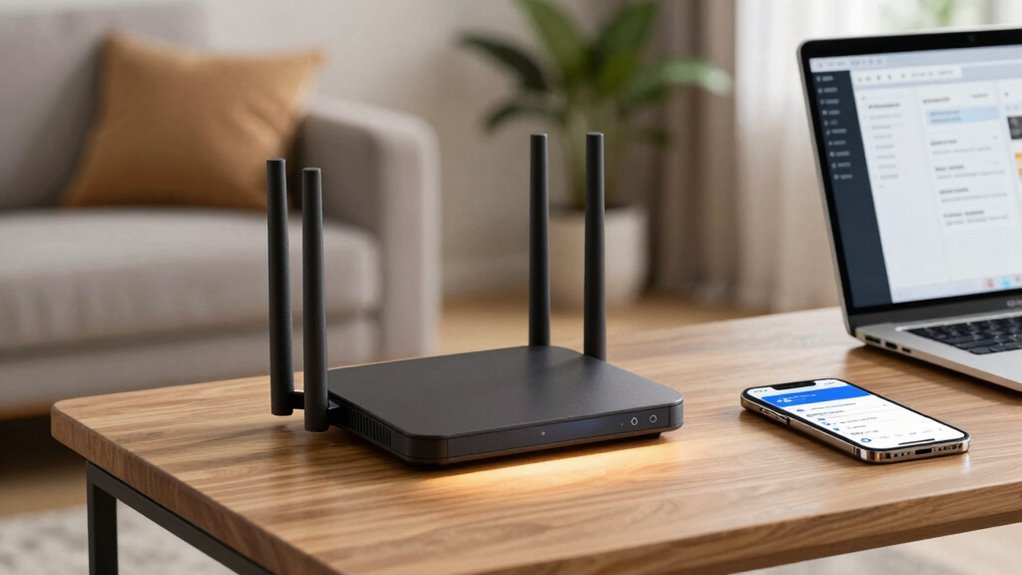
To set up a secure guest network, start by accessing your router settings through your web browser. Next, enable the guest network feature and give it a unique name to keep it separate from your main network. Finally, configure security options like WPA3 encryption and strong passwords to protect your guests and your devices. Additionally, consider implementing noise reduction solutions to minimize potential disturbances from guest device activity, and be mindful of privacy policies to ensure that your network remains secure and user data is protected. Using low light office plants can also help create a calming environment, especially in shared spaces. Incorporating essential oils for relaxation can further enhance a peaceful atmosphere in your network area.
Access Router Settings
Accessing your router’s settings is the first step toward creating a secure guest network. To do this, enter your router’s IP address into your web browser—usually something like 192.168.1.1 or 192.168.0.1—and log in with your admin credentials. Once inside, you can configure network segmentation, isolating the guest network from your main devices to enhance security. This prevents guests from accessing sensitive data or connected devices. Additionally, explore parental controls and security options to restrict access or filter content for guest users. Take your time browsing the settings, and make sure to change default passwords to strengthen your network’s security. Properly accessing and configuring your router lays the foundation for a safe and effective guest network.
Enable Guest Network
Have you ever wondered how to quickly provide internet access to guests without compromising your main network’s security? Enabling the guest network on your router is a simple way to achieve this. Access your router’s settings and locate the option to turn on the guest network. Once activated, you can customize the network name and password, ensuring guest privacy. This setup creates a separate network segment, isolating guest devices from your main network. Network segmentation prevents guests from accessing your personal files or connected devices, maintaining security and privacy. Additionally, you can incorporate Free Floating features into your setup to optimize outdoor and poolside connectivity, making your backyard gatherings more enjoyable. By selecting the right performance parts, such as high-quality routers, you can further enhance the reliability of your guest network. Ensuring your network is protected with strong encryption protocols is essential to prevent unauthorized access. Proper security configurations further strengthen your network’s defenses against potential threats. Remember, activating the guest network is just the first step; you’ll want to configure security options next. But for now, enabling it provides a quick, effective way to share your internet connection safely.
Configure Security Options
Wondering how to keep your guest network secure? Start by choosing strong encryption methods like WPA3 or WPA2, which protect data against eavesdropping. Enable network segmentation so your guest devices can’t access your main network or sensitive files. Setting up a separate SSID and password for guests adds an extra layer of security. Use the following table to understand the importance:
| Security Measure | Purpose |
|---|---|
| Encryption methods | Protect data during transmission |
| Network segmentation | Isolate guest traffic from main network |
| Unique guest password | Prevent unauthorized access to your network |
Managing Guest Access: Best Practices and Tips
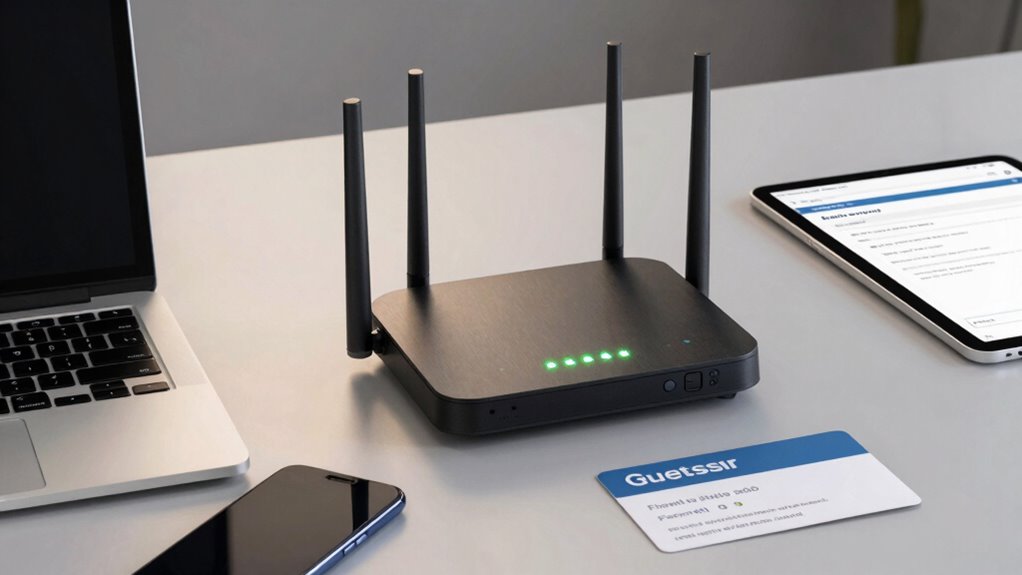
Effective management of guest network access is essential to maintaining your main network’s security while offering visitors reliable connectivity. To guarantee this, implement clear policies for guest access, limiting their bandwidth and duration. Use network segmentation to isolate guest users from your primary devices, reducing security risks. Regularly update passwords and monitor activity logs for unusual behavior. Educate guests on acceptable use to prevent accidental breaches. Consider setting up a separate SSID for guest access, making management more straightforward. Enable automatic timeouts for guest sessions and disable access to sensitive resources. Keep firmware updated to patch vulnerabilities. Consistent oversight keeps your network secure without sacrificing guest convenience. Additionally, understanding security best practices can help you adapt your management strategies effectively.
Common Mistakes to Avoid With Guest Networks
One of the biggest mistakes you can make with guest networks is neglecting proper segmentation, which can leave your primary devices vulnerable. Without effective network segmentation and guest device isolation, visitors can accidentally or intentionally access sensitive data. This oversight can lead to security breaches or data theft. To prevent this, always ensure your guest network is isolated from your main network. Use separate VLANs or guest Wi-Fi settings to keep guest devices contained.
| Mistake | Consequence |
|---|---|
| Overlooking network segmentation | Increased vulnerability |
| Failing to isolate guest devices | Risk of data breaches |
| Sharing passwords carelessly | Unauthorized access |
| Ignoring regular updates | Security loopholes |
Alternatives to Guest Networks for Visitor Wi-Fi
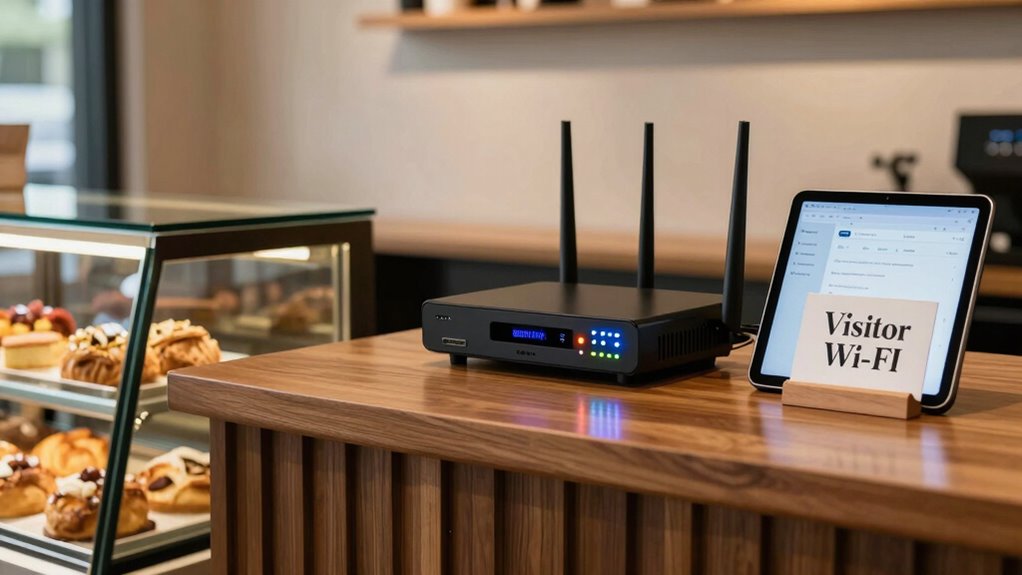
While setting up a dedicated guest network is common, there are several alternative approaches to providing visitors with internet access without compromising your main network’s security. You can leverage your router firmware to create separate VLANs or use hotspot features to isolate guest traffic. Wi Fi branding options, like splash pages, can guide visitors to a specific login portal, reducing risks. Additionally, you might set up a separate access point solely for visitors, keeping their devices off your primary network. Using a network segmentation device or a managed switch can also help isolate guest devices. These methods ensure security while offering flexibility and control over visitor access, all without the need to establish a full guest network.
Explore alternatives to guest networks like VLANs, captive portals, dedicated access points, and network segmentation for secure visitor access.
- Use router firmware to create VLANs
- Set up a dedicated access point
- Employ hotspot or captive portal features
- Use network segmentation devices
- Implement Wi Fi branding with splash pages
Is a Guest Network Right for Your Home or Business?
Deciding whether a guest network is right for your home or business depends on your specific needs for security, convenience, and control. If guest privacy is a priority, a dedicated network prevents visitors from accessing your main devices and sensitive data. Network segmentation keeps guest traffic separate, reducing security risks and maintaining your network’s integrity. For homes, a guest network offers easy Wi-Fi access for visitors without exposing your personal files. For businesses, it provides a secure way to grant internet access while protecting internal resources. Consider your security requirements and whether managing multiple networks is feasible. If you want simple, isolated access for visitors without compromising your network’s safety, a guest network is often the best solution.
Frequently Asked Questions
Can Guests Access My Main Network Resources Through the Guest Network?
Guests can’t access your main network resources through the guest network because of network segmentation and guest isolation features. These settings keep guest devices separated from your primary network, preventing unauthorized access to your files, printers, or other resources. To guarantee security, always enable guest isolation on your router. This way, your main network stays protected, and guests can use the internet without risking your private data.
How Many Devices Can I Connect to a Guest Network Simultaneously?
Imagine your network as a bustling city street. The guest network acts like a separate alley, allowing multiple devices—often 10 to 50—without clogging the main road. Network segmentation keeps your main resources safe, while guest access controls limit device numbers to prevent overload. Most routers support dozens of connections, but check your device’s limits. You’re in control, ensuring smooth traffic flow and secure, reliable guest access at all times.
Is It Possible to Monitor Guest Network Activity?
Yes, you can monitor guest network activity by using network segmentation and access control features. These tools let you track which devices connect and see their data usage, helping you maintain security and performance. Most routers with advanced management options provide logs and monitoring tools. By setting up proper network segmentation, you guarantee guest traffic stays isolated, making it easier to supervise activity without compromising your main network’s security.
Do Guest Networks Slow Down My Primary Wi-Fi Performance?
You might worry that guest networks slow down your Wi-Fi, but with proper network segmentation and bandwidth allocation, they won’t. When set up correctly, your primary network stays fast and secure because the guest network operates independently, sharing only a limited portion of your bandwidth. This way, you enjoy seamless performance while giving visitors access without risking your main connection’s speed or security.
Can I Limit Internet Access Times for Guest Users?
Yes, you can limit internet access times for guest users by using guest network restrictions and access control settings. Many routers let you set specific hours when the guest network is accessible, preventing users from connecting outside those times. Access control options enable you to customize these restrictions, ensuring your primary network remains secure and your guest access is well-managed, giving you peace of mind.
Conclusion
Think of a guest network like a welcoming garden gate—it keeps your property safe while inviting visitors in. Just as you wouldn’t give a stranger the keys to your home, don’t leave your main Wi-Fi vulnerable. By setting up a secure guest network, you’re creating a shield that protects your personal data while still sharing the digital sunshine. It’s a simple step to keep your online space safe and welcoming for all.
Halloween Picks
halloween
As an affiliate, we earn on qualifying purchases.