Bluetooth audio delay happens when there’s a lag between sound and video, causing frustration during movies, games, or calls. It’s mainly caused by wireless interference, device processing times, and codec compatibility issues. To reduce lag, keep your devices close, update firmware, and use low-latency codecs like aptX Low Latency or AAC. If you want to optimize your setup further, you’ll find practical tips and device recommendations that can help you minimize delay.
Key Takeaways
- Bluetooth audio delay is caused by signal transmission, codec processing, and interference, leading to lip-sync and gameplay issues.
- Using low-latency codecs like aptX Low Latency or AAC can significantly reduce audio lag.
- Keeping devices close, updating firmware, and supporting Bluetooth 5.0 improve connection stability and reduce delay.
- Testing audio-video sync with apps or visual cues helps identify and address lag sources.
- Switching to wired connections is the most effective way to eliminate Bluetooth delay during critical tasks.

Picun B8 Bluetooth Headphones, 120H Playtime Headphone Wireless Bluetooth with 3 EQ Modes, Low Latency, Hands-Free Calls, Over Ear Headphones for Travel Home Office Cellphone PC Black
【40MM DRIVER & 3 MUSIC MODES】Picun B8 bluetooth headphones are designed for audiophiles, equipped with dual 40mm dynamic…
As an affiliate, we earn on qualifying purchases.
As an affiliate, we earn on qualifying purchases.
What Is Bluetooth Audio Delay and Why Is It a Problem?
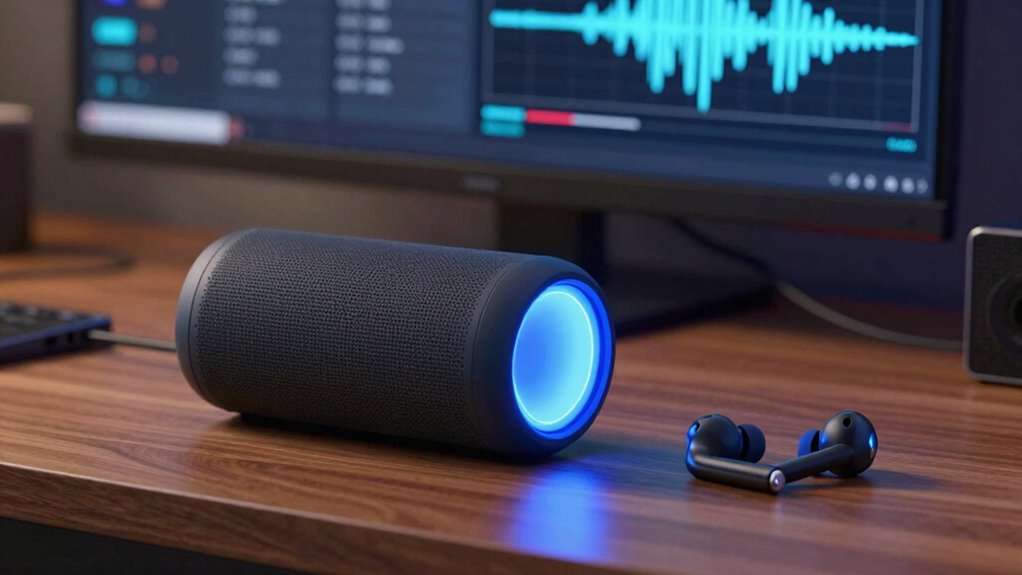
Have you ever noticed that the sound from your Bluetooth headphones or speakers doesn’t quite sync up with the video on your screen? That’s Bluetooth audio delay, which happens when there’s a lag between the audio and visual. This delay can affect your experience, making watching videos or gaming frustrating. One reason for this lag is related to device pairing—sometimes, the connection isn’t optimized, causing delays. Additionally, poor audio quality can worsen the problem, as processing takes longer. When devices aren’t properly synchronized, the audio may arrive a fraction of a second late, disrupting the natural flow. Understanding these factors helps you recognize why Bluetooth audio delay occurs and highlights the importance of proper device pairing for smoother, more synchronized sound. Properly maintaining your device’s software can also help reduce lag and improve overall performance. Ensuring that your Bluetooth devices are compatible and support low-latency audio features is also essential for minimizing delays, especially with advanced Bluetooth protocols. Addressing hardware limitations in older devices can also significantly improve synchronization.

1Mii Bluetooth 5.3 Transmitter Receiver for TV to Wireless Headphones, Dual Link aptX Adaptive/Low Latency/HD Audio, Aux Bluetooth Audio Receiver Adapter for Home Stereo, Airplane, Boat, Gym
The Latest Bluetooth 5.3: The latest Bluetooth 5.3 technology enables your aux Bluetooth adapter backward compatible with Bluetooth…
As an affiliate, we earn on qualifying purchases.
As an affiliate, we earn on qualifying purchases.
What Causes Bluetooth Audio Lag?
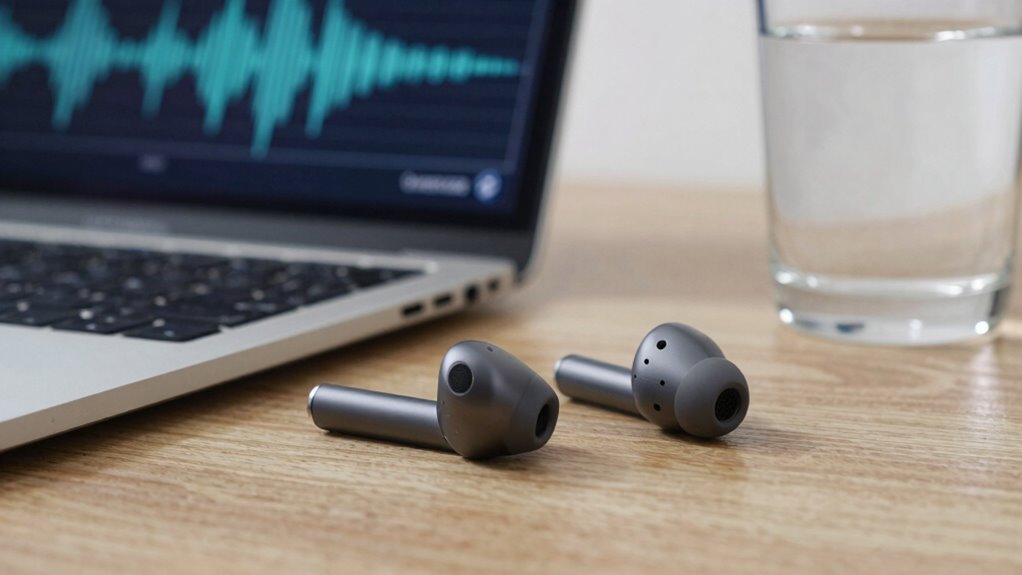
Bluetooth audio lag happens because of several key factors. Signal transmission delays, codec compatibility issues, and device processing times all play a role in creating that annoying delay. Understanding these causes can help you identify and reduce audio lag effectively. Additionally, classic arcade game elements in Bluetooth devices can sometimes influence performance, especially in systems designed with nostalgic gaming aesthetics. Being aware of battery management practices, such as proper charger settings and voltage cutoffs, can also prevent device overheating that might contribute to processing lag. Properly managing device processing times ensures smoother audio transmission and reduces latency issues. Paying attention to interference sources like other wireless devices can further help minimize delays and improve overall performance.
Signal Transmission Delays
What exactly causes audio delays when using Bluetooth devices? Signal transmission delays happen because Bluetooth relies on wireless signals that must travel between your device and the receiver. Factors like wireless interference from other gadgets or networks can disrupt this process, causing lag. Additionally, your device’s battery impact influences transmission speed—low battery levels may slow down processing, increasing delay. To illustrate, here’s a quick comparison:
| Factor | Effect on Delay | Mitigation Tips |
|---|---|---|
| Wireless interference | Increases lag due to signal disruptions | Keep away from other wireless devices |
| Battery impact | Slows transmission when low | Keep devices charged |
| Signal strength | Weak signals cause delays | Maintain close proximity |
Understanding these causes helps you reduce Bluetooth audio lag effectively. Also, staying aware of digital signal quality can help optimize overall Bluetooth performance. Additionally, ensuring your wireless environment is free from competing signals can significantly improve transmission stability. Recognizing the importance of signal stability can make a noticeable difference in reducing audio delays. Being mindful of device placement can further enhance connection quality and minimize lag.
Codec Compatibility Issues
Codec compatibility issues are a common cause of Bluetooth audio lag because not all devices support the same audio codecs, which are responsible for compressing and decompressing sound data. When your device and headphones use incompatible codecs, the audio must be transcoded, adding delays that increase lag. Bluetooth profiles also play a role; if your device supports a profile with limited audio codec options, it can restrict performance and cause lag. For example, some profiles prioritize connection stability over audio quality or latency. To reduce lag, make certain your device and headphones support the same high-quality codecs like aptX or AAC, and use Bluetooth profiles optimized for audio streaming. Compatibility between codecs and profiles directly impacts how quickly sound reaches your ears. Understanding Bluetooth standards can help you choose devices that minimize audio delay. Ensuring your device’s firmware is up to date can also improve codec support and overall performance. Additionally, selecting appropriate device settings can help optimize audio quality and reduce latency.
Device Processing Time
Even when your devices are fully compatible, delays can still occur due to processing time within the hardware. Your device’s internal processing, such as decoding audio or managing Bluetooth signals, introduces latency. Factors like signal interference or slow processors can extend this delay. The table below shows how different elements influence device processing time:
| Device Type | Processing Speed | Impact on Delay |
|---|---|---|
| Smartphone | Fast | Minimal lag |
| Bluetooth Headset | Moderate | Slight delay |
| Older Devices | Slow | Noticeable lag |
| Signal Interference | Varies | Increased processing time |
| Codec Hardware | Efficient | Faster decoding |
Reducing signal interference and upgrading hardware can cut processing time, improving overall audio sync. Additionally, understanding sound healing science reveals how specific frequencies and processing methods can influence audio clarity and synchronization. Being aware of Bluetooth protocols can also help optimize device pairing and reduce potential delays, especially when considering wireless transmission standards. Recognizing how device processing time varies across different hardware can further aid in troubleshooting and selecting the best equipment for minimal audio lag. For example, choosing devices with optimized audio codecs can significantly decrease latency.

UGREEN USB-C Bluetooth Adapter for PS5, Bluetooth 5.3 Audio Adapter with APTX Low Latency & aptX-Adaptive, Wireless Audio Transmitter to Connect Wireless Headphones & Earbuds
User-Friendly: Connect your wireless headphones to your PS5 or other gaming consoles with the UGREEN adapter and enjoy…
As an affiliate, we earn on qualifying purchases.
As an affiliate, we earn on qualifying purchases.
How Does Bluetooth Audio Delay Impact Your Listening and Gaming?
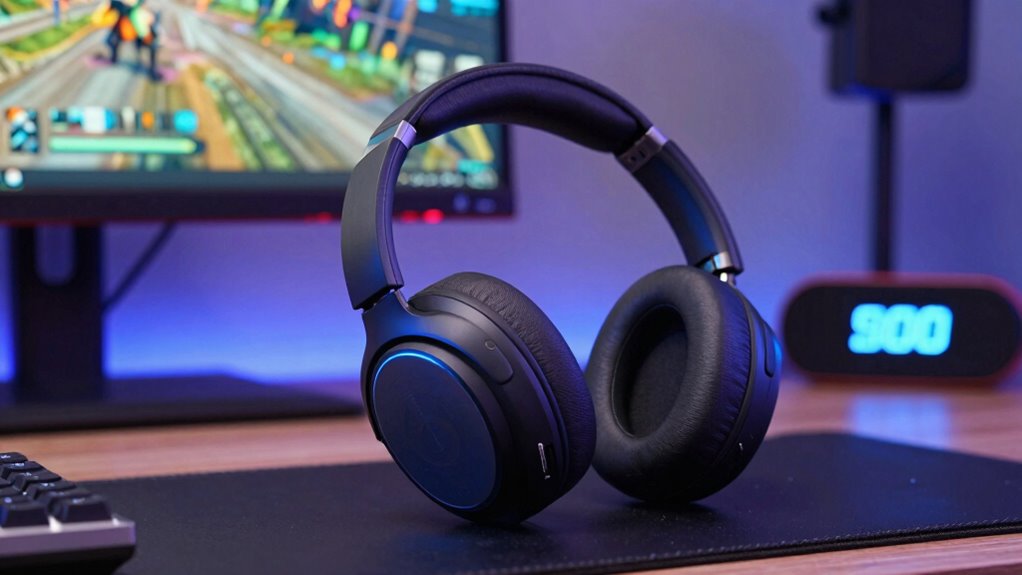
Bluetooth audio delay can substantially affect your experience, especially when you’re watching videos or gaming. When audio isn’t properly synchronized, it feels disjointed and distracting. This delay can cause frustrating issues like lip-sync problems or lag between your actions and the sound. Your Bluetooth compatibility plays a key role—older devices may struggle with lower latency, impacting audio synchronization. Here are four ways delay impacts you:
- Disrupted immersion in movies and TV shows
- Lag between game actions and sound effects
- Frustration from audio lag during live calls
- Reduced overall enjoyment of multimedia content
Additionally, Bluetooth wave and wind interference can further increase audio latency, making it even more important to choose devices with good connectivity features. Being aware of latency issues in your Bluetooth devices can help you troubleshoot and improve your overall experience. Understanding how Bluetooth audio delay affects your listening and gaming helps you prioritize devices with low latency features, ensuring smoother and more synchronized audio experiences. Proper device compatibility can significantly reduce delays and enhance your multimedia enjoyment, especially when you select devices with advanced connectivity protocols.
To further minimize delays, consider using aptX Low Latency or similar codecs that are designed to reduce audio lag in Bluetooth connections.

UGREEN Aux to Bluetooth 6.0 Car Adapter with LDAC, 3.5mm Aux Adapter Built-in Microphone, Car Bluetooth Audio Receiver for Hands-Free Calls Compatible with Speaker & Home Audio
Add Bluetooth to Your Car: UGREEN aux bluetooth adapter is designed to turn home or audio systems, or…
As an affiliate, we earn on qualifying purchases.
As an affiliate, we earn on qualifying purchases.
How Can You Test If Your Devices Are Causing Lag?
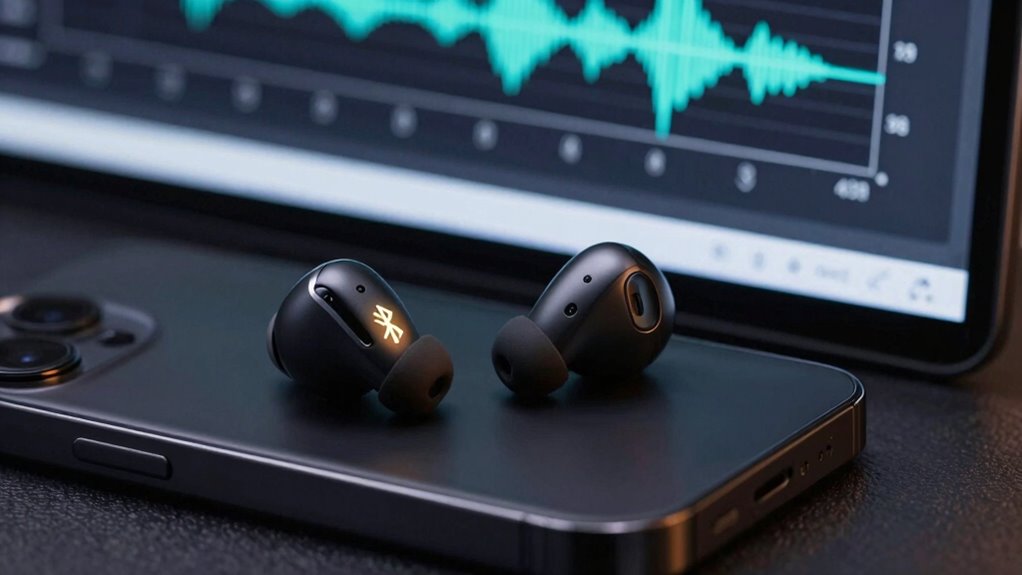
To determine if your devices are causing audio lag, you need to perform specific tests that reveal synchronization issues. First, check device compatibility—ensure your Bluetooth devices support the latest audio codecs and are designed for low latency. Use a stopwatch or a dedicated audio sync app to compare the time difference between audio playback and visual cues, such as a video or a clap test. If you notice delays, verify if your devices have the latest firmware updates, as manufacturers often release updates to improve performance and fix bugs. Updating firmware can resolve compatibility issues that cause lag. Testing these factors helps identify whether the devices themselves are responsible for the delay, allowing you to target solutions more effectively.
What Are the Best Ways to Reduce Bluetooth Audio Delay?
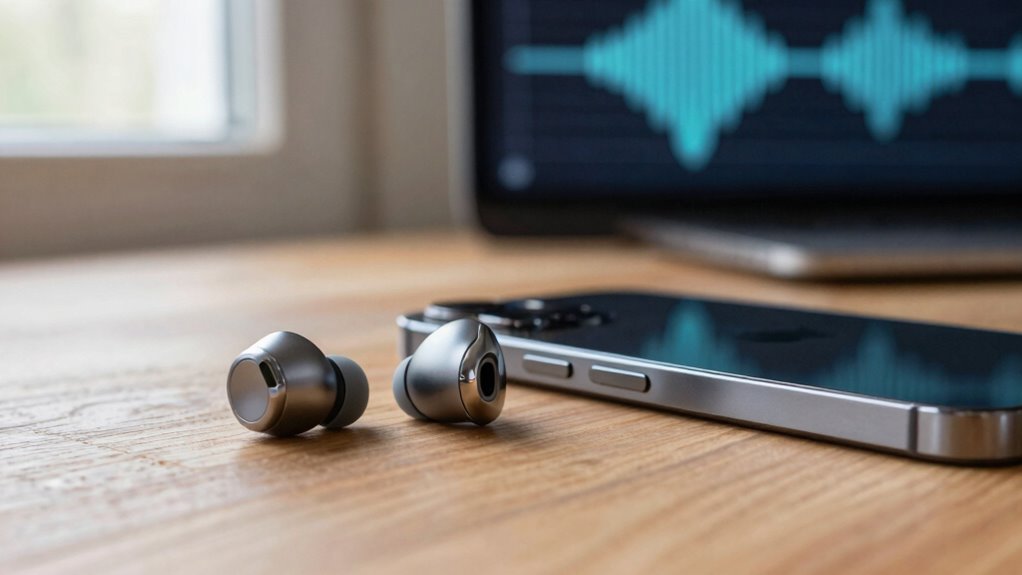
Reducing Bluetooth audio delay involves a combination of practical adjustments and choosing the right equipment. First, guarantee your devices are correctly paired, as a strong Bluetooth pairing minimizes lag. Second, select devices that support low-latency codecs like aptX Low Latency or AAC to improve audio synchronization. Third, keep devices close to reduce interference and maintain a stable connection. Fourth, update your device firmware regularly, since manufacturers often release updates that enhance Bluetooth performance. Additionally, using dedicated Bluetooth transmitters or receivers designed for low latency can make a significant difference. By focusing on these steps, you’ll improve audio synchronization and reduce delay, creating a more seamless listening experience.
Which Devices and Codecs Help Minimize Bluetooth Latency?
Choosing the right devices and codecs can substantially cut down Bluetooth latency. Look for devices that support advanced Bluetooth profiles, like A2DP for audio streaming and aptX Low Latency or AAC, which are designed to reduce delay. These codecs process audio faster, minimizing lag between your device and headphones or speakers. Additionally, wireless standards such as Bluetooth 5.0 or higher offer improved data transfer speeds and stability, further decreasing latency. When selecting headphones or speakers, prioritize those with support for these optimized Bluetooth profiles and codecs. Keep in mind that not all devices support the latest standards, so check compatibility before purchasing. Using compatible hardware with modern wireless standards and codecs helps you experience more synchronized audio and video, especially during gaming or watching videos.
When Should You Consider Switching to Wired or Other Audio Solutions?
While modern Bluetooth technology has made wireless audio more convenient, there are times when switching to wired or alternative solutions makes more sense. If you’re seeking better audio quality, or experiencing noticeable latency, wired alternatives can provide a more reliable experience. Consider switching in these situations:
- When precise synchronization is critical, like gaming or professional audio editing.
- If you notice frequent dropouts or lag during wireless playback.
- When you want to maximize audio quality without compression or interference.
- If battery life is a concern, as wired connections don’t drain your device’s power.
Switching to wired or other audio solutions ensures you get the best sound clarity and minimal delay, especially in environments demanding high fidelity or real-time responsiveness.
Frequently Asked Questions
Can Software Updates Reduce Bluetooth Audio Delay?
Yes, software updates can reduce Bluetooth audio delay. They often include firmware improvements that enhance device performance, and codec enhancements that improve audio transmission efficiency. By updating your device’s software, you can benefit from these optimizations, leading to less lag and better synchronization between audio and video. Regular updates guarantee you’re using the latest features and fixes, helping you enjoy a smoother, more responsive Bluetooth audio experience.
Do All Bluetooth Devices Have the Same Latency?
Imagine a symphony, with each instrument tuned differently. Not all Bluetooth devices have the same latency; some play in perfect harmony, others out of sync. Your device compatibility affects this timing, and measuring latency helps you understand the rhythm. While newer devices often reduce delay, older ones may introduce noticeable lag. So, your experience depends on matching devices with compatible Bluetooth codecs for a seamless, music-filled performance.
How Does Distance Affect Bluetooth Audio Delay?
As you increase the distance from your Bluetooth device, the audio delay can worsen due to weaker signals and increased signal interference. This weakened connection causes latency, making audio lag more noticeable. Device compatibility also plays a role—certain devices handle distance better than others. To minimize delay, keep your devices within a close range, avoid obstacles, and choose compatible devices designed for low-latency connections.
Is There a Standard Bluetooth Latency Benchmark?
There isn’t a strict standard for Bluetooth latency, but most devices aim for under 150 milliseconds to guarantee good audio synchronization. Bluetooth interference from other devices can increase delay, making synchronization harder. To reduce latency, choose Bluetooth versions that support aptX Low Latency or AAC, and stay close to the source device. Minimizing interference and using compatible hardware helps maintain smooth audio and prevents noticeable delays.
Can Bluetooth Audio Delay Vary With Different Apps?
Think of Bluetooth audio delay as a chameleon, changing with different apps. Yes, it can vary because of wireless interference and codec compatibility. Some apps, especially those demanding high synchronization like gaming or video calls, might experience more lag if your device or app doesn’t optimize for low latency. Ensuring your device supports aptX Low Latency or AAC can help, but interference can still make delays unpredictable.
Conclusion
Imagine slipping into a seamless world where sound flows effortlessly from your device to your ears, like a gentle stream. By understanding Bluetooth audio delay and choosing the right devices and codecs, you can reduce that lag, making every note and game move feel natural. With a little effort, you’ll enjoy crisp, synchronized audio that immerses you fully—like a clear mountain lake reflecting perfect harmony. Embrace these tips, and let your audio experience become as smooth as a calm, flowing river.