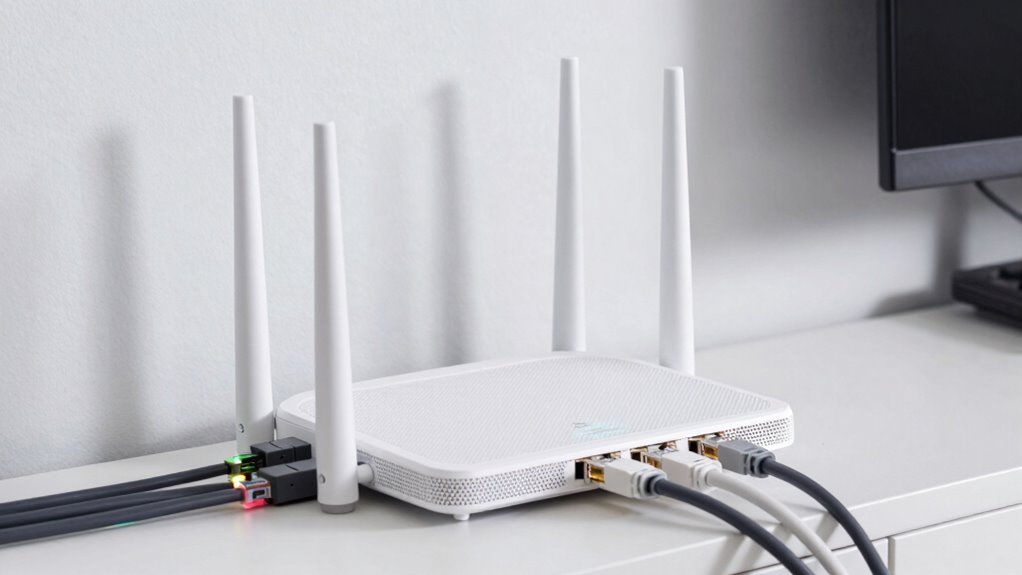

To wire a mesh system with Ethernet backhaul the right way, first plan your layout by identifying suitable locations for your main router and nodes, avoiding interference. Use high-quality Ethernet cables, like Cat6 or higher, and guarantee all connections are secure and tested. Run cables neatly along walls or ceilings for a clean setup. Properly wired Ethernet backhaul provides a stable, faster network—stick around to discover detailed steps for a flawless install.
Key Takeaways
- Plan optimal placement of mesh nodes and connect the main node directly to the router via Ethernet for stability.
- Use high-quality Ethernet cables (Cat6 or higher) suitable for current and future network speeds.
- Run Ethernet cables neatly along walls or ceilings, avoiding interference sources like power lines or electronics.
- Test all connections to ensure stable links and minimize wireless interference or power line issues.
- Incorporate future-proof components like gigabit switches and modular infrastructure for scalability.

Amazon Basics RJ45 Cat 6 Ethernet Patch Internet Network Cable, 10Gbps High-Speed, 250MHz, Snagless, Gold-Plated Connectors, 15 Foot, Black
Cat-6 UTP (Unshield Twisted Pair) ethernet cables for connecting networked devices such as computers, printers, routers, and more
As an affiliate, we earn on qualifying purchases.
As an affiliate, we earn on qualifying purchases.
What Is Ethernet Backhaul and Why It Matters
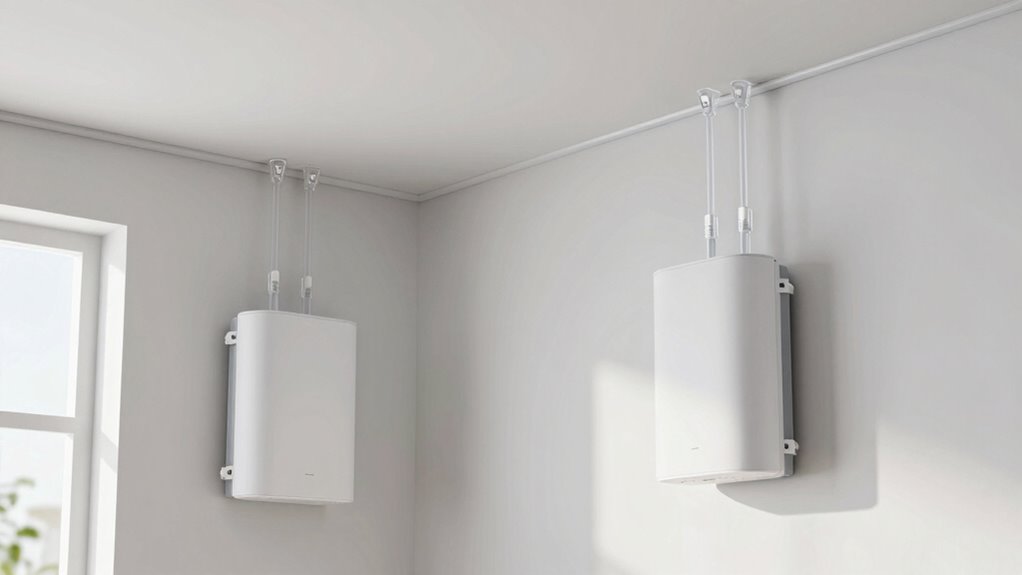
Ethernet backhaul is a method of connecting your router to other network devices using wired Ethernet cables, rather than relying solely on wireless signals. This setup provides a stable, fast connection that doesn’t suffer from common wireless issues like signal interference. Wireless alternatives, such as Wi-Fi extenders or mesh nodes, can be convenient but often experience disruptions due to interference from other devices, walls, or distance. Ethernet backhaul prevents these problems by offering a dedicated, reliable link between your router and network points. This ensures consistent speeds, lower latency, and better overall performance. If you want a robust, high-speed home network, Ethernet backhaul is essential, especially in environments with many wireless signals competing for bandwidth. Additionally, using digital concepts like Ethernet backhaul can help future-proof your network as technology advances. Incorporating network optimization strategies, such as proper wiring and placement, further enhances the benefits of Ethernet backhaul and ensures your system operates at peak efficiency. Proper cabling techniques are also crucial to maintaining optimal performance and reducing potential issues. Employing structured wiring practices can significantly improve the reliability and ease of troubleshooting your network setup.

NETGEAR 5-Port Gigabit Ethernet Unmanaged Essentials Switch (GS305) – Home Network Hub, Office Ethernet Splitter, Plug-and-Play, Silent Operation, Desktop or Wall Mount
5 Gigabit Ethernet ports
As an affiliate, we earn on qualifying purchases.
As an affiliate, we earn on qualifying purchases.
Planning Your Ethernet Mesh Network Setup

To plan your Ethernet mesh network setup effectively, start by evaluating your coverage needs to guarantee all areas are connected. Then, select the right Ethernet cables based on your network’s speed requirements and distance challenges. Finally, map out device placement carefully to maximize performance and minimize cable clutter. Incorporating air system considerations can also help optimize overall home connectivity and efficiency.
Assess Network Coverage Needs
How do you determine the coverage your Ethernet mesh network needs? First, evaluate your home’s size and layout to identify dead zones and areas with weak signals. Consider the number of devices you’ll connect, guaranteeing your network supports device compatibility without lag or dropouts. Pay attention to potential wireless interference from other electronics, thick walls, or neighboring networks, which can affect wireless signals and influence where you place your nodes. To avoid coverage gaps, map out a plan that covers all critical zones while minimizing overlapping signals. This step helps you decide how many mesh nodes are necessary and where they should go. Proper assessment ensures your Ethernet backhaul is optimized for reliable, seamless connectivity across your entire space. Additionally, understanding sound wave influence can help you optimize placement by considering environmental factors that affect signal propagation. Recognizing interference sources in your environment can further enhance your network setup and performance.
Choose Suitable Ethernet Cables
Choosing the right Ethernet cables is a crucial step in planning your mesh network setup because the cable type directly affects speed, reliability, and future scalability. You need to contemplate cable durability to withstand installation and environmental factors, ensuring long-term performance. Connector types also matter, as they determine compatibility with your devices and ease of connection. Additionally, for outdoor or exposed environments, selecting eco-friendly natural pools or landscaping-inspired materials can help create a more sustainable setup that complements your backyard aesthetics. When selecting cables, keep in mind:
- Cable durability: Opt for sturdy, shielded cables if your environment exposes them to physical stress or interference.
- Connector types: Use the appropriate RJ45 connectors for your devices, ensuring secure, reliable connections.
- Cable category: Choose from Cat5e, Cat6, or higher, depending on your speed requirements and network future-proofing needs. Considering the specific network requirements and potential for future upgrades can help you select the most appropriate cable category now and avoid costly replacements later. Additionally, understanding the cable specifications can guide you in making informed choices that optimize your network’s performance.
Making thoughtful choices here guarantees a stable, high-performance mesh system.
Map Out Device Placement
Where should you place your devices to guarantee ideal network performance? Start by mapping out device placement carefully. Position your main router and mesh nodes in central locations, avoiding walls and large metal objects that can block signals. Keep devices away from sources of signal interference like microwaves, cordless phones, and Bluetooth gadgets. Spread out your nodes evenly to ensure consistent coverage without overlaps that cause congestion. Prioritize high-traffic areas, such as living rooms or home offices, for better connectivity. Use a Wi-Fi analyzer app to identify dead zones and optimize placement further. Proper device placement assures signal interference and maximizes your Ethernet backhaul’s efficiency, providing faster speeds and more reliable connections across your mesh network. Additionally, understanding wireless signal propagation can help you make more informed placement decisions for optimal performance.

VCE Ethernet Wall Plate (UL Listed), 1-Port Cat6 Female to Female Wall Jack, Keystone Wall Plate with RJ45 Keystone Inline Coupler, White (2-Pack)
Connect 2 Ethernet Cables: VCE ethernet wall outlet easily connects two separate cat6, cat5e, and cat5 wires.
As an affiliate, we earn on qualifying purchases.
As an affiliate, we earn on qualifying purchases.
How to Choose the Right Ethernet Cables and Ports
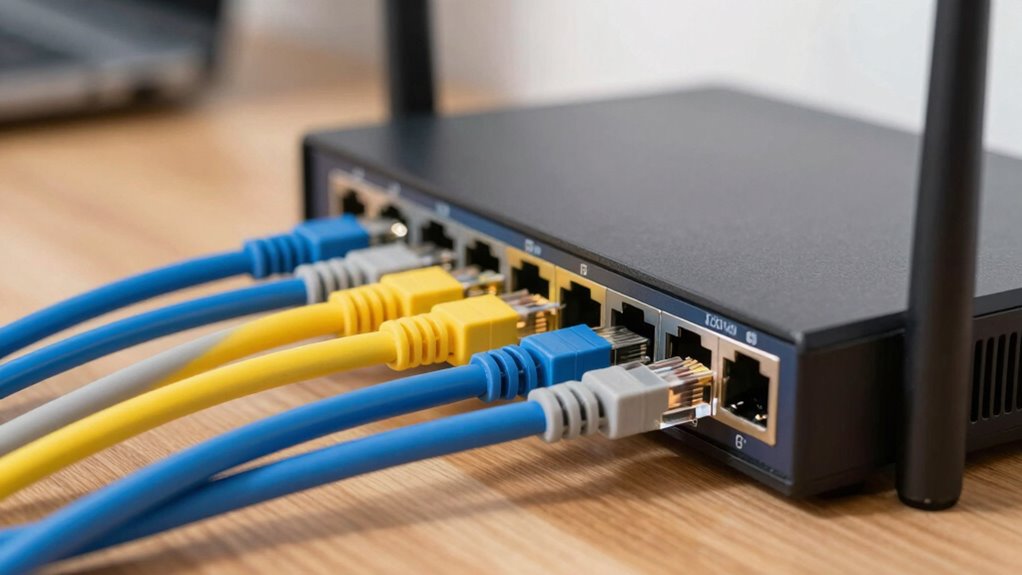
Selecting the right Ethernet cables and ports is essential to guarantee your network performs reliably and efficiently. Focus on choosing cables with strong cable durability to withstand daily wear and tear, especially if running long distances or through walls. Consider connector types—RJ45 is standard, but some setups may require specialized connectors for specific devices. When selecting ports, ensure they support the appropriate speeds (Gigabit or 10-Gigabit) to match your network needs. Using high-quality, trusted brands can also help prevent issues related to poor connectivity or hardware failure. Gold IRA markets

TP-Link Deco X55 AX3000 WiFi 6 Mesh System – Covers up to 6500 Sq.Ft, Replaces Wireless Router and Extender, 3 Gigabit Ports per Unit, Supports Ethernet Backhaul, Deco X55(3-Pack)
Wi-Fi 6 Mesh Wi-Fi – Next-gen Wi-Fi 6 AX3000 whole home mesh system to eliminate weak Wi-Fi for…
As an affiliate, we earn on qualifying purchases.
As an affiliate, we earn on qualifying purchases.
Step-By-Step Guide to Wiring Your Mesh System With Ethernet
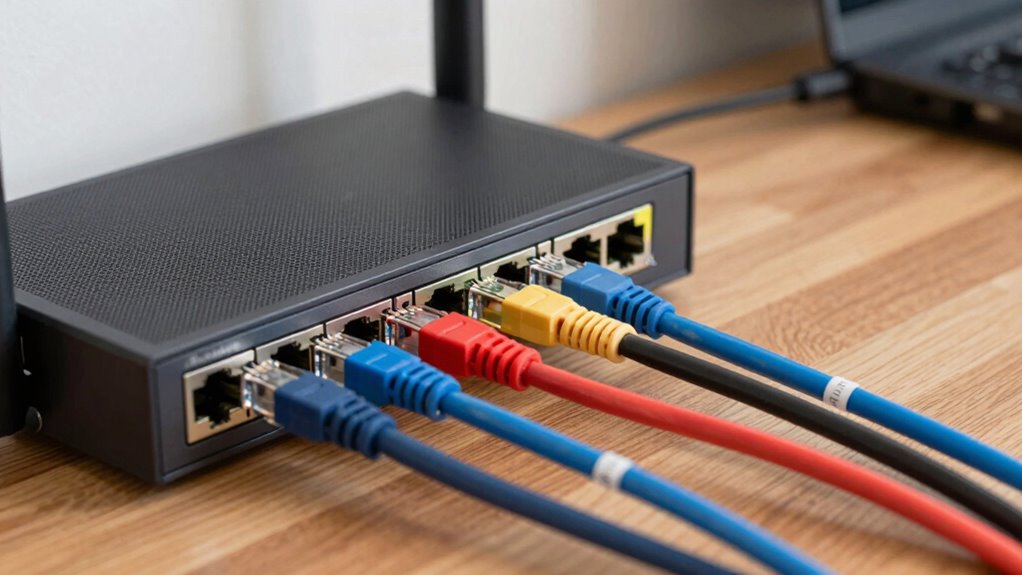
Wiring your mesh system with Ethernet can considerably boost your network’s speed and stability, especially in larger homes or offices. To start, identify the locations for your mesh nodes, making certain each has a nearby Ethernet port. Use quality Ethernet cables, avoiding those affected by wireless interference or power line signals, which can disrupt connections. Connect the main mesh node directly to your router using a wired Ethernet connection. Then, run Ethernet cables from the main node to secondary nodes, placing them strategically around your space. Secure the cables neatly along walls or ceilings to prevent tripping hazards. Test each connection to confirm stable links. Proper wiring minimizes issues caused by wireless interference or power line signals, creating a reliable, high-performance mesh network. Additionally, understanding network capacity can help you plan your setup more effectively to meet your specific needs. Being aware of your network layout can further optimize placement and performance.
Troubleshooting Common Ethernet Backhaul Problems
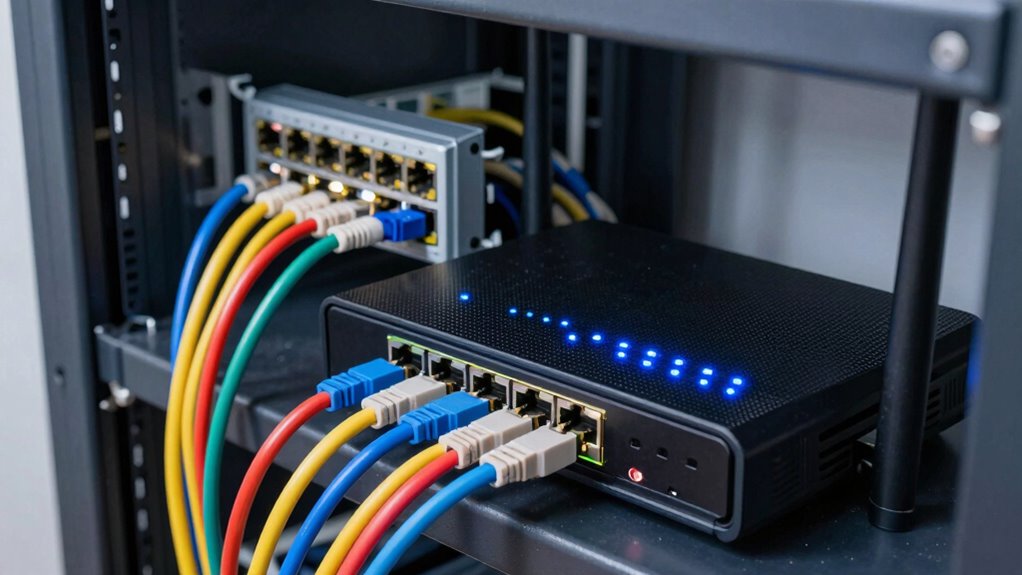
When your Ethernet backhaul isn’t working properly, the first step is to identify where the connection is failing. You’ll want to check for speed issues and make sure your cabling is properly connected and free of damage. Addressing these common problems quickly can restore your network’s performance. Additionally, ensure that your wiring is installed following safe wiring practices, to prevent heat buildup and potential hazards. Proper wiring techniques can help avoid signal interference and ensure consistent data transfer across your mesh system. Remember, practicing curiosity about your network setup can help you discover innovative solutions to persistent issues, especially by understanding the importance of essential DIY tools to troubleshoot effectively.
Identifying Connection Failures
Connection failures are a common hurdle when setting up or maintaining an Ethernet backhaul, but identifying the root cause doesn’t have to be complicated. Start by checking the cable durability; old or damaged cables can cause intermittent or lost connections. Next, verify connector compatibility—using incompatible connectors can lead to poor contact or signal loss. Also, make certain all connections are secure and properly seated. To troubleshoot further, consider these factors:
- Inspect cables for physical damage or wear
- Test different cables to rule out faulty wiring
- Confirm connectors match the device ports and are tightly connected
- Keep an eye on market trends and insights that could influence network hardware demands and compatibility. Additionally, staying informed about industry news can help anticipate and adapt to emerging standards and technologies that impact Ethernet backhaul setups.
Resolving Speed Bottlenecks
Speed bottlenecks in your Ethernet backhaul can considerably hamper network performance, but they’re often caused by simple issues that are easy to resolve. First, check for cable quality and verify connections are secure. If speeds remain slow, consider wireless alternatives like Wi-Fi backhaul, but be mindful of security considerations to prevent unauthorized access. Network congestion can also cause slowdowns, so limit bandwidth-heavy activities during peak times. Confirm your switches and routers are capable of handling high data loads, and disable any unnecessary network features. Upgrading to higher-quality Ethernet cables or adding switches can help. Regularly updating firmware improves performance and security. Additionally, optimizing network recovery strategies can help maintain stability during disruptions. Addressing these factors often eliminates bottlenecks, ensuring a faster, more reliable mesh system.
Ensuring Proper Cabling
Have you checked that your Ethernet cables are properly installed and in good condition? Poor cabling can cause connection issues or slow speeds. Confirm your cables have good cable durability to withstand environmental factors and regular use. Inspect connectors for damage or corrosion, as poor connector quality can lead to signal loss. Also, verify that cables are tightly connected and not bent sharply, which can damage internal wiring. To avoid artistic complexities that may affect your network performance, ensure all components are functioning optimally.
In addition, consider the regional flavors and chicory/coffee insights that highlight diverse environments and materials used in cable manufacturing, which can influence durability and performance. For example, cables designed with humidity management in mind can better resist corrosion in damp environments. Selecting cables with appropriate regional specifications can help optimize network reliability in various climates.
To troubleshoot, consider these points:
- Use high-quality cables with proven durability for long-term reliability
- Opt for connectors with solid construction to prevent disconnections
- Replace any frayed or damaged cables immediately
Proper cabling ensures your mesh system maintains maximum backhaul performance and prevents common Ethernet issues.
Optimizing Your Network Performance With Proper Wiring

Proper wiring is essential for maximizing your network’s performance, as it directly impacts data transfer speeds and stability. Using quality Ethernet cables and avoiding unnecessary splits can reduce signal interference, ensuring consistent connections. While wireless alternatives offer convenience, they are more prone to interference from devices like microwaves or cordless phones, which can cause lag or dropouts. Properly wired Ethernet backhaul minimizes these issues by providing a dedicated, interference-free pathway for data. Keep cables organized and avoid running them near power lines or fluorescent lights, which can introduce noise. Ensuring tight, secure connections and using higher-category cables, like Cat6 or Cat6a, further boosts speeds and reduces latency. These steps help your mesh system operate at its full potential, delivering faster, more reliable network performance.
Future-Proofing Your Ethernet Backhaul Installation
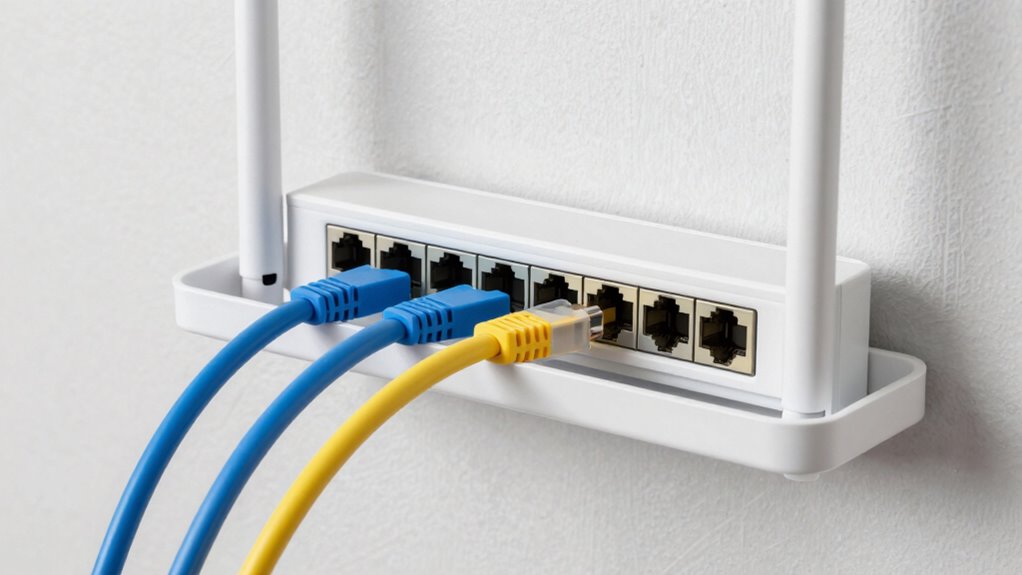
Are you planning your Ethernet backhaul installation with the future in mind? To guarantee longevity and adaptability, focus on future scalability and wireless redundancy. Choosing higher-quality, future-proof cables can handle increased data loads as your network grows. Incorporate switches that support multiple gigabit ports or even 10GbE, allowing seamless upgrades. Consider deploying redundant wiring paths to maintain connectivity if one link fails, ensuring consistent network performance. Additionally, plan for centralized points that can expand easily, avoiding bottlenecks down the line.
- Use modular switches for easy upgrades
- Integrate backup links for wireless redundancy
- Select cabling capable of supporting future speeds
Frequently Asked Questions
Can I Mix Different Ethernet Cable Types in My Mesh System?
Yes, you can mix different Ethernet cable types in your mesh system, but you should consider cable compatibility and potential signal interference. Using Ethernet cables with varying speeds or qualities might affect network performance. Make sure your cables meet the necessary standards, like Cat5e or higher, to maintain reliable connections. Avoid mixing cables that aren’t compatible, as this can cause signal interference and reduce overall network stability.
What Are the Signs of Poor Ethernet Backhaul Performance?
If your internet’s acting more like a snail on a stroll, you’re likely dealing with poor Ethernet backhaul performance. Look for signs like buffering videos, slow downloads, and frequent disconnects—classic Ethernet troubleshooting clues. Cable compatibility issues can also muddle your network’s mojo. To fix this, make sure all Ethernet cables are high-quality and compatible. Otherwise, your mesh system’s performance might be as sluggish as a turtle on a treadmill.
How Does Ethernet Backhaul Affect Wi-Fi Speed and Stability?
Ethernet backhaul considerably boosts your Wi-Fi speed and stability by providing a dedicated, wired connection between mesh nodes, reducing signal interference and network congestion. This setup enhances network security, making it harder for intruders to access your data. With a wired backhaul, you experience fewer drops, faster data transfer, and a more reliable connection, especially in large homes or spaces with thick walls, ensuring consistent, high-quality Wi-Fi performance.
Is It Necessary to Update My Router Firmware After Wiring?
Think of your router as the brain of your network; keeping its firmware updated is like giving it a mental boost. You don’t always need to update your router firmware immediately after wiring, but it’s essential for maintaining router security and performance. Firmware updates patch security vulnerabilities and improve stability. So, to keep your network safe and running smoothly, check for updates regularly and install them when available.
Can Ethernet Backhaul Work With Wireless Mesh Systems?
Yes, Ethernet backhaul can work with wireless mesh systems, but it’s most effective when combined with wired connections. Without wired backhaul, wireless interference can reduce signal range and slow your network. Using Ethernet backhaul minimizes interference, enhances signal strength, and extends your mesh system’s coverage. This setup guarantees a more reliable connection, reduces latency, and provides consistent high-speed internet throughout your home or office.
Conclusion
Now that you’ve mastered wiring your mesh system with Ethernet, you’re basically a networking superhero—minus the cape, but hey, who needs one when you’ve got cables? Just remember, a tidy setup not only boosts your internet speed but also keeps your Wi-Fi drama-free. So go ahead, get those wires right, and enjoy a seamless connection—because nothing screams “tech genius” like a perfectly wired Ethernet backhaul. Happy surfing!