Learn how to prevent your iPhone from auto-joining unreliable Wi-Fi networks and keep your connection secure and hassle-free.
Browsing Category
Apple & Mac
121 posts
Mac App “Can’t Be Opened” Warnings Explained
When you see a “Can’t Be Opened” warning on your Mac, it…
iPhone Hotspot Not Working? The Real Troubleshooting Order
If your iPhone hotspot isn’t working, start by making sure your cellular…
How to Reduce Mac Fan Noise Without Killing Performance
Inefficient cooling can cause Mac fan noise; discover effective ways to reduce it without sacrificing performance and keep your Mac running smoothly.
Fix iCloud Sync Delays Without Turning Everything Off
Absolutely resolve iCloud sync delays without turning everything off—discover essential tips to ensure seamless data transfer and keep your devices in sync.
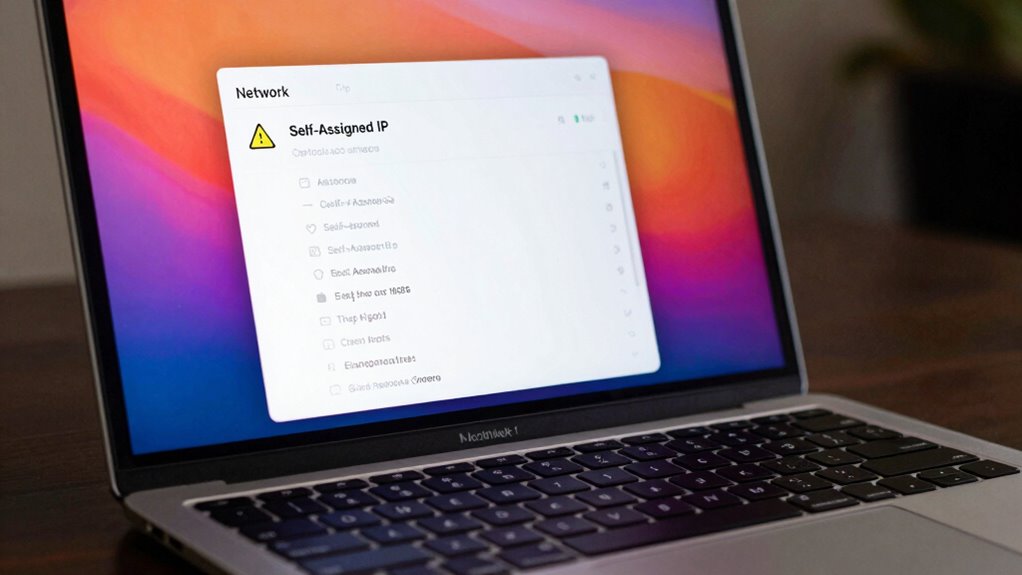
Mac Wi‑Fi “Self-Assigned IP” Error Explained
Self-Assigned IP errors on Mac can disrupt your connection; learn the causes and solutions to resolve this common issue effectively.
Apple ID Security Checklist: The Settings to Lock Down
Where to start with your Apple ID security? Discover essential settings to lock down your account and protect your data effectively.
Mac External Drive Not Showing Up? Check These Settings First
The trouble with your Mac external drive not showing up? Try these essential settings first to troubleshoot the issue effectively.
AirPods Keep Disconnecting? Reset the Right Way
Optimize your AirPods connection by learning the right reset method to fix disconnection issues and restore reliable audio performance—discover how to do it effectively.